Password strength checker
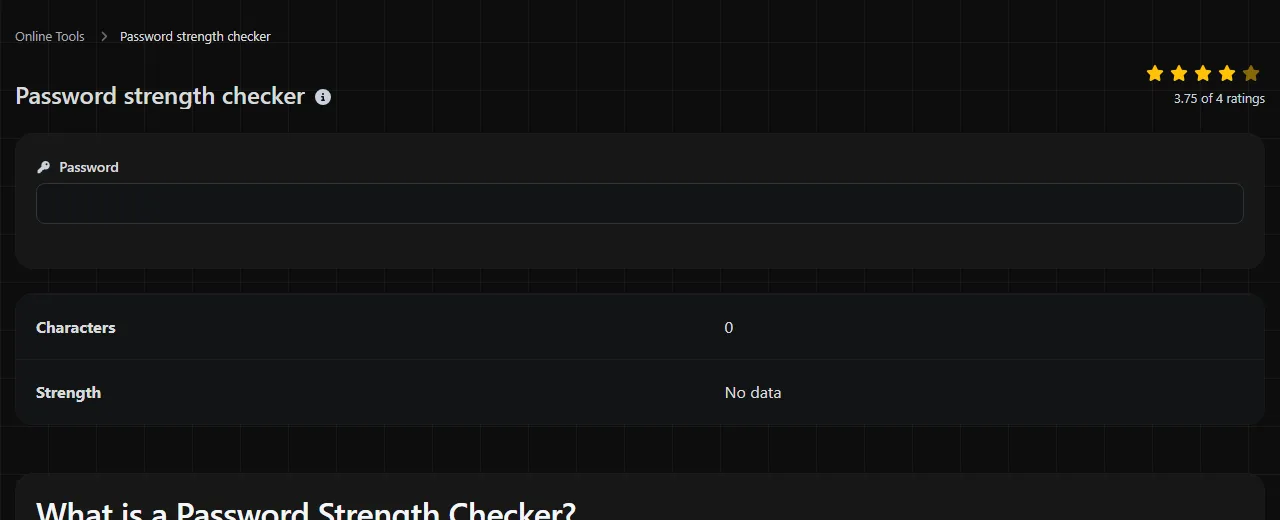
| Characters | |
| Strength |
Password strength checker is a free tool that assesses a password, shows its character count and assigns a strength label.
Where is my password checked?
It is not certain where this checker processes the password you enter. Do not assume that checking happens only in your browser, but equally, there is no basis for saying that the password is sent elsewhere.
Because the processing location is unknown, avoid entering a password that currently protects an account. Use an invented password with a similar length and structure instead. For example, if your real password is a four-word passphrase, test four unrelated substitute words rather than the actual phrase.
What makes a password strong?
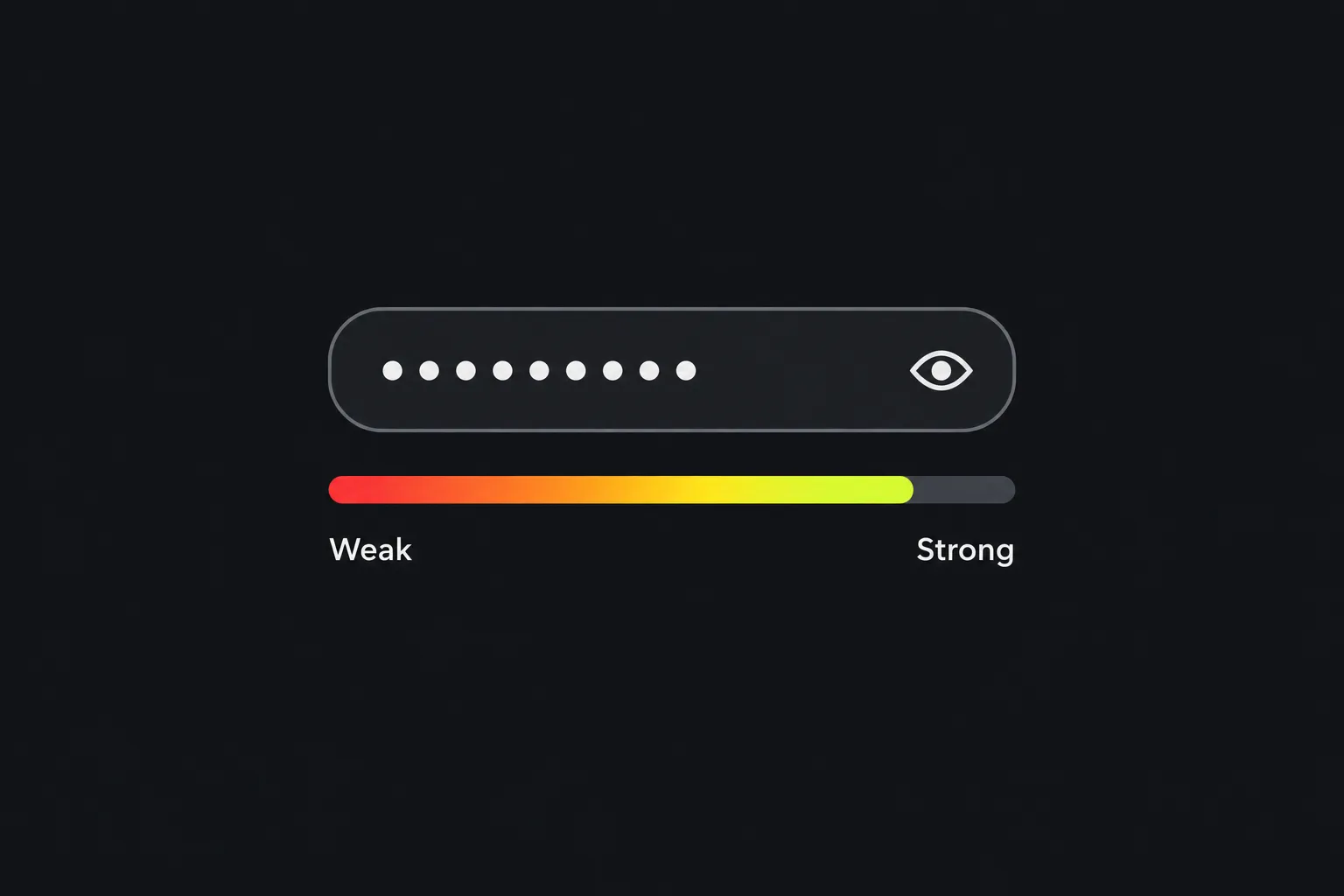
A strong password is long, hard to predict and used for only one account. Length generally contributes more than complexity tricks such as changing an 'a' to '@' or adding '1!' to the end of a familiar word.
Password cracking software tries likely words, common patterns, leaked passwords and predictable variations before moving through less probable combinations. A longer password creates more possibilities to test, particularly when its contents are random. There is no single honest crack-time figure for a password because the result depends on the attacker's equipment, the way the service stores passwords and whether attempts happen online or against stolen password data.
- Prefer a longer generated password when a password manager can remember it for you.
- Use randomly selected unrelated words to make a passphrase that is easier to type and recall.
- Avoid names, birthdays, football clubs, postcodes and information visible on social media.
- Do not rely on a capital letter, one number and one symbol if the underlying word is predictable.
- Make every account password unique.
Symbols, numbers and mixed case can increase the range of possible characters, but they work best when chosen randomly. They do not compensate for a short or widely used password.
How do I use the password strength checker?
Enter an invented test password and review its Characters and Strength information. The available strength states are No data, Very low, Low, Moderate and Strong.
- Choose a made-up example that resembles the structure of the password you are considering.
- Check the character count.
- Read the strength category as guidance rather than a security guarantee.
- If the result is weak, add meaningful length or generate a new random password. Avoid merely appending a predictable digit.
- Save the final, unique password in a password manager rather than a notes file, document or email draft.
The tool's scoring rules and thresholds are not stated, so an exact rating cannot be predicted safely here. These examples show the type of input you can compare without supplying a real secret:
- Garden7! contains 8 characters and follows a recognisable word-plus-suffix pattern.
- copper railway tulip orbit contains 26 characters including spaces. It illustrates the length available from a multi-word passphrase, although published example phrases should never become real passwords.
- mQ7!vP2#zL9@ contains 12 characters and looks random. Its exact strength label depends on the checker's assessment method.
Password reuse and passphrases
Password reuse is a common everyday risk because one compromised service can expose credentials that attackers then try on other websites. This automated practice is called credential stuffing. A complicated password reused across email, shopping and social accounts leaves all of them dependent on the security of every service where it appears.
A password manager addresses this problem by creating and storing a different random password for each login. Browser-based password managers and dedicated applications can both fill long passwords without requiring you to memorise them. Protect the manager itself with a strong, unique master password and enable multi-factor authentication where the provider supports it.
A passphrase is a legitimate alternative when you need something memorable, such as a master password. Use several randomly selected unrelated words and avoid quotations, song lyrics, famous expressions or a sentence about your life. Spaces may add length, but the account must permit them. A Password generator is usually the more suitable choice for passwords that you do not need to type from memory.
Can a strength checker guarantee that a password is safe?
No, a strength rating cannot guarantee that a password is safe. It assesses the entered text according to its own rules, while account security also depends on uniqueness, secure storage, the service's password handling and protection against phishing.
A checker may treat spaces, punctuation, accented letters and non-Latin scripts as password characters, but the destination website may impose different rules. Unicode characters can also have different underlying representations even when they look alike. Confirm that the intended service accepts the exact password and that your password manager can reproduce it correctly.
Numbers-only passwords are easier to exhaustively try at a given length because they use a small character set. Very long input may receive a favourable assessment, yet a particular login form might truncate or reject it. An empty field contains nothing to assess, and No data is among the states shown by this tool.
The rating also does not establish that a password has never appeared in a data breach. There is no stated indication that this checker performs a breach lookup, so do not infer one from a Strong result.
Frequently asked questions
Why do two password checkers give different results?
Different checkers may use different scoring models, dictionaries or pattern rules. One may reward character variety while another gives more weight to length or recognisable words. Treat the ratings as estimates and follow the safer shared advice, particularly uniqueness and sufficient length.
Should I put personal information in a long password?
No. Length helps less when the content can be assembled from your name, address, date of birth, employer or public posts. Choose random characters or unrelated words that have no personal connection.
Does changing one character make an old password safe again?
Usually not if the change follows an obvious pattern. Attackers commonly try suffix changes, year updates and substitutions such as '3' for 'e'. After a suspected compromise, replace the password with a wholly new, unique value and change it anywhere the old one was reused.
Can I use emoji in a password?
Some systems accept emoji, but compatibility can be poor across login forms, keyboards and recovery processes. An emoji may also consist of more than one Unicode code point, so displayed length and technical length can differ. Conventional random characters or a long passphrase are usually easier to reproduce reliably.
Is multi-factor authentication still needed with a strong password?
Yes, where it is available. Multi-factor authentication can limit the damage if a password is stolen through phishing, malware or a service breach. An authenticator app or security key generally avoids the risks associated with codes delivered by text message, although each service decides which methods it supports.
Final checks
- Do not enter an active password here because the processing location is uncertain.
- Choose length and unpredictability rather than cosmetic complexity.
- Use a separate password for every account.
- Store generated passwords in a password manager, not an unprotected notes file.
- Before saving a password, confirm that the destination service accepts its spaces, symbols and character length.
Similar Tools
Create strong and secure passwords with custom length and settings using our password generator tool.
Popular Tools
Create your own custom signature and download it easily with our signature generator tool for personalized e-signatures.
Calculate the size of any text in Bytes (B), Kilobytes (KB), or Megabytes (MB) using our text size calculator tool.
Use the reverse IP lookup tool to find the domain or host associated with any IP address quickly and easily.
Use our ping tool to check the status and response time of any website, server, or port quickly and efficiently.
Digily Link's IP lookup tool provides detailed information about any IP address. Use this free online service to get comprehensive IP data.
Generate your free WhatsApp link instantly with our WhatsApp Link Generator. Add a custom message and start chats in one click. No login or coding required.