WhatsApp Link Generator
WhatsApp Link Generator is a free tool that creates a click-to-chat WhatsApp link from a phone number and an optional prefilled message.
How does a WhatsApp link work?
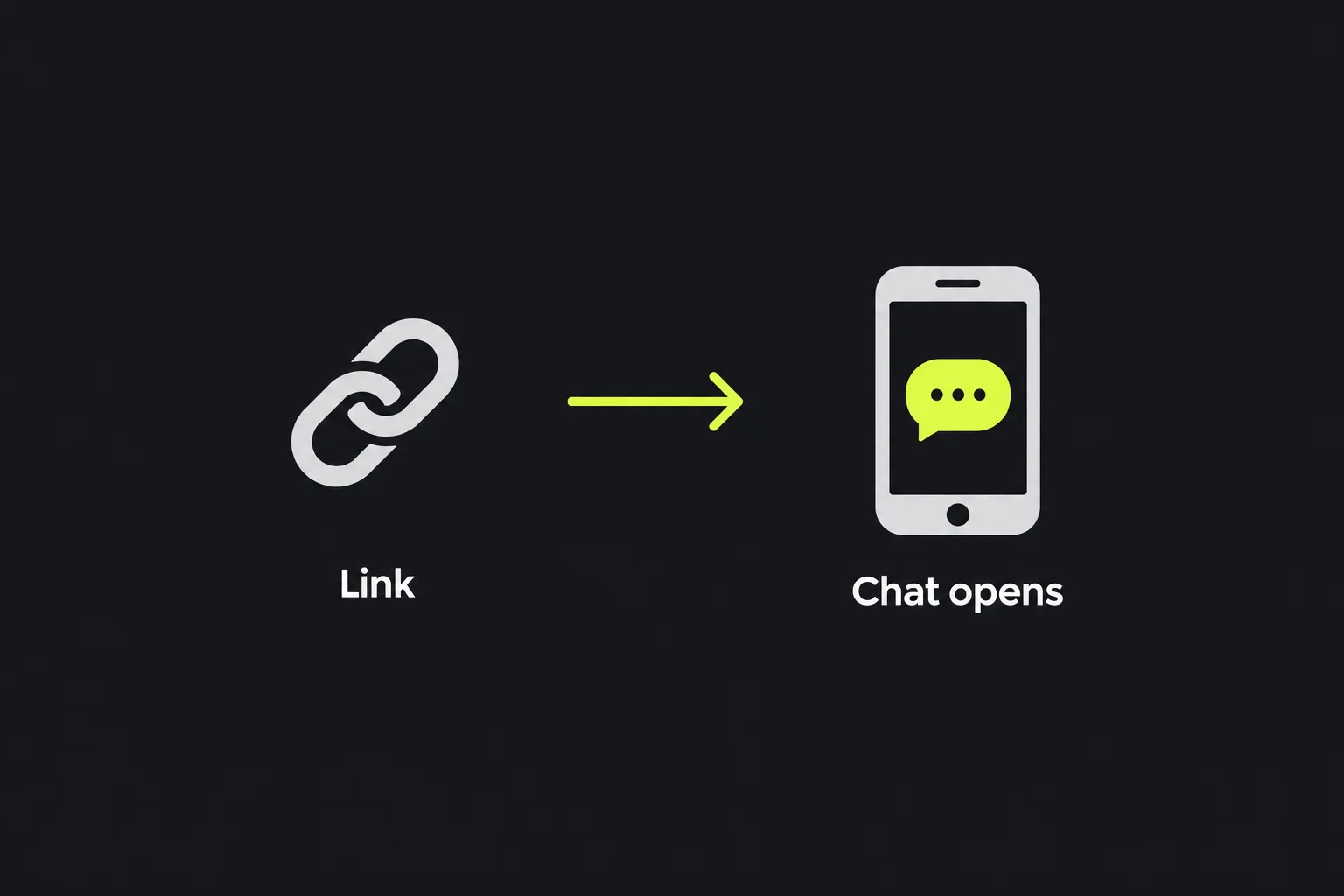
A WhatsApp link opens a chat with a specified phone number and can place a prepared message in the message box. The person clicking the link still chooses whether to send the message. A click does not send anything automatically.
The standard click-to-chat format uses the wa.me domain. A link with only a phone number follows this pattern:
https://wa.me/447700900123
The number must use its full international format without the plus sign, spaces, brackets or hyphens. For a UK mobile number such as 07700 900123, remove the initial 0 and add the country code 44. The number in the link becomes 447700900123.
When a message is included, the link adds a text query parameter. WhatsApp opens the relevant chat and displays the decoded text as a draft. On a phone this will usually open an installed WhatsApp application. On a computer it may open WhatsApp Web or a desktop application, depending on the device and its settings.
How do I create a WhatsApp link?
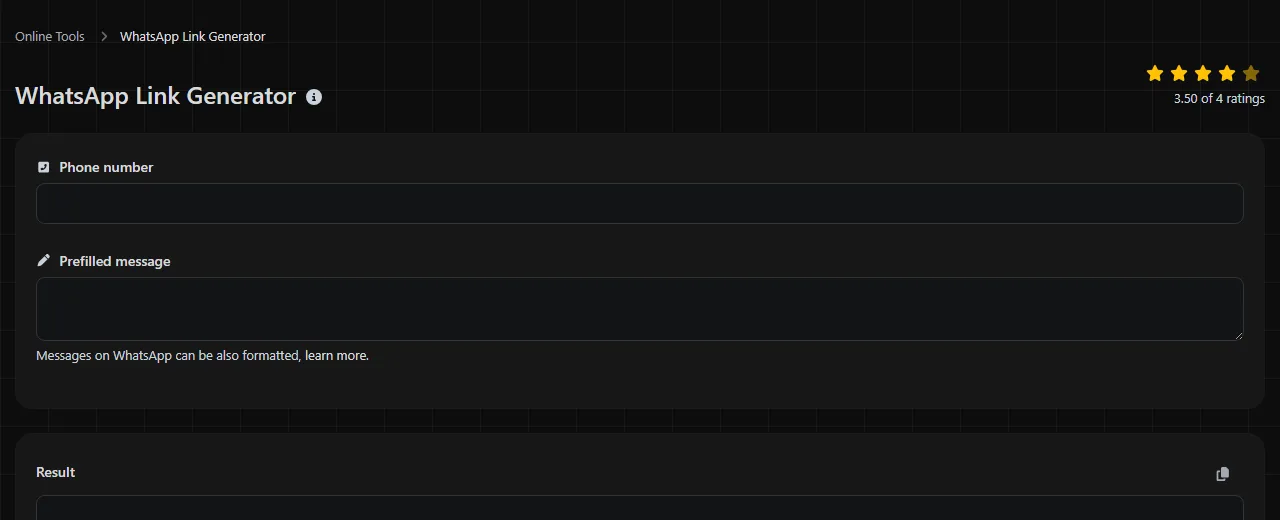
Enter the recipient's international number in Phone number, add any text you want in Prefilled message, and generate the link. A message is optional, but the number must identify a WhatsApp account for a direct chat to work.
- Start with the complete country code, such as 44 for the United Kingdom, 353 for Ireland or 33 for France.
- Remove the domestic trunk prefix. For UK numbers, this normally means dropping the first 0.
- Remove spaces, plus signs, brackets and hyphens from the number.
- Write the prefilled text exactly as the person should see it, including capital letters and punctuation.
- Check the generated result in WhatsApp's mobile app and in WhatsApp Web or the desktop application if people will use it in different settings.
A useful message gives the recipient enough context to respond. For example, a restaurant might use "Hello, I would like to book a table for 18 October." A property listing could include a reference such as "I am asking about flat AB12." Avoid adding confidential account details because the message forms part of the link.
Link anatomy and formatting conventions
A WhatsApp link has a short structure, but each part has a distinct job:
- https:// specifies the URL scheme indicating HTTPS.
- wa.me is WhatsApp's short click-to-chat domain.
- /447700900123 identifies the recipient by an international phone number written as digits only.
- ?text= begins the optional message parameter. The parameter name is lowercase and contains no spaces.
- The text after the equals sign is URL-encoded so that spaces, punctuation and non-ASCII characters can travel safely in a URL.
Here is a complete worked example of a WhatsApp phone number and prefilled message written as plain text.
Phone number input: 447700900123
Prefilled message input: Hello, I would like to book a table for 18 October.
Result: https://wa.me/447700900123?text=Hello%2C%20I%20would%20like%20to%20book%20a%20table%20for%2018%20October.
The encoded form may look less readable, but WhatsApp displays the decoded sentence in the message box. Spaces appear as %20 in this example, while the comma is percent-encoded as %2C.
Keep the number format consistent wherever you store these links. If you maintain a spreadsheet of campaign links, use stable internal labels such as october_booking or support_returns, written in lowercase with no spaces. Those labels are for your records and are not WhatsApp parameters. A basic wa.me link has no dedicated campaign-name or source field.
WhatsApp message formatting can be included in the prepared text. For example, surrounding a word with asterisks requests bold formatting, while underscores request italics. The formatting markers become part of the prefilled message and remain visible for review before the person sends it.
Where does the generated link and message appear?
The generated link appears wherever you publish or share it, while its prefilled text appears in the sender's WhatsApp message box after they click. You might place the URL behind a website contact button, in an email, on a social profile or in a QR code created separately.
The business or recipient does not see the draft merely because someone opened the link. They see it only after the person presses WhatsApp's send control. If the person edits the draft first, the recipient sees the edited version.
A standard WhatsApp link does not create an analytics report by itself. Website analytics can record a click on a link placed on your own site, but they cannot confirm that the visitor sent the draft or that the recipient read it. If your destination is a conventional website page and you need source reporting, a UTM link generator is more suitable. UTM parameters should not be added to a wa.me URL in the expectation that they will appear in Google Analytics.
How are spaces and special characters handled?
Spaces, non-ASCII text encoded as UTF-8 bytes, and characters that are unsafe or syntactically significant in the query must be URL-encoded when they appear in the message parameter. URL encoding represents characters using forms that can be carried reliably inside a web address. For example, a line break is commonly represented as %0A, and spaces may appear as %20.
Numbers in the message remain ordinary message content. They do not affect the recipient number because they appear after ?text=. Symbols such as ampersands need encoding because an unencoded ampersand normally separates query parameters. Emoji and scripts such as Arabic or Japanese can also be represented through UTF-8 percent encoding, although they make the raw URL considerably longer.
An empty message produces a number-only chat link when the format permits it. Very long messages in WhatsApp's prefilled-message parameter can create unwieldy URLs that are awkward to paste into documents, emails or QR codes. Browsers, applications and publishing systems can also impose their own URL-length restrictions, so a shorter prefilled message is usually more dependable when opening a WhatsApp click-to-chat link.
Common mistakes and practical limits
- Keeping the UK leading zero. Writing 4407700900123 combines the country code with the domestic prefix. Use 447700900123 instead.
- Including presentation characters. A plus sign, spaces, brackets or hyphens may make a number easier to read on a page, but the number portion of a wa.me link should contain digits only.
- Forgetting URL encoding. Raw spaces, ampersands or line breaks can damage the query string or change how applications interpret it.
- Assuming the message has been sent. The link only prepares a draft. The person must review and send it.
There are two wider limits. First, the phone number and encoded message are visible in the URL to anyone who can access, copy or inspect it. Encoding changes the representation but does not encrypt the text, so do not place passwords, payment details, medical information or other confidential content in a prefilled message.
Second, building and checking links individually does not scale well for large campaigns with many numbers, languages or message variants. A spreadsheet formula or a scripted process can produce links in bulk, provided it validates international numbers and URL-encodes each message correctly. Manual generation remains suitable for a contact button, an advert, a listing or a small set of customer-service routes.
Frequently asked questions
Can someone use the link without saving the number?
Yes. Click-to-chat links can open a conversation without requiring the person to save the recipient in their contacts. The target number still needs to be registered with WhatsApp.
Can I use a landline number in a WhatsApp link?
Only if that number has been registered with a compatible WhatsApp account, such as an eligible WhatsApp Business setup. An ordinary landline with no WhatsApp registration will not become reachable merely by placing it in a link.
Can a WhatsApp link start a group chat?
No. A phone-number-based wa.me link starts an individual conversation. WhatsApp groups use separate invitation links created through the group's invitation controls.
Will the link work if WhatsApp is not installed?
The outcome depends on the device and available WhatsApp services. A desktop browser may offer WhatsApp Web, while a phone may direct the person towards an installed application or an installation route. Browser settings and the person's WhatsApp Web or desktop login status can affect what happens next.
Should I shorten the generated URL?
A short WhatsApp URL can be useful in print or where its encoded text parameter makes the address difficult to handle. However, a shortening service introduces another redirect and may hide the final destination from the person clicking. Check that the shortened link preserves the WhatsApp recipient number and decoded prefilled message after redirection, and retain the original URL in your records.
Can I put a WhatsApp link in an email?
Yes, you can use it as the destination for linked text or a contact button in an HTML email. For a conventional email draft addressed to an email account instead, use a Mailto link generator. Test email links to check that any corporate security system rewriting or inspection still preserves and opens the wa.me destination correctly.
Popular Tools
Create your own custom signature and download it easily with our signature generator tool for personalized e-signatures.
Calculate the size of any text in Bytes (B), Kilobytes (KB), or Megabytes (MB) using our text size calculator tool.
Use the reverse IP lookup tool to find the domain or host associated with any IP address quickly and easily.
Use our ping tool to check the status and response time of any website, server, or port quickly and efficiently.
Digily Link's IP lookup tool provides detailed information about any IP address. Use this free online service to get comprehensive IP data.
Generate your free WhatsApp link instantly with our WhatsApp Link Generator. Add a custom message and start chats in one click. No login or coding required.