Reverse IP Lookup

Reverse IP Lookup is a free tool that finds the domain name or host associated with an IP address through reverse DNS.
What is a reverse IP lookup?
A reverse IP lookup asks the Domain Name System for the hostname assigned to an IP address. An ordinary DNS lookup starts with a name such as example.org and finds its IP address; a reverse lookup starts with the address and looks for a name.
Reverse DNS uses a PTR record. For IPv4, DNS represents the address in reverse order beneath the in-addr.arpa domain. IPv6 addresses use the ip6.arpa domain, with each hexadecimal digit reversed. DNS software handles that conversion, so the lookup begins with the normal IP address rather than the reversed form.
The organisation controlling the address range normally manages its PTR records. A website owner may therefore need to ask a hosting company, broadband provider or cloud platform to change the reverse DNS entry.
How do I use Reverse IP Lookup?
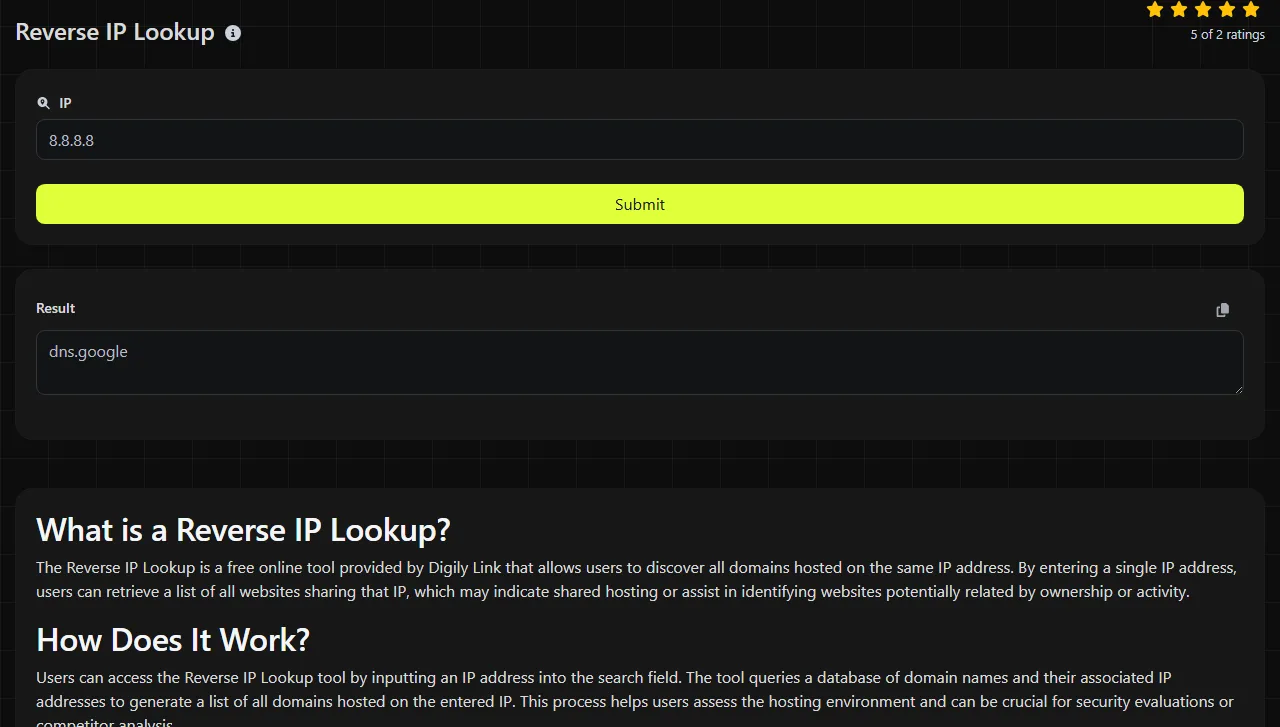
Enter the IPv4 or IPv6 address you want to investigate, then run the lookup and inspect the associated domain or host. Use the address alone, without a protocol, port number or path.
- Use 198.51.100.24, not https://198.51.100.24/.
- Use an IPv6 address in its normal colon-separated form, such as 2001:db8::24.
- Do not enter a domain name. Use DNS Lookup first if you need to find the address behind a domain.
- For reverse DNS, remove spaces, brackets and copied punctuation that are not part of the address.
Numbers are valid only when they form a legitimate IP address. In IPv4, each decimal section must be between 0 and 255. An empty value, a sentence, a URL or an overlong string is not an IP address and cannot produce a meaningful reverse DNS answer.
Reverse IP Lookup runs on the server. The entered IP address travels to the server over HTTPS and is not stored.
How do I read the reverse IP result?
Read the result by comparing the queried address with the domain or host returned for it. The main pieces of information are:
- Confirm that the queried address matches the server, mail gateway or other device you intended to inspect.
- The returned domain or host is the name published in the address's PTR record. It may be a service name such as mail.example.org, a provider-assigned hostname or another fully qualified domain name.
- If the lookup does not find a usable PTR answer, this does not prove that the address is offline or unused.
For an illustrative example, suppose the input is 192.0.2.44 and its administrator has set a PTR record pointing to mail.example.org. The associated host would be shown as mail.example.org. If the address has no PTR record, there is no hostname to return.
A PTR result is a claim published by the authoritative reverse DNS operator. It does not prove that a website is hosted there, that the hostname is safe or that the forward DNS points back to the same address. To check that last point, resolve the returned hostname separately and compare its A or AAAA record with the original IP address.
Investigating common scenarios
A reverse lookup is most useful when an IP address appears in an error message, mail log or server configuration and you need to understand how it identifies itself.
- Email is being rejected. Mail systems commonly examine the sending address's PTR record. If a Microsoft 365 or Google Workspace delivery report mentions missing or mismatched reverse DNS, check the outbound mail server's public IP. Then confirm that the returned hostname resolves forwards to that same address and matches the mail server's configured identity where required.
- A server address is unfamiliar. An access log, firewall alert or monitoring report may contain only an IP address. Its PTR record can provide a provider or service hostname, helping you place the address in context. It is supporting evidence rather than proof of ownership or intent.
- A certificate warning appears. A reverse lookup can show the hostname assigned to the server address, but it cannot validate the TLS certificate. Use SSL Lookup to inspect the certificate names, issuer and validity details, then compare them with the hostname used in the browser.

For a site that does not resolve, start with its forward A and AAAA records. Reverse DNS is useful once you know the destination IP, but fixing a PTR record will not repair a missing forward record.
Why does an old answer remain visible or a new hostname remain absent?
An old answer can remain visible, or a new hostname can remain absent, because DNS resolvers cache PTR answers and failed lookups. Each DNS record has a time to live, or TTL, which tells a resolver how long it may reuse the answer before asking again.
After a provider changes a PTR record, one resolver may show the new hostname while another still returns the previous one. A failed lookup may also be negatively cached, so adding a record does not always make it visible immediately. This is often called DNS propagation, although the delay is usually caused by caches expiring at different times rather than records physically travelling across the internet.
Wait for the previous TTL and any negative-cache period to expire, then compare results using another resolver or network. If the old answer remains well beyond the expected cache period, ask the address provider to confirm that the PTR record was added in the correct reverse DNS zone.
Frequently asked questions
Can one IP address have more than one PTR record?
DNS permits multiple PTR records for one address, but many systems expect a single stable hostname. Multiple answers can cause inconsistent identity checks, especially for outgoing mail, so one meaningful PTR record is usually the safer configuration.
Does reverse IP lookup find every website on shared hosting?
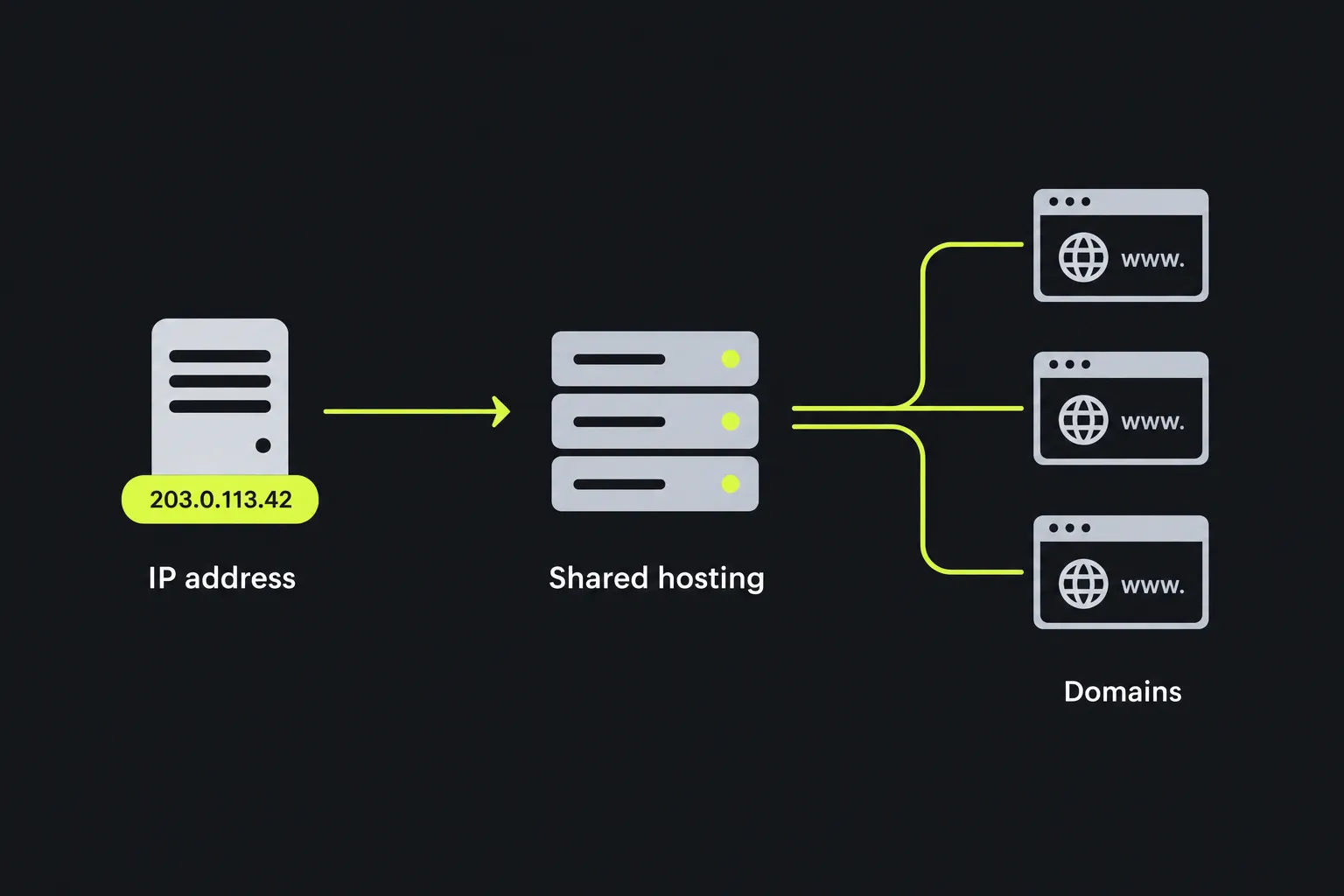
No. A PTR record normally identifies an address with a hostname, but it does not contain a list of websites served from that address. Shared hosting and content delivery networks can place many unrelated domains behind one address, and reverse DNS alone cannot enumerate them.
Will a reverse lookup work for a private IP address?
Private addresses such as 192.168.1.20 may have reverse records inside a company or home network, but those records are not normally available through public DNS. A public lookup may therefore return no hostname even though an internal DNS server knows the device name.
Why does the hostname end with a full stop?
Some DNS software displays a fully qualified domain name with a trailing full stop, such as mail.example.org. The full stop marks the DNS root and is technically valid. Most applications omit it when displaying or configuring the same hostname.
What should I record before contacting my hosting provider?
Keep the IP address, the hostname returned, the hostname you expected and the approximate time of the check. For an email problem, also include the rejection text and the sending server's configured hostname. These details help the provider locate the relevant reverse zone and distinguish a PTR error from cached DNS or mail configuration.
Similar Tools
Digily Link's IP lookup tool provides detailed information about any IP address. Use this free online service to get comprehensive IP data.
Use our DNS lookup tool to quickly find A, AAAA, CNAME, MX, NS, TXT, SOA DNS records of any host and get detailed information.
Use our SSL lookup tool to retrieve comprehensive details about any SSL certificate and ensure your website's security.
Popular Tools
Create your own custom signature and download it easily with our signature generator tool for personalized e-signatures.
Calculate the size of any text in Bytes (B), Kilobytes (KB), or Megabytes (MB) using our text size calculator tool.
Use the reverse IP lookup tool to find the domain or host associated with any IP address quickly and easily.
Use our ping tool to check the status and response time of any website, server, or port quickly and efficiently.
Digily Link's IP lookup tool provides detailed information about any IP address. Use this free online service to get comprehensive IP data.
Generate your free WhatsApp link instantly with our WhatsApp Link Generator. Add a custom message and start chats in one click. No login or coding required.