SHA-1 generator
SHA-1 generator is a free tool that converts a string into its 160-bit SHA-1 hash, displayed as 40 hexadecimal characters.
What does SHA-1 do?
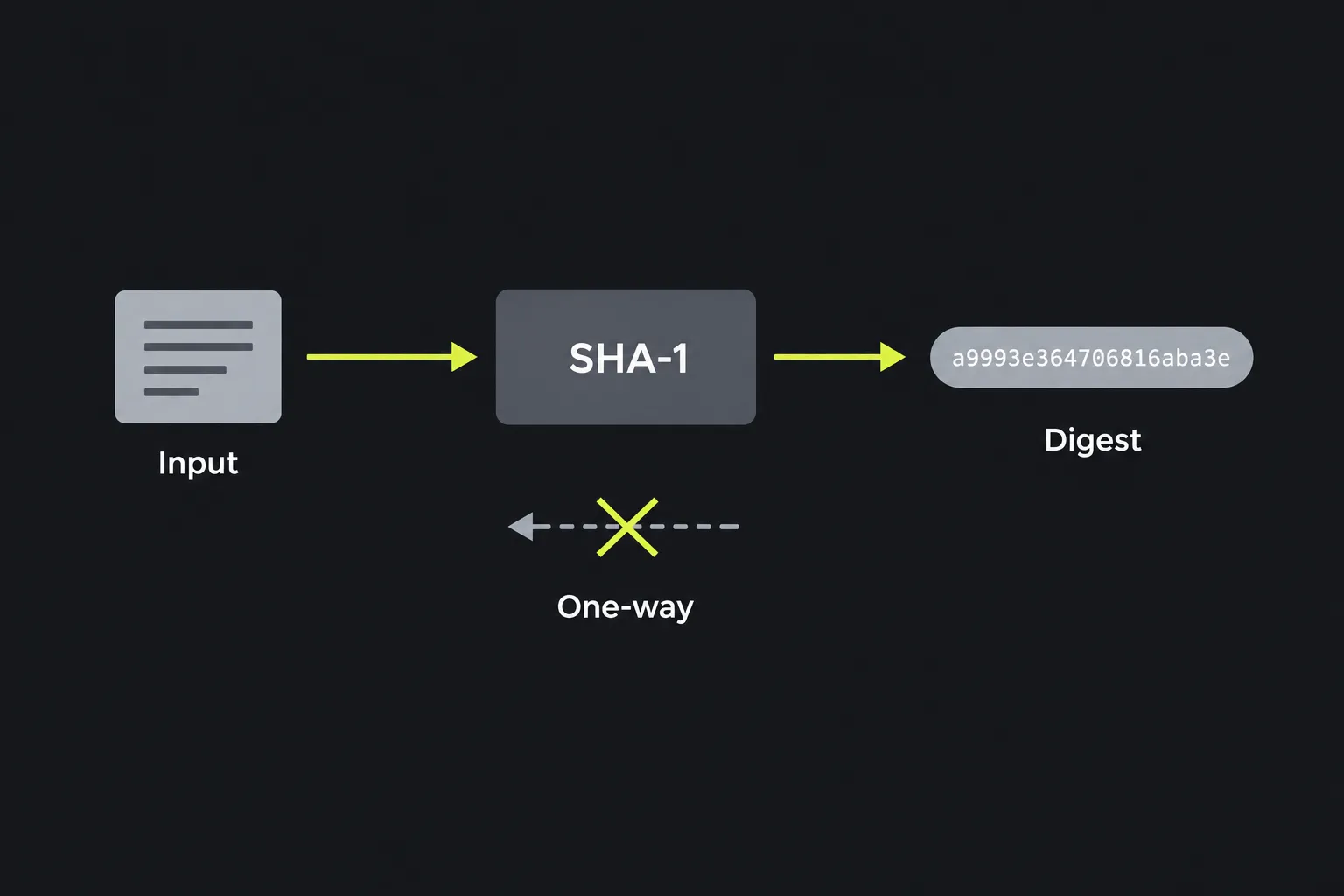
SHA-1 creates a fixed-length fingerprint from input of any length. SHA-1 hashing is a one-way operation, so the digest does not contain a readable copy of the original text. Even a small input change produces a different 160-bit result.
SHA-1 was designed by the US National Security Agency and published by the National Institute of Standards and Technology in 1995. Its name stands for Secure Hash Algorithm 1. Although that name remains, SHA-1 is no longer considered secure against collision attacks.
A SHA-1 collision occurs when two different inputs have the same digest. Researchers have demonstrated practical SHA-1 collisions, so the algorithm is deprecated for digital signatures, certificates and other situations where an attacker could deliberately alter content.
How do I generate a SHA-1 hash?
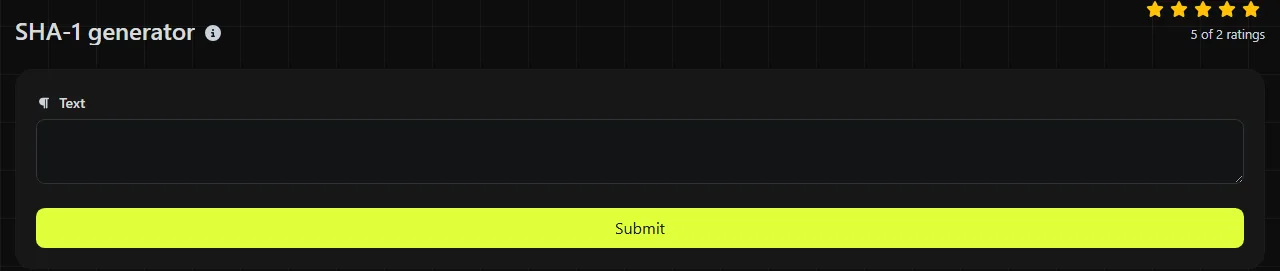
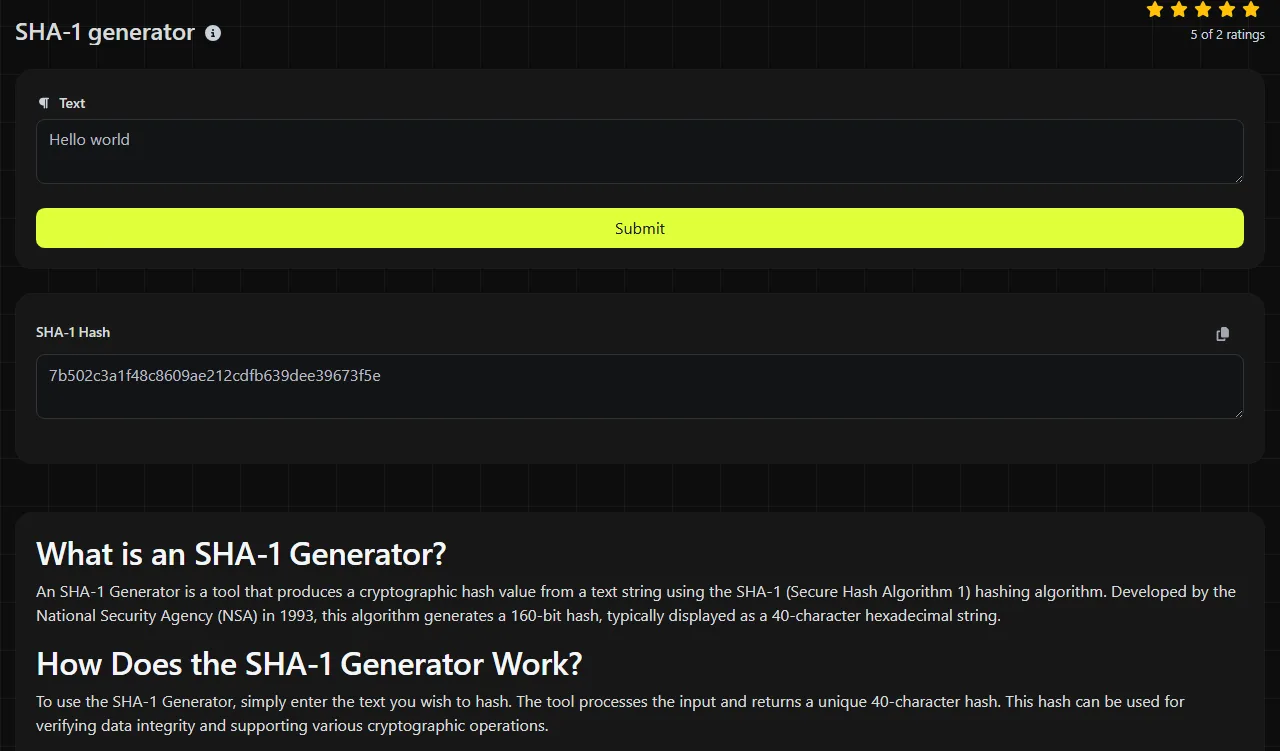
Enter the exact string you want to hash and read the 40-character hexadecimal value in the SHA-1 Hash result field. The work takes place on the server. Your input travels to the server over HTTPS and is not stored.
These standard examples show the expected format and how the input affects the result:
- Input abc produces a9993e364706816aba3e25717850c26c9cd0d89d.
- An empty byte string produces da39a3ee5e6b4b0d3255bfef95601890afd80709.
- Input abc , with a trailing space, produces a different hash from abc.
SHA-1 processes bytes rather than human-readable characters. Spaces, punctuation, capital letters and line endings all count. This SHA-1 generator hashes numbers entered into the text field as characters, so 123 means the three characters 1, 2 and 3.
For SHA-1, accented and non-Latin characters must first be encoded as bytes. Two systems can produce different hashes for text that looks identical if they use different character encodings or Unicode normalisation. When matching this generator's SHA-1 result with another system, confirm that both sides use the same encoding, usually UTF-8, and the same line-ending convention.
Can SHA-1 be decrypted or reversed?
No, a SHA-1 hash cannot be decrypted because hashing is not encryption and there is no decryption key. Recovering an arbitrary original input from its digest remains computationally impractical in general.
Predictable inputs are a different matter. An attacker can calculate SHA-1 hashes for likely values from a dictionary or generated list until one matches. This is why SHA-1 must not be used to store passwords, even though the digest itself cannot simply be reversed.
A collision attack also does not decrypt a hash. It finds two different inputs with the same digest, which is enough to undermine signatures and integrity checks in hostile settings.
Where is SHA-1 still used?
SHA-1 still appears in non-adversarial checksums, duplicate detection and systems that require compatibility with an older format. Its 40-character hexadecimal representation is also found in historical source-control identifiers and archived software records.
- Checksums: SHA-1 can detect accidental changes when the expected digest comes from a trusted source. It cannot prove integrity if an attacker can replace both the file and its published hash.
- Deduplication: it can help identify apparently identical records or files where deliberate collision creation is outside the threat model. Systems using SHA-1 that cannot tolerate any collision should compare the underlying data as well.
- Legacy compatibility: some databases, APIs and file formats require an existing SHA-1 value. Matching that requirement is legitimate, but new designs should use a current algorithm.
Do not use plain SHA-1 for passwords, digital signatures, creating or signing certificates, security-token generation or authentication, or tamper-resistant document records.
SHA-1 security status and replacements
SHA-1 is cryptographically broken for collision resistance and is deprecated for new security-sensitive work. Its 160-bit digest is shorter than those produced by common SHA-2 and SHA-3 variants, but digest length alone is not the reason to retire it. The demonstrated collision attacks are the deciding issue.
Use SHA-256 or SHA-512 for checksums whose expected values come from a trusted source unless a specification requires something else. Authenticated integrity requires an appropriate MAC or digital-signature scheme. SHA-3 is another current family. If a 224-bit SHA-2 digest is specifically required, the SHA-224 generator produces that format. Instead of SHA-1, passwords need a dedicated password-hashing function such as Argon2id, scrypt or bcrypt.
Frequently asked questions about SHA-1
Are uppercase and lowercase hexadecimal SHA-1 representations different?
No, uppercase and lowercase hexadecimal letters can represent the same 160-bit value. However, a system performing a case-sensitive text comparison may still treat the two strings as different, so preserve the format expected by that system.
Can I calculate SHA-1 for a file with this tool?
This tool hashes string input and does not provide file upload. For a file checksum, use a local utility such as sha1sum on Linux or an equivalent command that reads the file bytes directly. Do not paste binary file contents into this SHA-1 generator's text field because encoding or line-ending changes can alter the result.
Is HMAC-SHA-1 broken as well?
The published SHA-1 collision attacks do not directly break HMAC-SHA-1 in the same way because HMAC uses a secret key and a separate construction. Even so, new protocols generally choose HMAC-SHA-256 or another current option to avoid legacy dependencies and policy restrictions.
Does salting make SHA-1 safe for passwords?
No. A salt prevents identical passwords from sharing the same stored SHA-1 digest and hinders precomputed tables, but SHA-1 remains far too fast for password storage. Use a password-hashing function with a configurable work factor and a unique random salt.
Final checks
Before comparing this generator's SHA-1 result with another hash, check for hidden spaces, a final newline, character encoding differences and altered letter case in the input. Use SHA-1 only when an existing system requires it or when collision resistance is not part of the security requirement. For new designs, choose a current collision-resistant hash for trusted checksums, a keyed MAC for message authentication or an appropriate digital-signature scheme.
Popular Tools
Create your own custom signature and download it easily with our signature generator tool for personalized e-signatures.
Calculate the size of any text in Bytes (B), Kilobytes (KB), or Megabytes (MB) using our text size calculator tool.
Use the reverse IP lookup tool to find the domain or host associated with any IP address quickly and easily.
Use our ping tool to check the status and response time of any website, server, or port quickly and efficiently.
Digily Link's IP lookup tool provides detailed information about any IP address. Use this free online service to get comprehensive IP data.
Generate your free WhatsApp link instantly with our WhatsApp Link Generator. Add a custom message and start chats in one click. No login or coding required.