HTML entity converter
HTML entity converter is a free tool that converts between HTML character references and decoded characters for use in web pages, content systems and other text-based formats.
What are HTML entities and why do they exist?
HTML entities represent characters using text that HTML can distinguish from its own markup. An HTML character reference usually begins with an ampersand and ends with a semicolon. It may be a named character reference, such as & for an ampersand, or a numeric character reference, such as £ for the pound sign.
They are useful when a character has a special meaning in HTML. A literal less-than sign could be mistaken for the start of a tag, so it can be written as <. Character references also let systems represent particular characters in HTML or compatible markup without confusing them with markup or control syntax.
Entity encoding is not encryption and provides no secrecy. Anyone can read or decode an entity reference, and it should never be used to conceal passwords, personal data or confidential content.
How do I use the HTML entity converter?
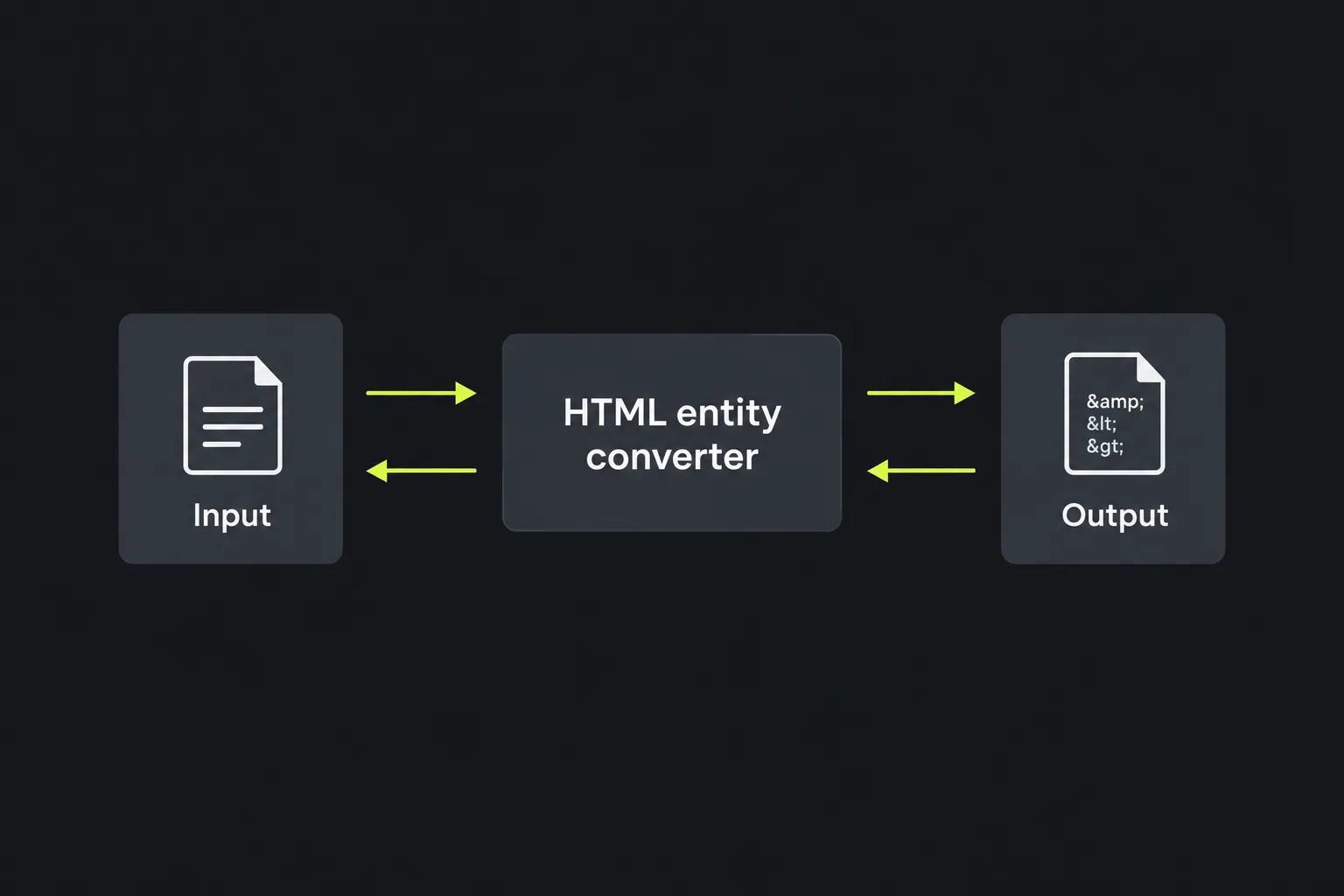
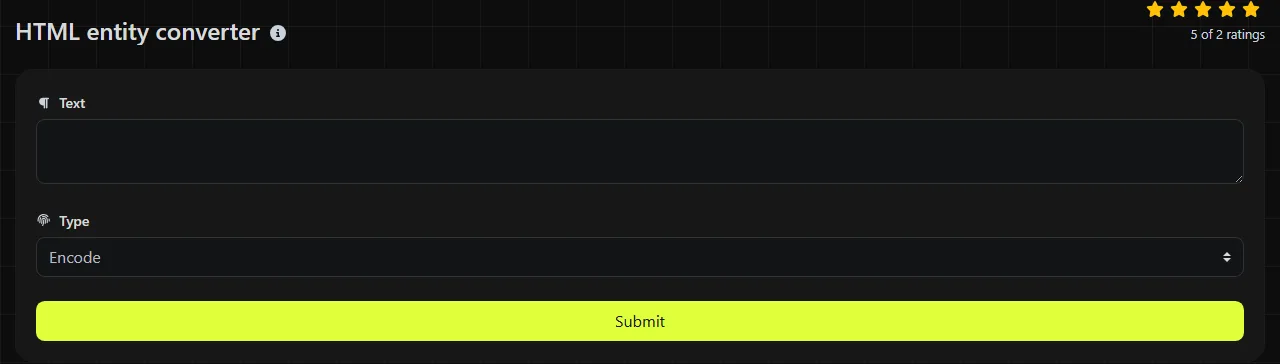
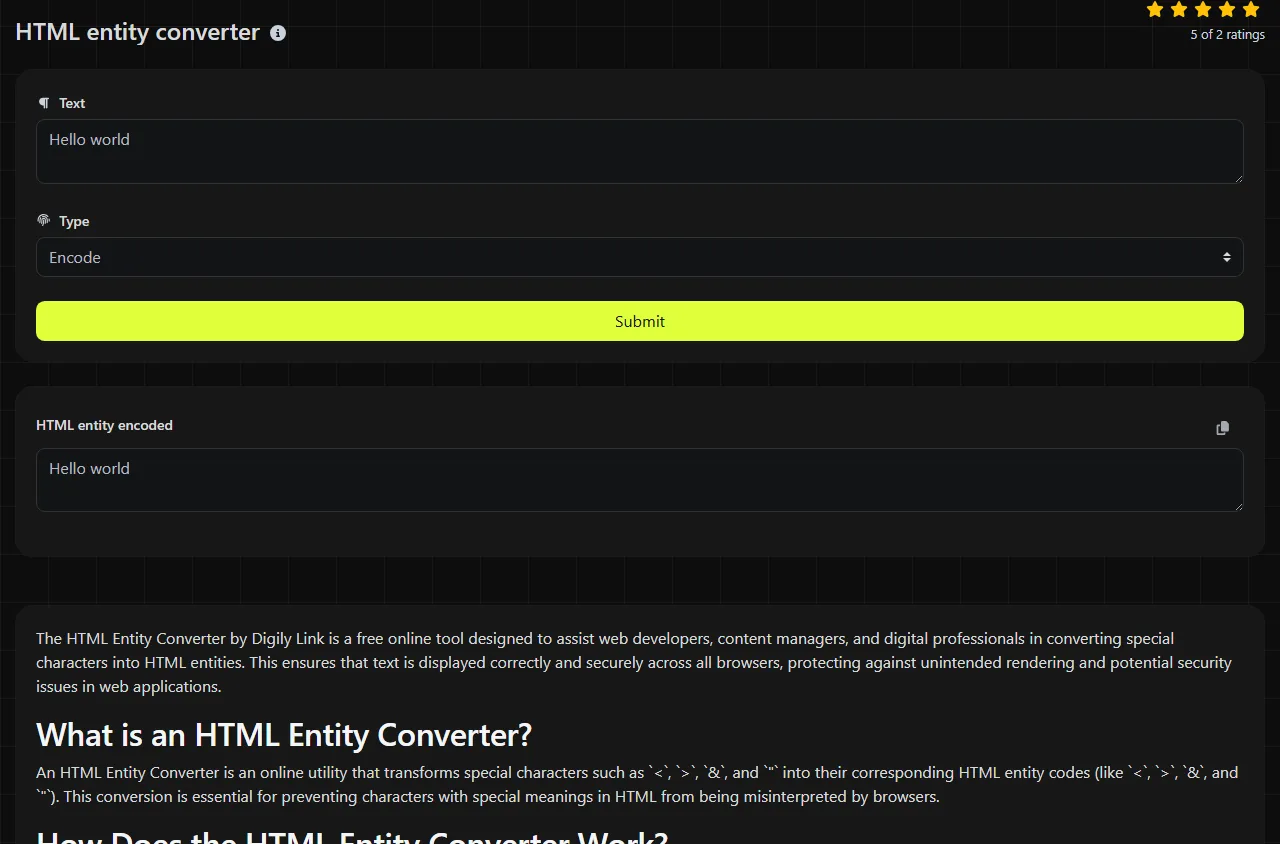
Enter the relevant text in the field labelled Encode or Decode, then read the corresponding HTML entity encoded or HTML entity decoded result. Use encoded output when text must appear within an applicable HTML text or attribute context, and decoded output when you need the characters represented by existing entities.
The conversion runs on the server. Your input travels to the server over HTTPS and is not stored.
Check whether you need HTML entities before converting. A query-string value usually needs URL percent-encoding instead, while an internationalised domain uses Punycode. The URL decoder and IDN Punycode converter are intended for those respective formats.
What does an encoded or decoded result look like?
A decoded result replaces recognised entity references with the characters they represent, while an encoded form represents characters using entity syntax.
Input: <p>Tea & cake</p>
Decoded output: <p>Tea & cake</p>
The angle brackets in the decoded output are characters that could become HTML markup if inserted into a page as HTML. Decoding does not sanitise content, remove scripts or make untrusted HTML safe. Treat decoded material according to the context in which it will be used.
Worked examples and awkward input
Named entities and numeric character references can represent the same character in different ways. For example, & is a named reference for an ampersand, while & is its decimal numeric reference and & is the hexadecimal form.
- Ordinary spaces and literal numbers are not entity references and normally remain ordinary text.
- Punctuation changes only when it appears as a recognised entity reference or is deliberately encoded.
- Accented letters, non-Latin writing and emoji can be represented by numeric character references, which identify Unicode code points independently of the HTML source encoding. Correct display depends on font support, while character encoding matters if the decoded output is stored or transported.
Include the terminating semicolon when preparing entities. Browsers tolerate some semicolon-free references in limited contexts, but that shorthand can be ambiguous and is less portable between parsers.
Where do HTML entities appear in real life?
HTML entities commonly appear in HTML source, content management systems, rich-text editors and HTML email. For example, a WordPress code view may contain for a non-breaking space or & where an ampersand must be preserved in markup.
They can also appear inside data carried by another format. This creates several encoding layers that must be handled in the correct order.
- A JSON payload may contain an HTML fragment whose text includes entities. JSON escaping and HTML entity decoding are separate operations.
- A query string may contain percent-encoded HTML. Decode the URL layer before deciding whether the resulting text also contains entities.
- A data URI can contain HTML or other text with entities, although the URI itself may use percent-encoding or Base64.
- An HTML email may encode visible punctuation while also using MIME transfer encoding for transport.
- An internationalised domain may appear beside entity-encoded HTML, but the domain itself is normally represented using Punycode rather than HTML entities.
Why does HTML entity decoding fail or produce gibberish?
Decoding usually fails because the input is malformed, uses a different encoding scheme or contains more than one encoding layer. Inspect the original text for named or numeric HTML character references rather than repeatedly applying conversions without checking the result.
- Malformed reference: A missing ampersand, number sign or semicolon can prevent recognition. Compare the text with forms such as & or &.
- Double-encoded input: Text such as &lt; may decode once to < and require another deliberate pass to become a less-than sign.
- Character-set mismatch: Text interpreted using the wrong character encoding can show replacement symbols or corrupted accented characters.
- Wrong format: Text containing percent signs may be URL-encoded. A long string using letters, digits, plus signs, slashes or trailing equals signs may be Base64.
- If the input is Base64, the wrong variant or alphabet: URL-safe Base64 uses different characters from standard Base64. Missing padding can also break some decoders. These issues do not belong to HTML entity syntax and require a Base64 decoder.
Frequently asked questions
Why does look like an ordinary space?
It represents a non-breaking space, which usually looks like a normal space but prevents a line break at that position. Editors may preserve it invisibly, so use a source view or character inspector when diagnosing spacing.
Are HTML entity names case-sensitive?
Yes, named character references have defined spellings and case can change whether a reference is recognised. Use the exact published name and include its semicolon rather than relying on browser error recovery.
Do I need entities for every accented letter?
No. A correctly declared UTF-8 HTML document can contain characters such as é, £ and 中文 directly. Entities remain useful where markup syntax, an older system or a specific publishing rule requires them.
Can HTML entities be used in XML?
Only a small set of named entities is predefined in XML, including &, <, >, " and '. Many names valid in HTML are invalid in XML unless a document type defines them, so numeric character references are often the safer choice.
Will an entity converter repair broken HTML?
No. It can convert entity references, but it does not balance tags, correct nesting or validate a document. After conversion, inspect the surrounding markup and use an HTML validator if the page still behaves unexpectedly.
Final checks
Confirm whether the source uses HTML named or numeric character references, convert only the required character-reference layer, and compare the result with the intended visible text. Before placing decoded content into a live page, review any resulting angle brackets, quotation marks and ampersands in their actual HTML context.
Popular Tools
Create your own custom signature and download it easily with our signature generator tool for personalized e-signatures.
Calculate the size of any text in Bytes (B), Kilobytes (KB), or Megabytes (MB) using our text size calculator tool.
Use the reverse IP lookup tool to find the domain or host associated with any IP address quickly and easily.
Use our ping tool to check the status and response time of any website, server, or port quickly and efficiently.
Digily Link's IP lookup tool provides detailed information about any IP address. Use this free online service to get comprehensive IP data.
Generate your free WhatsApp link instantly with our WhatsApp Link Generator. Add a custom message and start chats in one click. No login or coding required.