URL decoder
URL decoder is a free tool that converts percent-encoded URL text back into its original string form.
What does URL decoding do?
URL decoding reverses the escaping used to carry spaces, punctuation and other bytes through URLs and other defined syntaxes that use percent-encoding. Percent-encoding represents a byte with a percent sign followed by two hexadecimal digits. Form-style URL encoding also uses + for a space. For example, a space may be written as %20 and an ampersand as %26.
A tiny before-and-after example is:
Encoded input: red%20%26%20blue
Decoded output: red & blue
This encoding exists because some characters have structural meanings in a URL. A question mark delimits a URL's query, while within form-style query data a literal ampersand normally separates fields. Encoding those characters lets an application carry them as data instead.
URL encoding is not encryption and provides no secrecy. Anyone who can read the encoded value can decode it. Do not treat percent-encoded passwords, access tokens or personal information as protected data.
How do I use the URL decoder?
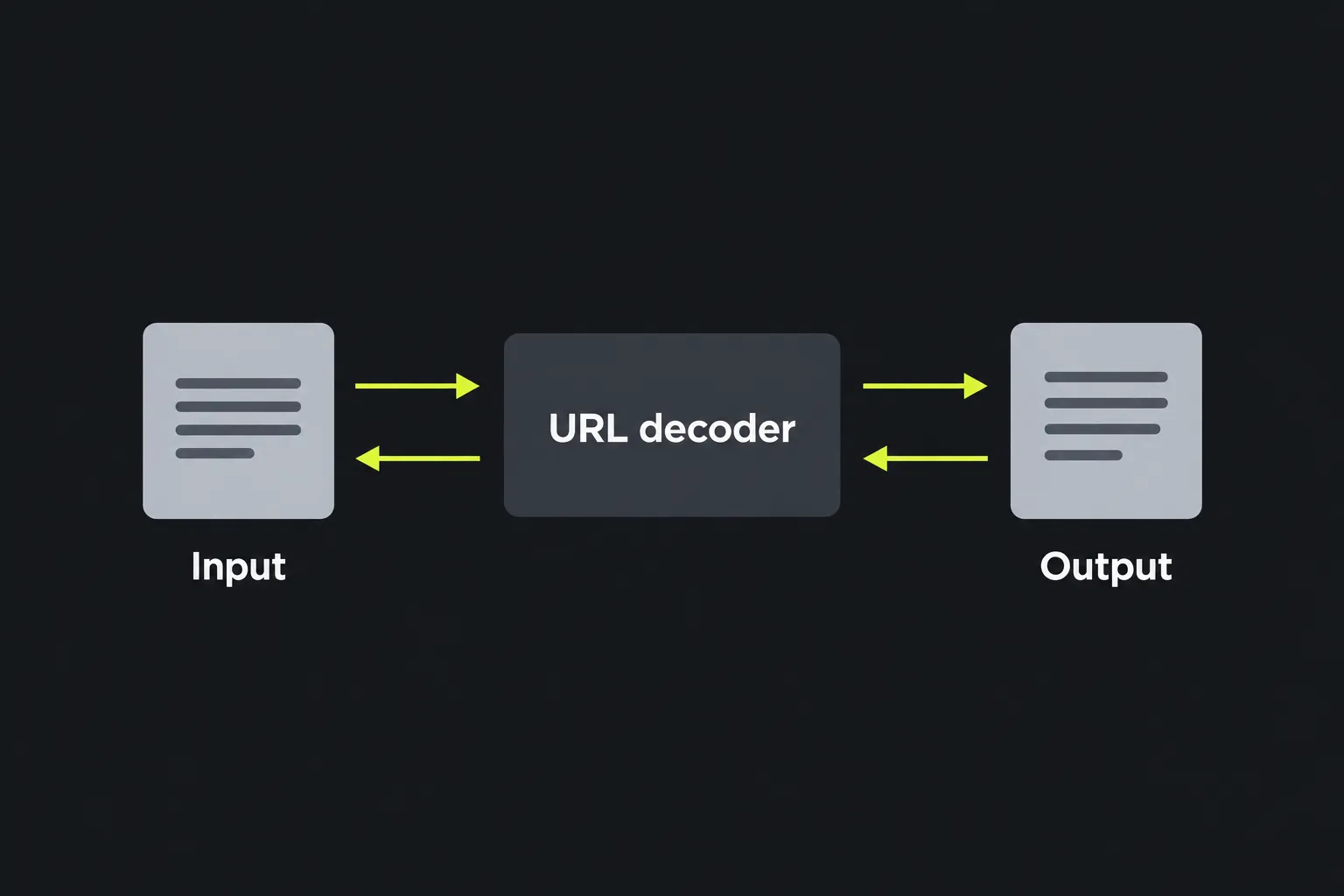
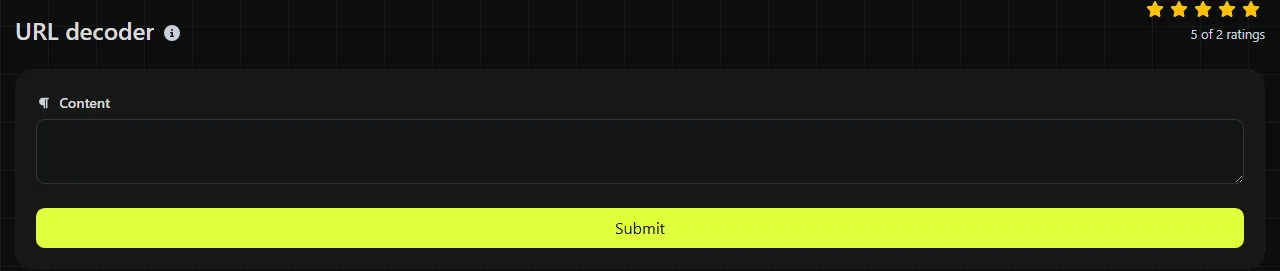
Paste or enter the encoded text, process it, then read the restored value in the URL decoded result field. The tool uses PHP's urldecode function, so it converts valid %HH sequences and treats a plus sign as a space.
- Copy the encoded component, such as a query parameter value.
- Enter the URL-encoded value without adding quotation marks unless those marks are genuinely part of the value.
- Process the URL input and inspect the URL decoded result.
- If the output still contains sequences such as %2F or %20, check whether the source was encoded more than once before decoding it again.
The work is done on the server. Your input travels to the server over HTTPS and is not stored, but it does leave your device during processing. Avoid pasting secrets into this URL decoder unless server-side processing is suitable for the data.
Where is URL encoding used?
You will most often meet URL encoding in query strings, form submissions and values embedded in links. It also appears in several less obvious places where data must pass through a restricted textual format.
- Query strings: a search for "tea & cake" may appear as q=tea+%26+cake.
- Data URIs: textual data can be percent-encoded after the media type, although Base64 is another common representation.
- Email links: a mailto link may encode spaces, line breaks and punctuation in its subject or body parameters. MIME transfer encodings used inside an email message are separate formats.
- JSON payloads: JSON itself uses its own escaping rules, but a JSON string may contain an already encoded URL or query value that needs decoding separately.
- Internationalised domains: non-ASCII domain labels normally use Punycode rather than percent-encoding. Path and query components can still contain percent-encoded UTF-8 bytes.
If the encoded text is a domain label beginning with xn--, use an IDN Punycode converter. A URL decoder is intended for percent-encoded URL components, not Punycode conversion.
Worked URL decoding examples
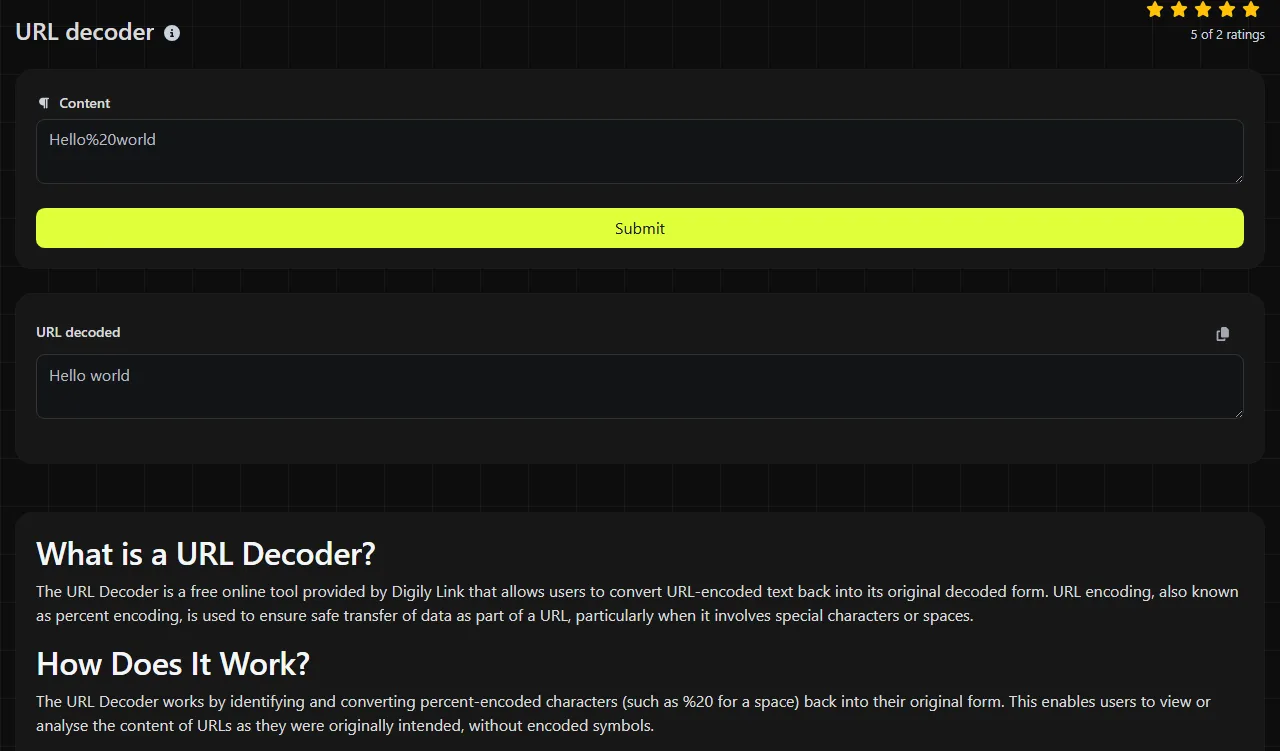
The following URL-decoding examples show common inputs and the corresponding decoded text.
- hello%20world becomes hello world.
- name=Tom+Jones becomes name=Tom Jones.
- fish%26chips becomes fish&chips.
- %C2%A3 becomes £ when the bytes represent UTF-8 text.
- %E6%9D%B1%E4%BA%AC becomes 東京 when interpreted as UTF-8.
- 100%25 becomes 100%.
Plain letters, numbers and unencoded punctuation generally remain as supplied. Empty input produces an empty URL decoded result. Very long input follows the same decoding rules, although browsers, servers and receiving systems may impose their own request or URL length limits.
Accented and non-Latin characters are usually encoded as a sequence of UTF-8 bytes, with each byte written separately. If the original system used a different character encoding, the decoded bytes may display as replacement symbols or apparently meaningless text.
Why does URL decoding fail or produce gibberish?
URL decoding can produce unchanged or unexpected output when the input contains incomplete percent sequences, was encoded more than once, is interpreted using the wrong character set, or is not URL-encoded data at all. PHP's urldecode leaves malformed percent sequences unchanged, while double-encoded input produces an intermediate result after one pass. Inspect the original source before repeatedly decoding it.
- Double-encoded input: %2520 decodes once to %20 and only becomes a space after a second decoding pass. Decode again only when you know another encoding layer exists.
- Incomplete percent sequence: every encoded byte needs two hexadecimal digits. A trailing % or a value such as %2 is malformed and cannot represent a complete encoded byte, so PHP's urldecode leaves it unchanged.
- Wrong character encoding: percent-decoding restores bytes. Interpreting ISO-8859-1 bytes as UTF-8, for example, can produce gibberish even though the percent sequences were valid.
- Binary rather than text data: decoded bytes may represent an image, compressed file or other binary content. Such output is not expected to display as readable text.
- Wrong encoding family: if the URL-decoded result is subsequently passed to a Base64 decoder, that decoder may fail because of a standard versus URL-safe alphabet, missing = padding, or damaged input. URL percent-encoding has no padding and does not use a Base64 alphabet, and URL decoding does not validate or repair those Base64 problems.
Be careful with literal plus signs. In form-style URL encoding, + means a space. A genuine plus sign should normally be encoded as %2B before decoding.
Frequently asked questions
Should I decode a complete URL or only one part?
Decode the individual path segment or query parameter value where possible. Decoding an entire URL can turn encoded reserved characters such as %26, %3F or %2F into separators and change how the URL is parsed.
Does URL decoding handle lower-case hexadecimal codes?
Yes. Hexadecimal digits in percent sequences are case-insensitive, so %2f and %2F both represent the same byte. Mixed-case sequences are valid as well.
Will the tool decode the same value repeatedly?
No. A call to urldecode performs one decoding pass. If %252F becomes %2F, a further pass would be required to produce a slash, but repeated decoding can alter data that was meant to contain a literal percent sequence.
Can URL decoding recover damaged text?
No. It can reverse valid percent-encoding, but it cannot reconstruct missing hexadecimal digits or determine the original character set with certainty. Check the source system, HTTP headers or documentation when the decoded bytes do not display correctly.
What should I do with a value that starts with xn--?
Treat it as a Punycode domain label rather than ordinary percent-encoded text. Use an IDN Punycode converter, then verify the resulting domain carefully because visually similar Unicode characters can belong to different scripts.
Similar Tools
Encode any string into URL format with our URL encoder tool for safe and secure web addresses.
Popular Tools
Create your own custom signature and download it easily with our signature generator tool for personalized e-signatures.
Calculate the size of any text in Bytes (B), Kilobytes (KB), or Megabytes (MB) using our text size calculator tool.
Use the reverse IP lookup tool to find the domain or host associated with any IP address quickly and easily.
Use our ping tool to check the status and response time of any website, server, or port quickly and efficiently.
Digily Link's IP lookup tool provides detailed information about any IP address. Use this free online service to get comprehensive IP data.
Generate your free WhatsApp link instantly with our WhatsApp Link Generator. Add a custom message and start chats in one click. No login or coding required.