SHA-384 generator
SHA-384 generator is a free tool that converts any string input into a fixed-length SHA-384 hash.
What does a SHA-384 hash do?
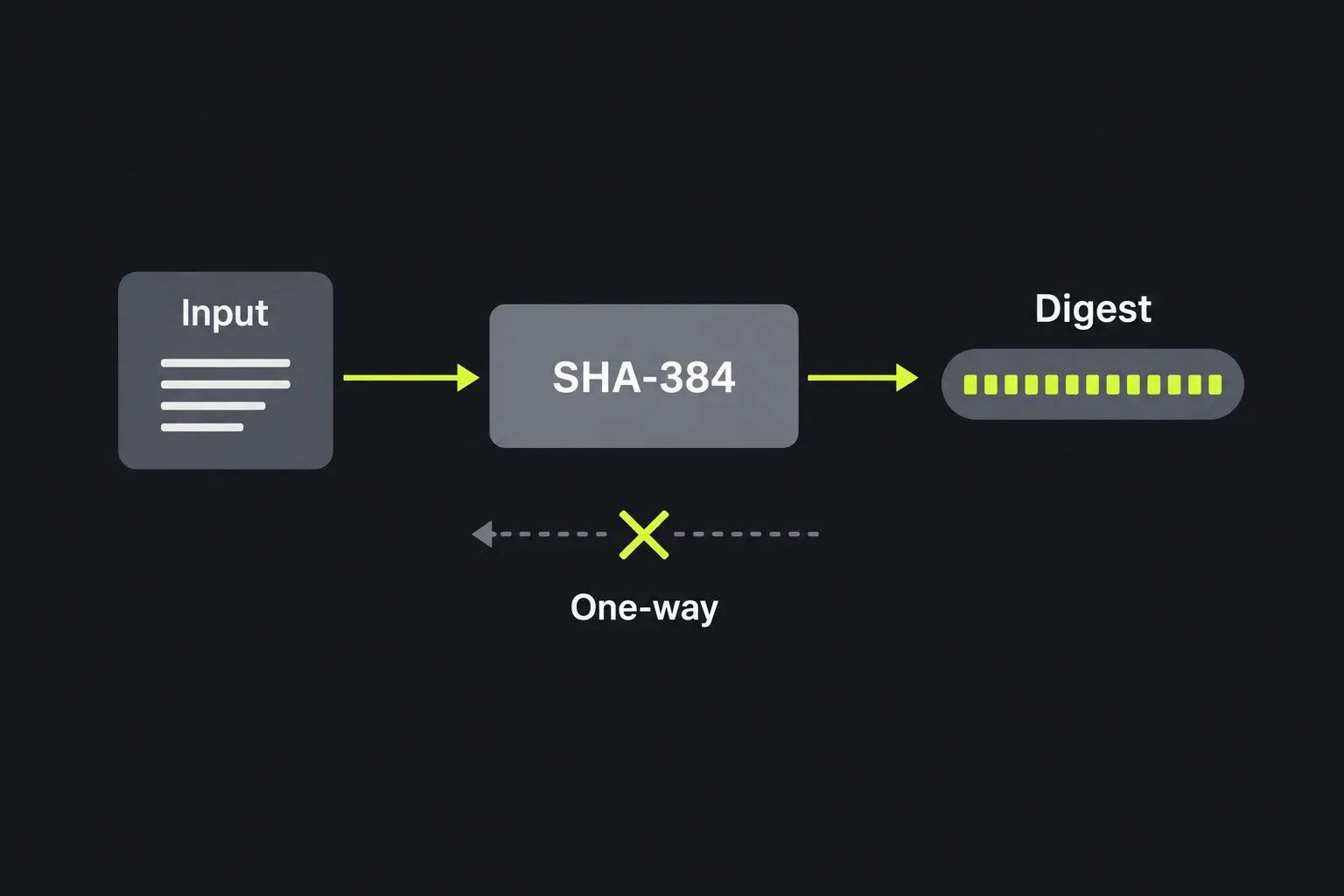
SHA-384 creates a compact, 384-bit fingerprint of data using a one-way mathematical function. The same input produces the same fixed-length digest, while even a small change to the input is overwhelmingly likely to produce a different result. A SHA-384 digest is not encrypted text because the algorithm uses no key and has no corresponding decryption process.
SHA-384 belongs to the SHA-2 family. It was designed by the US National Security Agency, first published by the US National Institute of Standards and Technology in 2001, and standardised in FIPS 180-2 in 2002. Internally, it uses the SHA-512 structure with different initial values and a shortened output.
Is SHA-384 still secure?
Yes, SHA-384 is still considered secure for general cryptographic hashing, provided it is used for an appropriate purpose. No practical collision or preimage attack against the full algorithm is known.
Its 384-bit digest provides up to 192 bits of collision resistance. This is considerably stronger than older algorithms such as MD5 and SHA-1, both of which have practical collision attacks and should not be chosen for new security-sensitive systems.
SHA-384 has not been deprecated as a general hash function. However, it must not be used directly for storing passwords. It is designed to run quickly, which helps attackers test large numbers of password guesses. For password storage, use a deliberately expensive password-hashing function such as Argon2id, scrypt, bcrypt or PBKDF2, with a unique salt for each password, rather than SHA-384.
How do I use the SHA-384 generator?
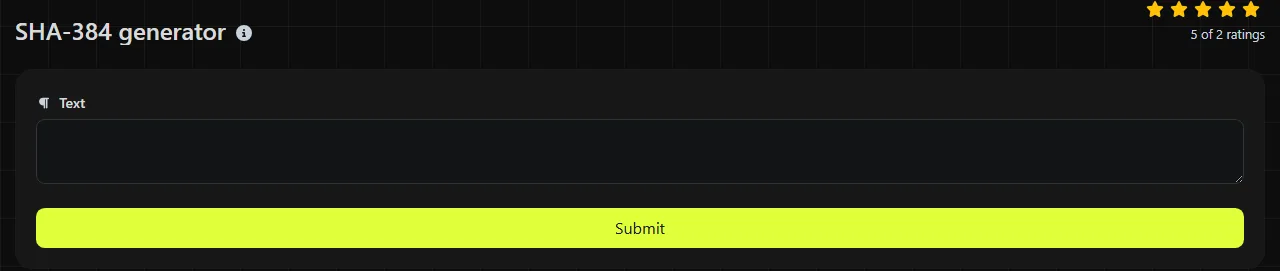
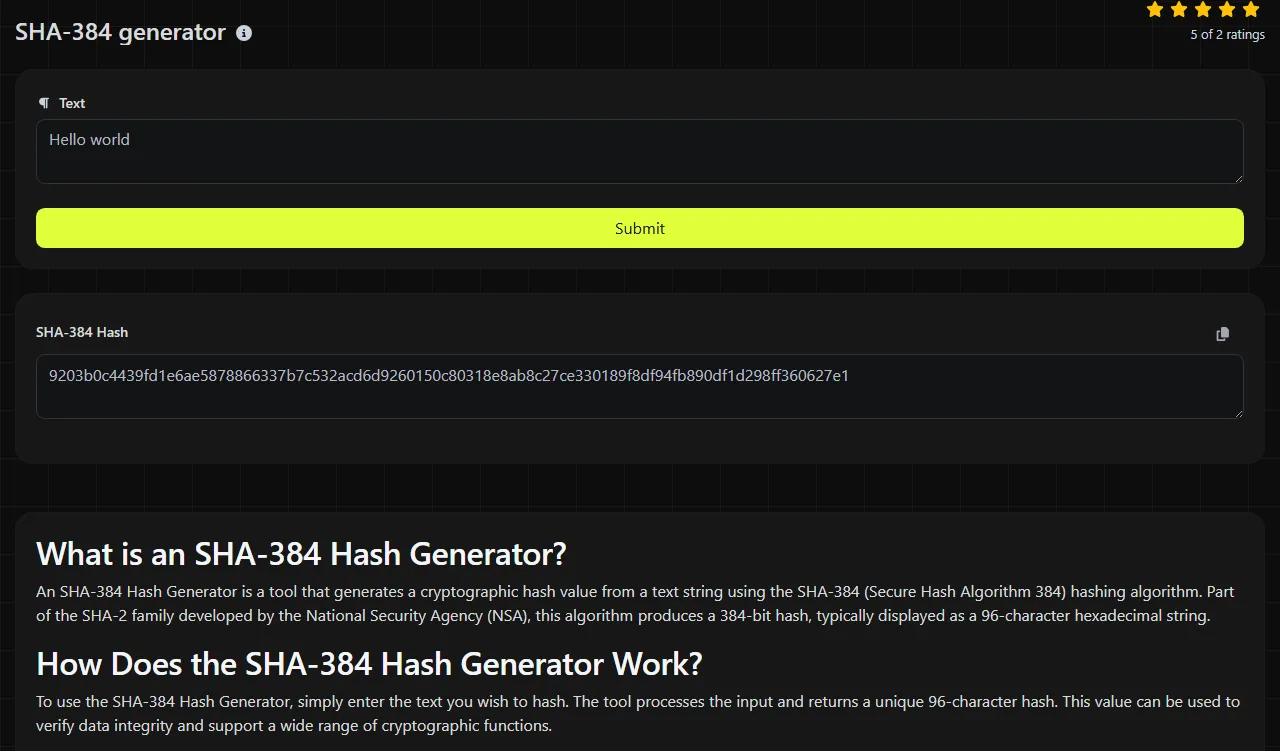
Enter the exact string you want to hash and run the tool, then copy the value shown in the SHA-384 Hash result field. PHP's hash implementation performs the calculation on the server.
Your input travels to the server over HTTPS and is not stored. It does leave your device during processing, so do not submit passwords, private keys, recovery phrases or other material that should never be sent to a remote service.
For example, an input of hello produces the 96-character SHA-384 digest 59e1748777448c69de6b800d7a33bbfb9ff1b463e44354c3553bcdb9c666fa90125a3c79f90397bdf5f6a13de828684f. Entering the same five lowercase letters again produces the same SHA-384 digest. Inputs such as Hello, hello with a trailing space, and hello. each produce different SHA-384 hashes.
Reading the result and handling awkward input
A SHA-384 result contains 384 bits, which equals 48 bytes or 96 hexadecimal characters. Hexadecimal notation in this tool's SHA-384 Hash field uses the digits 0 to 9 and the letters a to f, although another system may display the letters in uppercase. Letter case in the displayed SHA-384 digest does not change its underlying value.
- Spaces and line breaks: in this SHA-384 generator, leading spaces, trailing spaces and newline characters form part of the submitted input bytes and change the hash.
- Accented and non-Latin text: SHA-384 processes bytes rather than characters. Two visually identical strings can differ if they use different Unicode normalisation or character encodings.
- Numbers: a typed value such as 00125 is treated as string data. It does not have the same hash as 125.
- Empty input: the SHA-384 algorithm defines a valid digest for an empty byte sequence. That digest is different from the hash of a space or a newline.
- Long input: the output remains 96 hexadecimal characters regardless of the input length.
Can SHA-384 be decrypted or reversed?
No, a SHA-384 hash cannot be decrypted because hashing does not retain the original text in a reversible form. Many possible inputs are mapped into the fixed 384-bit output space.
Because SHA-384 is designed to run quickly, an attacker can test guesses rapidly by hashing each one and comparing the result. Short, common or predictable values may therefore be discovered through dictionary or brute-force searches. The strength of SHA-384 does not make a weak password safe, nor does it turn a low-entropy identifier into a secret.
Online databases may contain previously calculated SHA-384 hashes of common strings. Finding a matching entry is a lookup, not a reversal of the algorithm.
Where is SHA-384 used today?
SHA-384 is used where a 384-bit SHA-2 digest is required by a protocol, specification or existing system. Its common legitimate uses include file checksums, duplicate detection, integrity records and compatibility with software that already stores SHA-384 values.
- Compare a downloaded file with a SHA-384 checksum published by its distributor.
- Reproduce a digest expected by a legacy database, API or document format.
- Create input for a protocol that explicitly requires SHA-384.
A plain SHA-384 checksum can detect accidental changes, but it cannot prove who created the data. A plain SHA-384 checksum cannot stop an attacker who can alter both a file and its published hash from replacing both. For authenticated messages, use HMAC-SHA-384 with a secret key or an appropriate digital-signature scheme.
If a specification allows several SHA-2 variants, SHA-256 is more widely used and has a shorter digest. SHA-512 may suit systems that explicitly require its full 512-bit output. The SHA-256 generator and SHA-512 generator can produce those formats.
Frequently asked questions
Is SHA-384 the same as SHA-512 with characters removed?
No. SHA-384 uses the same general compression structure as SHA-512, but it starts with different initial values before truncating the final state to 384 bits. Simply cutting a SHA-512 digest down to 96 hexadecimal characters does not produce SHA-384.
Is SHA-384 affected by length-extension attacks?
SHA-384 uses a Merkle–Damgård construction, but its truncated output hides 128 bits of the internal SHA-512 state, making the standard practical length-extension attack impractical. Even so, an improvised construction that joins a secret directly to a message should not be treated as a message authentication code. Use HMAC-SHA-384 when a secret key must authenticate data.
Can I use this tool to hash a file?
The tool is specified for string input, not file uploads. Because this server-side generator accepts only string input, pasting binary file contents into its text field can change bytes through encoding or newline conversion. For files, use a system utility such as sha384sum or an equivalent cryptographic library and compare all 96 hexadecimal characters.
Why does another SHA-384 calculator give a different result?
The two inputs probably differ at byte level. Check spaces, capitalisation and line endings first, including any final newline. If relevant to the input and systems, also check character encoding, Unicode normalisation and whether one system includes a byte order mark. Compare the exact bytes before assuming either digest is wrong.
Popular Tools
Create your own custom signature and download it easily with our signature generator tool for personalized e-signatures.
Calculate the size of any text in Bytes (B), Kilobytes (KB), or Megabytes (MB) using our text size calculator tool.
Use the reverse IP lookup tool to find the domain or host associated with any IP address quickly and easily.
Use our ping tool to check the status and response time of any website, server, or port quickly and efficiently.
Digily Link's IP lookup tool provides detailed information about any IP address. Use this free online service to get comprehensive IP data.
Generate your free WhatsApp link instantly with our WhatsApp Link Generator. Add a custom message and start chats in one click. No login or coding required.