Signature generator
Create your own custom signature and download it easily with our signature generator tool for personalized e-signatures.
Signature generator is a free tool that lets you create a personalized signature in your browser and download the finished result for use as an electronic signature.
How do I create a signature online?
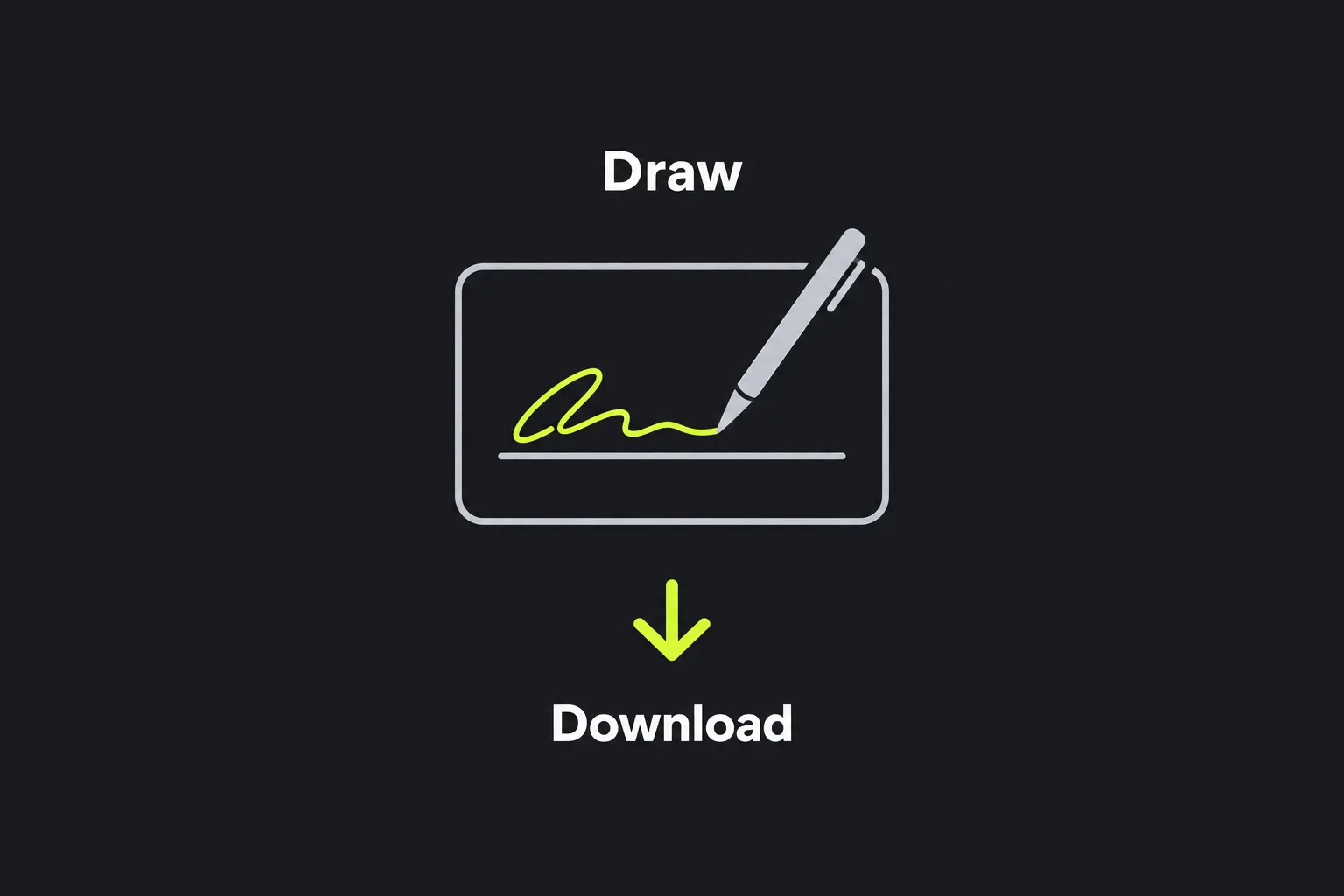
Create your signature, use the available controls if necessary, then download the result when you are happy with it. The tool works in your browser and provides a downloadable version of your signature.
- Create your custom signature.
- Select Undo if needed.
- Select Clear if needed.
- Download the completed signature and save it somewhere you can identify later.
What happens to my signature?
Your signature is created entirely in your browser and is never uploaded to a server. Your input stays on your device while the tool processes it.
Browser-based processing reduces the need to send a copy of your signature over the internet. You should still treat the downloaded file as sensitive. Store it in a protected folder, avoid placing it in a publicly shared drive, and check the recipients of any message before attaching a signed document.
Download the result if you want to keep it.
Practical examples
These examples show possible uses without assuming a specific file format.
- Approving an internal form: create a signature for "A Khan", then download the result for use in the form's signature area.
- Signing a cover letter: create a full signature, use Undo if needed, then download the result.
- Creating a shorter mark for routine documents: create your usual initials or abbreviated signature, then download the result.
Where can I use a generated signature?
You can use the downloaded signature in documents and forms that allow you to insert an electronic mark. Common uses include adding it to a PDF, placing it in a word-processing document, or completing an internal approval form.
Before inserting the result, check the recipient's signature requirements. Some organizations accept a pasted signature, while others require you to sign through a dedicated service that records identity checks, timestamps, or an audit trail. A bank, attorney, government agency, or employer may also have its own process.
A generated signature can be useful for:
- letters prepared in Microsoft Word or LibreOffice Writer;
- PDF forms that allow an electronic mark to be placed in a signature box;
- internal purchase approvals and expense documents;
- draft agreements where the recipient has confirmed that a downloaded signature is acceptable.
Keep the original unsigned document along with the completed copy. This makes it easier to correct the signature's placement or size without repeatedly editing a version that has already been signed.
What are the limitations of an online signature?
A generated signature by itself does not verify the signer's identity or create an audit trail. It records the appearance of a mark, but it does not by itself prove who placed that mark in a document, when it was added, or whether the document was changed afterward.
The tool also cannot determine whether a recipient will accept the result. For higher-risk agreements, regulated processes, or documents requiring independent verification, use the signing method specified by the organization handling the document. This may involve a dedicated electronic-signature platform, identity checks, a certificate-based digital signature, or a witnessed signature.
Frequently asked questions
Is a generated signature legally valid in the UK?
An electronic mark can have legal significance in the UK, but its validity depends on factors such as intent, consent, the type of document, and any required formalities. Some documents require witnesses or another prescribed signing process, so a downloaded signature is not appropriate in every case. Seek legal advice if an invalid signature could have serious consequences.
Can I use the signature in a PDF?
Yes, if your PDF application lets you insert an electronic mark into the signature area. Check the completed PDF after saving it because some viewers display edits differently. Flatten or export the document if required by the recipient's instructions.
Can I create a signature in Arabic, Chinese, or another script?
Support for specific scripts is not specified.
Should I reuse the same downloaded signature for every document?
Reusing it may be convenient, but it increases the potential impact if the file is copied or accessed without permission. Consider keeping it only for low-risk documents and choosing a controlled signing service when identity, document integrity, or a record of events matters.
Does an electronic signature need to look like my paper signature?
It does not always need to look exactly the same, but organizations may compare signatures or expect a consistent mark. Use a version you recognize and can reproduce, and avoid decorative changes that could cause confusion during a later review.
What should I check before sending the signed document?
Confirm that the signature is in the correct box, remains legible at the document's normal viewing size, and does not cover names, dates, or agreement text. Open the saved file again before sending it and make sure the inserted signature appears as intended.
Popular Tools
Create your own custom signature and download it easily with our signature generator tool for personalized e-signatures.
Calculate the size of any text in Bytes (B), Kilobytes (KB), or Megabytes (MB) using our text size calculator tool.
Use the reverse IP lookup tool to find the domain or host associated with any IP address quickly and easily.
Use our ping tool to check the status and response time of any website, server, or port quickly and efficiently.
Generate your free WhatsApp link instantly with our WhatsApp Link Generator. Add a custom message and start chats in one click. No login or coding required.
Digily Link's IP lookup tool provides detailed information about any IP address. Use this free online service to get comprehensive IP data.