WebP to JPG
Easily convert WebP image files to JPG format with our WebP to JPG converter tool for versatile image usage.
WebP to JPG is a free tool that converts WebP image files to JPG files entirely in your browser.
How do I convert a WebP file to JPG?
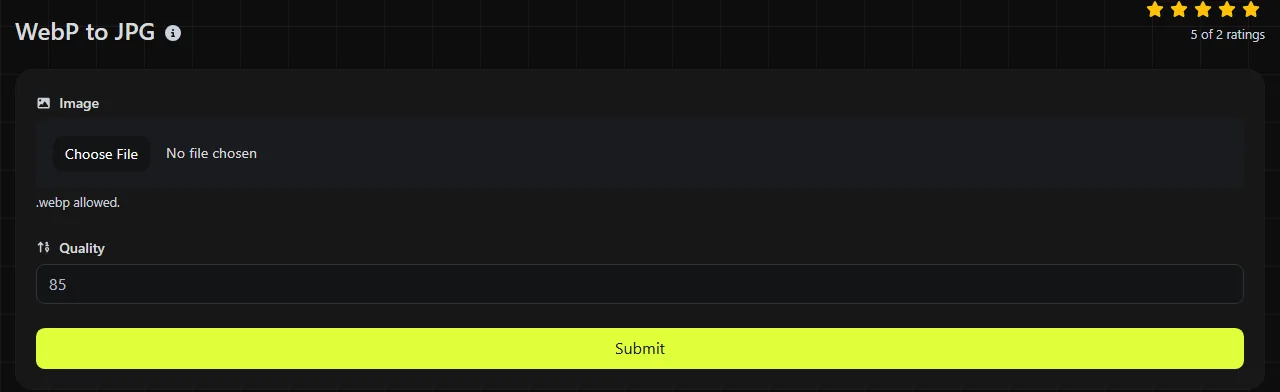
Select the WebP image, then save the resulting JPG file when the conversion is complete. The WebP-to-JPG conversion happens entirely in your browser. Your input image is never uploaded to a server, which is relevant when the file contains confidential material or identifying details.
- Choose the WebP file you want to convert.
- Your browser processes the image.
- Save the JPG, then open it to check its appearance and file size.
Keep the original WebP until you have checked the result. This is especially useful for images with transparent areas, fine text, or animation because JPEG cannot preserve transparency or animation, and fine text may lose quality.
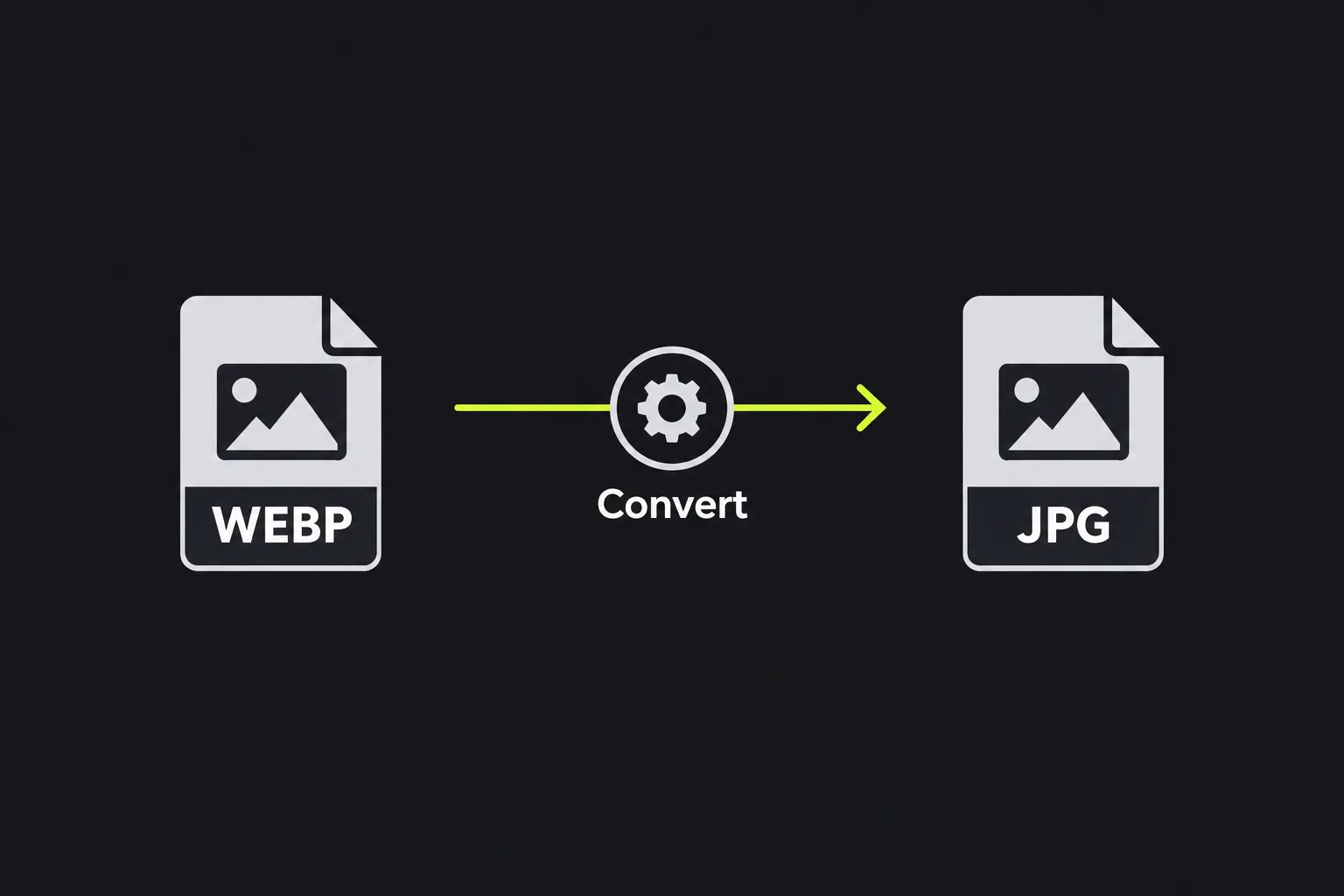
What changes when WebP becomes JPG?
The image is re-encoded in the JPEG format, so the output cannot retain transparency or animation. WebP and JPEG also use different compression methods and have different levels of software support.
| Property | WebP input | JPG output |
|---|---|---|
| Transparency | Can include an alpha channel with partially or fully transparent pixels | Does not support transparency |
| Animation | Can contain multiple animated frames | Stores a single, static image |
| Compression | Supports both lossy and lossless compression | Uses lossy compression for ordinary photographic images |
| Typical file size | Often smaller for comparable visual quality on the web | Often larger than an equivalent WebP, although settings and image content affect this |
| Support | Supported by current mainstream browsers, but not by every older application or upload system | Accepted by browsers and a wide range of older software, cameras, content systems, and upload forms |
A lossy WebP has already discarded some image information. Converting it to JPG does not restore that information, and the new JPEG encoding may introduce additional compression artifacts around edges, text, or detailed textures.
When should I convert WebP to JPG?
Convert to JPG when the destination accepts JPEG images but rejects WebP, and the image does not need transparency or animation. Common examples include an older content management system, an image upload form on an online marketplace, a photo printing service, or desktop software with limited WebP support.
- Use JPG for an ordinary opaque photograph that needs to work in older applications.
- Keep WebP for a website that already supports it and where download size matters.
- Use WebP to PNG when you need to preserve transparency or sharp interface graphics.
- Use WebP to ICO when the image is intended for a favicon rather than a photograph.
Conversion is a poor choice for an animated WebP because JPEG does not support animation. It is also unsuitable when a logo, cutout product image, or overlay needs a transparent background.
How large will the converted JPG be?
There is no fixed size ratio, but a JPG is often larger than a WebP with similar visible quality. WebP was designed to compress web images efficiently, while JPEG is an older format with different compression behavior.
The result depends on the pixel dimensions, image detail, noise, color variation, and encoding quality. A simple image may compress well, while foliage, fabric, grain, and low-light camera noise usually require more data. A JPG can occasionally be smaller than its source if it is encoded at a lower quality, but those savings may come with visible blockiness, ringing, or softness.
Converting WebP to JPG alone does not reduce the pixel dimensions. If an upload form has a strict file size limit, you may also need to resize the image or use a lower JPEG quality in a separate image editor.
Limits and common conversion problems
JPEG cannot contain transparent pixels or animated frames, and conversion cannot recover detail already lost through compression. Converting WebP to JPG also does not turn a raster image into an editable vector graphic.
Pay particular attention to pale logos, screenshots, and text. JPEG compression is designed mainly for continuous-tone photographs, so hard edges can develop halos or blurred patches after repeated saving. If exact edges matter more than broad compatibility, PNG is usually the more suitable output format.
Frequently asked questions
Can I just rename a .webp file to .jpg?
No. Renaming the extension changes only the filename, not the image encoding. Software that inspects the file contents will still identify it as WebP and may reject it.
Why did the transparent part of my image change?
JPEG does not have an alpha channel, so transparent pixels must become ordinary colored pixels during conversion. Check the result against the page or document where it will appear, especially if the original had soft transparent edges.
Do spaces or accented characters in the filename affect the image?
Spaces, punctuation, and characters such as é or £ do not change the pixels or the JPEG encoding. Some older upload systems handle filenames poorly, so a short filename using letters, numbers, and hyphens may be safer after conversion.
Can I send the converted JPG to a commercial printer?
The resulting JPG is suitable only if it meets the printer's requested dimensions, resolution, and color requirements. Converting WebP to JPG does not add bleed, increase genuine detail, or prepare the image for a specific print color workflow.
Final checks
Open the saved JPG before deleting or archiving the source. Check transparent edges, small lettering, color appearance, and any visible compression artifacts, then confirm that the destination accepts both its dimensions and file size. Keep the original WebP if you may later need a smaller web copy, transparency, or animation.
Similar Tools
Easily convert WebP image files to PNG format with our WebP to PNG converter tool for high-quality images.
Easily convert WebP image files to BMP format with our WebP to BMP converter tool for high-quality images.
Easily convert WebP image files to GIF format with our WebP to GIF converter tool for creating animated images.
Popular Tools
Create your own custom signature and download it easily with our signature generator tool for personalized e-signatures.
Calculate the size of any text in Bytes (B), Kilobytes (KB), or Megabytes (MB) using our text size calculator tool.
Use the reverse IP lookup tool to find the domain or host associated with any IP address quickly and easily.
Use our ping tool to check the status and response time of any website, server, or port quickly and efficiently.
Generate your free WhatsApp link instantly with our WhatsApp Link Generator. Add a custom message and start chats in one click. No login or coding required.
Digily Link's IP lookup tool provides detailed information about any IP address. Use this free online service to get comprehensive IP data.