WebP to PNG
Easily convert WebP image files to PNG format with our WebP to PNG converter tool for high-quality images.
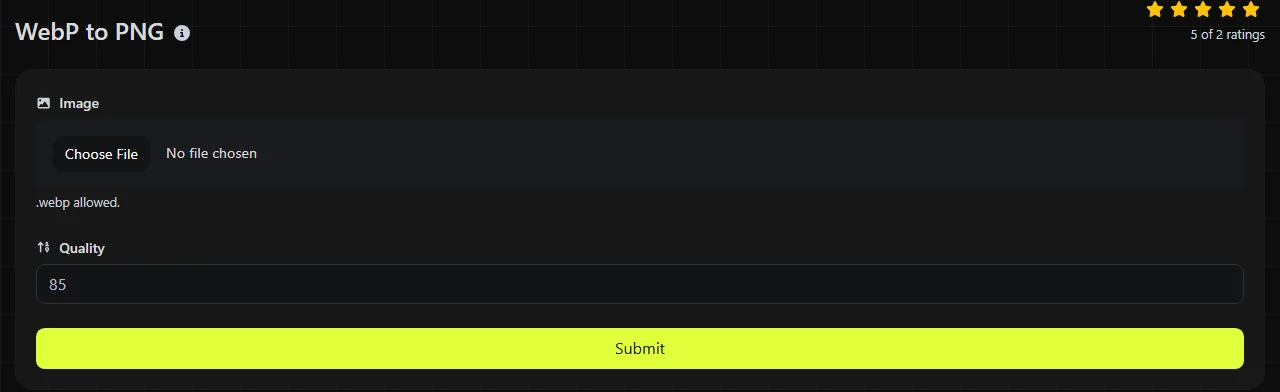
WebP to PNG is a free tool that converts WebP image files to PNG files in your browser.
How do I convert WebP to PNG?
Select the WebP image, run the conversion, and save the resulting PNG file.
- Choose the file with the .webp extension that you want to convert.
- Convert the image to PNG.
- Save the new .png file and open it to check how it looks.
The conversion happens entirely in your browser. Your input image is never uploaded to a server, which matters when the file contains confidential designs, private screenshots, or material that has not yet been published.
What changes when WebP becomes PNG?
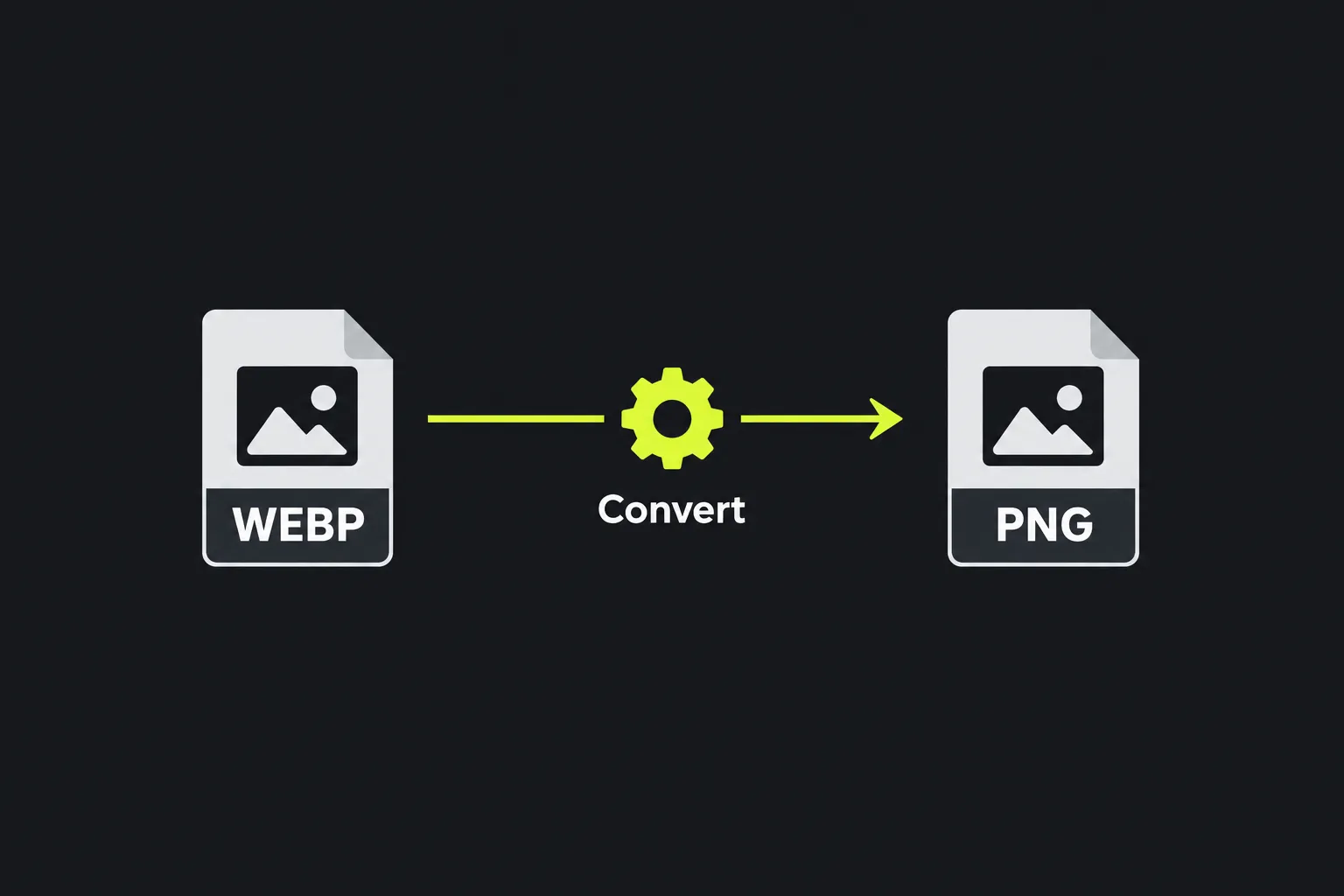
The image is decoded from WebP and encoded using PNG's lossless compression, but the two formats differ in several practical ways.
| Property | WebP | PNG |
|---|---|---|
| Compression | Supports both lossy and lossless compression | Uses lossless compression |
| Transparency | Supports an alpha channel | Supports an alpha channel |
| Animation | Can contain multiple animated frames | The current PNG specification supports animation using APNG chunks, although decoder support may vary |
| Typical file size | Often smaller, especially for photographs and web graphics | Often larger after conversion from a lossy WebP |
| Compatibility | Supported by major current browsers and many newer applications | Supported by browsers, operating systems, and a broad range of older software |
Transparency can be represented in both formats, so PNG is suitable for logos, interface elements, and cutout images that need transparent pixels. Check the PNG created from the WebP, especially when the source contains animation or relies on embedded color information.
Converting a lossy WebP to PNG does not recover detail removed when the WebP was created. The PNG stores the already decoded pixels without introducing another lossy compression stage, but existing blur, ringing, or block artifacts remain visible.
When does converting WebP to PNG make sense?
Conversion makes sense when an application, publishing system, or upload form requires PNG and will not accept WebP.
- A design asset has transparency but must be provided as a PNG.
- An older image editor or document workflow cannot open WebP reliably.
- A screenshot or interface graphic needs lossless re-saving during later edits.
- A content management system has a file-type rule that allows PNG but rejects WebP.
It may not be a good choice for photographs used on a website. WebP commonly produces a smaller download, while a PNG version of the same photograph may be considerably larger without looking better. If transparency is unnecessary and broad compatibility is the goal, WebP to JPG may be a more size-efficient option for photographic images.
Worked conversion scenarios
A 1,200 × 800 lossy WebP photograph becomes a PNG containing the decoded image. Its visible dimensions would ordinarily remain 1,200 × 800, but its file size is likely to increase because PNG must describe every resulting pixel losslessly. Fine detail discarded by the original WebP compression cannot be recovered.
A WebP logo with transparent areas can be represented in PNG because PNG supports full alpha transparency. You should still check the output against both light and dark backgrounds, since faint edge pixels are easier to spot when the background changes.
An animated WebP requires extra care. The current PNG specification includes animation using APNG chunks, although decoder support may vary. Do not assume that a WebP-to-PNG conversion will retain multiple frames unless a converter explicitly states how it handles animation.
How large will the PNG file be?
The PNG will often be larger than the WebP, although there is no fixed multiplier that applies to every image.
Photographs usually show the greatest increase because lossy WebP can discard information to reduce file size, while PNG compresses the decoded pixels without loss. Flat graphics with repeated colors, sharp edges, and large transparent areas may compress more favorably in PNG. Pixel dimensions, color variation, and image noise also affect the result.
The existing pixels are now stored using a different compression method. No additional quality is created. For a web page, compare the actual file sizes before replacing the WebP source, since the PNG may increase download time.
Frequently asked questions
Can I create a PNG by renaming .webp to .png?
No. Renaming the extension does not change the encoded image data. Software that checks the file header will still identify it as WebP and may reject it or report that the file is damaged.
Why does my transparent PNG have a checkerboard background?
A checkerboard usually indicates transparent areas in an image editor or file preview. It is a viewing aid, not part of the image. Exporting or displaying the PNG over another background should reveal the underlying color.
Is PNG suitable for commercial printing?
PNG is primarily an RGB screen-image format and does not support CMYK color data. A printer may accept it, but TIFF or a print-ready PDF is often more suitable when a workflow requires CMYK conversion, bleed, or defined physical dimensions.
Why won't a file with a .webp extension open?
The file may be incomplete, corrupted, or incorrectly labeled. An extension alone does not prove that the contents are valid WebP data. Try opening the original in a current browser and get a fresh copy if it cannot be decoded.
Final checks
- Open the PNG and inspect fine text, transparent edges, and color gradients at full size.
- Check the file size before placing it on a public web page.
- Keep the original WebP when it contains animation, useful metadata, or a smaller web-ready version.
Similar Tools
Easily convert WebP image files to GIF format with our WebP to GIF converter tool for creating animated images.
Easily convert WebP image files to BMP format with our WebP to BMP converter tool for high-quality images.
Easily convert WebP image files to JPG format with our WebP to JPG converter tool for versatile image usage.
Popular Tools
Create your own custom signature and download it easily with our signature generator tool for personalized e-signatures.
Calculate the size of any text in Bytes (B), Kilobytes (KB), or Megabytes (MB) using our text size calculator tool.
Use the reverse IP lookup tool to find the domain or host associated with any IP address quickly and easily.
Use our ping tool to check the status and response time of any website, server, or port quickly and efficiently.
Generate your free WhatsApp link instantly with our WhatsApp Link Generator. Add a custom message and start chats in one click. No login or coding required.
Digily Link's IP lookup tool provides detailed information about any IP address. Use this free online service to get comprehensive IP data.