Text separator
Easily separate text by new lines, commas, dots, and more with our text separator tool for organized data management.

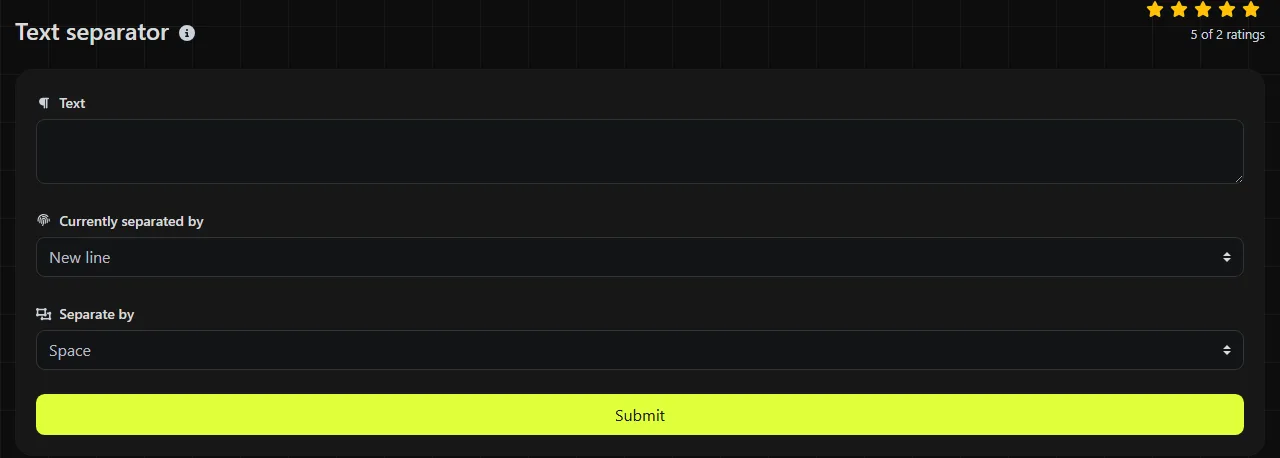
Text separator is a free tool that replaces the existing separators in a block of text with new lines, spaces, commas, periods, or another separator you choose.
How do I use the text separator?
Enter the delimiter currently used in your text, then choose the delimiter you want to use instead.
- Paste the source text and enter its current separator, such as a comma or vertical bar, in Currently separated by.
- Set Separate by, or choose New line or Space as appropriate.
- Run the tool, then copy the converted text. Check the first and last few items to make sure the existing separator was replaced as intended.
Processing takes place on the server. Your input is sent to the server over HTTPS and is not stored, so do not assume the text remains entirely on your device.
When does changing text separators save time?
Changing separators saves time when one system generates a list in a format that another system cannot use directly.
- Excel and Google Sheets: turn a copied column of values into a comma-separated or space-separated line before pasting it somewhere else.
- Shopify product data: prepare a simple comma-separated set of product tags, as long as the tag names do not contain commas.
- Microsoft Word mail merge: convert a single delimited field into separate lines for review. Replacing separators alone does not create a complete mail merge data source.
- Database and reporting work: convert pipe-separated output into lines so each value is easier to review, count, or paste into a spreadsheet column.
- Contact list cleanup: put email addresses copied from a comma-separated field on individual lines before using an Email extractor or reviewing them manually.
A useful approach is to use an uncommon character, such as a vertical bar, as a temporary separator while editing. First, make sure the character does not already appear in any value. Otherwise, actual content may be split.
Which separator should I choose?
Choose the separator required by the destination field or application, not the one that simply looks neat on the screen.
- Use New line for one item per row, including lists intended for spreadsheet columns or line-based processing.
- Use Space for a single readable line, but only when spaces within individual values will not cause confusion.
- Use commas for simple lists and fields that specifically require comma-separated values.
- Use a vertical bar when commas and spaces already appear within the values and the receiving system accepts pipes.
- Use periods only when the text format actually treats them as delimiters. Periods also appear in decimal numbers, abbreviations, email domains, and web addresses.
Replacing separators is not the same as creating a standards-compliant CSV file. CSV requires quoting and escaping when values contain commas, quotation marks, or line breaks.
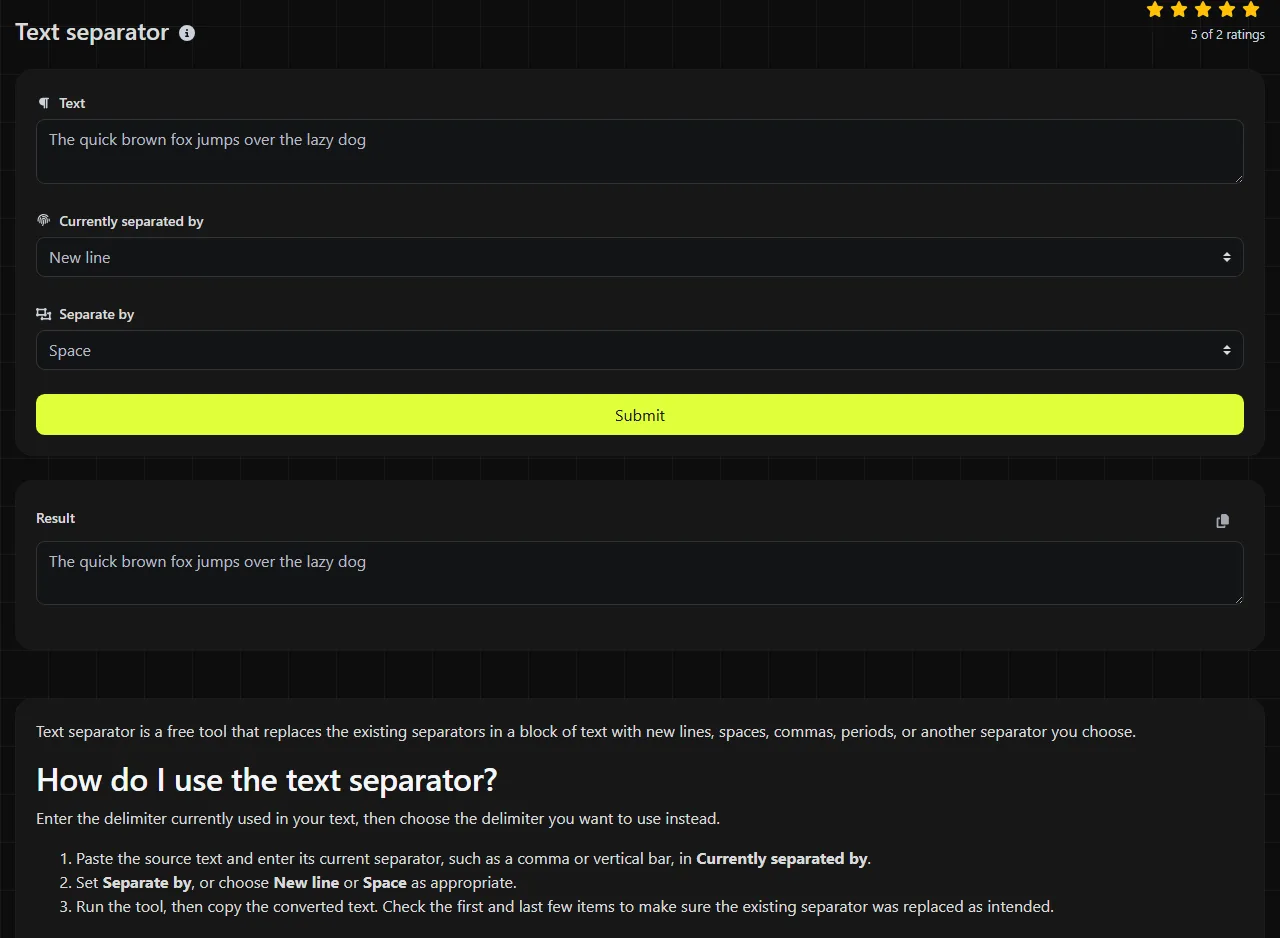
Text separation examples
To put a pipe-separated color list on separate lines, enter | under Currently separated by and choose New line.
Input
red|green|blue
Output
red
green
blue
To turn a comma-separated list into a space-separated line, use a comma as the current separator and select Space.
Input
Leeds,Manchester,Bristol
Output
Leeds Manchester Bristol
Check for spaces next to the original delimiter before converting. For example, comma-separated text may include a space after every comma. That space is part of the source text unless you remove it separately.
How should I handle difficult input?
Review punctuation and repeated delimiters before converting difficult input because a separator tool cannot determine which occurrences have meaning.
Numbers and letters are usually just content, but a chosen delimiter may also be part of that content. Splitting on a period can break 12.50, example.co.uk, and initials such as J. R. Hart. Splitting on spaces can divide multi-word names, addresses, and product descriptions.
Repeated separators may represent missing values, as in red||blue. Do not remove the apparent gap until you know whether the empty position matters. Very long input is also easier to verify in smaller sections, while empty input provides nothing to separate. This tool changes separators only. It does not identify duplicates, so use Duplicate lines remover if repeated lines need to be handled separately.
Frequently asked questions
Can a text separator create a valid CSV file?
No. Simply replacing delimiters is not enough to guarantee valid CSV. Fields containing commas, quotation marks, or line breaks require the correct CSV quoting rules, and every record should have a consistent number of fields.
Can I split first names from last names?
You can split on a space, but that does not reliably identify the parts of a name. Names may contain multiple words, hyphens, prefixes, or suffixes, so review the results before using them for personalization or mail merge.
Will accented letters, emoji, and non-Latin text still work?
Unicode support is not specified. If you choose one of these characters as the delimiter, it may be replaced wherever it appears.
Is it safe to paste confidential information?
The input is sent to the server over HTTPS and is not stored. Even so, because this tool processes input on the server, follow your organization's rules for personal, financial, medical, or commercially sensitive data.
What if my values already contain the new separator?
The result may become ambiguous because the original and inserted separators will look identical. Choose a delimiter that cannot appear in the values, or use a structured format such as correctly quoted CSV when embedded punctuation must be preserved.
Popular Tools
Create your own custom signature and download it easily with our signature generator tool for personalized e-signatures.
Calculate the size of any text in Bytes (B), Kilobytes (KB), or Megabytes (MB) using our text size calculator tool.
Use the reverse IP lookup tool to find the domain or host associated with any IP address quickly and easily.
Use our ping tool to check the status and response time of any website, server, or port quickly and efficiently.
Generate your free WhatsApp link instantly with our WhatsApp Link Generator. Add a custom message and start chats in one click. No login or coding required.
Digily Link's IP lookup tool provides detailed information about any IP address. Use this free online service to get comprehensive IP data.