Date to Unix Timestamp

Date to Unix Timestamp is a free tool that converts a specified date and timezone into a Unix timestamp for use in code, APIs, databases and logs.
What is a Unix timestamp?
A Unix timestamp is an integer representing the number of seconds elapsed since 00:00:00 UTC on 1 January 1970, known as the Unix epoch. For example, the epoch itself is timestamp 0, while later dates have positive values.
Unix timestamps give systems a compact, language-independent way to exchange a point in time. They avoid regional display formats such as 10/09/2026, which a British reader interprets as 10 September but some systems interpret as 9 October.
A timestamp describes an instant rather than a formatted calendar date. It contains no inherent label for Europe/London, UTC or another timezone. The timezone matters during conversion because it determines which instant the original local date represents.
How do I convert a date to a Unix timestamp?
Set the Timezone field, then use the returned Unix timestamp value in the system that requires it.
- Choose the required timezone.
- Run the conversion and copy the integer from Unix timestamp.
- Check whether the destination expects seconds or milliseconds before inserting the value.
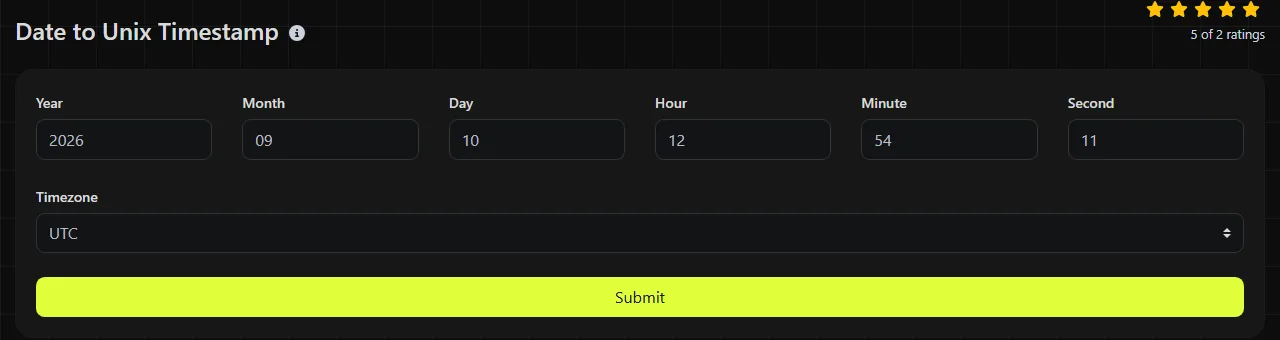
The timezone choice can change the result by several hours. It can also change according to the date because regions such as the UK observe daylight-saving rules. Europe/London is UTC in winter and normally UTC+1 during British Summer Time.
The Date to Unix Timestamp conversion runs on the server. The Timezone input travels to the server over HTTPS and is not stored.
How do I read the returned timestamp?
Read the result as a count of seconds from the Unix epoch, with no punctuation, timezone suffix or human-readable date information. A ten-digit value is common for present-day dates, although digit count alone does not prove that a timestamp is valid.
The most frequent integration problem is confusing seconds with milliseconds. Unix-oriented tools and many server-side systems use seconds. JavaScript date APIs commonly use milliseconds, so a seconds value may need to be multiplied by 1,000 for that context.
- 0 means 1 January 1970 at 00:00:00 UTC.
- A larger positive integer represents a later instant.
- A negative timestamp can represent a date before the epoch, although support varies between applications and platforms.
- The number does not preserve the timezone originally used to calculate it.
A numeric result does not confirm that the intended timezone was selected. If a converted time appears incorrect, check the selected timezone first, then daylight-saving rules where applicable. If it is out by a factor of 1,000, check the expected unit.
Worked date conversion examples
These small examples show how the timezone affects the instant being represented.
1 January 1970, 00:00:00 UTC corresponds to 0.
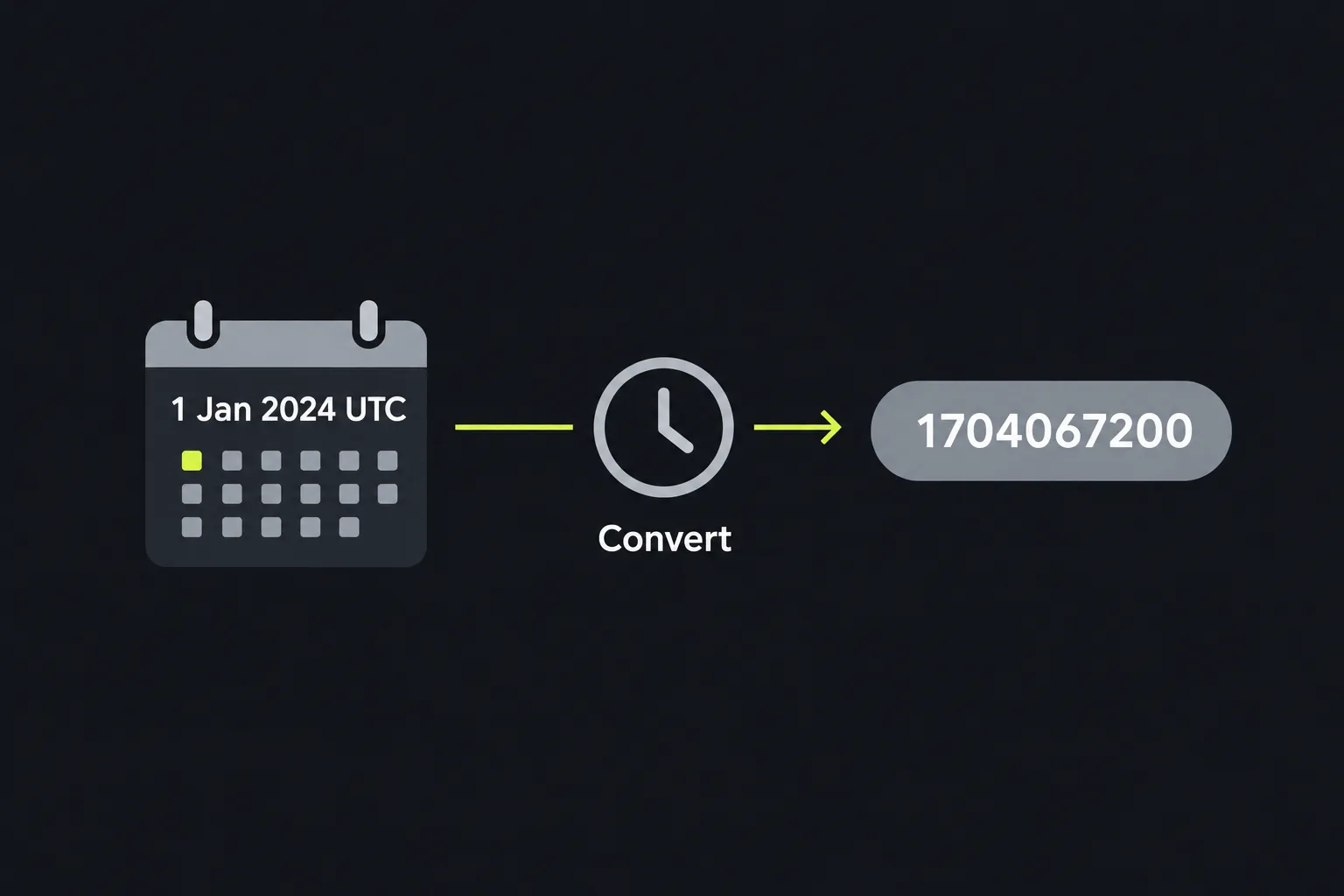
1 January 2024, 00:00:00 UTC corresponds to 1704067200.
1 July 2024, 12:00:00 Europe/London corresponds to 1719831600.
In the final example, London was observing British Summer Time, so noon locally corresponded to 11:00 UTC. Using UTC as the timezone for the same written clock time would produce a different timestamp.
For third-party data, prefer an unambiguous date such as 1 July 2024 or the ISO-style form 2024-07-01 over 01/07/2024. Accented or non-Latin text is not part of the timestamp itself because the output contains digits and may contain a leading minus sign.
When is converting a date to Unix time useful?
Conversion is useful when a human-readable date must be compared, sorted or transmitted as a precise machine-readable instant. Typical cases include debugging an API response, preparing a scheduled job before deployment, checking database records and interpreting dates supplied by another service.
- Convert a release deadline before placing it in a deployment configuration.
- Compare an application event with timestamps in server logs.
- Prepare query parameters for an API that accepts start and end times as epoch seconds.
- Normalise dates imported from a CSV file before storing them in a database.
- Check that a third-party webhook is sending seconds rather than milliseconds.
Conversion is not worth doing when only a person will read the date and the receiving system accepts a clear ISO 8601 value. A date such as 2026-09-10T14:30:00+01:00 retains its offset and is usually easier to inspect during debugging. Likewise, repeatedly converting a value that is already a Unix timestamp adds no information.
This tool does not validate an API schema, confirm that a scheduled job will run, or preserve the original timezone in the output. To inspect a timestamp in calendar form, use Unix Timestamp to Date.
Frequently asked questions
Can I enter a date or time directly?
No. The only user-filled field documented for this tool is Timezone.
Which PHP function does the tool call?
The server-side implementation calls PHP's date function.
What is the Year 2038 problem?
The maximum signed 32-bit Unix timestamp is 2,147,483,647, corresponding to 19 January 2038 at 03:14:07 UTC. Modern systems often use 64-bit values, but older software, file formats and embedded devices may still have this limit. Check the storage type when preparing dates far in the future.
Do Unix timestamps account for leap seconds?
Unix time does not represent leap seconds as distinct numbered seconds in the usual POSIX model. This is acceptable for most application scheduling and logging, but specialist astronomical or high-precision timing work may require another time standard.
What should I check before saving the result?
Confirm the timezone, daylight-saving status and expected unit in the receiving system. Then convert the timestamp back to a readable date in that system and compare it with the original before deploying or updating stored data.
Similar Tools
Convert a Unix timestamp to UTC and your local date with our Unix timestamp to date converter tool for accurate time conversion.
Popular Tools
Create your own custom signature and download it easily with our signature generator tool for personalized e-signatures.
Calculate the size of any text in Bytes (B), Kilobytes (KB), or Megabytes (MB) using our text size calculator tool.
Use the reverse IP lookup tool to find the domain or host associated with any IP address quickly and easily.
Use our ping tool to check the status and response time of any website, server, or port quickly and efficiently.
Digily Link's IP lookup tool provides detailed information about any IP address. Use this free online service to get comprehensive IP data.
Generate your free WhatsApp link instantly with our WhatsApp Link Generator. Add a custom message and start chats in one click. No login or coding required.