YouTube thumbnail downloader
Download any YouTube video thumbnail in all available sizes with our YouTube thumbnail downloader tool.
YouTube thumbnail downloader is a free tool that takes a YouTube video URL and returns the video thumbnail in the sizes available for download.
How do I download a YouTube thumbnail?
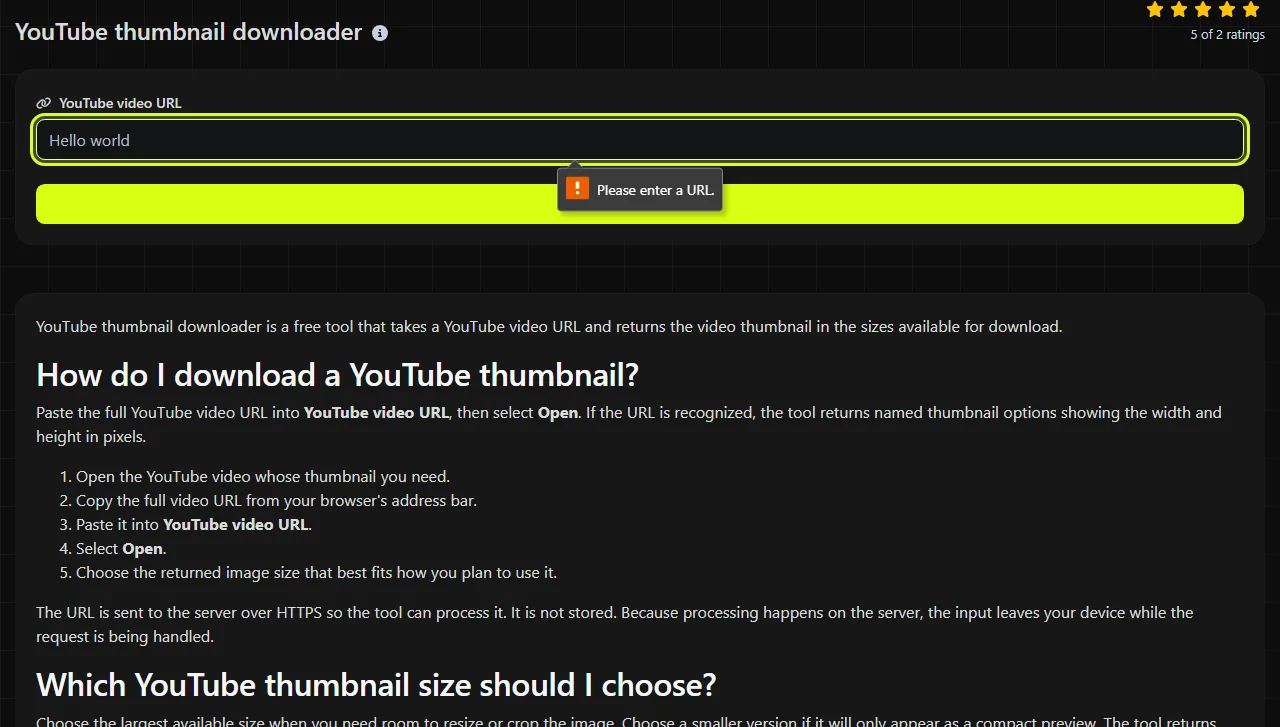
Paste the full YouTube video URL into YouTube video URL, then select Open. If the URL is recognized, the tool returns named thumbnail options showing the width and height in pixels.
- Open the YouTube video whose thumbnail you need.
- Copy the full video URL from your browser's address bar.
- Paste it into YouTube video URL.
- Select Open.
- Choose the returned image size that best fits how you plan to use it.

The URL is sent to the server over HTTPS so the tool can process it. It is not stored. Because processing happens on the server, the input leaves your device while the request is being handled.
Which YouTube thumbnail size should I choose?
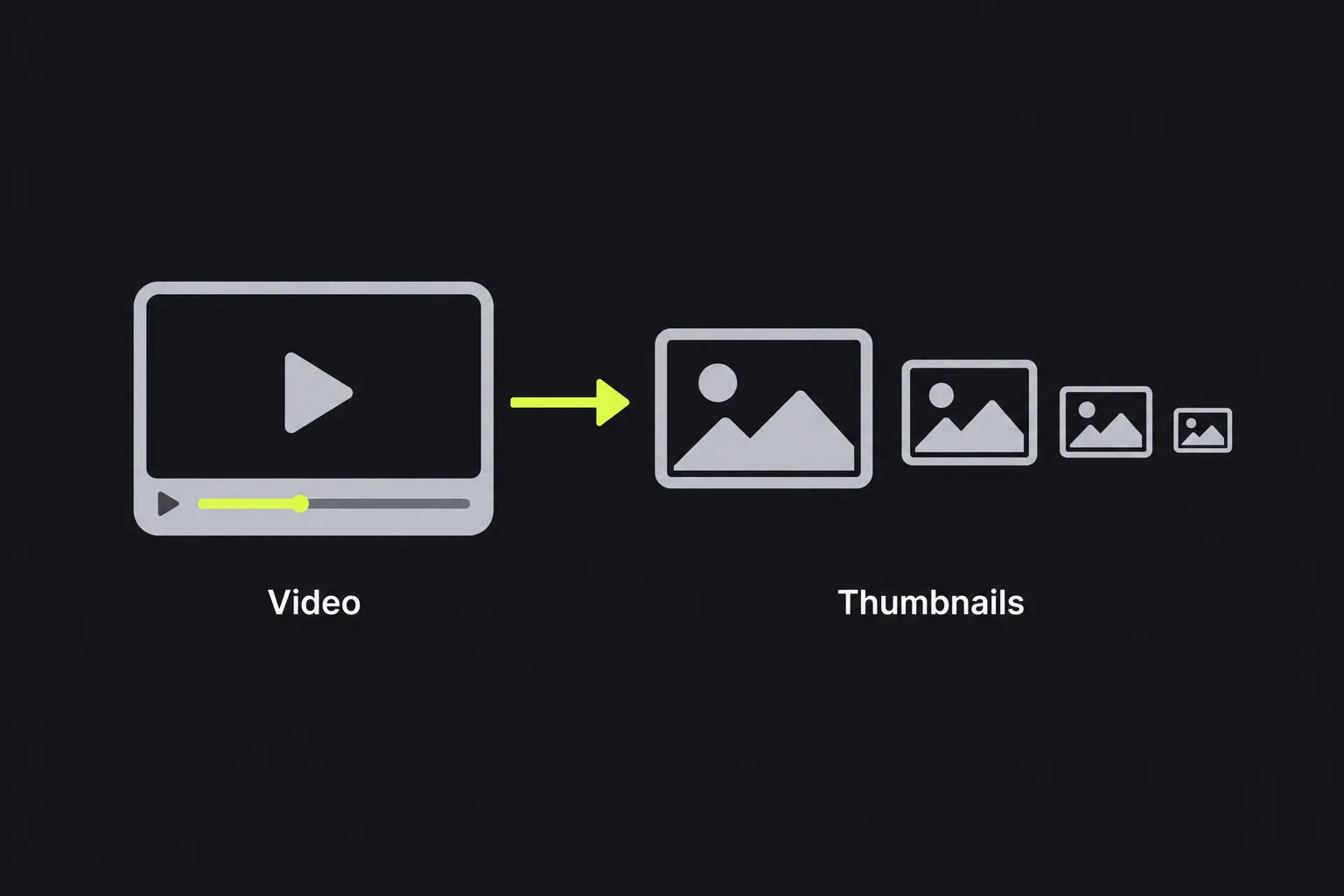
Choose the largest available size when you need room to resize or crop the image. Choose a smaller version if it will only appear as a compact preview. The tool returns five named options.
- Default (120x90) is a small 4:3 thumbnail suitable for basic lists, compact previews, and legacy layouts.
- Medium (320x180) has a 16:9 aspect ratio and works for small web cards or reference copies.
- High (480x360) is a 4:3 image. It may include letterboxing or a crop that differs from the widescreen version.
- SD (640x480) is a larger 4:3 option for layouts that use standard-definition proportions.
- HD (1280x720) is the largest listed result and uses the usual 16:9 video aspect ratio.
Do not choose based on the label alone. Check both the pixel dimensions and the aspect ratio. Placing a 4:3 thumbnail in a 16:9 container can stretch the image or cut off content near its top and bottom edges.
Input and returned results
The input is a YouTube video URL, not an image URL, channel URL, or search phrase. YouTube watch links contain a video identifier that distinguishes the requested video from every other upload.
For example, an input in the form https://www.youtube.com/watch?v=dQw4w9WgXcQ contains the video identifier dQw4w9WgXcQ. The result includes a set of image options labeled Default (120x90), High (480x360), Medium (320x180), SD (640x480), and HD (1280x720).
The dimensions show width by height in pixels. A 1280x720 result is therefore 1,280 pixels wide and 720 pixels high. Enlarging a smaller thumbnail to that size in an image editor does not restore missing detail, so start with the largest suitable source whenever possible.
When is a downloaded thumbnail useful?
A downloaded thumbnail is useful when you need the existing YouTube cover image as a separate file for an authorized editorial, publishing, or review task. Common situations include:
- checking how a thumbnail looks at several sizes before discussing a redesign with a video editor;
- adding an approved video image to a WordPress article, internal content calendar, or presentation;
- comparing the 16:9 and 4:3 versions to find out why a thumbnail appears cropped in a website template;
- keeping a reference image with notes about a YouTube campaign or channel audit.
Why does the tool say the YouTube URL is invalid?
The message Invalid YouTube video URL. means the submitted value was not accepted as a valid video URL. Copying a clean watch-page URL again is usually the easiest fix.
Empty input cannot identify a video.
Accented letters and non-Latin characters in a video title are not normally relevant because the URL identifies the video through its ID. Letters and numbers can legitimately appear in that identifier, so do not remove them. Do not paste a channel name, playlist title, search result, or the visible video title instead of the URL.
The tool can request thumbnail variants, but it cannot create a genuinely high-resolution original if YouTube does not provide one for that video.
Frequently asked questions
Does downloading the thumbnail also download the YouTube video?
No. The returned results are still images at the listed dimensions, not video or audio files. Use a separate, authorized method if you need access to the underlying video.
Why does a thumbnail have black bars?
Black bars can appear when a widescreen frame is fitted into a 4:3 thumbnail size without cropping out content. They are part of the returned image, so changing the file's dimensions alone will not remove them cleanly.
Can I edit the thumbnail after downloading it?
Yes, as long as you have the right to use and modify the image.
Is HTTPS the same as keeping the URL on my device?
No. HTTPS encrypts the URL while it travels between your browser and the server, but server-side processing still requires the server to receive it. The tool does not store the submitted URL after processing.
Will the largest file always look sharper?
No. Larger pixel dimensions do not guarantee additional source detail.
Popular Tools
Create your own custom signature and download it easily with our signature generator tool for personalized e-signatures.
Calculate the size of any text in Bytes (B), Kilobytes (KB), or Megabytes (MB) using our text size calculator tool.
Use the reverse IP lookup tool to find the domain or host associated with any IP address quickly and easily.
Use our ping tool to check the status and response time of any website, server, or port quickly and efficiently.
Generate your free WhatsApp link instantly with our WhatsApp Link Generator. Add a custom message and start chats in one click. No login or coding required.
Digily Link's IP lookup tool provides detailed information about any IP address. Use this free online service to get comprehensive IP data.