JPG to PNG
Easily convert JPG image files to PNG format with our JPG to PNG converter tool for high-quality images.
JPG to PNG is a free tool that converts a JPG image to a PNG file entirely in your browser.
How do I convert a JPG to PNG?
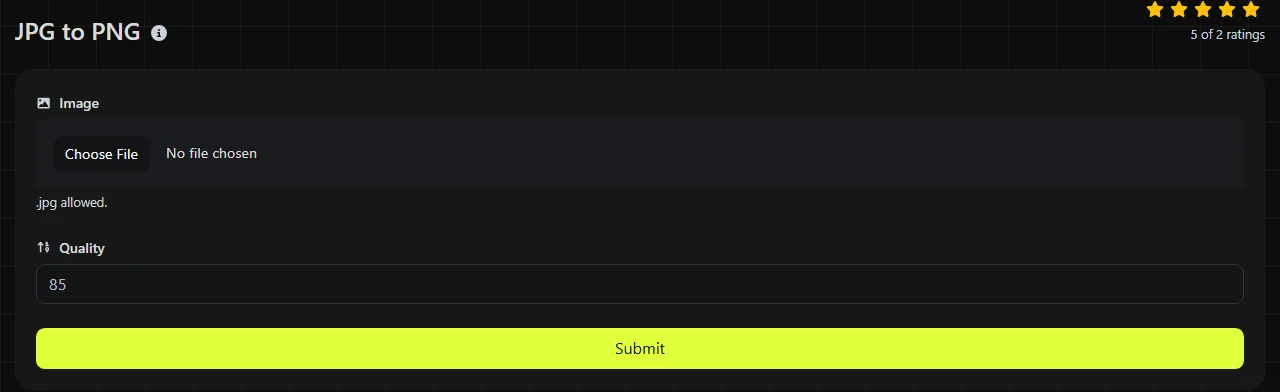
Use the tool to convert your JPG image to PNG. The entire process takes place in your browser, and your image is never uploaded to a server.
Browser-based processing is especially useful for private photos, draft artwork, and internal screenshots because the source file stays on your device. Very large JPG images may still take longer to process or use significant memory because your browser and device must decode the JPG and encode the pixels as PNG locally.
What changes when I convert JPG to PNG?
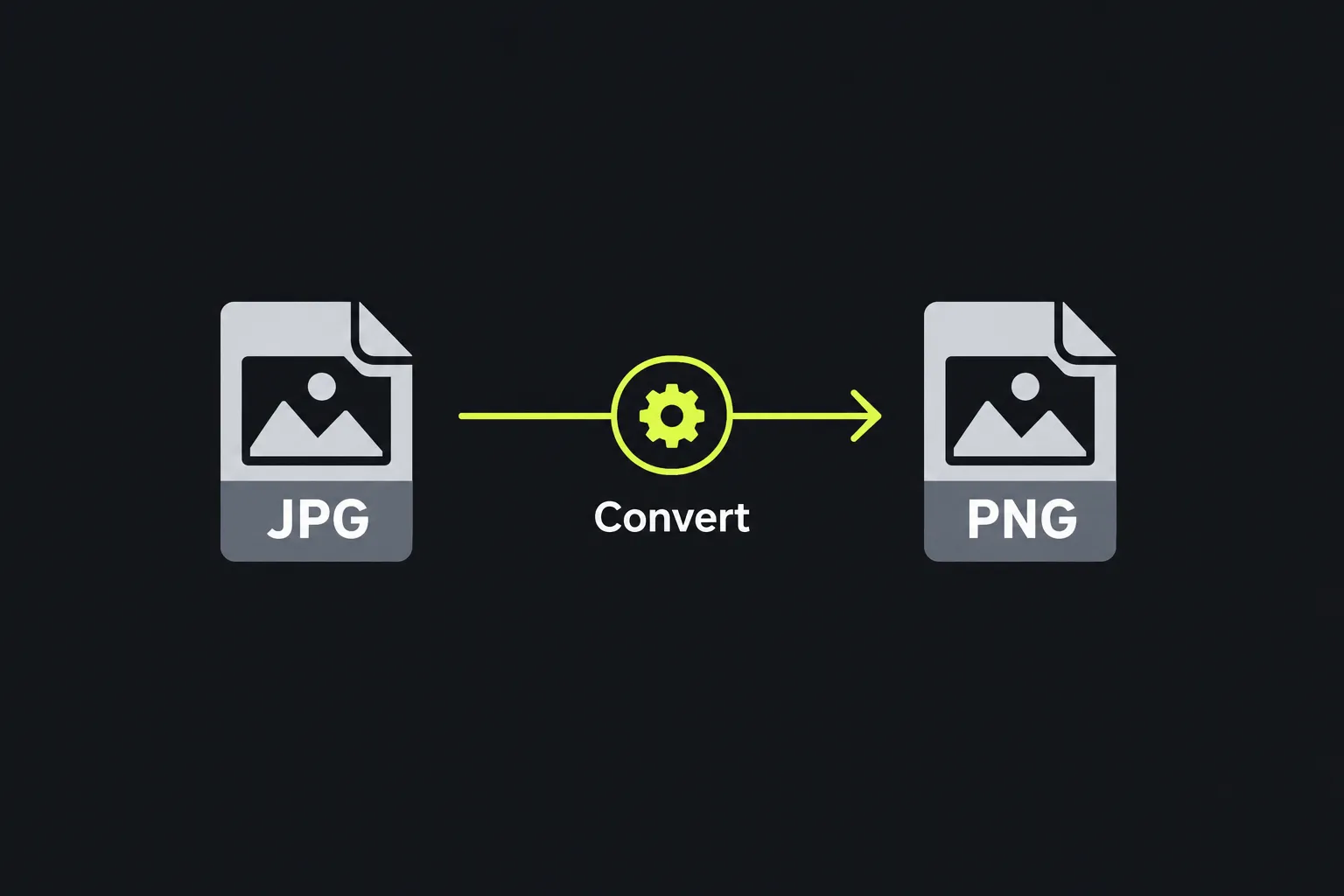
The image is decoded from JPG and re-encoded using PNG's lossless compression, but any existing JPG compression damage remains in the pixels. Conversion changes the file format rather than recovering detail that the original JPG has already discarded.
| Property | JPG | Converted PNG |
|---|---|---|
| Compression | Lossy compression designed to reduce photo file sizes | Lossless compression that preserves the decoded pixels |
| Transparency | Not supported | The format supports alpha transparency, but conversion cannot create a transparent background |
| Animation | Not supported | A standard converted PNG is static; the current PNG standard also supports animated PNG |
| Typical file size | Usually smaller for photos | Usually larger when the source is a photo |
| Browser and platform support | Widely supported by browsers, operating systems, and image editors | Widely supported by browsers, operating systems, and image editors |
After heavy compression, JPG often produces visible blocks, ringing around sharp edges, or color smearing. Saving those decoded pixels as PNG prevents another lossy encoding stage, but it does not remove those artifacts.
When should I convert JPG to PNG?
Convert JPG to PNG when a website, application, or production process specifically requires PNG, or when you want to avoid further lossy compression during later saves. Conversion can also help when you plan to add text or lines to an image or edit it repeatedly and want to avoid adding more JPG compression damage each time you save it.
- Convert a downloaded JPG before adding labels or interface annotations in an image editor.
- Use PNG when an upload form, content management system, or software package rejects JPG files.
- Convert a small logo provided as JPG before editing it, while keeping in mind that the original background will remain opaque.
- Keep the JPG instead when publishing a large photo and download size matters.
PNG is not automatically a higher-quality version of a JPG. A lossy source cannot become lossless after the fact, and a blurry or heavily compressed image will remain blurry or damaged. If you have the original camera file, artwork, or lossless export, use that instead.
JPG-to-PNG conversion examples
A photo named garden-party.jpg becomes PNG image data after conversion. Its visible content and pixel dimensions should represent the decoded JPG image, while the saved file will usually be larger because PNG compression is not well suited to complex photographic detail.
Consider a product logo with a white background that was saved as JPG. Converting it to PNG does not remove the white area or make it transparent. Transparency requires removing or editing the background after conversion, then saving the edited image as PNG with an alpha channel.
A screenshot previously saved as a low-quality JPG may contain fuzzy text and colored fringes. PNG will preserve its current appearance without another lossy save, but it cannot reconstruct the original sharp text. If you can capture the screenshot again, saving the new capture directly as PNG is usually the better option.
How large will the PNG file be?
The PNG will usually be larger than the JPG, especially for photos, gradients, and images containing sensor noise. There is no reliable fixed ratio because file size depends on the dimensions, pixel patterns, JPG quality, and how the PNG encoder compresses the image.
Flat graphics with repeated colors may compress efficiently as PNG. Detailed photos usually do not, so a modest JPG can become a considerably larger PNG without looking any better. Because JPG-to-PNG conversion can significantly increase the size of a photographic file, check the converted PNG's size before adding it to a web page or sending it through a service with an attachment limit.
If web performance is your main concern, JPG may still be the more practical choice for an opaque photo. JPG to WebP is another option when you need a modern web format with efficient photographic compression.
Frequently asked questions
Can I just change the file extension from .jpg to .png?
No. Renaming the extension does not change the data stored inside the file, and some software will reject the mismatch. The image must be decoded and encoded in PNG format.
Can I print a converted PNG?
Yes, but conversion does not add resolution or improve the source detail. Converting JPG data to PNG also does not create a printer's required color space, physical size, or PDF delivery format, so check the printer's specifications before providing the file.
What if the JPG is damaged or only has a JPG extension?
A browser may be unable to decode a corrupt file or a different format that was simply renamed as JPG. If JPEG decoding also fails in an image viewer, get a valid JPG copy instead of repeatedly changing the file extension.
Final checks
Open the converted PNG and confirm that it has the expected orientation, dimensions, and appearance. Check the file size too, especially before using it on a website. Keep the original JPG until the PNG opens correctly and you have completed any required transparency work or editing.
Similar Tools
Easily convert JPG image files to WebP format with our JPG to WebP converter tool for efficient image compression.
Easily convert JPG image files to GIF format with our JPG to GIF converter tool for creating animated images.
Easily convert JPG image files to ICO format with our JPG to ICO converter tool for creating favicons.
Popular Tools
Create your own custom signature and download it easily with our signature generator tool for personalized e-signatures.
Calculate the size of any text in Bytes (B), Kilobytes (KB), or Megabytes (MB) using our text size calculator tool.
Use the reverse IP lookup tool to find the domain or host associated with any IP address quickly and easily.
Use our ping tool to check the status and response time of any website, server, or port quickly and efficiently.
Generate your free WhatsApp link instantly with our WhatsApp Link Generator. Add a custom message and start chats in one click. No login or coding required.
Digily Link's IP lookup tool provides detailed information about any IP address. Use this free online service to get comprehensive IP data.