JPG to ICO
Easily convert JPG image files to ICO format with our JPG to ICO converter tool for creating favicons.
JPG to ICO is a free tool that converts a JPG image to an ICO file for use as a favicon or Windows icon.
How do I convert a JPG to ICO?
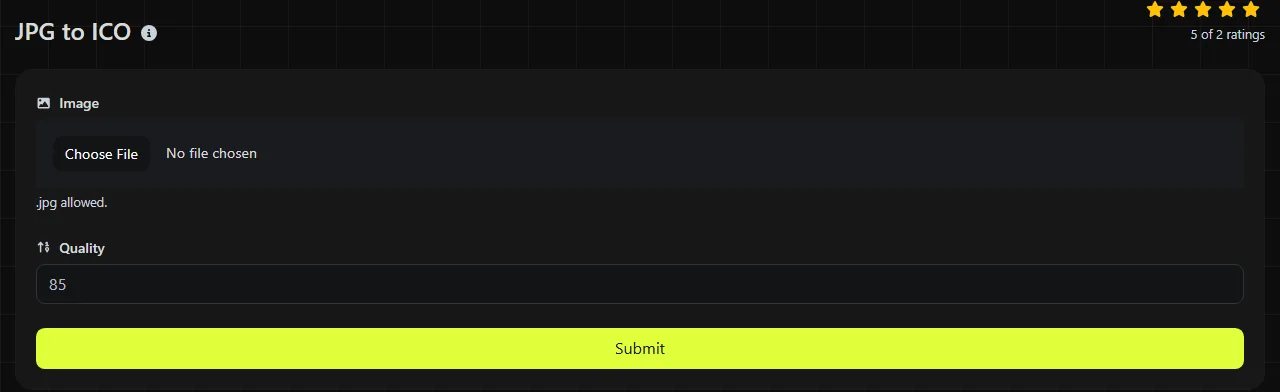
Select your JPG, convert it to ICO, and save the resulting icon file. The entire conversion takes place in your browser, and your source image is never uploaded to a server.
- Choose a JPG source image, preferably a square graphic with a clear subject and minimal fine detail.
- Select the file in the converter and start the conversion.
- Save the resulting ICO file and check it at the small size at which it will actually appear.
A typical format change is from company-logo.jpg to company-logo.ico. The new file uses an ICO container, but conversion does not redraw the logo or fix defects in the original image.
What changes when JPG is converted to ICO?
The image changes from a general-purpose photographic format to an icon format designed for favicons and Windows interface graphics. Several technical characteristics are different.
- Transparency is not available in JPEG, while ICO can contain images with alpha transparency. A straightforward conversion cannot recover transparency data that was not present in the JPEG, so an existing white or colored background remains part of the image.
- Animation is not supported by either standard JPEG or ICO. Converting a still JPEG image cannot create an animated favicon.
- Compression differs because JPEG uses lossy compression. ICO entries may use DIB/BMP-formatted or PNG-encoded image data, depending on how the ICO file is created.
- Browser use also changes. Browsers display JPEG directly as page content, while ICO is primarily recognized as a site icon or favicon.
- Platform use becomes more specialized. Windows uses ICO for icon resources, shortcuts, and related interface elements, while JPEG is widely supported by image viewers, editors, and publishing systems.
ICO can store more than one version of an icon, allowing software to select an appropriate size. The format supports entries up to 256 by 256 pixels, although favicons are often displayed at much smaller sizes.
When does converting JPG to ICO make sense?
Conversion makes sense when a website or Windows project specifically requires an .ico file. It is especially useful when the source is already a simple, square logo with a solid background.
For a favicon, the design must remain recognizable when reduced to a tiny browser-tab icon. A tight crop, bold shape, and limited amount of text usually work better than a full photograph. For a Windows icon, ICO is appropriate when an application, shortcut, or installer expects that format instead of a separate PNG.
Conversion is less useful if you want to improve a heavily compressed source. JPEG is lossy, so changing it to a lossless representation inside an ICO does not restore removed detail or eliminate block artifacts. If available, use a cleaner original instead of a heavily compressed JPG when creating the ICO.
File size and source preparation
An ICO file may be larger or smaller than a JPEG image containing equivalent pixel data, depending on the image, ICO payload encoding, and number of entries. Pixel dimensions, image complexity, compression method, and the number of icon entries all affect the result.
An ICO with several sizes usually takes up more space than one containing a single size because each representation adds image data. Even so, icon files are generally modest in absolute size because their dimensions are small. A detailed photograph may compress well in JPEG format but work poorly as an icon, where fine textures become indistinct.
Prepare a square source before conversion if you need control over the framing. Leaving that decision until conversion may result in unwanted scaling, padding, or cropping, depending on the software used. Keep a separate copy of the original JPG because the ICO is intended for icon use, not later photographic editing.
What can cause a poor ICO result?
Poor results usually come from an unsuitable source image rather than the conversion process itself. Check for these common problems before using the icon.
- A non-square photograph may look compressed or leave unused space if the converter or display software stretches or pads it to fit a square icon area.
- Small text can become unreadable in a browser tab, even if it is clear in the original JPG.
- JPEG ringing, blocks, and blurred edges remain visible after conversion, especially around high-contrast logos.
- An empty, damaged, or incorrectly labeled .jpg file may not provide any decodable image data for the ICO conversion.
- A very large JPG source requires the browser-based ICO converter to decode and process more image data, which can use substantial memory on an older phone or computer.
Frequently asked questions
Can an ICO file contain multiple icon sizes?
Yes. The ICO format can bundle multiple image sizes and color depths in a single file.
Can I just rename a .jpg file to .ico?
No. Renaming changes only the filename, not the internal encoding, so software may reject the file or interpret it as malformed. A real conversion writes the image data and file structure that an ICO reader expects.
Should I use ICO or PNG for a website favicon?
ICO is a practical choice for broad, traditional favicon compatibility and can package several sizes in one file. PNG supports transparency and is often accepted by modern browsers and website platforms, but check the platform's site icon settings because some systems generate their own favicon files from an uploaded PNG or JPG.
Will a CMYK JPG keep exactly the same colors?
No, colors cannot always be expected to match exactly across browser decoders, icon viewers, and Windows components. Converting the source to the sRGB color space before creating the ICO generally produces more predictable on-screen color.
Where should I put a favicon.ico file?
The traditional location is the website root, producing a path such as /favicon.ico. Many sites instead declare the icon in their HTML or let a content management system handle it, so follow the method used by the site rather than assuming the root file will always take priority.
Final checks
Open the ICO in more than one relevant place, such as a browser tab and Windows File Explorer, and inspect it at small sizes instead of relying on a large preview. If an old favicon remains visible after replacement, follow the browser's favicon troubleshooting guidance because caching behavior varies among browsers.
Similar Tools
Easily convert JPG image files to PNG format with our JPG to PNG converter tool for high-quality images.
Easily convert JPG image files to WebP format with our JPG to WebP converter tool for efficient image compression.
Easily convert JPG image files to GIF format with our JPG to GIF converter tool for creating animated images.
Popular Tools
Create your own custom signature and download it easily with our signature generator tool for personalized e-signatures.
Calculate the size of any text in Bytes (B), Kilobytes (KB), or Megabytes (MB) using our text size calculator tool.
Use the reverse IP lookup tool to find the domain or host associated with any IP address quickly and easily.
Use our ping tool to check the status and response time of any website, server, or port quickly and efficiently.
Generate your free WhatsApp link instantly with our WhatsApp Link Generator. Add a custom message and start chats in one click. No login or coding required.
Digily Link's IP lookup tool provides detailed information about any IP address. Use this free online service to get comprehensive IP data.