JPG to GIF
Easily convert JPG image files to GIF format with our JPG to GIF converter tool for creating animated images.
JPG to GIF is a free tool that converts a JPG image file to GIF format in your browser.
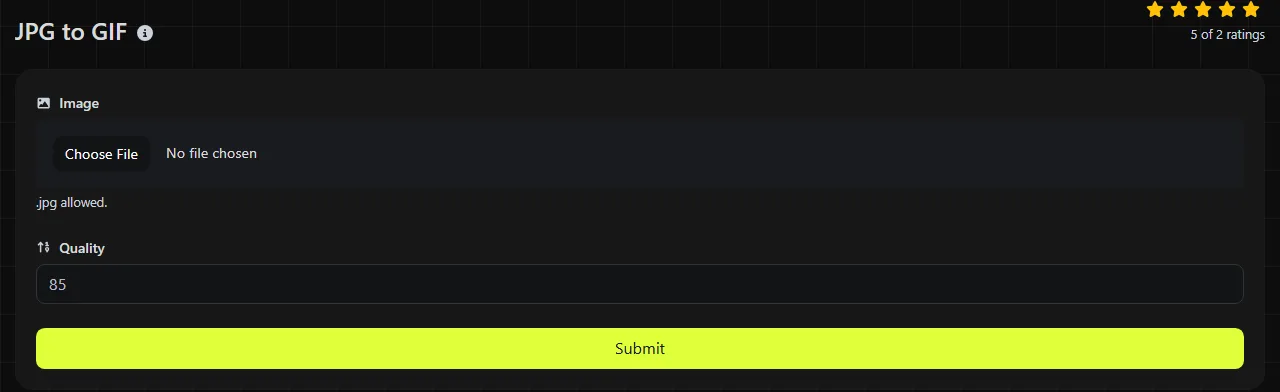
How do I convert a JPG to GIF?
The conversion is done entirely in your browser, and the input image is never uploaded to a server.
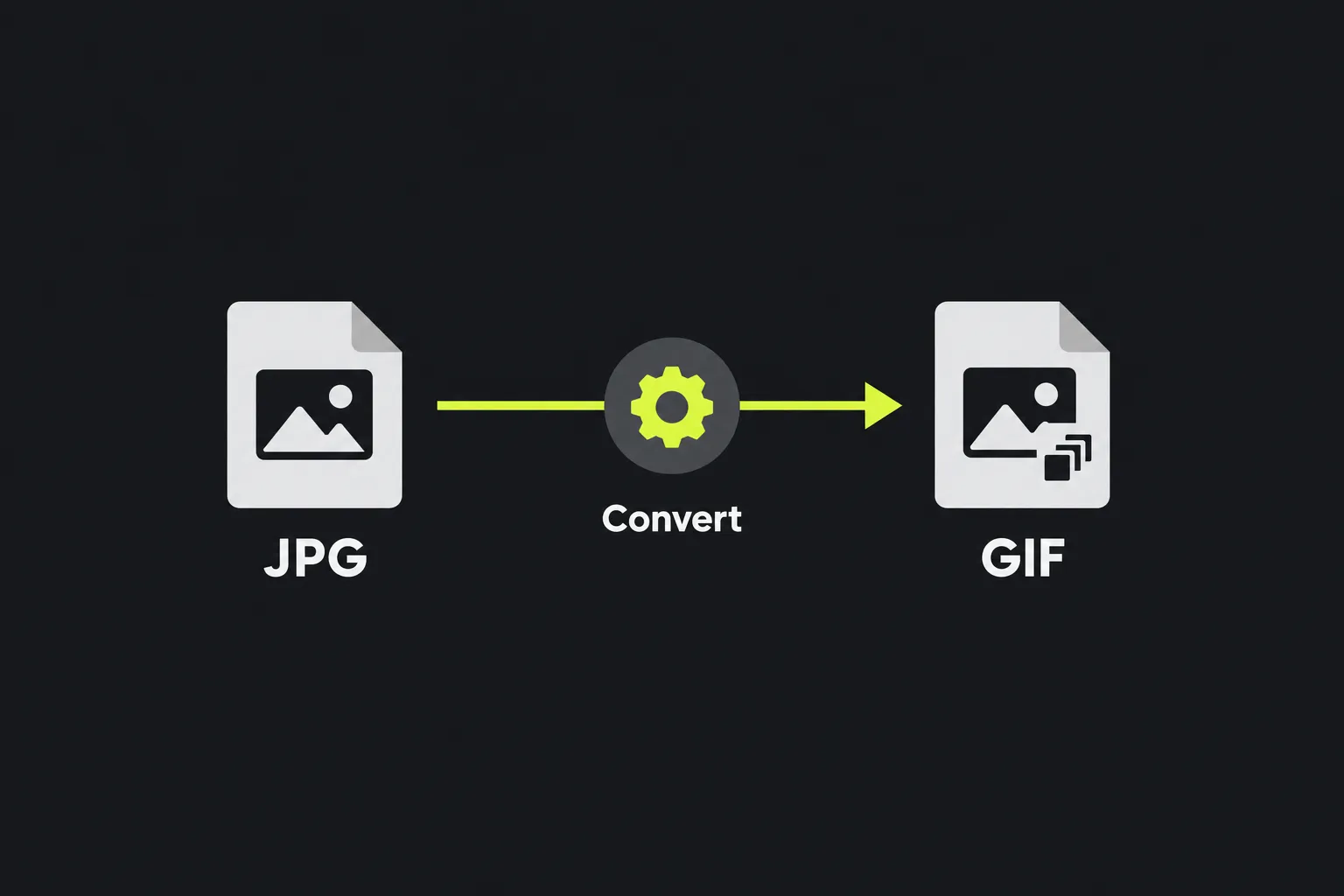
What changes when I convert JPG to GIF?
A typical full-color photographic JPG changes from a lossy photographic format to an indexed-color GIF with a palette limited to 256 colors. This difference affects color accuracy, compression, transparency, and the types of images the result is best suited for.
- Color: JPG can represent millions of colors, while each GIF frame uses a palette of no more than 256. After conversion, photographs may show color banding, grain-like dithering, or flatter gradients.
- Compression: JPG uses lossy compression designed primarily for photographs. GIF uses lossless LZW compression on its indexed pixel data, but choosing the 256-color palette can still discard color information during conversion.
- Transparency: JPG does not contain transparency. GIF can mark one palette color as fully transparent, but converting an ordinary JPG cannot recover or infer a transparent background.
- Animation: JPG stores one still image. GIF supports multiple timed frames, but converting a single JPG provides only one source frame and does not create motion on its own.
- Support: Both formats are widely supported by web browsers and common desktop and mobile software. GIF is also accepted by many older systems that require that specific format.
Saving a previously compressed JPG as a lossless GIF does not restore detail removed by the original JPEG compression. Blocking, ringing around edges, and blurred fine detail remain in the converted image.
Will a GIF be larger than the original JPG?
A GIF made from a photograph will often be larger than the original JPG, although the exact result depends on the image dimensions, color variation, and compression used in the source file. A detailed camera photograph is usually a poor match for GIF compression because neighboring pixels contain many different colors.
Simple artwork may behave differently. A small image containing a few flat colors, such as a badge, diagram, or basic pixel graphic, may compress reasonably well as a GIF. There is no reliable size ratio, so check the finished file instead of assuming that changing the extension will make it smaller.
If you plan to use the image on a website and smaller photographic files are the priority, JPG may already be the better choice. JPG to WebP is another option when the destination supports WebP and modern web compression is the main concern.
When does converting JPG to GIF make sense?
Conversion makes sense when a website, application, or older publishing system explicitly accepts GIF but not JPG. It can also be useful when a still image will become one frame in a separate GIF animation workflow.
Common uses include:
- providing a static graphic to a legacy content management system that requires .gif files;
- preparing numbered JPG frames before assembling them in animation software;
- converting a small logo or icon with few colors for software that expects GIF input;
- meeting an upload form's file type requirement when GIF is listed and JPG is rejected.
It is usually not a good choice for detailed photographs, smooth skies, skin tones, or color-rich illustrations. GIF's 256-color limit can reduce visual quality without producing a smaller file. For a browser favicon, use JPG to ICO instead, since ICO supports the icon sizes and packaging expected by desktop software and browsers.
Worked examples and difficult files
- Vacation photograph: A 4,000 × 3,000 JPG containing sky, foliage, and faces becomes an indexed-color GIF. Expect fewer color shades and potentially a larger file; the exact size cannot be predicted from the dimensions alone.
- Flat diagram: A JPG diagram with a white background, black labels, and four solid colors is a better candidate for GIF. Compression can work well when large areas contain repeated colors, although JPEG artifacts around the labels will not disappear.
- Animation frame: A file named frame-01.jpg can be converted into a static GIF frame. Multiple frames still need to be assembled and given timing information in an animation tool.
Spaces, punctuation, accented letters, and numbers in a filename do not change the JPG or GIF image data. However, older websites and scripts may handle simple filenames such as product-01.gif more reliably. An empty selection cannot be converted, while a damaged file or one that was merely renamed with a .jpg extension may fail because it does not contain valid JPEG data.
Very large images require more browser memory during JPG decoding and GIF palette creation.
Frequently asked questions
Can I convert a JPG just by changing .jpg to .gif?
No. Renaming the file changes only its name, not the encoded image format. Software may reject the renamed file or continue to identify it as JPEG data.
Will the GIF keep the JPG's EXIF data?
GIF does not have the standard EXIF metadata structure commonly used by JPEG photographs. Do not assume that the camera model, exposure details, GPS information, or original capture date will remain available. Keep the source JPG if that information matters.
Why does the converted GIF have stripes or speckled colors?
These patterns are usually color banding or dithering caused by reducing the image to a 256-color palette. Dithering mixes available palette colors to imitate missing shades, which can make gradients look grainy.
Can I use the converted GIF in an email?
Most email clients can display a static GIF, but message systems may resize, recompress, or block externally hosted images. If the file later becomes animated, make the first frame meaningful because some clients show only that frame, and avoid rapid flashing that could create an accessibility risk.
Is GIF a good format for printing photographs?
Usually not. Its limited palette makes it a poor source format for color photographic printing. Keep the original JPG, or use a higher-quality original file if one is available, for print work.
Final checks
Open the saved GIF before uploading it anywhere. Check gradients, faces, small text, and file size, and keep the original JPG as the master copy. If the GIF is larger or visibly worse and the receiving platform accepts JPG, there is little practical reason to use the converted version.
Similar Tools
Easily convert JPG image files to PNG format with our JPG to PNG converter tool for high-quality images.
Easily convert JPG image files to WebP format with our JPG to WebP converter tool for efficient image compression.
Easily convert JPG image files to ICO format with our JPG to ICO converter tool for creating favicons.
Popular Tools
Create your own custom signature and download it easily with our signature generator tool for personalized e-signatures.
Calculate the size of any text in Bytes (B), Kilobytes (KB), or Megabytes (MB) using our text size calculator tool.
Use the reverse IP lookup tool to find the domain or host associated with any IP address quickly and easily.
Use our ping tool to check the status and response time of any website, server, or port quickly and efficiently.
Generate your free WhatsApp link instantly with our WhatsApp Link Generator. Add a custom message and start chats in one click. No login or coding required.
Digily Link's IP lookup tool provides detailed information about any IP address. Use this free online service to get comprehensive IP data.