JPG to WebP
Easily convert JPG image files to WebP format with our JPG to WebP converter tool for efficient image compression.
JPG to WebP is a free tool that converts a JPG image to WebP format in your browser.
How do I convert a JPG to WebP?
Choose a JPG image, run the conversion, and save the resulting WebP file. Everything happens entirely in your browser, and the input image is never uploaded to a server.
- Select the JPG or JPEG file you want to convert.
- Start the conversion and let your browser process the image.
- Save the WebP output, then open it to check its appearance and file size.
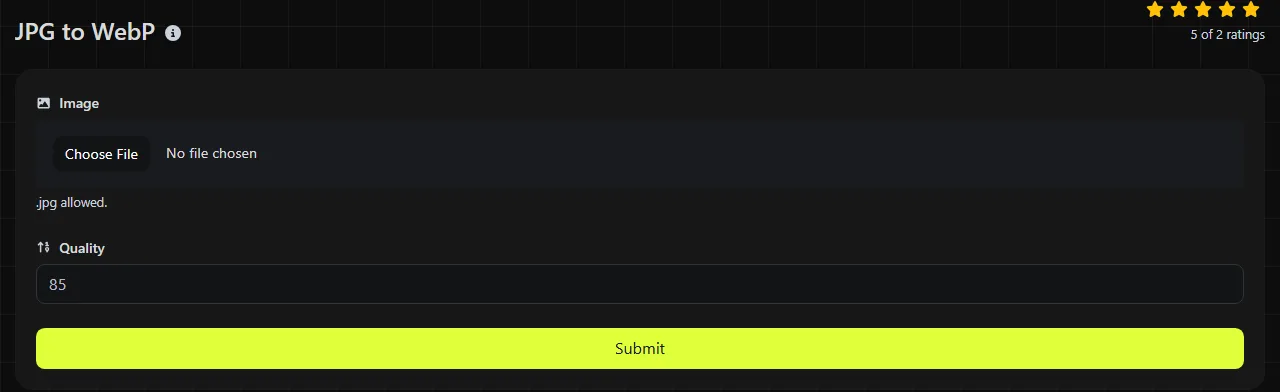
A typical input file might be named kitchen-extension.jpg, with the converted image saved as kitchen-extension.webp. The extension identifies the new format, but the image data must also be re-encoded. Simply renaming .jpg to .webp does not convert the file.
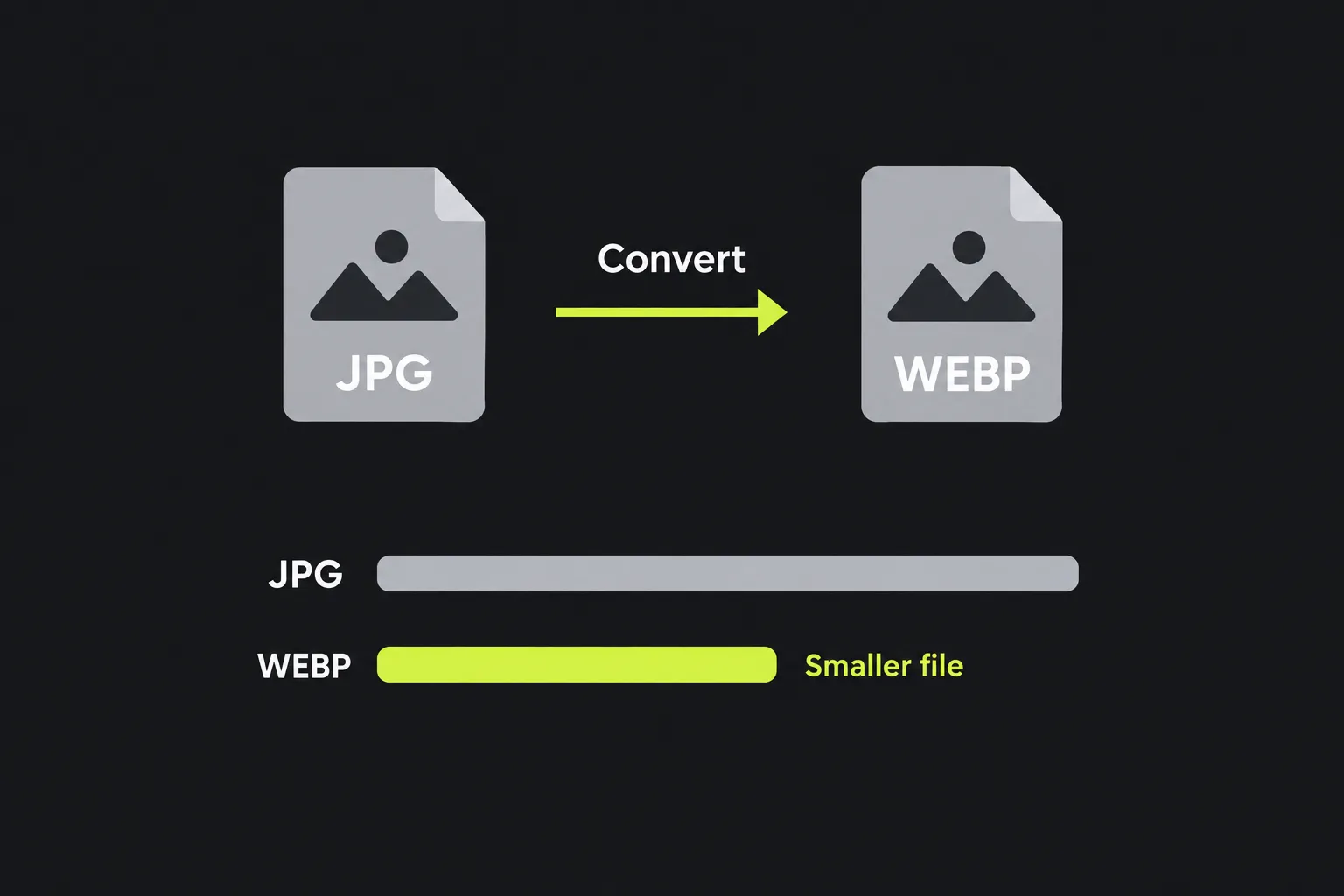
What changes when JPG is converted to WebP?
The JPEG-encoded image is decoded and then encoded again using the WebP format. Both formats can use lossy compression, but WebP also supports lossless compression, transparency, and animation.
- Compression means that JPG uses lossy JPEG compression, which discards image information to reduce file size. WebP supports both lossy and lossless encoding, although the converter's exact encoding settings determine the result.
- Transparency means that JPG has no alpha channel, while WebP can store transparent and partially transparent pixels. Converting an ordinary JPG does not create transparency because the source image does not contain any.
- Animation means that JPG stores one still image, while WebP can contain multiple animated frames. A single JPG converted to WebP remains a still image.
- Browser support means that WebP works in major modern browsers. Some older image editors, content management systems, and desktop applications still handle JPG more consistently.
Conversion does not improve the underlying detail in the source image. Compression artifacts, blockiness, and blur already present in a JPG remain part of the decoded image and may become more noticeable after another lossy encode.
When is converting JPG to WebP a good idea?
Conversion makes sense when you need smaller image downloads for a website and your target browsers or publishing system accept WebP. It is commonly used for photographs, product images, article illustrations, and large banner images where transfer size affects page loading.
For a WordPress site, for example, WebP can reduce the size of images served to modern browsers, depending on the site's theme, hosting configuration, and image-processing plugins. A developer can also use the HTML picture element to provide a WebP version alongside a JPG fallback when older software must be supported.
Conversion is less suitable when the image must open in an older editing program, be provided to a printer with fixed format requirements, or be sent to recipients whose software is unknown. JPG is still more widely recognized by legacy devices and office applications.
Converting a lossy JPG to lossless WebP cannot restore detail already removed by JPEG compression. Lossless encoding can prevent further compression loss, but it cannot restore detail that JPEG compression has already removed. If an original PNG, TIFF, or camera file exists, create the WebP from that source instead.
How much smaller will the WebP file be?
A WebP file is often smaller than a JPG at a similar perceived quality, but there is no fixed saving, and the output can occasionally be larger. The result depends on the source image, its existing JPEG quality, pixel dimensions, visual complexity, and the WebP encoder settings.
A detailed photograph with natural textures behaves differently from a simple graphic with flat colors and sharp text. A JPG that has already been heavily compressed may leave little room for further reduction without visible damage. Lossless WebP created from that JPG may also be larger because it preserves the decoded pixels, including existing JPEG artifacts.
Compare the file size in bytes and the visual quality instead of assuming the WebP is better simply because its extension has changed. Inspect faces, text, fine lines, gradients, and shadow areas at normal display size and at higher zoom. Keep the JPG if the savings are negligible or the new encoding introduces visible smearing.
Privacy, filenames, and problematic input
When you use JPG to WebP, your source JPG stays on your device because all processing happens entirely in your browser and the image is never uploaded to a server. This makes JPG to WebP different from converters that upload images to a remote server, which can matter when a photograph contains private, client, or unpublished material.
Spaces, punctuation, accented letters, and non-Latin characters in a filename do not affect the WebP image encoding itself. However, websites and older content management systems may change these filenames or encode them in URLs, so a simple name such as shop-front.webp is usually easier to manage online.
An empty, corrupted, or incorrectly labeled file may not decode as a JPG even if its name ends in .jpg. Very large images also require more browser memory because the compressed file must be decoded into pixels during conversion. If converting a very large JPG fails because the browser runs out of memory, close memory-intensive tabs, try a smaller source file, or resize the image in an editor before converting it.
Frequently asked questions
Will the file keep its EXIF camera and location data?
Do not assume that JPG to WebP will retain EXIF, GPS, copyright, or other metadata. Metadata retention is not guaranteed, so inspect the downloaded file with a metadata viewer if those fields matter. Removing GPS data may be desirable before publishing personal photographs.
Can I send a WebP image as an email attachment?
Yes. You can attach it like any other file, but the recipient's email client or image viewer may not display it inline. If broad compatibility matters more than download size, send the original JPG or include both versions.
Why does the converted image look softer?
A second lossy encoding can remove more image information, especially around text, hair, foliage, and high-contrast edges. Start with the least compressed source available and avoid repeatedly converting between JPG and WebP.
Can I convert the WebP back to JPG later?
Yes, but another conversion may introduce further loss if JPG compression is applied. JPG cannot represent WebP transparency, so transparent areas must be filled with a solid background during that conversion. Keep the original JPG as a separate master copy until you have checked that the WebP works everywhere you need it.
Similar Tools
Easily convert JPG image files to PNG format with our JPG to PNG converter tool for high-quality images.
Easily convert JPG image files to GIF format with our JPG to GIF converter tool for creating animated images.
Easily convert JPG image files to ICO format with our JPG to ICO converter tool for creating favicons.
Popular Tools
Create your own custom signature and download it easily with our signature generator tool for personalized e-signatures.
Calculate the size of any text in Bytes (B), Kilobytes (KB), or Megabytes (MB) using our text size calculator tool.
Use the reverse IP lookup tool to find the domain or host associated with any IP address quickly and easily.
Use our ping tool to check the status and response time of any website, server, or port quickly and efficiently.
Generate your free WhatsApp link instantly with our WhatsApp Link Generator. Add a custom message and start chats in one click. No login or coding required.
Digily Link's IP lookup tool provides detailed information about any IP address. Use this free online service to get comprehensive IP data.