URL extractor
URL extractor is a free tool that finds HTTP and HTTPS URLs in pasted text and reports how many it found.
How do I extract URLs from text?
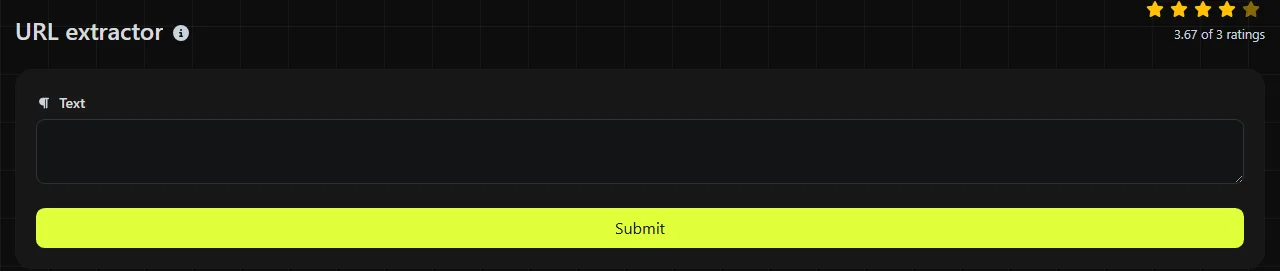
Paste the source text into the input, run the extraction, then check the Count.
- Copy the text containing the web addresses.
- Paste it into the tool and start the extraction.
- Check the Count.
The count is useful when you already know roughly how many links should be present. If a campaign brief says it contains 20 references and the result shows 19, you can check the source before passing the brief on.
Where does extracting URLs save time?
URL extraction saves time whenever links are mixed with sentences, labels, comments or other data that you do not need.
- Support records: collect links from copied Zendesk tickets or Microsoft Teams conversations before investigating reported pages.
- Content work: pull references from a Word document or a draft WordPress article when checking sources, redirects or internal links.
- Spreadsheet exports: recover web addresses from notes exported from Google Sheets or Excel without checking each cell manually.
- Mail merge preparation: separate destination links from descriptive text before putting them into a URL column in a CSV file.
- Migration checks: find absolute links in copied page content before moving articles between content management systems.
What counts as a URL?
For this tool, the relevant addresses are URLs beginning with http:// or https://. A bare domain such as example.org, a www address without a scheme, an email address and a relative path such as /contact are different forms of data.
A URL may contain a domain, port, path, query string and fragment. Numbers are valid within these components. Literal spaces are not valid URL characters and are normally encoded, often as %20, although many modern systems use other structures instead of spaces.
Internationalised domain names may appear as Unicode text or in ASCII-compatible Punycode form. Because text extraction relies on matching character patterns, check these addresses carefully rather than assuming every application will interpret them in the same way.
Worked input and output examples
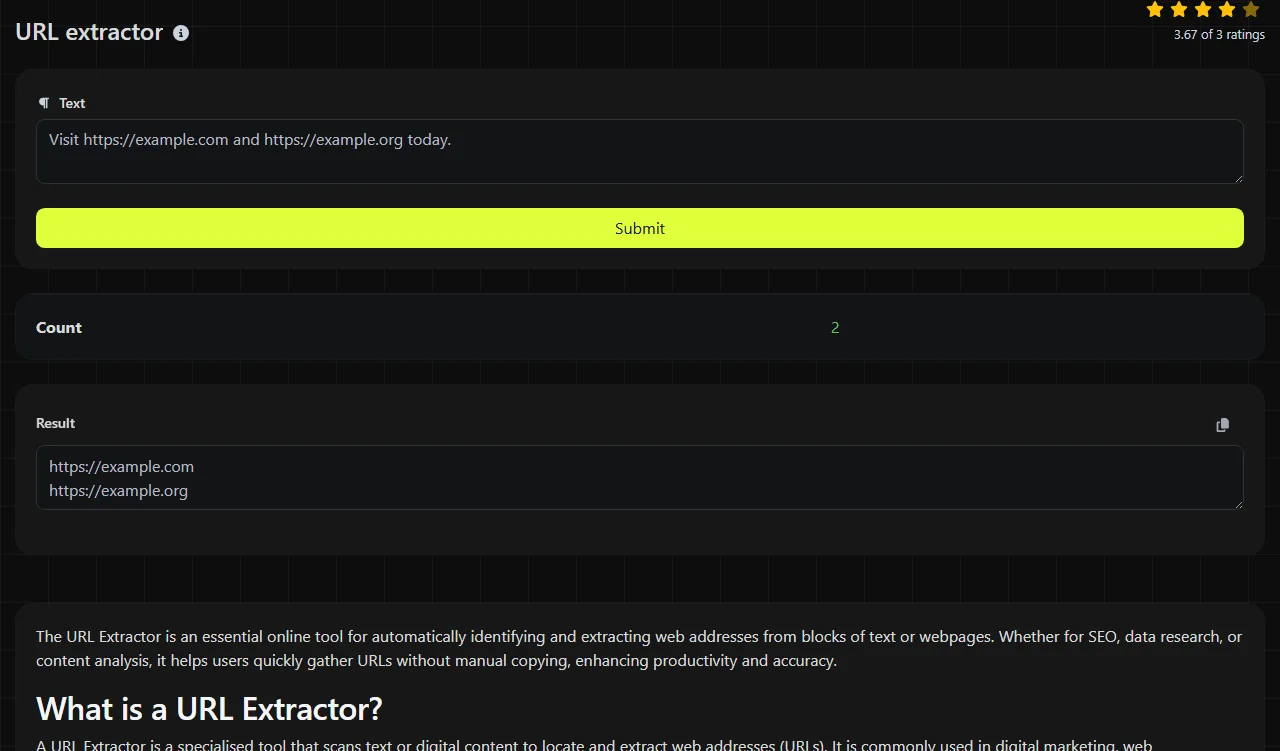
Input
Project brief https://example.org/brief
Archive copy http://example.net/archive
Count 2
A URL can also include a path and query parameters.
Input
Review order https://example.org/orders/1042?status=open
Count 1
How should I check awkward input?
Inspect matches that touch punctuation, brackets or line breaks, because plain text does not always make the intended URL boundary clear. A full stop may belong to the surrounding sentence. Literal reserved characters, including commas and brackets, are permitted only in particular URL contexts; when percent-encoded, they appear as percent-encoded byte sequences rather than as literal characters.
Text containing no HTTP or HTTPS address has no eligible URL to extract.
The tool uses pattern matching rather than understanding the meaning of each page. It cannot infer a missing scheme, repair a link broken across lines or decide that a nearby punctuation mark was typed by mistake.
Frequently asked questions
Will it extract a www address without HTTP or HTTPS?
No. Add the full scheme, such as https://www.example.org, if you want the address treated as an HTTP or HTTPS URL. Do not add a scheme blindly to untrusted or malformed text.
Does the extractor check whether a link is live?
No. Pattern matching identifies text shaped like a URL but does not confirm that the domain exists, the server responds or the page is safe. Check links separately before publishing or opening unfamiliar addresses.
Can it extract relative links from HTML?
It can identify absolute HTTP or HTTPS URLs present in pasted text, including those written inside HTML source. A relative value such as href="/pricing" does not contain the required scheme and needs the site's base address before it becomes an absolute URL.
Is my pasted text sent to a server?
Yes. The input travels to the server over HTTPS, where the extraction is performed, and it is not stored. Avoid pasting secrets, passwords or private access tokens into any text utility, especially when they appear inside URL query strings.
Does extraction remove tracking parameters?
No cleaning or tracking-parameter removal should be assumed. Review query strings such as campaign tags, session identifiers and signed parameters before sharing URLs from the source, as they may expose information or change where the link leads.
Popular Tools
Create your own custom signature and download it easily with our signature generator tool for personalized e-signatures.
Calculate the size of any text in Bytes (B), Kilobytes (KB), or Megabytes (MB) using our text size calculator tool.
Use the reverse IP lookup tool to find the domain or host associated with any IP address quickly and easily.
Use our ping tool to check the status and response time of any website, server, or port quickly and efficiently.
Digily Link's IP lookup tool provides detailed information about any IP address. Use this free online service to get comprehensive IP data.
Generate your free WhatsApp link instantly with our WhatsApp Link Generator. Add a custom message and start chats in one click. No login or coding required.