Safe URL checker
Safe URL checker is a free tool that checks whether Google marks a submitted URL as safe or unsafe.
What does Google Safe Browsing check?
Google Safe Browsing checks URLs against threat information maintained by Google. It is intended to identify web addresses associated with risks such as phishing, deceptive pages, malware and unwanted software.
The check concerns the submitted URL and its reputation in Google's data. It is not a live security audit of the website's code, hosting account or database.
An unsafe result does not necessarily mean that Google has removed the page from search results or that an internet provider has blocked it. Safe Browsing warnings, Google Search indexing and network-level blocking are separate systems.
How do I check whether a URL is safe?
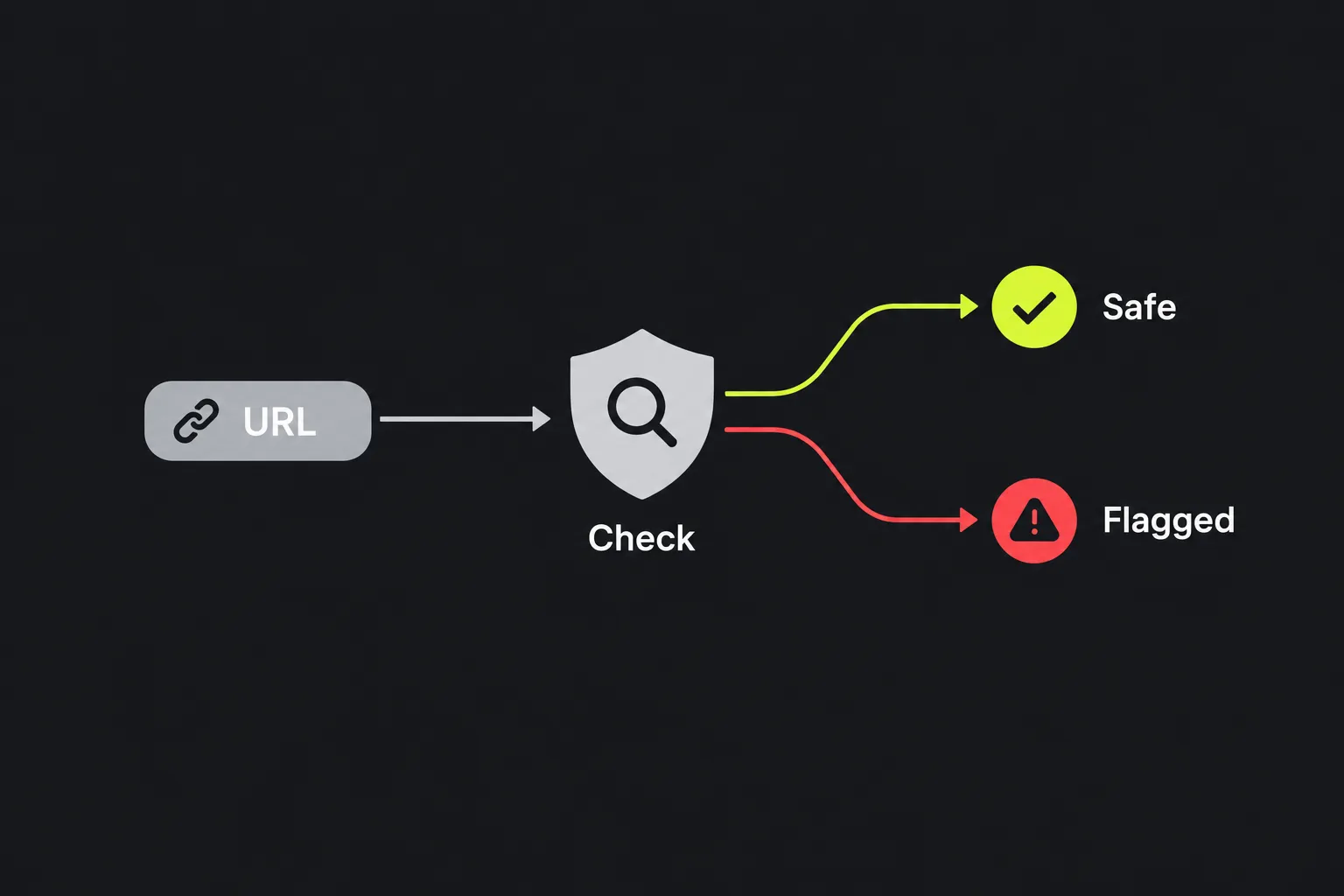
Submit the web address and check the result returned. Include the relevant path when the warning affects a particular page rather than the whole domain.
For example, checking https://example.co.uk/ may not tell you enough about https://example.co.uk/account/sign-in. The homepage and the sign-in page are different URLs and may have different reputations.
The work is done on the server. The URL travels to the server over HTTPS and is not stored. Avoid submitting private links containing password-reset tokens, signed download parameters or other secrets unless checking that precise address is necessary.
How should I read the result?
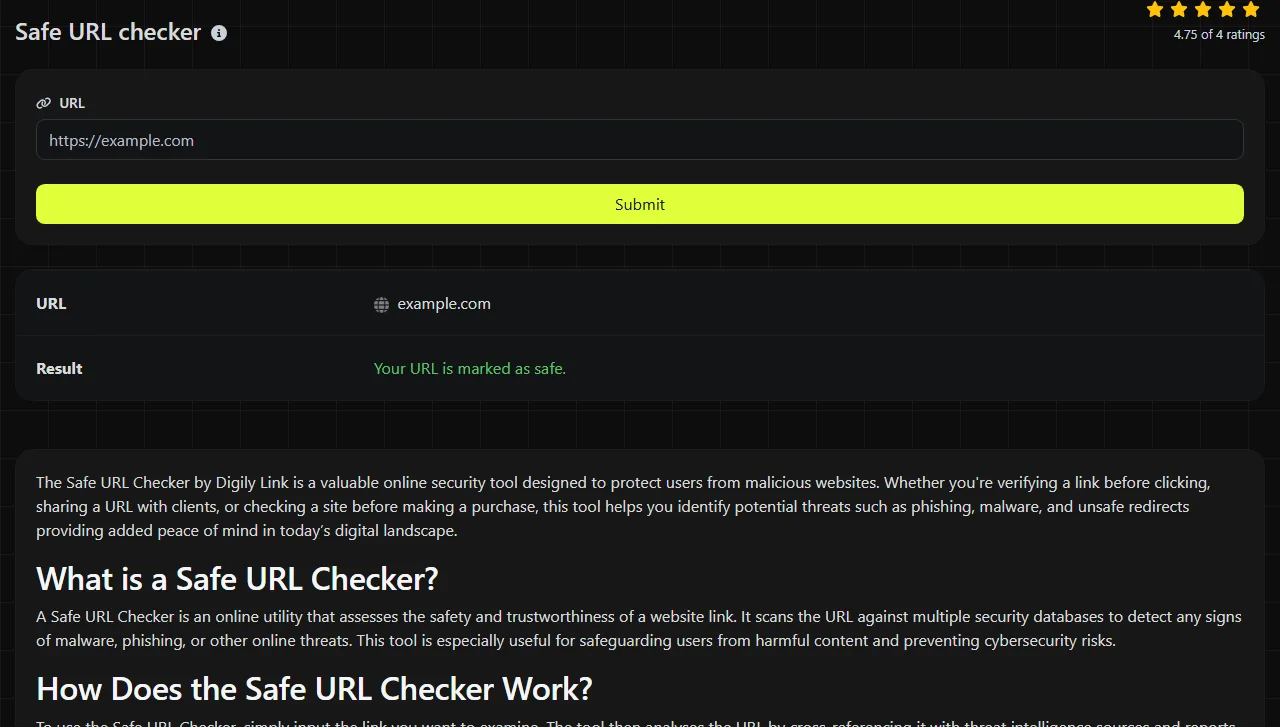
Read the result as a binary Safe Browsing status for the URL submitted. The tool returns one of two messages and does not provide a threat category, scan log or detailed explanation.
| Result field | What it tells you |
|---|---|
| Your URL is marked as safe. | Google did not mark the submitted URL as unsafe in this check. This is not a guarantee that the page is harmless, available or correctly configured. |
| Your URL is marked as unsafe. | Google associates the submitted URL with an unsafe status. Treat the link cautiously and investigate the site or message before opening it. |
A safe result does not validate an HTTPS certificate, test whether DNS resolves, inspect email authentication or confirm that a download is clean. It also cannot tell you whether a page asks for information for a legitimate business reason. Check the domain spelling and the page's context as well as the returned status.
When a link needs a second look
A Safe Browsing check is most useful when the problem involves a security warning or a suspicious destination rather than general website availability.
- A link in an email looks suspicious. Check the exact link without opening it in a browser. If the result is unsafe, do not enter credentials or payment details. Even with a safe result, compare the sender's domain with the organisation's known website and avoid links that contain unexpected login prompts.
- A cleaned website still shows a browser warning. Check the affected page and other compromised paths separately. An unsafe result may mean that Google's status has not yet changed or that some infected content remains. Review the hosting files, database, administrator accounts and third-party scripts before requesting any available review through the relevant Google service.
- A visitor is redirected to an unfamiliar domain. Check both the original address and the final destination. The Safe URL checker does not report a redirect chain, so use the URL redirect checker to identify each hop before checking the resulting URLs.

If a website does not resolve after a DNS change, this check cannot diagnose nameservers, A records, AAAA records or DNSSEC. A certificate warning also requires a separate check of the certificate's hostname, validity period and chain.
Why can a safe or unsafe status take time to change?
A Safe Browsing status can take time to change because Google's threat data is reassessed on its own schedule. DNS records, browser caches and intermediary caches can separately affect what a visitor experiences, but they do not delay the underlying status.
After removing malicious files, Google may still show an unsafe status until its systems revisit or reassess the affected URL. In the opposite direction, a recently compromised page might not yet appear in threat data. This delay is one reason a safe result cannot be treated as a complete security clearance.
DNS propagation can also cause confusing differences. Following a hosting move, one network may reach the new server while another still reaches the old address. If the old server was compromised, two people entering the same domain could temporarily receive different content even though the URL text is identical.
Browsers may retain warning information or cached pages for a period. Testing in another browser or network can help distinguish a local cache from a wider status, but clearing a cache does not remove a genuine Safe Browsing listing. The Google Cache Checker may help when investigating whether an older page version remains visible through Google's systems.
Frequently asked questions
Can I check a shortened URL?
You can check the shortened address itself, but that does not automatically explain every destination it may redirect to. Expand the link with a redirect checker, then check the final URL and any unexpected intermediate domains separately.
Can I use this check for localhost or a private company address?
Safe Browsing is designed around web threats and publicly meaningful URLs, so a result for localhost, an internal hostname or a private IP address may not be useful. Diagnose those addresses through local DNS, routing, proxy and server configuration instead.
Should I include tracking parameters in the URL?
Include parameters when they change the destination or content being investigated, but remove unnecessary analytics tags where possible. Query strings can contain personal identifiers, access tokens or email addresses, so inspect the URL before submitting it.
What should I do if only one page is marked unsafe?
Isolate that page and examine its files, embedded scripts, forms and database content. Also inspect nearby paths and recently changed templates, because shared code can affect more than one page even when only one address has been reported. Keep the affected page offline until the cause has been removed. Change access credentials if compromise or credential exposure is suspected or confirmed.
Popular Tools
Create your own custom signature and download it easily with our signature generator tool for personalized e-signatures.
Calculate the size of any text in Bytes (B), Kilobytes (KB), or Megabytes (MB) using our text size calculator tool.
Use the reverse IP lookup tool to find the domain or host associated with any IP address quickly and easily.
Use our ping tool to check the status and response time of any website, server, or port quickly and efficiently.
Digily Link's IP lookup tool provides detailed information about any IP address. Use this free online service to get comprehensive IP data.
Generate your free WhatsApp link instantly with our WhatsApp Link Generator. Add a custom message and start chats in one click. No login or coding required.