Reverse list

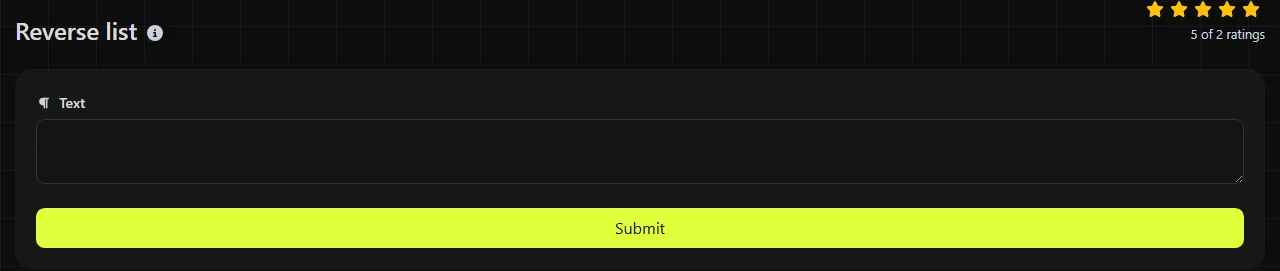
Reverse list is a free tool that reverses the order of text lines so the last line becomes the first and the first becomes the last.
How do I reverse a list?
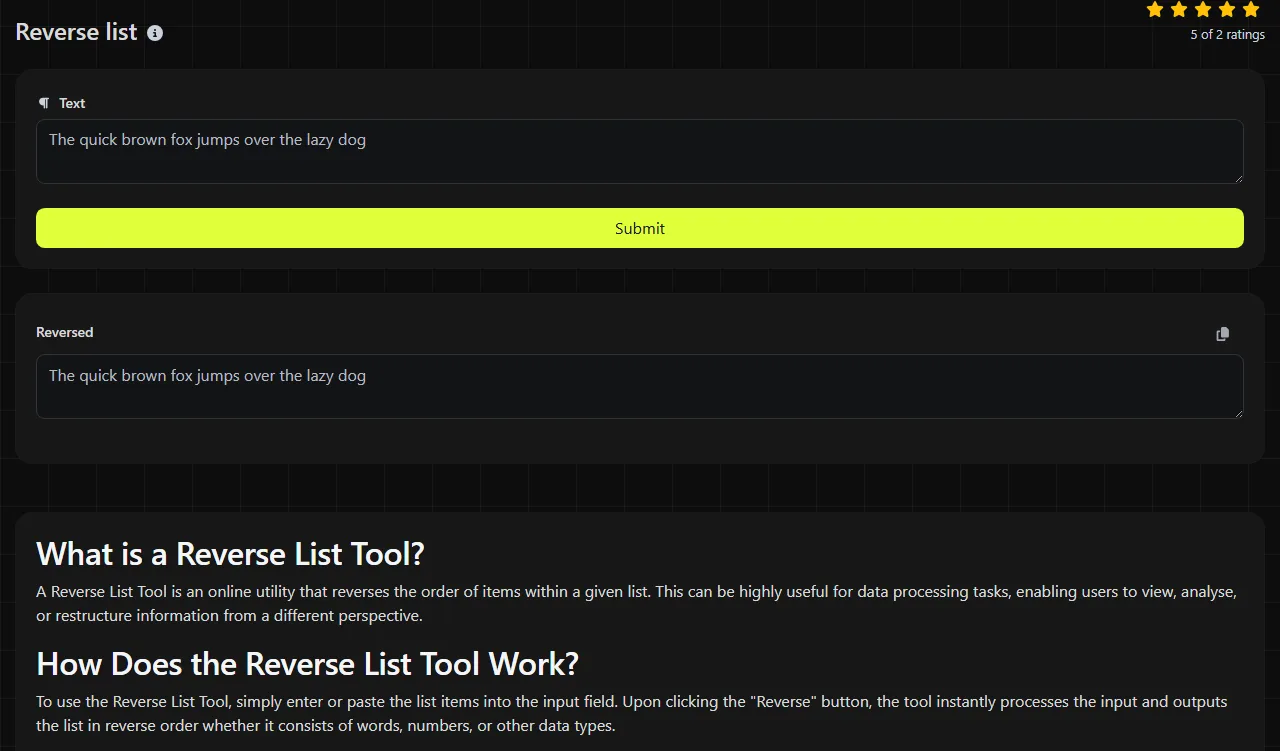
Enter or paste the list, run the tool, then copy the content from the Reversed result field.
- Put each list item on its own line.
- Run the reversal and check the first and last items.
- Copy the reversed lines into the destination document, spreadsheet or system.
The tool works on the server. Your input travels to the server over HTTPS and is not stored.
Where does reversing a list save time?
Reversing a list saves time when the existing order is exactly opposite to the order required by another document, platform or workflow.
- Rows copied from Excel and Google Sheets can be pasted as lines when records need to run from bottom to top. If the data has several columns, keep each complete row together rather than reversing one column on its own.
- Chronological records can be changed from oldest-first to newest-first, or the other way round, before adding them to a report or case file.
- Word mail merge preparation may involve a recipient list that a downstream workflow requires in reverse order. Reverse whole records only, otherwise names, addresses and reference numbers can become misaligned.
- Content management systems sometimes display manually entered items in insertion order. Reversing the source list before pasting can produce the required visible order.
- Task lists from Trello or similar boards can be reordered after copying card titles as plain lines.
A useful habit is to add a recognisable temporary line such as "START CHECK" before reversing a long list. It should appear at the opposite end afterwards, making an accidental partial selection easier to spot.
Worked examples and result checks
For this input:
Monday
Tuesday
Wednesday
The reversed result is:
Wednesday
Tuesday
Monday
Numbers are treated as line content rather than sorted by value. The input lines "10", "2" and "1" become "1", "2" and "10". This is a reversal, not a numerical sort.
Punctuation and accented or non-Latin characters do not determine the order. In a line-based reversal, each complete line changes position. For example, "Café", "東京" and "Item 3!" reverse by line rather than alphabetically.
Check blank lines carefully. An empty line is still a line in many text formats and may create an unexpected gap after reversal. It is also sensible to compare the number of source and result lines when working with a long list.
Does Reverse list reverse words or letters?
No, Reverse list changes the order of lines rather than reversing the characters or words inside each line.
The line "Order reference 4821" remains one list item while its position changes. Use Reverse words when the words within a line need to appear in the opposite order, or Reverse letters when the characters themselves need reversing.
This distinction matters for addresses, product names and sentences. Reversing their internal text usually makes them unusable, while moving each complete line preserves the item as a unit.
How should I handle spreadsheet and mail-merge data?
Keep every logical record on one line, or reverse complete rows in the original spreadsheet instead.
Plain line reversal is suitable for a single column of names, stock codes or email addresses. It is risky for multi-column data copied with line breaks inside cells, because a postal address or note may occupy several physical lines. In that case, add a temporary sequence column in Excel or Google Sheets, sort it in descending order, and remove the sequence column afterwards.
Before a mail merge, verify the first two and last two records rather than checking names alone. Matching a name with its email address, account number or delivery address catches row alignment errors.
Frequently asked questions
Will duplicate lines be removed?
No deduplication is implied by reversing a list. If repeated entries are unwanted, remove duplicates separately and decide whether to do so before or after reversal, as that choice affects which occurrence is retained by some spreadsheet methods.
Can I reverse a CSV file with this tool?
Only treat CSV content as a line list when each record occupies exactly one physical line. Quoted CSV fields can legally contain line breaks, so reversing those lines independently may split records and produce an invalid file. A spreadsheet or CSV-aware script is safer for that case.
What happens to a final blank line or trailing newline?
Text copied from editors or terminals often ends with a newline that is not visibly obvious. This line-ending character does not necessarily create a final blank line, although different destinations may interpret it as an additional empty line. An actual empty final line is a separate line with no content. Inspect the top and bottom of the result before pasting it elsewhere.
Can I use the result in numbered lists?
Yes, but remove existing numbers first if they describe the original positions. After reversal, let Word, Google Docs or the destination editor generate fresh numbering so the sequence begins correctly.
Is this suitable for passwords or confidential records?
The input is sent to the server over HTTPS and is not stored, but it still leaves your device for processing.
Popular Tools
Create your own custom signature and download it easily with our signature generator tool for personalized e-signatures.
Calculate the size of any text in Bytes (B), Kilobytes (KB), or Megabytes (MB) using our text size calculator tool.
Use the reverse IP lookup tool to find the domain or host associated with any IP address quickly and easily.
Use our ping tool to check the status and response time of any website, server, or port quickly and efficiently.
Digily Link's IP lookup tool provides detailed information about any IP address. Use this free online service to get comprehensive IP data.
Generate your free WhatsApp link instantly with our WhatsApp Link Generator. Add a custom message and start chats in one click. No login or coding required.