YouTube timestamp link generator
YouTube timestamp link generator is a free tool that creates a YouTube link which opens a video at a specified start time in minutes, including for recipients using mobile devices.
What is a YouTube timestamp link?
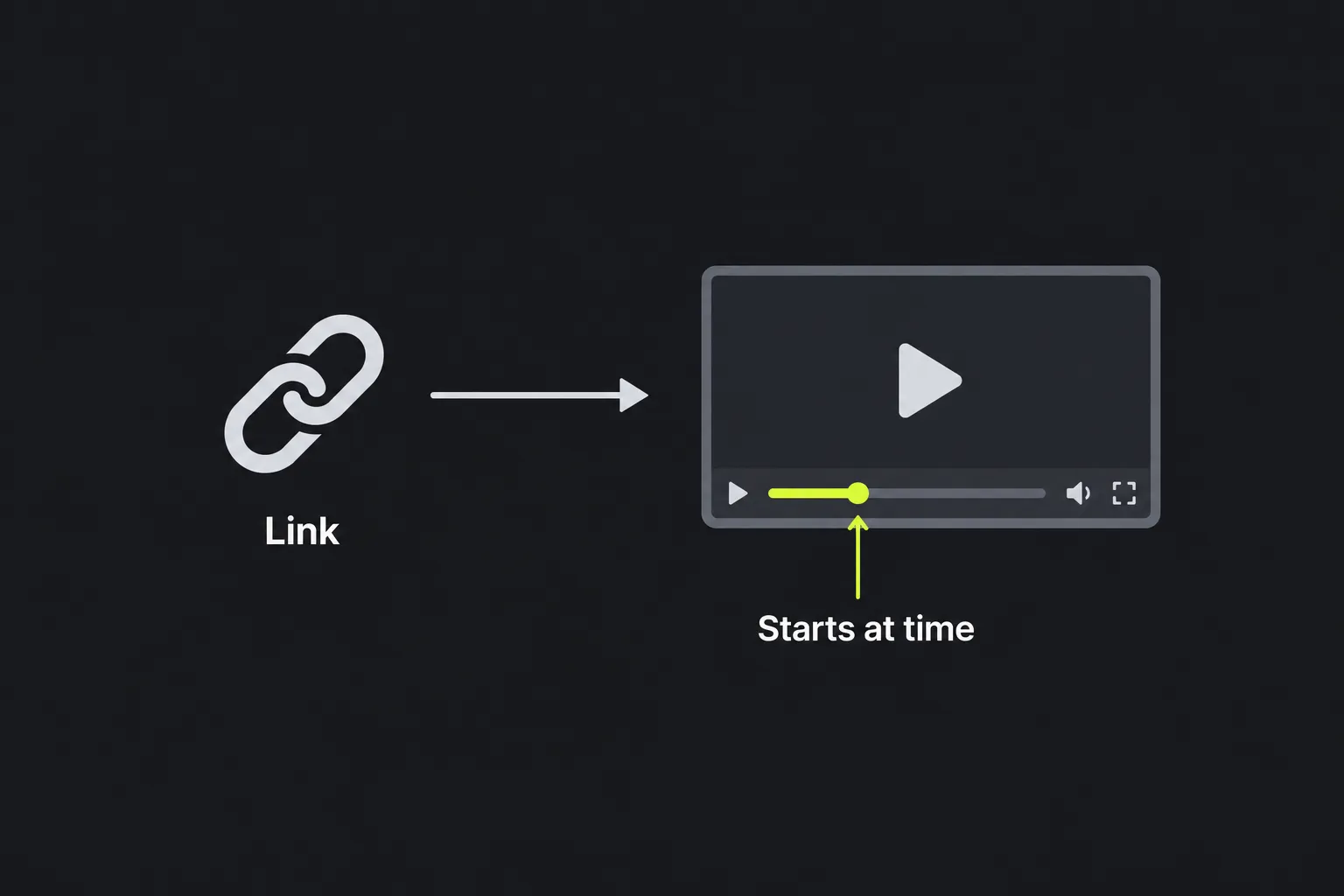
A YouTube timestamp link is a normal video URL with an extra parameter that tells YouTube where playback should begin. Instead of asking someone to find a particular section, you can send a link that opens the video at that point.
The timestamp is part of the URL. For a standard watch-page address, YouTube commonly expresses it with a lower-case t parameter and a time value, such as t=120s. The value means that playback should start 120 seconds from the beginning.
Timestamp links are useful when referring to a specific answer in a tutorial, a speaker's comment in a recorded meeting, a product demonstration or one song within a longer performance. The recipient can still move backwards or forwards after opening the video.
How do you create a YouTube link for a specific minute?
Enter the video's address in YouTube video URL, then put the required minute in Min. The tool uses those two pieces of information to generate a link containing a start timestamp.
- Open the YouTube video and copy its full URL from the address bar or sharing options.
- Paste the address into YouTube video URL.
- Enter the point at which playback should begin in Min.
- Use the generated link in a message, document, email or social post.
- Open the result once before sending it, particularly if the original URL already contained playlist or tracking parameters.
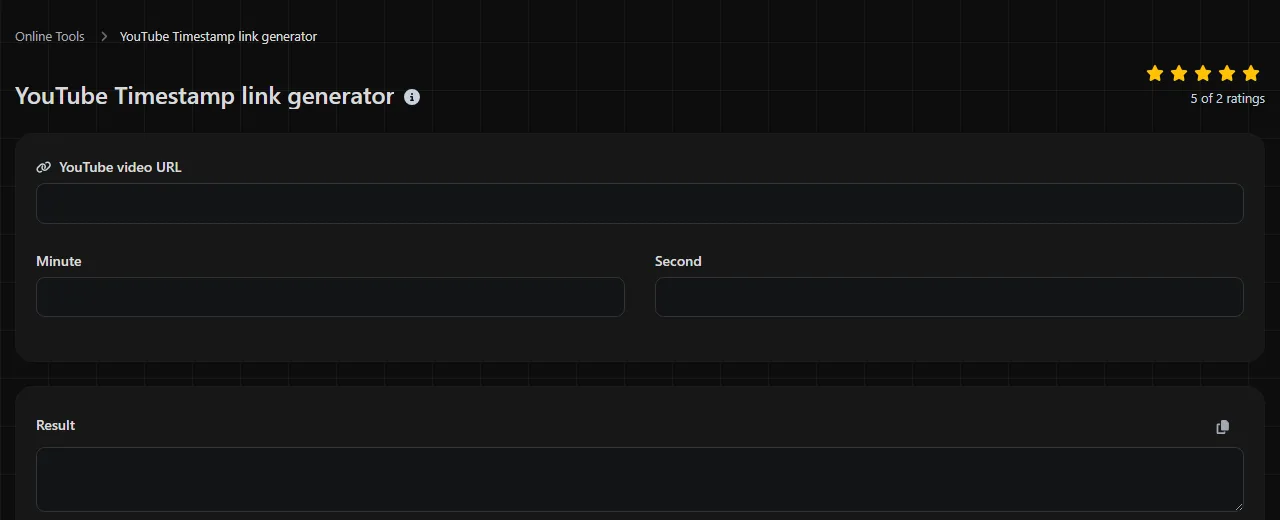
The available time field is labelled Min. If the required point is 2 minutes from the start, enter 2. The accepted precision is unspecified.
Anatomy of the generated link
A timestamp link contains the ordinary parts of a YouTube URL followed by information describing the start time. Understanding those parts helps you add or check a YouTube timestamp without disrupting existing parameters.
- Scheme is the URL scheme, normally https.
- Host identifies YouTube, such as www.youtube.com or the shortened youtu.be host.
- Video path or ID identifies the individual video. In a watch URL, the ID usually appears as the value of the v parameter.
- Query separator introduces parameters. A question mark starts the query, while an ampersand adds another parameter to a query that already exists.
- Timestamp parameter is commonly written as lower-case t.
- Timestamp value states the offset from the beginning, commonly in seconds in the finished URL.
Here is a worked example using a two-minute start point.
Input URL: https://www.youtube.com/watch?v=dQw4w9WgXcQ
Min: 2
A valid timestamp form: https://www.youtube.com/watch?v=dQw4w9WgXcQ&t=120s
The existing v parameter identifies the video. Because the URL already has a question mark, the timestamp is added with an ampersand. For a shortened URL with no query string, the timestamp would normally begin with a question mark instead.
Keep the parameter name lower-case and do not add spaces around the equals sign or time value. Preserve the video ID exactly as supplied because IDs are case-sensitive. Do not convert the whole address to lower-case in an attempt to make reporting tidier.
If links are being recorded in a spreadsheet or content calendar, choose one consistent convention for the source URL, minute notation and link label. Consistency makes duplicate links and incorrect start points easier to spot. If campaign attribution is also required, use a UTM link generator to prepare the tracking parameters, while taking care not to remove the timestamp.
Where does the timestamp become visible?
The result becomes visible in the recipient's YouTube app or browser when the video opens with its playhead positioned at the requested minute. The timestamp also remains visible as part of the shared URL.
A recipient may first see an advert, consent request, age check or sign-in screen. These steps can appear before the video reaches the requested point, so a timestamp does not guarantee that the first screen shown will be the chosen frame.
Anyone who receives or opens the URL can inspect it and see the requested start offset.
YouTube Analytics does not treat the timestamp as a descriptive campaign name. If you need to distinguish links used in separate newsletters or posts, record them outside YouTube or add suitable campaign tracking where the destination and reporting setup support it.
What causes YouTube timestamp links to fail?
Possible causes of timestamp link failures include a malformed time parameter, removal of an existing part of the URL or a selected point that does not make sense for the video.
- Using the wrong separator. Adding a second question mark to a watch URL can break its query string. Use an ampersand when parameters already follow a question mark.
- Changing the video ID. Removing characters or changing upper-case letters to lower-case can point to the wrong address or produce an unavailable-video message.
- Including spaces in the timestamp. The syntax of YouTube's timestamp parameter should not include spaces around t, the equals sign or the numeric value.
- Selecting a point beyond the video. A start time after the video's duration cannot open a playable section at that point.
An empty minute value does not describe a start point. Negative values are also unsuitable because a video has no playback position before zero. Do not assume that a decimal minute will be interpreted in a particular way by this tool. Convert a precise position to seconds manually if you need to construct a more detailed standard YouTube timestamp.
If accented or non-Latin characters appear in unrelated query values, they may need URL encoding. Very long links can also become awkward to paste into messaging systems, particularly when playlist and campaign parameters are retained.
Frequently asked questions
Will a timestamp link skip YouTube adverts?
No. A timestamp controls the video's requested playback position, not advertising or access checks. An advert may play before YouTube moves to the selected point.
Can I keep a video inside its playlist when adding a timestamp?
Yes, provided the playlist parameters remain in the URL. Be careful not to delete the playlist identifier, as doing so may open the video outside its original playlist context. The optional item-position parameter specifies the video's position within the playlist; removing it may discard that position without removing the playlist context.
Can a YouTube link specify an end time as well?
A normal shared watch link is mainly used to request a start position and does not force the viewer to stop at a chosen point. Embedded players have separate configuration parameters for start and end positions, but those belong to YouTube's embed format rather than an ordinary timestamp link.
Can I put a timestamp link in a QR code?
Yes. A timestamp link is still a web address, so it can be used as the content of a URL QR code. Scan and test the finished code on both Android and iPhone if it will be printed, as the device may open either the YouTube app or a browser.
What happens if the video is edited or replaced?
The timestamp remains a fixed offset from the beginning. If the publisher trims or changes the video's content, the same minute may no longer refer to the intended scene. Recheck saved timestamp links after substantial edits to the source video. A separately uploaded replacement has a different URL and video ID, so the original timestamp link will not point to it.
Popular Tools
Create your own custom signature and download it easily with our signature generator tool for personalized e-signatures.
Calculate the size of any text in Bytes (B), Kilobytes (KB), or Megabytes (MB) using our text size calculator tool.
Use the reverse IP lookup tool to find the domain or host associated with any IP address quickly and easily.
Use our ping tool to check the status and response time of any website, server, or port quickly and efficiently.
Digily Link's IP lookup tool provides detailed information about any IP address. Use this free online service to get comprehensive IP data.
Generate your free WhatsApp link instantly with our WhatsApp Link Generator. Add a custom message and start chats in one click. No login or coding required.