ASCII converter

ASCII converter is a free tool that converts text characters to their ASCII code values and converts ASCII values back into characters.
What is ASCII and how does it work?
ASCII is a character-encoding standard that assigns a number to each English letter, digit, punctuation mark and control character. Standard ASCII contains 128 values, numbered from 0 to 127, so each value fits within seven bits.
Codes 0 to 31 and 127 are control characters. They represent actions such as a line feed, tab or deletion rather than visible symbols. Codes 32 to 126 are printable characters, including spaces, letters and punctuation. Upper-case and lower-case letters have different values, so A is 65 while a is 97.
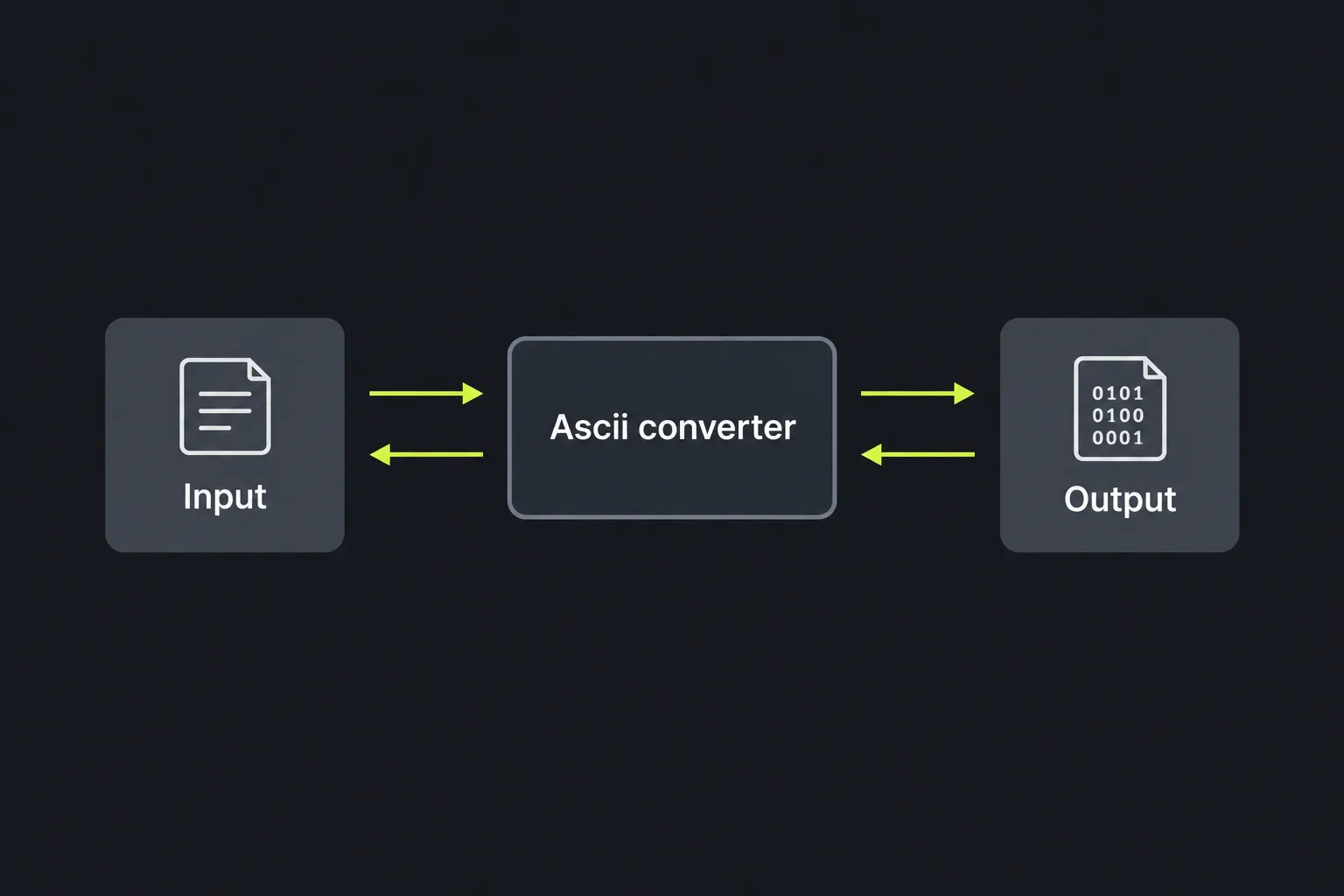
How do I use the ASCII converter?
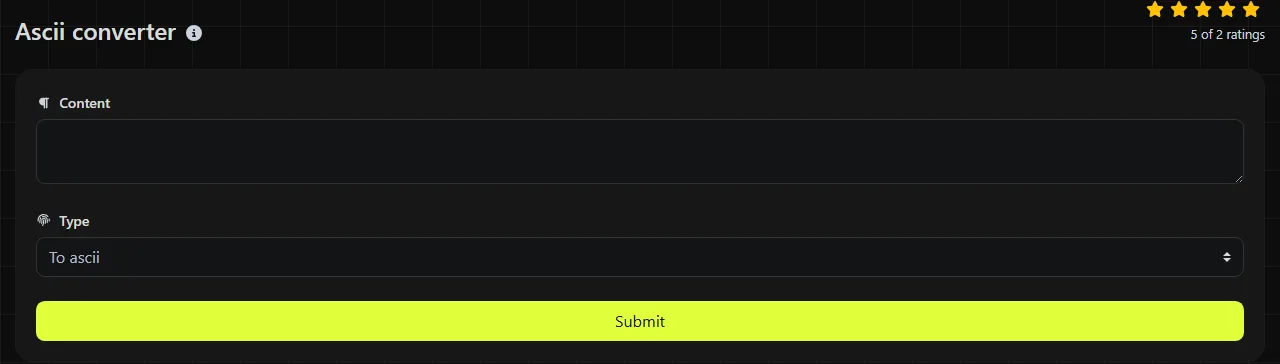
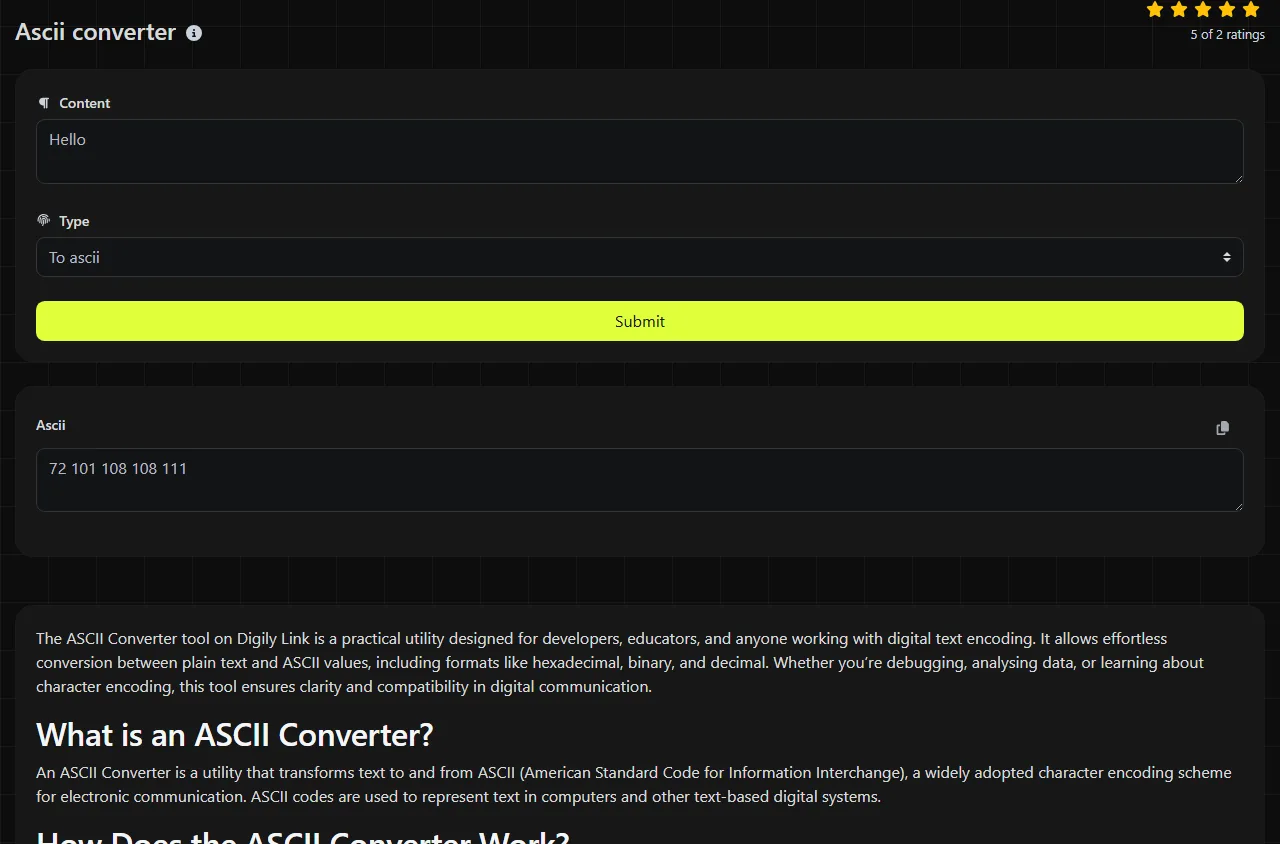
Enter ordinary text in To ascii to obtain its numeric character values, or enter an ASCII value in To text to recover the corresponding character. The conversion uses byte-based PHP functions, including ord, chr and strlen.
- Use To ascii when checking the code assigned to a letter, digit or punctuation mark.
- Use To text when you already have a numeric code and need to identify its character.
- Read the converted value in the Ascii result field.
The work takes place on the server. Input travels to the server over HTTPS and is not stored. It is therefore inaccurate to say that the data remains entirely on your device.
Worked conversion and reference values
As a simple example, the text CAT corresponds to decimal codes 67, 65 and 84. Converting those unchanged code values back to text produces CAT. Each byte is handled separately and the order of the values must remain unchanged.
| Character or control | Decimal ASCII value | Hexadecimal value |
|---|---|---|
| Line feed | 10 | 0A |
| Space | 32 | 20 |
| 0 | 48 | 30 |
| A | 65 | 41 |
| a | 97 | 61 |
| ? | 63 | 3F |
A common manual-conversion mistake is to confuse a digit with the number it represents. The character 7 has decimal ASCII code 55, not 7. Another source of errors is copying a hexadecimal value from an ASCII table and treating it as decimal.
Where is ASCII used in practice?
ASCII is used wherever systems need a simple, widely recognised mapping between characters and numbers. Modern systems usually use Unicode, but its first 128 code points match ASCII.
- Programming uses ASCII values when parsing plain-text files, checking character ranges and working with escape sequences.
- Networking uses ASCII-compatible text in many protocol commands, headers and diagnostic exchanges.
- Electronics often sends ASCII commands and readings through serial consoles, microcontrollers and test equipment.
- Education uses ASCII tables to explain character encoding, binary values and data representation.
- Radio equipment may exchange ASCII commands through control interfaces, while packet-radio systems can carry ASCII text.
If a specification gives a code in another base, a Hex converter, Decimal converter or Binary converter can help express the same numeric value in the required notation.
What happens with spaces, accents and other awkward input?
Spaces are characters and have ASCII value 32, while punctuation and digits each have their own values. Tabs, line feeds and other controls also have codes, although their converted characters may appear blank or alter the layout.
Accented letters, emoji and non-Latin scripts are not part of standard ASCII. Because this converter uses byte-oriented PHP functions, UTF-8 text can be treated as several byte values rather than one Unicode character. It does not transliterate é to e, identify an unknown encoding or provide full Unicode code-point conversion.
Long passages produce many individual byte values, so inspecting specific characters is usually more practical than converting an entire document.
Frequently asked questions
Are values from 128 to 255 part of ASCII?
No. Standard ASCII ends at 127. Values from 128 to 255 are outside ASCII, and their interpretation depends on the encoding.
What is the difference between NUL and the digit zero?
NUL is control code 0 and can be used as a terminator or padding byte, depending on the format or protocol. The visible digit 0 has decimal code 48, so they are different values and cannot be substituted for one another.
Should I paste passwords or private keys into the converter?
No. Although input is sent over HTTPS and is not stored, secrets are better handled with a local script or offline utility. For ordinary letters, protocol values and coursework checks, enter only the smallest piece of text needed for the conversion.
Similar Tools
Convert text to binary and vice versa with our binary converter tool for efficient data encoding and decoding.
Convert text to hexadecimal and back with our hex converter tool for accurate data transformation.
Convert text to decimal and back with our decimal converter tool for precise data conversion.
Popular Tools
Create your own custom signature and download it easily with our signature generator tool for personalized e-signatures.
Calculate the size of any text in Bytes (B), Kilobytes (KB), or Megabytes (MB) using our text size calculator tool.
Use the reverse IP lookup tool to find the domain or host associated with any IP address quickly and easily.
Use our ping tool to check the status and response time of any website, server, or port quickly and efficiently.
Digily Link's IP lookup tool provides detailed information about any IP address. Use this free online service to get comprehensive IP data.
Generate your free WhatsApp link instantly with our WhatsApp Link Generator. Add a custom message and start chats in one click. No login or coding required.