Meta tags checker
Retrieve and verify the meta tags of any website using our meta tags checker tool to optimize your SEO.
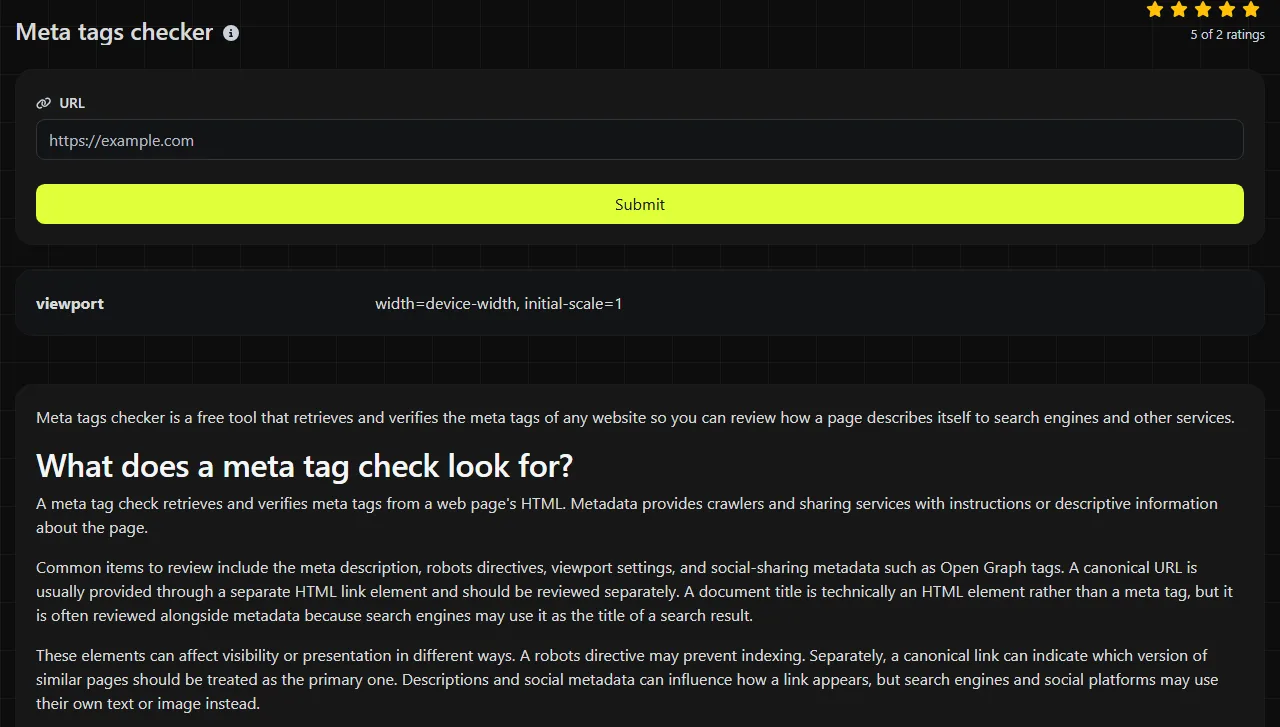
Meta tags checker is a free tool that retrieves and verifies the meta tags of any website so you can review how a page describes itself to search engines and other services.
What does a meta tag check look for?
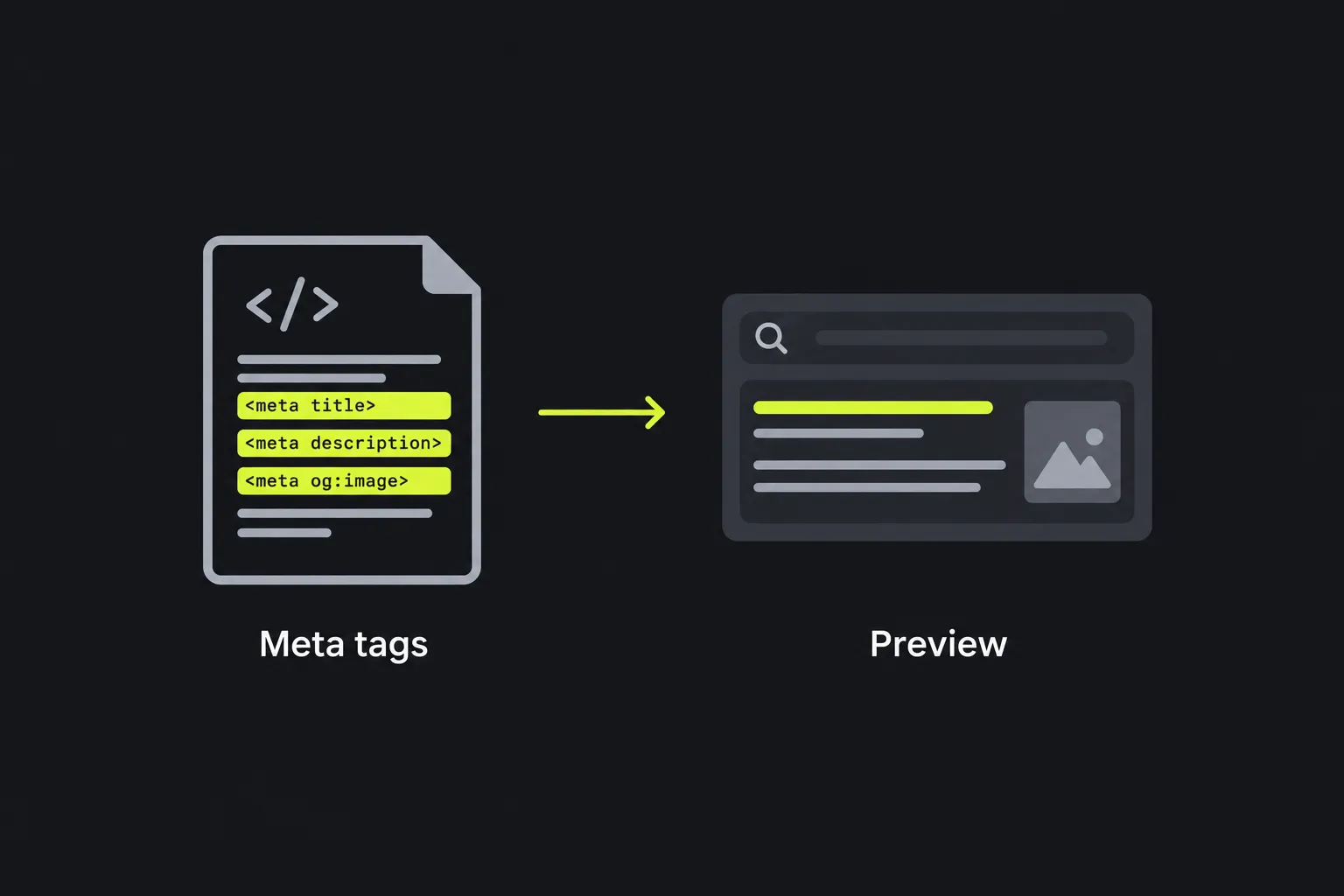
A meta tag check retrieves and verifies meta tags from a web page's HTML. Metadata provides crawlers and sharing services with instructions or descriptive information about the page.
Common items to review include the meta description, robots directives, viewport settings, and social-sharing metadata such as Open Graph tags. A canonical URL is usually provided through a separate HTML link element and should be reviewed separately. A document title is technically an HTML element rather than a meta tag, but it is often reviewed alongside metadata because search engines may use it as the title of a search result.
These elements can affect visibility or presentation in different ways. A robots directive may prevent indexing. Separately, a canonical link can indicate which version of similar pages should be treated as the primary one. Descriptions and social metadata can influence how a link appears, but search engines and social platforms may use their own text or image instead.
The old meta keywords tag does not provide a useful optimization signal for major search engines. Including it is generally harmless, but spending time filling it with keyword lists is unlikely to improve search visibility.
How do I check a website's meta tags?
Enter the full public URL of the page you want to inspect, run the check, and review the metadata it retrieves. Check the exact page instead of assuming every page on the same site uses the homepage settings.
- Use the final HTTPS address when possible, including the full path for an article, product, or profile.
- Check whether the submitted URL redirects. If it does, also inspect the destination shown in your browser.
- Compare the returned values with the page's purpose and intended appearance in search results.
- Make changes in the website template, content management system, or SEO settings, publish them, and then run the check again.

The check runs on the server. Your submitted URL is sent to the server over HTTPS and is not stored. The target page must be reachable from the public internet for a server-based checker to retrieve it. Private preview links, intranet pages, and pages behind a login may not be accessible.
URL details matter. A query string can produce a different response, while a fragment beginning with a hash is not sent to the web server. Spaces are not valid literal URL characters and usually require percent-encoding. Accented or non-Latin domain names may be represented under IDNA as ASCII labels that use Punycode, while non-Latin path characters may appear percent-encoded.
How should I read the results?
Review each returned meta element by checking its attributes, such as name, property, http-equiv, charset, and, where applicable, content. Make sure they match the page you submitted. A tag can be present but still be incorrect, duplicated, or inherited from an unsuitable template.
- Meta description should describe this specific page in natural language. An empty value gives a search engine no suggested summary, although the search engine may still create one from visible text.
- Robots provides directives that compliant crawlers may follow. For example, robots = noindex, follow asks compliant crawlers not to index the page while still allowing them to follow its links.
- Canonical should be reviewed separately because it is usually an HTML link element, not a meta element. Its href identifies the preferred URL for duplicate or near-duplicate content. It should usually resolve to a valid, indexable page representing the same content.
- Viewport helps browsers lay out a page on mobile devices. It does not directly describe the page, but a missing or unsuitable value can contribute to poor mobile presentation.
- Open Graph and similar social tags provide a suggested title, description, URL, or image when the page is shared. Each platform decides which values it actually uses.
For a practical example, a product page returning description = Red wool scarf with tasselled ends is specific to the item. If the same page returns description = Welcome to our website, the tag exists but provides little useful context. Similarly, when reviewing the canonical link separately, an href of https://example.co.uk/scarves/red-wool-scarf makes sense for that product, while a canonical pointing to the store homepage may cause the product URL to be treated as a duplicate.
No metadata checker can guarantee rankings, indexing, or an exact search snippet. Search engines consider the full page, links, crawl access, and many other signals, and they may rewrite titles or descriptions to suit a specific query.
Common findings and practical fixes
- Missing description. Add a page-specific description through the content management system or page template. Avoid using the same sentence across a large group of pages.
- Accidental noindex directive. Remove it from pages intended for search once they are ready to publish. Also check HTTP response headers, since robots instructions can be provided there instead of in the HTML.
- Multiple copies of the same tag. Identify which theme, plugin, or template component adds each copy, then keep one authoritative value. Conflicting robots directives or duplicate canonical link elements make problems harder to diagnose.
- Incorrect canonical link. Review it separately from the meta tags and replace a site-wide default with the preferred URL for the current content. Pay attention to HTTP versus HTTPS, hostname variations, and unnecessary tracking parameters.
- Outdated social title or image. Update the page's sharing fields and confirm that the image URL is public. Some platforms cache previews, so a corrected tag may not appear immediately.
- Metadata from another page. Check template variables and publishing workflows. This often happens when an editor duplicates an existing product, event, or article without replacing every field.
Metadata added only after client-side JavaScript runs may not be visible to every crawler or checking service. For metadata that provides indexing directives and separate link elements that indicate canonicalization, placement in the server-delivered HTML is generally more reliable.
How often should I check meta tags?
Check metadata again after publishing a new template, changing an SEO plugin, migrating domains, or editing indexing settings. Routine checks also make sense after bulk content imports and releases that change page headers.
There is little value in repeatedly checking an unchanged page every few minutes. Check again after the published HTML changes, after a redirect is corrected, or once a platform has had time to clear a cached preview. For a large site, sample several page types instead of checking only the homepage. Include an article, category, product, paginated page, and any template that should remain outside search results.
Frequently asked questions
Can a meta tag checker detect tags added by JavaScript?
It depends on whether the checking service renders JavaScript or reads only the initial HTML response. Do not assume script-injected tags will be detected. Inspect the server-delivered source if a tag appears in your browser's developer tools but not in the check.
Why is the checked page different from the URL I entered?
The submitted address may redirect to another URL because of HTTPS enforcement, hostname canonicalization, trailing-slash normalization, or a changed page slug. In some cases, regional routing or the removal of a tracking parameter may also cause a redirect. Review the final destination because that is the page whose metadata may be retrieved.
Can I check a staging site or password-protected page?
Usually not, unless the page is publicly reachable and the checker can access it without credentials. Instead, inspect protected pages locally through their rendered HTML.
Should every page have unique metadata?
Pages with different purposes should generally have titles and descriptions that reflect their own content. Any canonical link, reviewed separately from meta tags, should point to the appropriate preferred URL. Duplicate filtered pages need a deliberate canonicalization approach. Syndicated copies require handling that fits the publication arrangement. Translated pages should use appropriate language annotations instead of being treated as duplicates.
What should I do after fixing a tag?
Publish the change, clear any relevant site cache, and check the final public URL again. Then inspect the page using the search engine's or social platform's own diagnostic service, if one is available, since those services may apply their own rendering, caching, and eligibility rules.
Popular Tools
Create your own custom signature and download it easily with our signature generator tool for personalized e-signatures.
Calculate the size of any text in Bytes (B), Kilobytes (KB), or Megabytes (MB) using our text size calculator tool.
Use the reverse IP lookup tool to find the domain or host associated with any IP address quickly and easily.
Use our ping tool to check the status and response time of any website, server, or port quickly and efficiently.
Generate your free WhatsApp link instantly with our WhatsApp Link Generator. Add a custom message and start chats in one click. No login or coding required.
Digily Link's IP lookup tool provides detailed information about any IP address. Use this free online service to get comprehensive IP data.