SQL formatter/beautifier
SQL formatter/beautifier is a free tool that takes SQL code and returns a more readable, consistently laid-out version.
What does SQL formatting change?
SQL formatting changes the presentation of a query so that its clauses, expressions and nested structures are easier to follow. It commonly adds line breaks and indentation around elements such as SELECT lists, JOIN clauses, WHERE conditions, subqueries and CASE expressions.
Formatting should not change the query's intended result. However, SQL dialects differ, and formatting alone cannot prove that a statement has retained its meaning. Review generated SQL before running it against production data, particularly if it uses vendor-specific operators, procedural extensions or unusual quoting rules.
A formatter is useful when reading third-party queries, reviewing generated SQL, debugging a long statement or preparing code for a pull request. Consistent layout also makes changes easier to compare because unrelated spacing differences are reduced.
How do I use the SQL formatter?
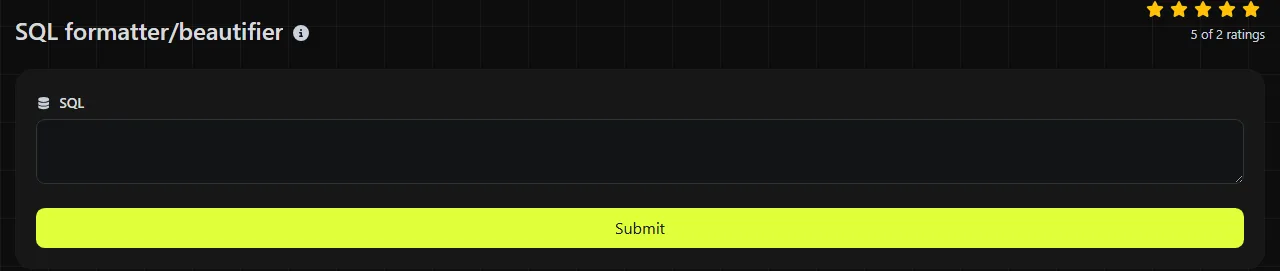
Paste or enter the statement in the SQL field, then submit it to receive the formatted version in Beautified SQL. The input is sent to the server over HTTPS for processing and is not stored.
- Copy the complete statement, including any common table expressions that you need to keep, and verify comments and any terminating semicolon in the result.
- Enter it in the SQL field rather than formatting isolated fragments where possible.
- Read the result in Beautified SQL, paying particular attention to nested expressions and dialect-specific syntax.
- Run the formatted statement in a suitable development or staging environment before deploying it.
For sensitive database work, check your organisation's policy before sending query text to any server-based utility. Remove passwords, access tokens, personal data and confidential literal values if they are not needed to understand the query.
How should I read the beautified SQL?
Read the result by following the indentation and clause boundaries rather than treating the new layout as proof that the statement is valid. A top-level SELECT, FROM, WHERE, GROUP BY and ORDER BY will usually be easier to distinguish once each logical part has its own line or indentation level.
- Indented subqueries show where an inner result is used by an outer statement.
- Aligned conditions make AND and OR precedence easier to inspect, though AND takes precedence over OR by default and parentheses still determine logical grouping.
- Separated JOIN clauses help reveal which ON condition belongs to each table.
- Expanded SELECT lists make missing commas, duplicated columns and ambiguous aliases easier to notice.
- Visible CASE branches help reviewers match WHEN, THEN, ELSE and END keywords.
Quoted strings, numbers, punctuation and comments carry meaning in SQL, so inspect them rather than assuming that they are merely presentational. Accented or non-Latin characters may be valid inside string literals and quoted identifiers, depending on the database and its character encoding.
Small formatting examples
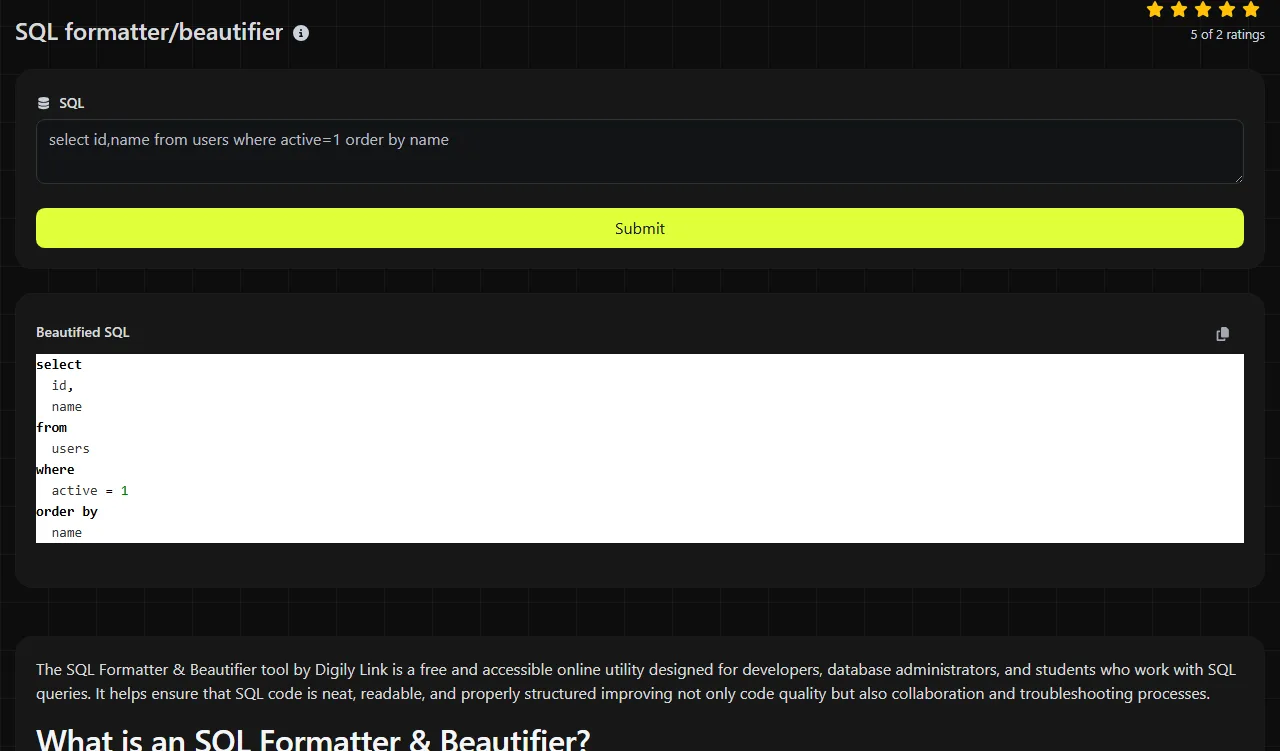
Consider this compact input.
Input: SELECT id,name FROM customers WHERE active=1 ORDER BY name;
A readable formatted version could be presented as follows.
Output: SELECT id, name
FROM customers
WHERE active = 1
ORDER BY name;
A query with a join benefits more from indentation.
Input: SELECT o.id,c.name FROM orders o JOIN customers c ON c.id=o.customer_id WHERE o.total>100;
Readable output could place SELECT, FROM, JOIN, ON and WHERE on separate lines, while retaining the comparison o.total > 100. Exact capitalisation, spacing and line placement vary between formatting conventions, so treat these examples as layouts rather than a guaranteed house style.
Can formatting find SQL errors?
No, beautifying SQL is not the same as validating it against a database parser. This tool's stated result is formatted SQL, so it should not be treated as a syntax checker, schema checker or execution planner.
A clearer layout can still expose likely mistakes during review. Common examples include a missing comma in a SELECT list, unmatched parentheses, an unterminated quoted string, a JOIN without its intended condition, or an AND or OR expression grouped incorrectly. It may also make a reserved word used as an unquoted identifier easier to spot.
Some problems cannot be established without the target database. A statement accepted by PostgreSQL may need changes for Microsoft SQL Server, MySQL, Oracle Database or SQLite. Missing tables, unknown columns, incompatible data types and permission failures generally require the database engine or a dialect-aware development tool to diagnose them.
When is SQL formatting not worth doing?
Formatting is usually unnecessary when the SQL is already consistently formatted or will only be consumed by a machine. Reformatting generated queries can create noisy source-control changes without improving the generator that produced them.
It may also be the wrong step in these situations:
- A migration file has been signed, checksummed or otherwise compared byte for byte.
- A minified or compact query is embedded in a size-sensitive artefact and nobody needs to review it.
- The immediate task is validation, execution-plan analysis or performance tuning rather than readability.
- The query contains confidential values that organisational policy does not permit sending to a server-based service.
For repeatable repository-wide formatting, a dialect-aware command-line formatter may fit better because its configuration can be committed alongside the code. For structured API payloads containing SQL, the JSON validator & beautifier can help inspect the surrounding JSON, while the SQL itself still needs SQL-specific handling.
Frequently asked questions
Will formatting SQL change how NULL behaves?
Whitespace and indentation do not change SQL's three-valued logic or the behaviour of NULL. Even so, check expressions such as column = NULL, which usually need IS NULL, because a formatter will not correct that semantic mistake.
Can I format several SQL statements at once?
Support for several SQL statements at once is not documented. Format each statement separately.
Are comments safe to leave in the input?
Comments can contain ticket references, internal hostnames, customer details or operational notes, even when the executable SQL contains no sensitive literals. Review both line comments and block comments before sending the text to the server.
Should SQL keywords be upper-case or lower-case?
Either style is generally acceptable because many database engines treat unquoted keywords without regard to case. Follow the convention used by the repository, and be careful with quoted identifiers because some databases preserve or distinguish their case.
What should I check before running the formatted query?
Confirm the target database dialect, inspect WHERE and JOIN conditions, and verify transaction boundaries for UPDATE, DELETE and schema-changing statements. Run risky queries in a development or staging database first, preferably with representative data and suitable backups.
Popular Tools
Create your own custom signature and download it easily with our signature generator tool for personalized e-signatures.
Calculate the size of any text in Bytes (B), Kilobytes (KB), or Megabytes (MB) using our text size calculator tool.
Use the reverse IP lookup tool to find the domain or host associated with any IP address quickly and easily.
Use our ping tool to check the status and response time of any website, server, or port quickly and efficiently.
Digily Link's IP lookup tool provides detailed information about any IP address. Use this free online service to get comprehensive IP data.
Generate your free WhatsApp link instantly with our WhatsApp Link Generator. Add a custom message and start chats in one click. No login or coding required.