Slug generator

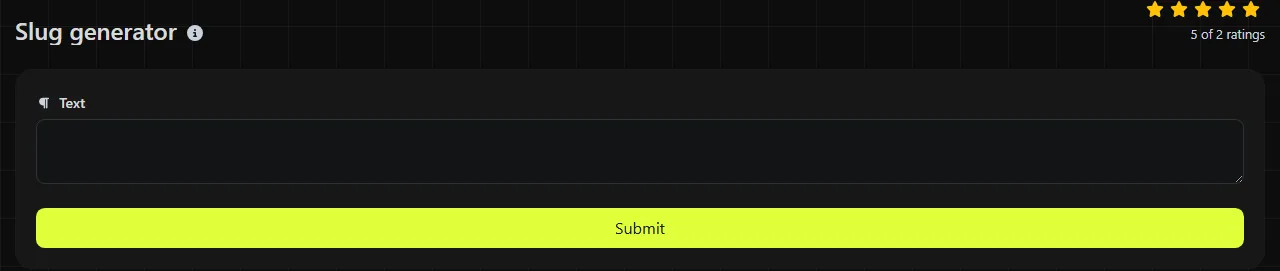
Slug generator is a free tool that converts a string of text into a slug suitable for use in a web address.
How do I create a URL slug?
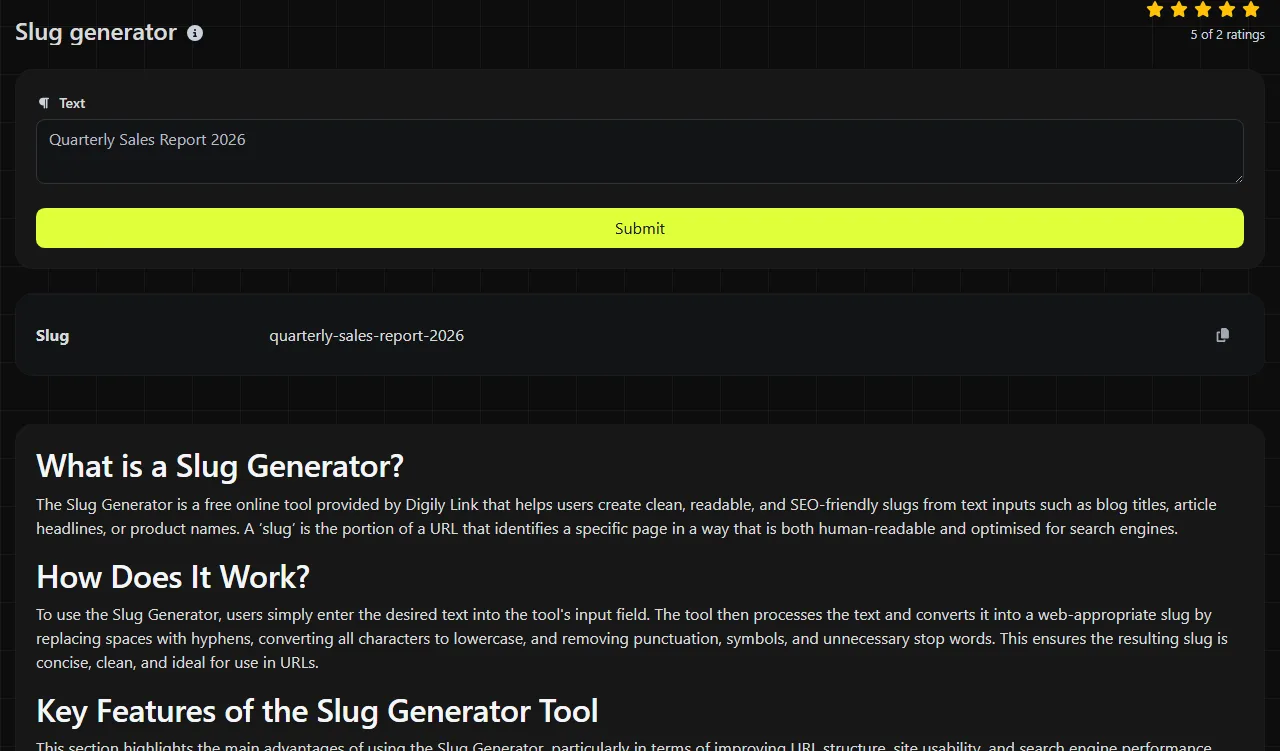
Enter the source text, run the conversion, then copy the value shown in Slug.
- Use the page title, product name or category label as your source text.
- Generate the slug and check that the wording is clear.
- Copy it into the relevant slug or handle field. If the field requires a complete path or URL, insert the slug as the appropriate path segment.
The Slug generator creates the slug on the server. Your source text travels to the server over HTTPS and is not stored.
Where does a slug generator save time?
A slug generator saves time when you need consistent URL paths for pages, products or batches of content.
- WordPress: prepare a post slug before publishing, particularly when the title contains punctuation or promotional wording that the URL does not need.
- Shopify: create a concise product or collection handle from a longer product name.
- Contentful and other content management systems: fill a slug field, where one is configured as required, without manually replacing every space.
- Spreadsheet imports: prepare slugs for a CSV content import. Generate and review the values before adding them to the relevant column.
- Documentation sites: turn article headings into predictable path segments that are easier to type and share.
A useful habit is to keep identifiers such as a model number, year or location when they distinguish one page from another. Removing them can leave several records with the same slug.
Example source text
Source text might include:
- summer sale 2026
- guides for renters
- bristol office opening hours
Numbers can carry useful meaning, as in a year, product code or numbered guide. Punctuation usually has no value in a URL slug, while spaces need replacing because they otherwise appear as encoded characters such as %20.
What makes a good SEO-friendly slug?
A good slug is descriptive, concise and understandable without the rest of the URL.
Use words that identify the page rather than copying a long title in full. Lowercase letters and hyphens are widely used because they produce consistent, readable paths. A clear slug can help people understand a link, but changing a URL format does not by itself guarantee better search rankings.
Accented and non-Latin characters require care. Modern URLs can represent Unicode text, although browsers may display an encoded version and some publishing systems apply their own transliteration rules. Check the generated result before publishing, especially for names such as Málaga, Łódź or 東京.
Empty input cannot produce a meaningful page identifier. Very long text may also generate an unwieldy path, so shorten the result to the words needed to identify the page. Check your platform's slug or path-segment field rules because content systems can impose their own length and character restrictions.
What are the limitations of generated slugs?
A generated slug does not confirm that the URL is available, unique or accepted by your publishing platform.
Two similar titles can produce the same candidate slug, so check for duplicates before importing a spreadsheet or creating several products. The result also cannot create a redirect from an existing address. If you change the slug of a published WordPress post or product page, configure an appropriate permanent redirect from the old URL so saved links and search results continue to work.
Some systems automatically add parent paths, language codes or file extensions. Generate only the individual slug unless the field explicitly asks for a complete path. If source text contains HTML copied from an editor, use HTML tags remover first rather than allowing markup to become part of the input.
Frequently asked questions
Can a URL slug contain underscores?
Yes, an underscore is technically valid in a URL path, but hyphens are generally clearer as word separators. Follow the existing convention on the site rather than mixing both styles across similar pages.
Can a slug start with a number?
Yes, a URL path segment can generally start with a number. A content management system may still apply its own routing or naming rules, so check the field validation if it rejects the value.
Are URL slugs case-sensitive?
They can be, depending on the web server and application. Using lowercase consistently avoids creating addresses that differ only by capitalisation and reduces the risk of broken links when moving between systems.
Should I remove words such as "and", "for" or "the"?
No fixed rule requires their removal. Keep them when they make the address easier to understand, and remove them when the meaning remains clear without them. Avoid shortening a slug so aggressively that it becomes ambiguous.
Can I put a slash inside a slug?
A slash normally separates sections of a URL, so it should not be treated as an ordinary character within one slug. If you need a structure such as guides/renting, create two path segments and confirm that your publishing system supports parent and child routes.
Popular Tools
Create your own custom signature and download it easily with our signature generator tool for personalized e-signatures.
Calculate the size of any text in Bytes (B), Kilobytes (KB), or Megabytes (MB) using our text size calculator tool.
Use the reverse IP lookup tool to find the domain or host associated with any IP address quickly and easily.
Use our ping tool to check the status and response time of any website, server, or port quickly and efficiently.
Digily Link's IP lookup tool provides detailed information about any IP address. Use this free online service to get comprehensive IP data.
Generate your free WhatsApp link instantly with our WhatsApp Link Generator. Add a custom message and start chats in one click. No login or coding required.