ICO to WebP
Easily convert ICO image files to WebP format with our ICO to WebP converter tool for efficient image compression.
ICO to WebP is a free tool that converts an ICO icon file to a WebP image in your browser.
How do I convert ICO to WebP?
Select the ICO file, run the conversion, and save the resulting WebP image.
- Select the ICO file you want to convert to WebP.
- Convert it and save the WebP output to your device.
- Open the WebP result and check its dimensions, transparency, and sharpness before replacing the ICO.

The conversion happens entirely in your browser. Your ICO file is never uploaded to a server, which may be important when the icon belongs to an unreleased application, an internal system, or a client project.
What changes when an ICO file becomes WebP?
The conversion changes a specialized icon container into a general-purpose web image, with different handling for multiple sizes, compression, and platform support.
| Property | ICO | WebP |
|---|---|---|
| Typical purpose | Standalone Windows icon files and website favicons; its images can also be used in application icon resources | Images displayed on websites and in compatible applications |
| Transparency | May use a one-bit transparency mask or full alpha transparency, depending on the stored image | Supports alpha transparency with both lossy and lossless image data |
| Animation | Does not have standard animation support | The format supports animation, although converting a static ICO file does not create movement |
| Compression | A container whose entries are commonly stored as DIB bitmap data or PNG | Supports lossy and lossless compression |
| Multiple icon sizes | Can contain several resolutions, such as 16×16, 32×32 and 256×256 pixels | Does not provide an ICO-style set of alternative resolutions in one static image |
| Support | Widely recognized by Windows and by browsers in favicon contexts | Widely supported by current browsers and many image applications, but not by every native icon field or older program |
An ICO file can contain several versions of the same icon. ICO and WebP use different container structures.
When does converting ICO to WebP make sense?
Conversion makes sense when you need to display an existing icon as a regular image on a web page or in software that accepts WebP but does not reliably handle ICO.
- Using an application icon as an illustration in web documentation.
- Displaying a favicon source file in a content management system or image gallery.
- Preparing an icon for use in CSS, an HTML image element, or a web-based interface.
It is usually a poor choice when the destination specifically requires a standalone ICO file or an embedded Windows icon resource. Keep the ICO for destinations that require a standalone file. Windows executables store grouped icon resources, while shortcuts can reference icon resources in ICO, EXE or DLL files. WebP support in a browser does not make it a direct replacement for every operating-system icon resource.
ICO-to-WebP conversion also cannot fix a poor-quality source. Converting a small, blurry, or previously lossy image to lossless WebP does not restore missing detail. An ICO-to-WebP result based on a 16×16 source remains limited by the information in that source.
What file size should I expect after conversion?
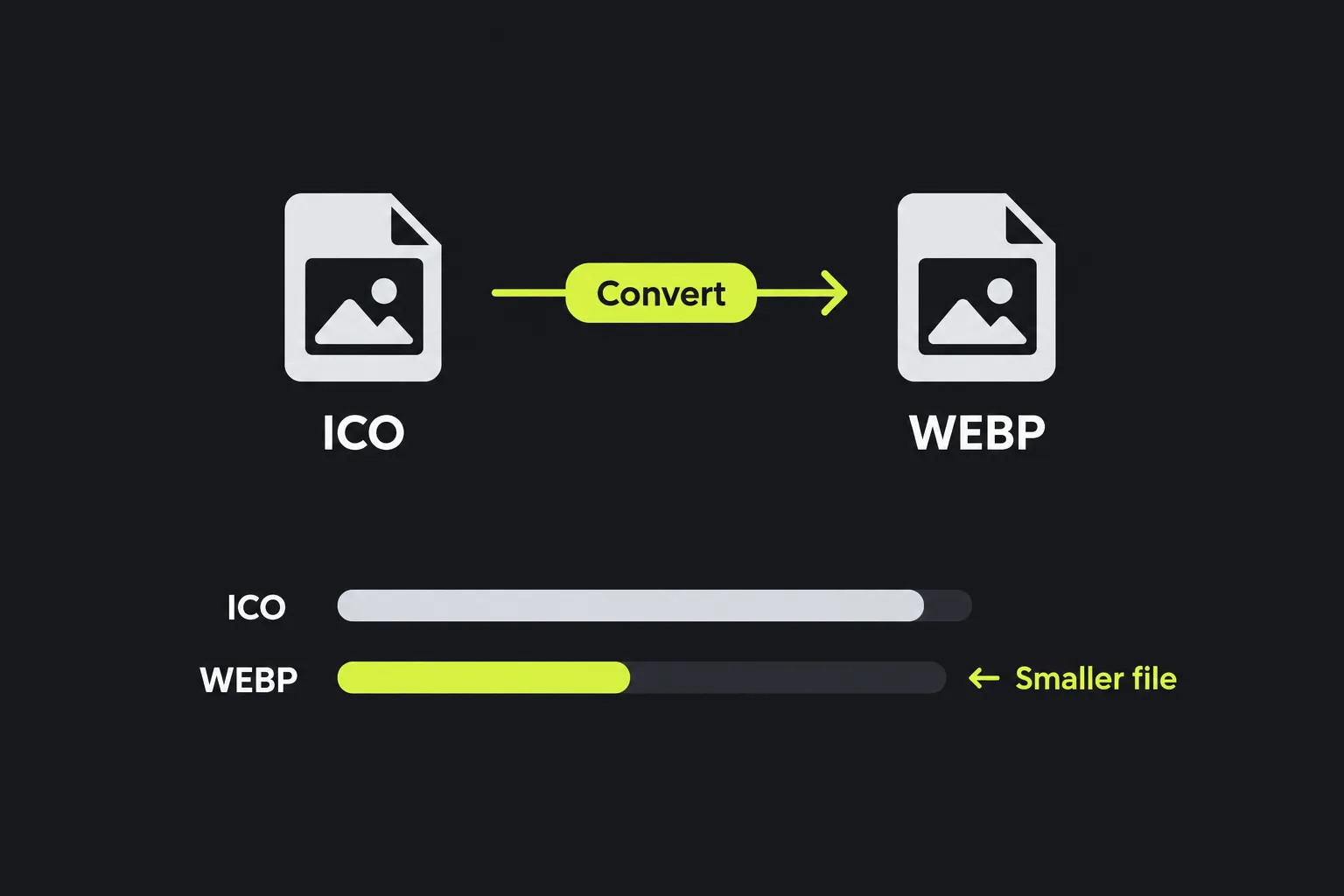
The WebP file may be smaller than a multi-resolution ICO, but there is no fixed reduction, and a very small ICO can remain smaller.
An ICO may contain several copies of an icon. The relative file size depends on the source content and the conversion.
A tiny, simple ICO has little image data to compress, so WebP container overhead may offset any savings. Compare the ICO and WebP files instead of relying on their extensions alone.
Multi-size icons, transparency, and other edge cases
ICO files require a little care because they are containers rather than single, predictable bitmaps. These checks catch common problems:
- Several embedded sizes. An ICO can contain multiple resolutions, so compare the WebP dimensions with the dimensions required by the destination.
- Transparent edges. View the converted WebP on both light and dark backgrounds. Old mask-based icons can reveal jagged outlines that were less visible in their original setting.
- Pixel art. When using the converted WebP, avoid enlarging tiny icons with smoothing if the square pixels are meant to remain distinct.
- Malformed files. An ICO with a damaged directory or truncated embedded image may fail to decode even if its filename and extension look correct.
- Unusual filenames. Spaces, punctuation, and accented characters in a filename do not alter the encoded image, although some older receiving systems may impose their own filename rules.
If the destination requires a raster format suited to photographs and does not require alpha transparency, ICO to JPG may be more appropriate. Transparent areas will then need a solid background.
Frequently asked questions
Can Windows use a WebP file as an application icon?
Generally, no. Windows application icons are stored as grouped icon resources in executable files, not as WebP files. Shortcuts can reference icon resources in ICO, EXE or DLL files. Use the converted file for web display, but keep the ICO for native Windows packaging.
Can I create an animated WebP from a single ICO file?
No. ICO does not contain a standard sequence of timed animation frames, so a single icon cannot provide an animation. Creating an animated WebP requires multiple source frames and animation timing information.
Will WordPress accept a converted WebP image?
WordPress core has supported WebP uploads since version 5.8, subject to the server's image-processing support and configuration. If an upload fails, check the permitted MIME types and the site's image-processing configuration.
Can I create a WebP file by renaming .ico to .webp?
No. Changing the extension leaves the ICO-encoded data untouched, so software expecting WebP will usually reject it. The file must be decoded and encoded again in the WebP format.
Should I delete the original ICO after converting it?
Keep the original until you have checked the WebP in its intended browser, application, or publishing system. The ICO may contain additional resolutions, and you may still need it for favicon or Windows icon use.
Similar Tools
Easily convert ICO image files to GIF format with our ICO to GIF converter tool for creating animated images.
Easily convert ICO image files to PNG format with our ICO to PNG converter tool for high-quality images.
Easily convert ICO image files to JPG format with our ICO to JPG converter tool for versatile image usage.
Popular Tools
Create your own custom signature and download it easily with our signature generator tool for personalized e-signatures.
Calculate the size of any text in Bytes (B), Kilobytes (KB), or Megabytes (MB) using our text size calculator tool.
Use the reverse IP lookup tool to find the domain or host associated with any IP address quickly and easily.
Use our ping tool to check the status and response time of any website, server, or port quickly and efficiently.
Generate your free WhatsApp link instantly with our WhatsApp Link Generator. Add a custom message and start chats in one click. No login or coding required.
Digily Link's IP lookup tool provides detailed information about any IP address. Use this free online service to get comprehensive IP data.