List randomizer

List randomizer is a free tool that rearranges the items in a text list into a random order.
How do I randomise a list?
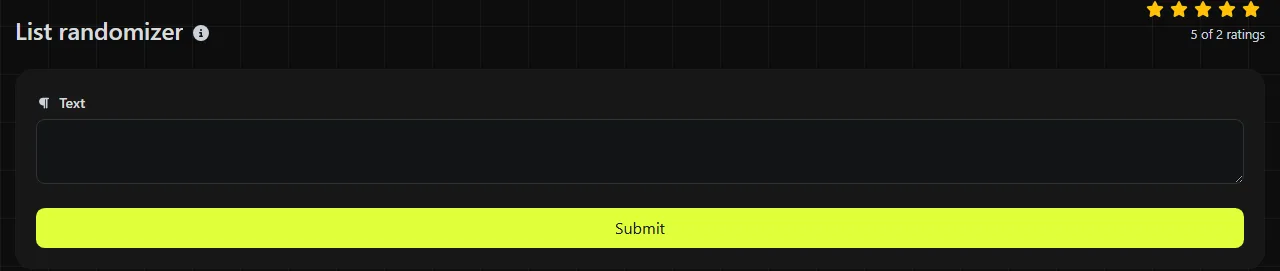
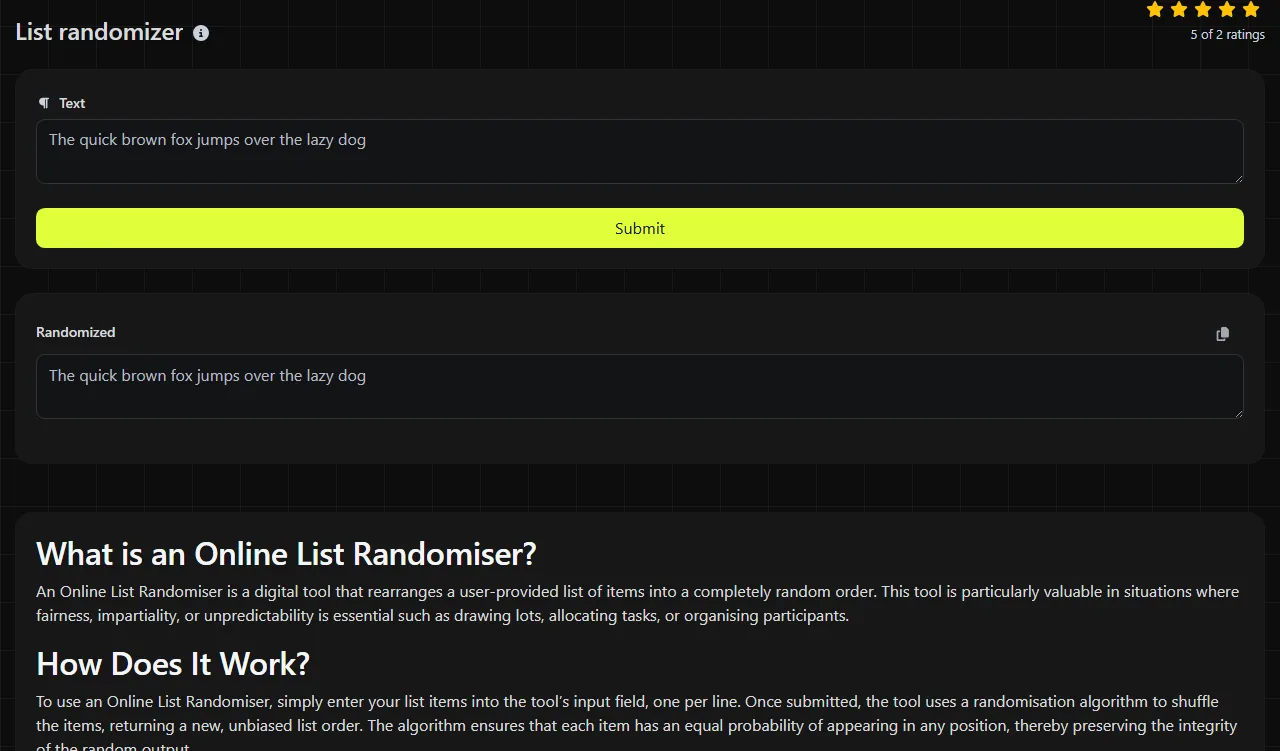
Paste or enter the list, run the randomisation, then copy the Randomized result.
- Prepare the items you want to rearrange and enter them in the tool.
- Run the tool to shuffle their order.
- Check the result before copying it into a spreadsheet, document or other system.
For example, an input containing Apple, Pear and Plum could produce Plum, Apple and Pear. That is only one possible result. Any permutation is valid, including the original order, because a random shuffle does not guarantee that every item will move.
Practical uses for a randomised list
Randomising a list saves time when the order would otherwise need to be changed manually. Common uses include:
- Reordering names exported from Microsoft Excel or Google Sheets before assigning presentation slots.
- Choosing a speaking order for a Microsoft Teams meeting or an in-person workshop.
- Mixing survey responses exported from Microsoft Forms before a blind review, helping reviewers avoid working through them in submission order.
- Rearranging Trello card titles for a backlog discussion where the team does not want to start with the oldest item every time.
- Creating a varied testing order for mail-merge records without changing the contents of each record.
When working with spreadsheet data, add a unique reference to each row before randomising. Names and company details are often repeated, and an ID such as CUST-0042 makes it much easier to match the shuffled result back to the original record. If several columns belong together, randomise complete rows in the spreadsheet rather than shuffling one column on its own.
What happens to spaces, punctuation and unusual characters?
Shuffling changes the position of list items rather than rewriting the characters inside them.
Names such as O'Connor, place names such as Stratford-upon-Avon, accented text such as André, non-Latin writing and values containing numbers remain text values during the shuffle. Punctuation does not affect an item's chance of appearing in a particular position.
Clean the source list first if blank entries or accidental spaces would cause trouble in the destination system. Duplicate items are visually difficult to track, so unique references are useful. For a very long list, keep a copy of the original and inspect the beginning and end of the result before using it. Splitting one list into batches changes the set being randomised, so avoid doing that when you need a single ordering across all entries.
Can I use a list randomizer for a prize draw?
No, this tool should not be treated as an audited prize-draw system where legal rules, independent verification or a reproducible record are required.
It can rearrange an informal list of eligible names, but random ordering is not the same as documented winner selection. A regulated competition may require published terms, proof of eligibility, a closing-time record and an independent process. Social media promotions on platforms such as Instagram or Facebook may also be subject to platform rules and UK advertising requirements.
If the outcome matters, save the original eligible-entry list, the resulting order, the date of the draw and the method used. Do not assume that the first item must differ from the first item in the source list. Remaining in the same position is a possible random outcome.
Frequently asked questions
Does randomising a list remove duplicates?
No. The underlying shuffle operation changes order rather than removing repeated values. If duplicates are unwanted, remove them before randomising, but first check whether two identical names might represent different people.
Why did my list come back in the same order?
The original sequence is one of the possible permutations, particularly with a short list. Run the randomisation again if you need a visibly different order, but remember that requiring every item to move introduces an extra rule and is not an ordinary shuffle.
Can I reproduce the same random order later?
A random shuffle is not inherently reproducible unless the system records and reuses its random state or seed. Save the resulting list if you need the exact order again rather than expecting a later run to match it.
Is sensitive list data processed in my browser?
No. The work is done on the server, so the input travels to the server over HTTPS. It is not stored, but confidential or regulated data should still be handled according to your organisation's data policies.
Can I randomise rows directly in Excel or Google Sheets?
Yes. Add a column containing random numbers, then sort the entire table by that column. Select all related columns during the sort so names, email addresses and other fields remain attached to the correct row.
Popular Tools
Create your own custom signature and download it easily with our signature generator tool for personalized e-signatures.
Calculate the size of any text in Bytes (B), Kilobytes (KB), or Megabytes (MB) using our text size calculator tool.
Use the reverse IP lookup tool to find the domain or host associated with any IP address quickly and easily.
Use our ping tool to check the status and response time of any website, server, or port quickly and efficiently.
Digily Link's IP lookup tool provides detailed information about any IP address. Use this free online service to get comprehensive IP data.
Generate your free WhatsApp link instantly with our WhatsApp Link Generator. Add a custom message and start chats in one click. No login or coding required.