List alphabetizer
Alphabetize text lines in A-Z or Z-A order with our list alphabetizer tool for organized and orderly content.

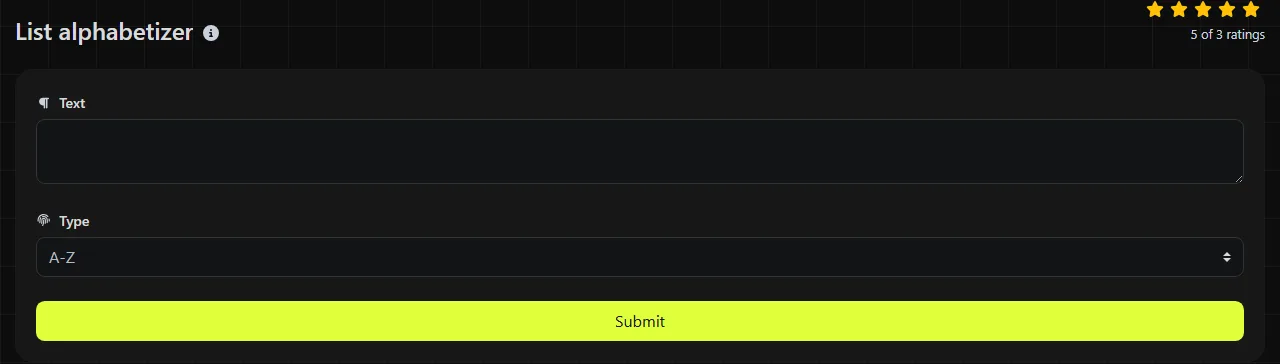
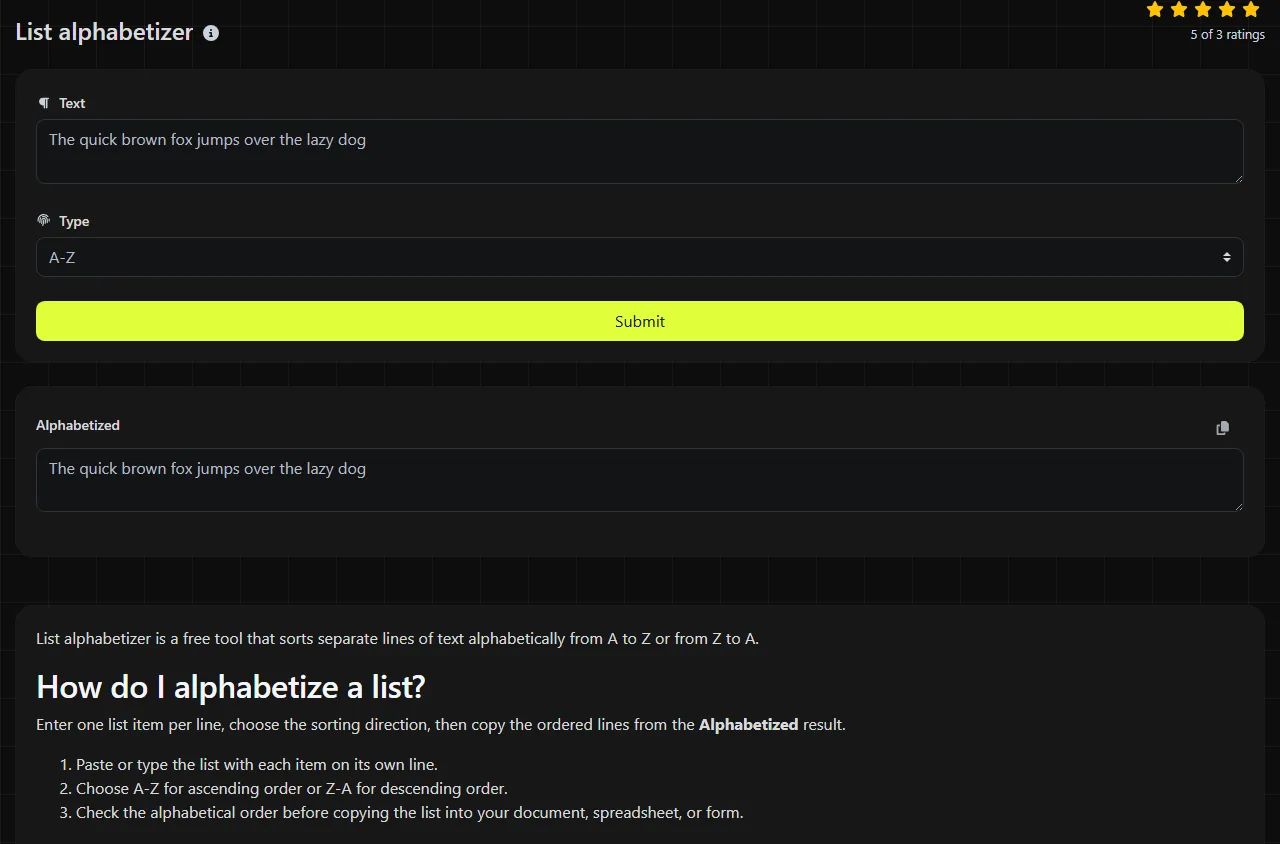
List alphabetizer is a free tool that sorts separate lines of text alphabetically from A to Z or from Z to A.
How do I alphabetize a list?
Enter one list item per line, choose the sorting direction, then copy the ordered lines from the Alphabetized result.
- Paste or type the list with each item on its own line.
- Choose A-Z for ascending order or Z-A for descending order.
- Check the alphabetical order before copying the list into your document, spreadsheet, or form.
Leave any column heading out of the input and add it back afterward. Otherwise, a heading such as "Customer name" may be sorted among the actual records.
When does alphabetical sorting save time?
Alphabetical sorting saves time whenever you have a line-based list that needs a predictable order before it is published, checked, or reused.
- Excel and Google Sheets exports: sort a copied column of supplier names, inventory labels, or office locations before pasting it elsewhere.
- Mail merge preparation: sort address labels or recipient records when each complete record occupies one line. If you need to sort by last name, place the last name at the beginning of each line.
- WordPress: organize a draft list of categories, contributors, or glossary terms before entering them in the administration area.
- Shopify: clean up product type or tag lists so repeated and oddly spelled entries are easier to spot.
- Microsoft Forms: put long choice lists in alphabetical order before adding them as answer options.
Alphabetizing can also make proofreading easier because near-matches such as "Birmingham", "Birmingam" and "Birmingham Office" appear close together.
What happens with uppercase letters, numbers, and punctuation?
Uppercase letters, numbers, and punctuation can affect text sorting, so review mixed-format lists instead of assuming they will follow human dictionary order.
A basic alphabetical operation compares the written characters in each line. Numbered items may therefore appear in text order, where "10" can come before "2", rather than numerical order. Leading quotation marks, brackets, spaces, or symbols can also change a line's position.
Accented letters and non-Latin scripts require language-specific collation rules to produce an order appropriate for a particular language or locale. Capitalization can matter too, depending on the sorting rules being used. For predictable results, use consistent capitalization, remove accidental leading spaces, and apply one numbering format, such as 01, 02 and 10.
Blank lines and duplicate entries are easy to miss in a long result. Check for both before using the list as final data.
A worked sorting example
For an A-Z sort, this input:
pear
apple
banana
becomes:
apple
banana
pear
For a Z-A sort, this input:
Bristol
Inverness
Edinburgh
becomes:
Inverness
Edinburgh
Bristol
The operation sorts entire lines. With entries such as "Smith, Aisha" and "Smith, David", the text after the shared last name determines their relative position.
Does List alphabetizer keep my data private?
The input is sent to the server over HTTPS for processing and is not stored.
This means the list does not remain entirely within your browser. Do not submit lists containing confidential customer records, passwords, health information, or other restricted data to List alphabetizer if your organization requires local-only processing. For sensitive spreadsheet data, use the sort function in an approved application that processes the data locally instead.
Frequently asked questions
Can I use it to sort CSV data?
You can paste CSV rows as separate lines, but alphabetical line sorting is not the same as sorting by a selected CSV column. For records containing several comma-separated fields, use a spreadsheet or CSV-aware application so you can select the correct field and keep quoted values intact.
Will alphabetizing remove duplicate lines?
No duplicate-removal behavior is specified, so do not use the result as proof that every item is unique. Review adjacent matches or use a dedicated deduplication method after sorting, since duplicates are usually easier to see once they are grouped together.
Can I paste the result into Excel?
Yes, line-based text can normally be pasted into a spreadsheet column, with each line placed in a separate row. Check entries containing embedded line breaks first because a spreadsheet may split one intended record across several rows.
Should I choose Z-A or use Reverse list?
Choose Z-A when the items need to be in descending alphabetical order. Use Reverse list when you simply need to reverse the existing sequence, regardless of the wording on each line.
How should I sort names that include titles?
Remove or move titles such as Dr, Mr or Professor if you want to sort by the person's name. To sort by last name, use a consistent format such as "Patel, Meera" before alphabetizing, then restore the desired display format afterward.
Popular Tools
Create your own custom signature and download it easily with our signature generator tool for personalized e-signatures.
Calculate the size of any text in Bytes (B), Kilobytes (KB), or Megabytes (MB) using our text size calculator tool.
Use the reverse IP lookup tool to find the domain or host associated with any IP address quickly and easily.
Use our ping tool to check the status and response time of any website, server, or port quickly and efficiently.
Generate your free WhatsApp link instantly with our WhatsApp Link Generator. Add a custom message and start chats in one click. No login or coding required.
Digily Link's IP lookup tool provides detailed information about any IP address. Use this free online service to get comprehensive IP data.