Emoji remover
Easily remove all emojis from any text with our emojis remover tool for clean and emoji-free content.
Emoji remover is a free tool that removes emojis from text and returns a version without emojis.
How do I remove emojis from text?
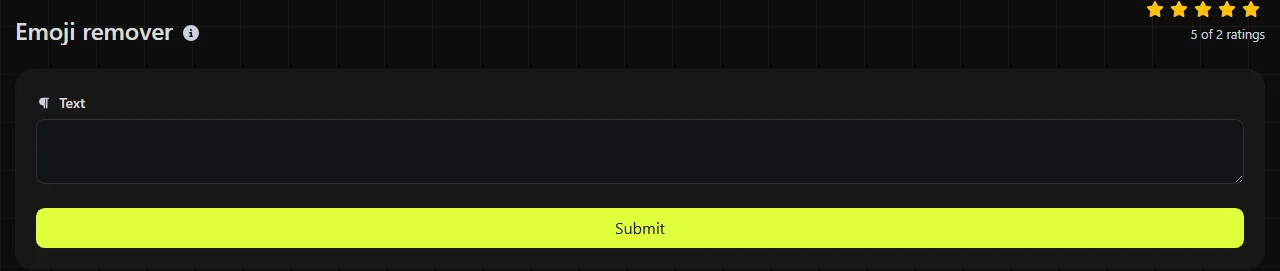
Paste or enter your text, process it with the tool, then copy the result from Text without emojis.
- Enter the text containing the emojis you want to remove.
- Run the emoji removal process.
- Check the returned text for artifacts of emoji removal, then copy it before using it elsewhere.
The tool processes your text on the server using pattern-based replacement. Your input is sent to the server over HTTPS and is not stored.
Where does removing emojis save time?
Removing emojis is useful when text must fit a system, field, or style guide that expects plain content. It saves you from finding and deleting each symbol manually, especially in long lists or copied conversations.
- Clean customer names or notes exported from Microsoft Excel or Google Sheets before importing them into a CRM.
- Prepare Excel address lists for a Microsoft Word mail merge where emojis would look out of place in letters or labels.
- Remove symbols from Slack or Microsoft Teams messages before adding excerpts to formal meeting minutes.
- Prepare product titles, CSV fields, or database records for systems with restricted character rules.
- Reduce unnecessary characters before checking copy for an X post, YouTube title, or content management system field.
Check for double spaces after removal. If an emoji had a space on each side, deleting it may leave a visible gap that needs to be cleaned up.
What happens to punctuation, numbers, and complex emojis?
The operation removes emojis without converting the surrounding text, so ordinary letters, numbers, and punctuation outside matched emoji sequences remain in the result. Removing an emoji between two characters may bring those characters together, while spaces around it may remain.
Emojis include Unicode emoji characters and emoji sequences made up of several code points. A family emoji can contain multiple people connected by zero-width joiners, a flag can be built from two regional indicators, and a skin-tone variant includes a modifier. New emojis are also added to Unicode over time, so review the result when processing unusual or newly introduced symbols.
Accented letters such as é and non-Latin writing such as العربية are text, not emojis. They should not be treated as disposable simply because they fall outside basic ASCII. This tool does not transliterate scripts, remove accents, or rewrite punctuation.
Worked examples
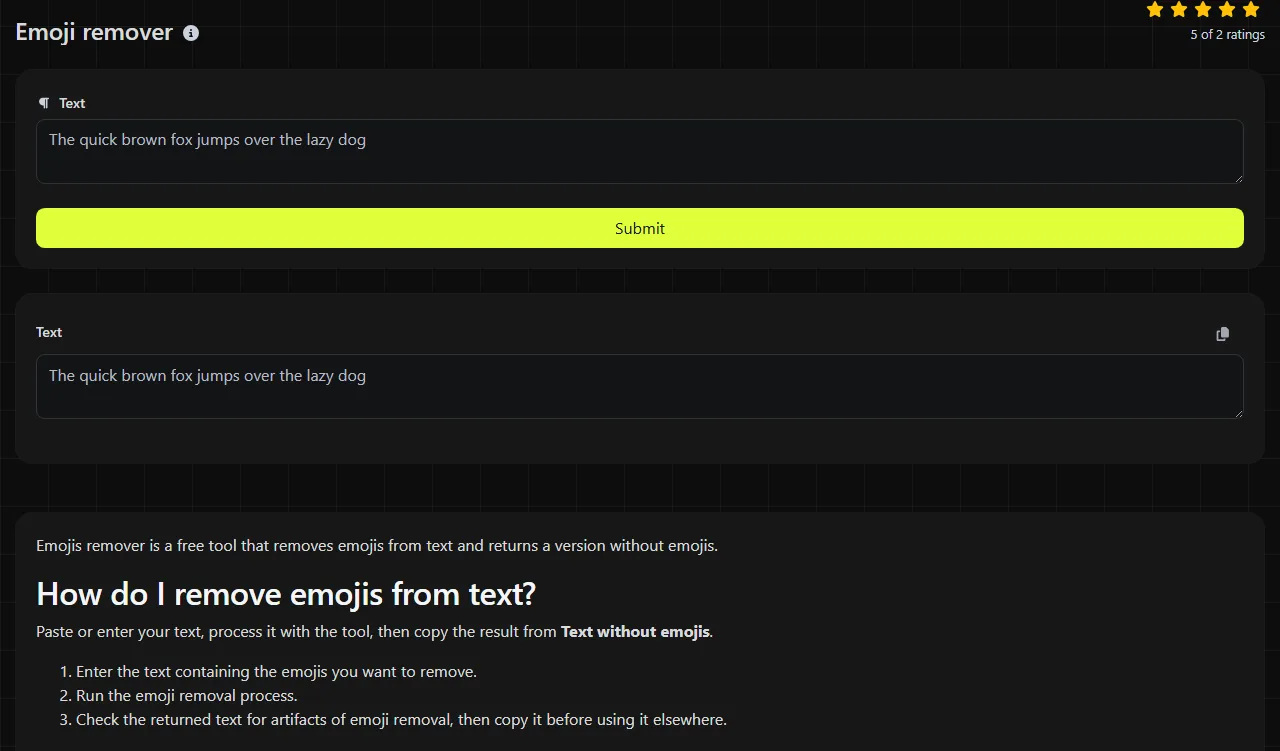
For a simple status message, the input Approved✅ becomes Approved.
For the input Room 4📍, second floor, the returned text is Room 4, second floor.
The input Café☕ opens at 08:00 becomes Café opens at 08:00. The accented letter, numbers, and punctuation remain because they are not the coffee-cup emoji.
Empty input has no emojis to remove. Very long text may still need to be split based on the limits of the platform where you plan to paste it, since this operation does not shorten ordinary wording.
How should I check the cleaned result?
Read the cleaned text once for spacing, missing separators, and changes in meaning. Emojis sometimes replace words or punctuation instead of simply decorating a sentence.
- Replace a removed check mark or X with "yes", "no", "approved" or "rejected" when its meaning matters.
- Check commas and periods if an emoji served as the separator between sentences.
- Keep the original text until you have confirmed that you do not need any information conveyed by the removed emojis.
- For spreadsheet lists, use List alphabetizer after cleaning only if the rows also need sorting.
Frequently asked questions
Does the tool remove text emoticons like :-) or ¯\_(ツ)_/¯?
Do not assume that emoji removal will delete text emoticons. They are made from punctuation, letters, and other symbols rather than standard emoji characters. Search the result for common emoticon patterns if you need to remove those as well.
Is removing emojis enough to make an SMS use the GSM 7-bit default alphabet?
No. Text may still contain curly quotation marks, accented letters that are not in that alphabet, or other Unicode characters that affect SMS encoding. Check the message with an encoding-aware SMS counter if segment length or sending cost matters.
Will symbols like ©, ™, and arrows be removed?
It depends on the symbol's presentation. Some Unicode symbols have both text and emoji presentations, depending on variation selectors and the platform displaying them. If a specific symbol must be kept or removed for compliance, inspect the output instead of relying on its appearance alone.
Can I recover an emoji after removing it?
No. The cleaned result does not contain enough information to reconstruct removed emojis or their original positions. Keep an unchanged copy when processing records, transcripts, or source material that may need to be audited later.
Is my pasted text stored?
No. The text is sent to the server over HTTPS for processing and is not stored. Avoid pasting confidential material if your organization requires all text processing to remain on an approved device or internal system.
Popular Tools
Create your own custom signature and download it easily with our signature generator tool for personalized e-signatures.
Calculate the size of any text in Bytes (B), Kilobytes (KB), or Megabytes (MB) using our text size calculator tool.
Use the reverse IP lookup tool to find the domain or host associated with any IP address quickly and easily.
Use our ping tool to check the status and response time of any website, server, or port quickly and efficiently.
Generate your free WhatsApp link instantly with our WhatsApp Link Generator. Add a custom message and start chats in one click. No login or coding required.
Digily Link's IP lookup tool provides detailed information about any IP address. Use this free online service to get comprehensive IP data.