JSON validator & beautifier
Validate and beautify your JSON content with our JSON validator and beautifier tool for clean and readable JSON data.
JSON validator & beautifier is a free tool that checks whether JSON is syntactically valid and formats valid content to make its structure easier to read.
What do JSON validation and beautification do?
JSON validation confirms that the input follows JSON grammar, while beautification displays valid objects and arrays with consistent spacing and indentation. This is useful for debugging API responses, checking configuration before deployment, or reading compact data provided by a third party.
JSON has stricter syntax than a JavaScript object literal. Property names must use double quotation marks, strings cannot use single quotation marks, and neither objects nor arrays can have trailing commas. Comments, undefined, NaN, and Infinity are also outside the JSON specification.
This tool uses PHP's json_decode function on the server. Your input is sent to the server over HTTPS and is not stored. It does leave your device, so redact passwords, access tokens, and personal data if your organization's handling rules do not allow them to be sent to an external server.
How do I validate and beautify JSON?
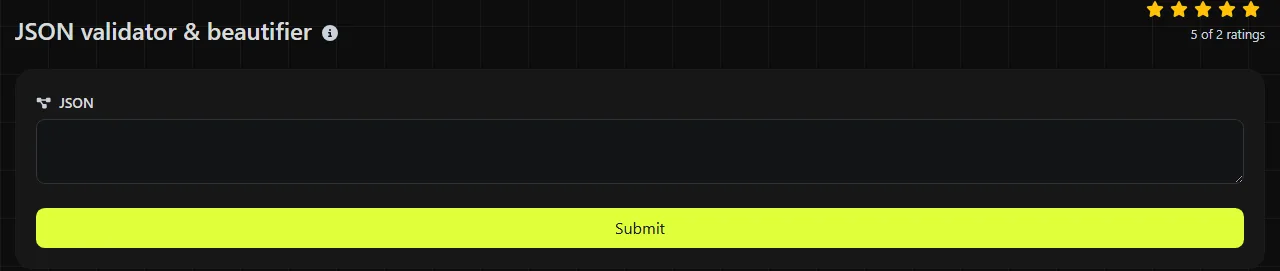
Paste the content into the JSON field and run the tool. For a useful result, include one complete JSON value instead of part of an object copied from a log line.
- Copy the raw response, configuration block, or other JSON value without any surrounding console labels.
- Paste it into the JSON field, preserving quotation marks and escape characters.
- Run the validation and review either the formatted result or the reported failure.
- If validation fails, fix the first apparent syntax problem and run it again. One missing quotation mark can cause several later characters to be interpreted incorrectly.
The four permitted whitespace characters between JSON tokens, space (U+0020), tab (U+0009), line feed (U+000A), and carriage return (U+000D), are insignificant, so they can be added or removed without changing the data. Whitespace inside a quoted string is data and must remain unchanged. Punctuation inside strings is also preserved, although quotation marks, backslashes, and control characters require the appropriate escape sequence.
How should I interpret the validation result?
A successful result means PHP could decode the input as JSON, while a failure means the parser could not interpret it as one complete, valid JSON value. Beautification then makes the nesting and boundaries of valid objects and arrays easier to see.
Common causes of failure include:
- a trailing comma before } or ];
- an unquoted property name such as {name: "Ada"};
- single-quoted strings;
- a missing comma between properties or array elements;
- an unescaped double quotation mark or backslash inside a string;
- an incomplete object, array, or string;
- invalid UTF-8 input or a raw control character inside a string;
- an integer part with unnecessary leading zeros, such as 01 or -01, or non-JSON values such as NaN.
An empty field is not valid JSON. In contrast, a standalone value such as 42, true, null, or "hello" is valid JSON even though it is not an object or array. Very deeply nested content may also exceed the decoder's nesting limit.
Syntax validation does not confirm that the data matches an API contract. A document can be valid JSON while containing a string where an application expects a number, omitting a required property, or using an unacceptable date format. Use JSON Schema or application-level checks for those requirements.
Worked JSON examples
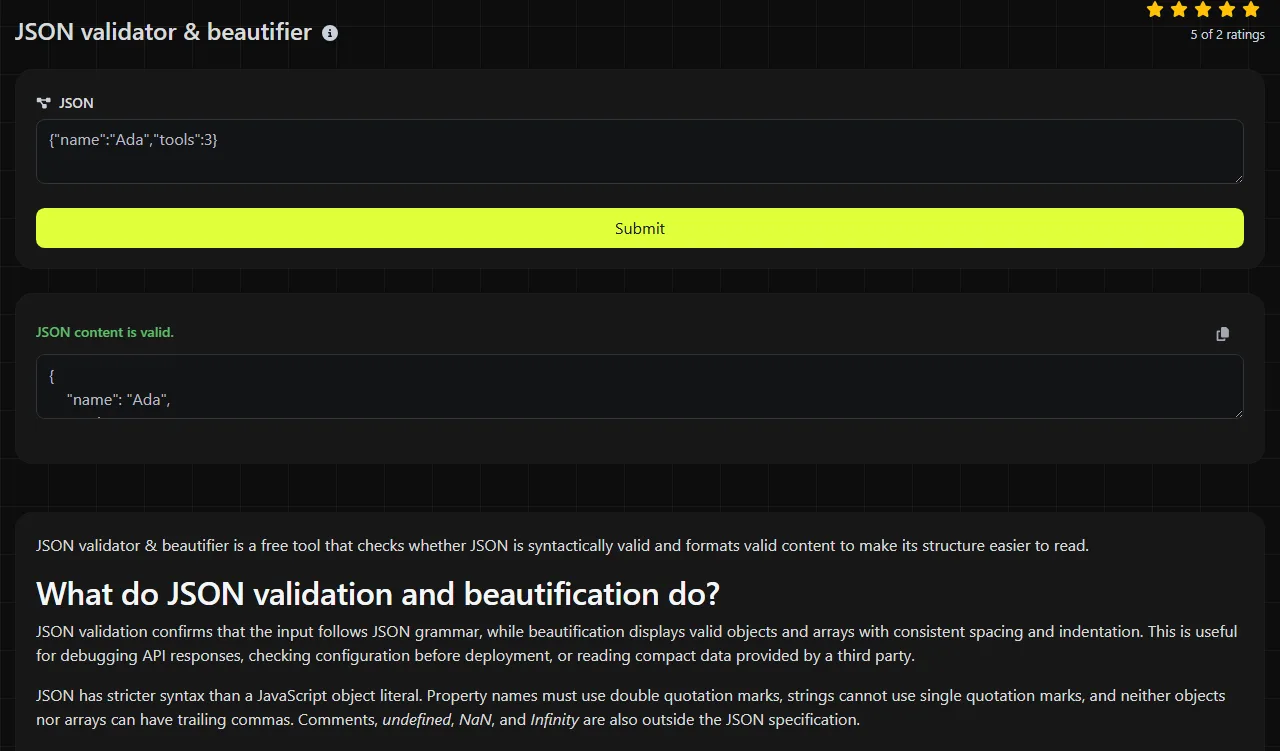
Valid compact input:
{"name":"Ada","active":true,"roles":["admin","editor"]}
The beautified result displays the properties and array elements on separate, indented levels. The values remain a string, a Boolean, and an array, respectively. Formatting changes the presentation, not the underlying data types.
Invalid input with a trailing comma:
{"name":"Ada","active":true,}
This fails because JSON does not allow a comma after the final property. Remove that comma to make the object valid.
Accented and non-Latin text can appear directly in JSON strings when the input is valid UTF-8. For example, {"city":"Zürich","greeting":"こんにちは"} is valid. JSON escape notation such as \u00fc is another valid representation of certain Unicode characters, although surrogate pairs are required for characters outside the Basic Multilingual Plane.
When is beautifying JSON not worth doing?
Beautification is unnecessary when only a machine will read the JSON and no human inspection or version-control review is planned. Extra indentation and line breaks in JSON increase the number of bytes transferred, so production responses are commonly sent in compact form.
There is also little value in minifying JSON that is already compact. Repeated minification cannot shorten fixed property names or string values, and changing those values would change the data. For deployable JavaScript rather than JSON data, the JS minifier is the more appropriate operation.
Beautification is most useful when inspecting JSON structures or values during debugging, code review, and pre-deployment checks. It reveals mismatched nesting, makes large arrays easier to scan, and produces cleaner diffs when configuration is committed to Git. It does not automatically repair malformed JSON or determine what an ambiguous fragment was intended to mean.
Frequently asked questions
Can JSON include comments?
No. Standard JSON has no comment syntax, so // comment and /* comment */ cause validation to fail. If you need comments in a configuration file, use a format that supports them or remove the comments before passing the content to a strict JSON parser.
Does the validator reject duplicate property names?
Not necessarily. The JSON specification says member names within an object should be unique, but parsers do not reliably treat duplicate names as a syntax error. PHP decoding commonly keeps the later value, so detect duplicates before validation if preserving every occurrence matters.
Can I validate a JSON Lines file?
Not as a single JSON document. JSON Lines, also called NDJSON, contains a separate JSON value on each line, while a normal JSON parser expects one top-level value. Validate each line separately or convert the records into a single JSON array.
Does the order of JSON object properties matter?
Applications should not rely on the order of JSON object properties. Arrays are ordered, but objects represent collections of named members, and another parser or serializer may output those members differently. If sequence carries meaning, put the values in an array.
Why does a JSON file fail validation when it looks correct?
An invisible byte-order mark, malformed UTF-8, or an unescaped control character can cause apparently correct text to fail. Copying from a terminal can also add prefixes such as status labels or timestamps. Inspect the raw bytes or open the file in an editor that can display encoding and control characters.
Final checks
Before deploying corrected JSON, compare data types as well as visible values, check that escape sequences have not changed, and run the application that consumes the data or its schema validation. Keep an untouched copy of the original response when diagnosing third-party data so formatting does not hide the source of the error.
Popular Tools
Create your own custom signature and download it easily with our signature generator tool for personalized e-signatures.
Calculate the size of any text in Bytes (B), Kilobytes (KB), or Megabytes (MB) using our text size calculator tool.
Use the reverse IP lookup tool to find the domain or host associated with any IP address quickly and easily.
Use our ping tool to check the status and response time of any website, server, or port quickly and efficiently.
Generate your free WhatsApp link instantly with our WhatsApp Link Generator. Add a custom message and start chats in one click. No login or coding required.
Digily Link's IP lookup tool provides detailed information about any IP address. Use this free online service to get comprehensive IP data.