Image to Base64
Convert your image into a Base64 string with our image to Base64 tool for efficient data encoding.
Image to Base64 is a free tool that converts an image file into a Base64-encoded text string.
What is Base64, and why is it used?
For the uploaded image, Base64 provides binary-to-text encoding that allows its data to pass through systems designed mainly for text. It represents every three bytes of source data as four printable characters from a defined alphabet.
This is useful when a format cannot carry a separate binary file. An image can be placed inside a data URL, a JSON property, or a MIME email part without attaching the original bytes in their usual binary form. The generated Base64 string is encoded, not encrypted. Anyone who obtains the string can decode it, so it provides no secrecy or access control.
A very small text-byte example shows how it works.
- The input text is <svg></svg>
- The Base64 output is PHN2Zz48L3N2Zz4=
Most images contain binary bytes rather than readable markup, so their input will not look like the text example. The principle is the same for PNG, JPEG, GIF, WebP, and other image formats.
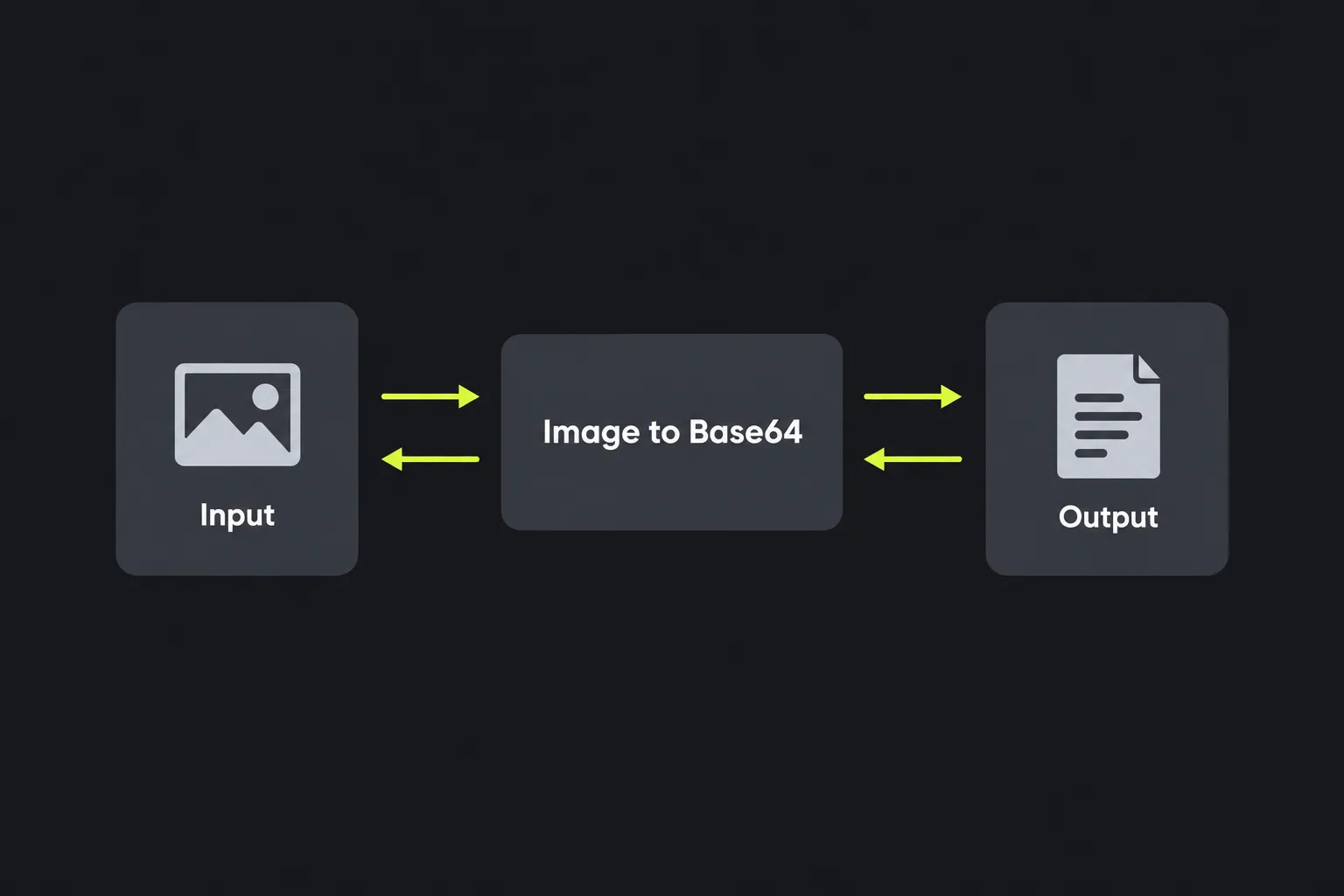
How do I convert an image to Base64?
Provide the image as the tool's input, run the conversion, and copy the value returned in the Base64 encoded field. The tool applies PHP's base64_encode function to the image data.
- Select the image you want to represent as text.
- Wait for the page to process the file and return the encoded value.
- Copy the complete string, including any equals signs at the end.
- Add the appropriate surrounding syntax if the destination expects a data URL, JSON value, or another container.
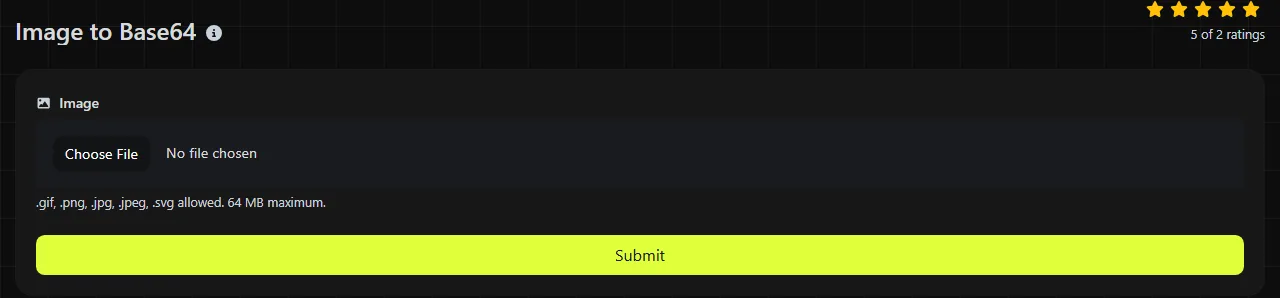
Processing takes place on the server. Your image is sent to the server over HTTPS and is not stored. Because processing happens server-side, do not assume the file remains on your device during conversion.
How should I use the resulting Base64 string?
Use the string as raw Base64, or place it inside the syntax required by the receiving system. Base64 itself does not identify the image format, filename, dimensions, or intended use.
For an HTML or CSS data URL, the encoded value normally follows a media type and the Base64 marker. A PNG data URL begins with data:image/png;base64, followed immediately by the string. A JPEG uses image/jpeg, while an SVG commonly uses image/svg+xml. Choosing the wrong media type can prevent software from displaying an otherwise valid image.
In JSON, Base64 is normally stored as a quoted string, often alongside a separate field identifying the media type. Do not add a data URL prefix when an API specifically asks for raw Base64. Read the API documentation before using the value returned by the tool because these two types of input are not interchangeable.
Where is Base64 used in real systems?
You will commonly encounter Base64 when binary data needs to travel through a text-based format or protocol. Typical examples include:
- Data URLs embedded in HTML, CSS, or generated documents.
- JSON payloads sent to APIs that accept image content inside a text property.
- Email messages, where MIME can encode attachments and inline images as Base64.
- Query strings, although standard Base64 characters may also require URL encoding.
- Configuration files and XML documents that cannot directly contain arbitrary binary bytes.
Internationalized domain names are another example of data being converted into a restricted character set, but they use Punycode rather than Base64. For values placed in a URL, a URL encoder may also be necessary because standard Base64 can contain plus signs, slashes, and equals signs.
Why does Base64 decoding fail or produce gibberish?
Decoding can fail because the input includes a copied prefix, is damaged or truncated, or does not match the Base64 format expected by the decoder. Gibberish often means valid binary image data was decoded and then incorrectly displayed as ordinary text.
- A copied prefix can cause an error when a decoder expects Base64 only. Remove text such as data:image/png;base64, before using a raw Base64 decoder.
- Damaged or truncated input may decode into an incomplete image that viewers cannot open.
- Double encoding produces another Base64 string after the first decode. A second decode may be necessary if the source encoded a value that was already encoded.
- Wrong alphabet can cause an error if the decoder expects a different variant. Base64url uses hyphens and underscores where standard Base64 uses plus signs and slashes.
- Missing padding can affect strict decoders. Standard Base64 may end with one or two equals signs, although some systems deliberately omit them.
If the decoded result is binary, save it using the correct image type instead of opening it in a text editor. The Base64 decoder or Base64 to Image tool can help reverse the operation, provided the string is complete and uses the expected format.
Format choices and tricky input
Standard Base64 is suitable for email, data URLs, and systems that explicitly request it. For URL paths, query parameters, and tokens, use the variant required by the receiving system. Base64url may be appropriate when its specification calls for it. This tool uses PHP's standard base64_encode operation, so do not assume its output is Base64url.
This tool encodes the uploaded image's bytes. Spaces, punctuation, numbers, accented characters, and non-Latin text inside an SVG or image metadata are encoded as part of those bytes. A filename containing such characters is separate from the file content and is not inherently represented by Base64.
In PHP, base64_encode returns an empty value for an empty byte string. Long files produce long strings, and Base64 adds roughly one third to the original byte count before any surrounding JSON or data URL syntax. It does not compress an image, improve its quality, or change its pixel dimensions.
Frequently asked questions
Can I put a Base64 image directly in CSS?
Yes, CSS properties that accept image URLs can use a correctly formed data URL. This works well for small, self-contained assets, but larger embedded images increase the stylesheet size and cannot be cached separately from the CSS file.
Why does my Base64 string have line breaks?
This tool returns an unbroken value because PHP's base64_encode does not insert line breaks. Breaks indicate that the value was subsequently copied or processed elsewhere. Many decoders ignore whitespace, but strict APIs may reject it, so use an unbroken string when the receiving specification requires one.
Does changing an image's filename change its Base64 value?
Base64 represents the file's bytes, not its filename. Renaming an unchanged file therefore does not alter its encoding, but editing metadata, resaving the image, or converting its format changes the bytes and produces a different string.
Can Base64 protect a private image?
No, Base64 can be reversed without a password or secret key. Use appropriate encryption, authentication, and access controls for confidential material, and remember that this tool sends the image to its server over HTTPS for processing.
How can I check whether the conversion worked?
Decode the complete string and open the result in an image viewer that supports the original format. Confirm that the dimensions and visible content match the source, and keep any padding characters at the end unless the destination explicitly requires their removal.
Similar Tools
Convert Base64 input into an image with our Base64 to image tool for quick and easy image retrieval.
Popular Tools
Create your own custom signature and download it easily with our signature generator tool for personalized e-signatures.
Calculate the size of any text in Bytes (B), Kilobytes (KB), or Megabytes (MB) using our text size calculator tool.
Use the reverse IP lookup tool to find the domain or host associated with any IP address quickly and easily.
Use our ping tool to check the status and response time of any website, server, or port quickly and efficiently.
Generate your free WhatsApp link instantly with our WhatsApp Link Generator. Add a custom message and start chats in one click. No login or coding required.
Digily Link's IP lookup tool provides detailed information about any IP address. Use this free online service to get comprehensive IP data.