Decimal converter
Convert text to decimal and back with our decimal converter tool for precise data conversion.
Decimal converter is a free tool that converts text to decimal byte values and decimal byte values back to text.
How does decimal text conversion work?
Decimal text conversion represents each byte in a text string as a base-10 number. For standard ASCII characters, each letter, digit, space, or punctuation mark has a value from 0 to 127. Other byte values can range up to 255.
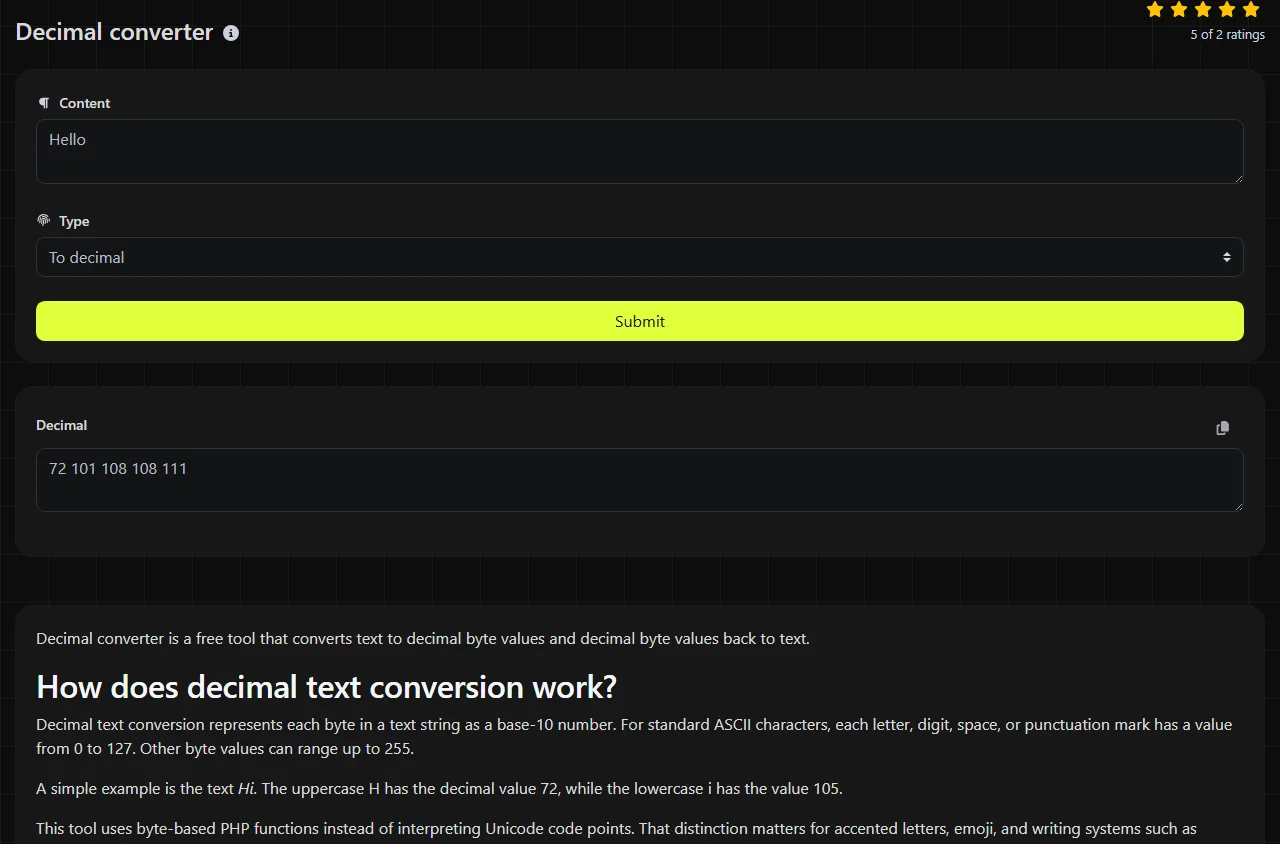
A simple example is the text Hi. The uppercase H has the decimal value 72, while the lowercase i has the value 105.
This tool uses byte-based PHP functions instead of interpreting Unicode code points. That distinction matters for accented letters, emoji, and writing systems such as Arabic or Japanese, which are commonly encoded as multiple UTF-8 bytes.
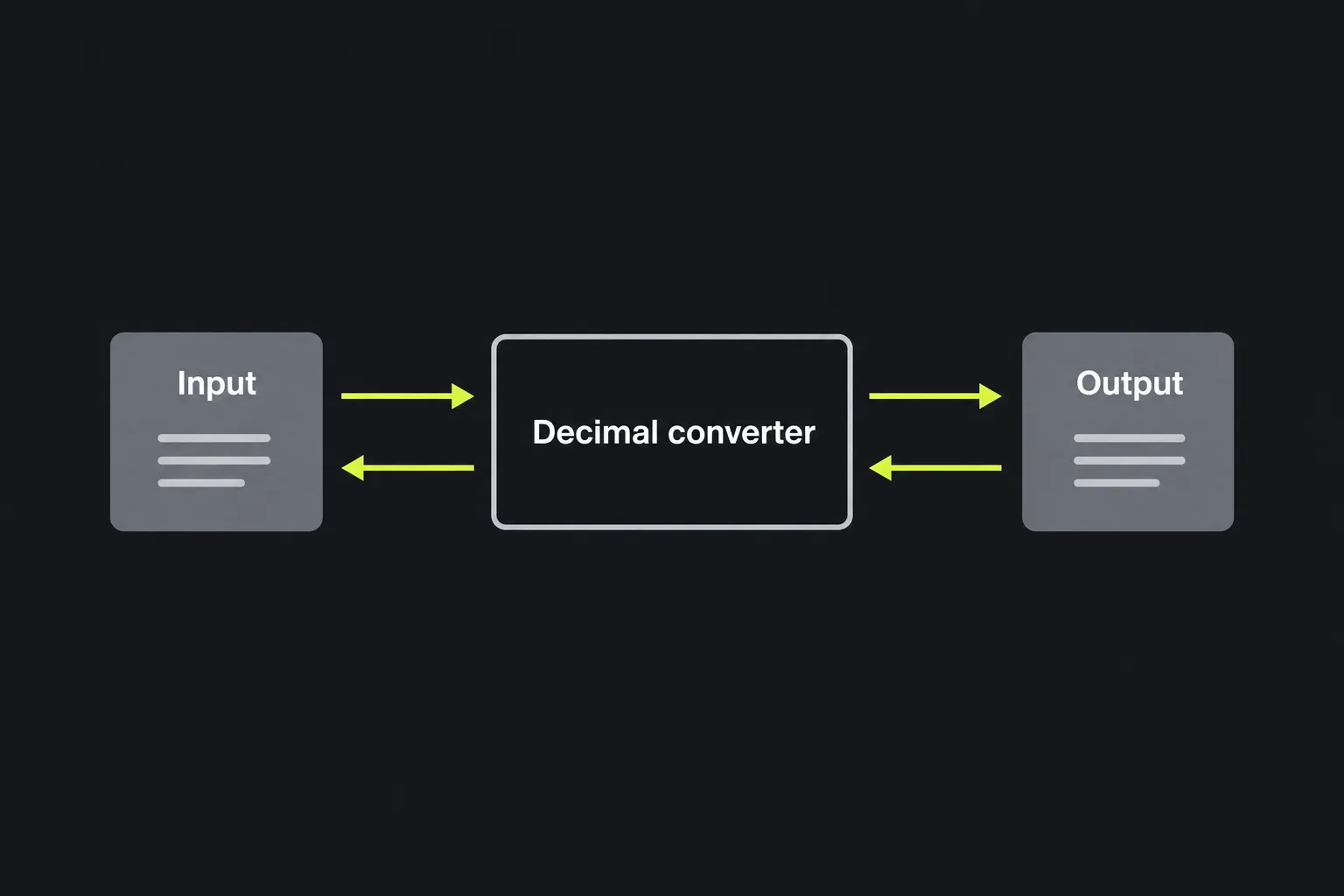
How do I use the Decimal converter?
Enter characters in To decimal to get their decimal byte values, or enter decimal data in To text to convert byte values back to characters. The result appears in the Decimal field as decimal byte values for To decimal or reconstructed text for To text.
- Use the field that matches your source data.
- Enter the text or decimal values without changing their order.
- Copy the result and verify that the decimal byte order, spaces, and nonprinting characters are preserved before using it elsewhere.
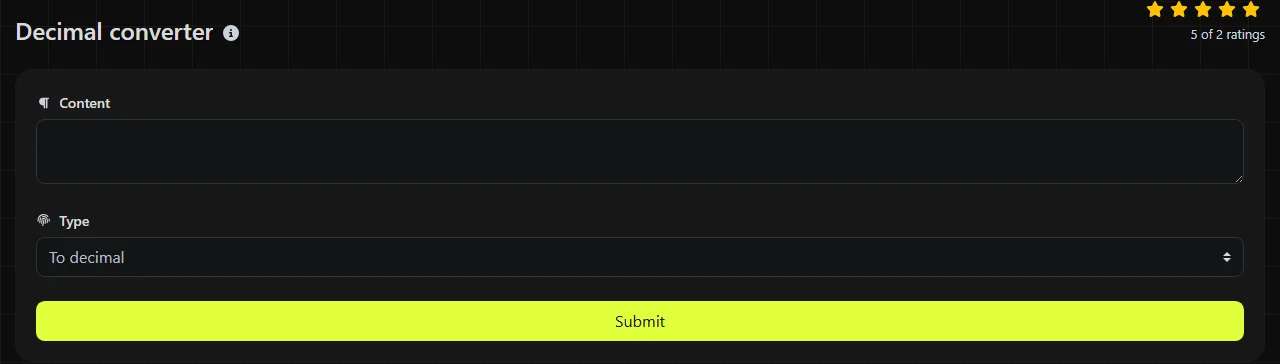
Numbers entered as text are treated as digit characters. For example, the character 7 has the ASCII decimal value 55. This differs from entering the decimal byte value 7, which represents a nonprinting control character.
Reading the result
Each decimal value corresponds to one byte, and letter case affects the value. An uppercase A is 65, while a lowercase a is 97. Spaces and punctuation also have their own values and must be retained to reconstruct the original text exactly.
| Character | Decimal value | Meaning |
|---|---|---|
| A | 65 | Uppercase letter |
| a | 97 | Lowercase letter |
| 0 | 48 | Digit character |
| Space | 32 | Printable spacing character |
| ! | 33 | Punctuation |
An empty string contains no bytes, so there are no character values to convert. Long text produces a correspondingly long sequence because every byte needs its own number. This tool does not translate words into ordinary written numbers or convert a decimal fraction to another number base.
Where are decimal character values used?
Decimal character values are used whenever people need to inspect or document bytes in a familiar base-10 form. Hexadecimal is more compact, but decimal can be easier when checking a value against an ASCII reference table.
- Programming when checking character input, byte arrays, or file contents.
- Networking when reading protocol documentation that lists field or character values in decimal.
- Electronics when sending character bytes to displays, microcontrollers, or serial devices.
- Education when learning how ASCII, bytes, and positional number systems relate.
- Radio when equipment documentation or data protocols specify control bytes and character codes numerically.
If a specification uses hexadecimal or octal, use a Hex converter or Octal converter instead of manually changing the notation first. An ASCII converter is useful when you specifically need to inspect the standard ASCII character set.
What mistakes happen when converting text by hand?
One common mistake is treating an entire number as a single character value when it actually consists of several digit characters. The text 65 contains the characters 6 and 5, whose decimal ASCII values are 54 and 53. By contrast, the byte value 65 represents an uppercase A.
Other errors include omitting the value 32 for a space, mixing uppercase and lowercase letters, or reading a hexadecimal value as decimal. Accented and non-Latin characters require extra care because one visible character may occupy more than one UTF-8 byte. A byte-by-byte result should not automatically be interpreted as a list of Unicode code points.
Frequently asked questions
Is decimal the same as ASCII?
No. Decimal is a way of writing numbers in base 10, while ASCII is a character-encoding standard. ASCII character codes can be written in decimal, hexadecimal, octal, or binary without changing the underlying character.
Can I convert an emoji to one decimal number?
Usually not with a byte-based converter. An emoji commonly occupies several UTF-8 bytes, so it produces several decimal byte values rather than one Unicode code point. Use a Unicode code-point tool if you need notation such as U+1F600.
What happens to tabs and line breaks?
Tabs and line breaks are control characters with numeric byte values. A horizontal tab is byte 9, while line endings may use LF (10), CR (13), or CRLF (13 followed by 10), depending on the source system. Copying text between Windows, Linux, and web applications can therefore change the byte sequence.
Can a decimal byte value be higher than 255?
A single byte cannot hold a value above 255. This converter uses byte-oriented character functions, so values from 0 to 255 are the relevant range. Larger Unicode code points require a Unicode-aware encoding step rather than direct single-byte conversion.
Does my input stay in my browser?
No. The conversion is performed on the server, so the input travels to the server over HTTPS. It is not stored.
Similar Tools
Convert text to binary and vice versa with our binary converter tool for efficient data encoding and decoding.
Convert text to hexadecimal and back with our hex converter tool for accurate data transformation.
Easily convert text to ASCII and back with our ASCII converter tool for efficient data handling.
Popular Tools
Create your own custom signature and download it easily with our signature generator tool for personalized e-signatures.
Calculate the size of any text in Bytes (B), Kilobytes (KB), or Megabytes (MB) using our text size calculator tool.
Use the reverse IP lookup tool to find the domain or host associated with any IP address quickly and easily.
Use our ping tool to check the status and response time of any website, server, or port quickly and efficiently.
Generate your free WhatsApp link instantly with our WhatsApp Link Generator. Add a custom message and start chats in one click. No login or coding required.
Digily Link's IP lookup tool provides detailed information about any IP address. Use this free online service to get comprehensive IP data.