Binary converter
Convert text to binary and vice versa with our binary converter tool for efficient data encoding and decoding.
Binary converter is a free tool that performs numeric conversions involving binary and hexadecimal values.
How does binary work?
Binary is a base-two number system that uses only the digits 0 and 1. Each position represents a power of two, beginning with 2⁰ on the right, followed by 2¹, 2², and so on.
For example, binary 1101 equals decimal 13. Reading from right to left gives 1 × 1, 0 × 2, 1 × 4, and 1 × 8, for a total of 1 + 0 + 4 + 8 = 13.
A common mistake when converting by hand is assigning 2⁰ to the leftmost digit. Start on the right instead. Leading zeros, such as 00001101, do not change the numeric value.
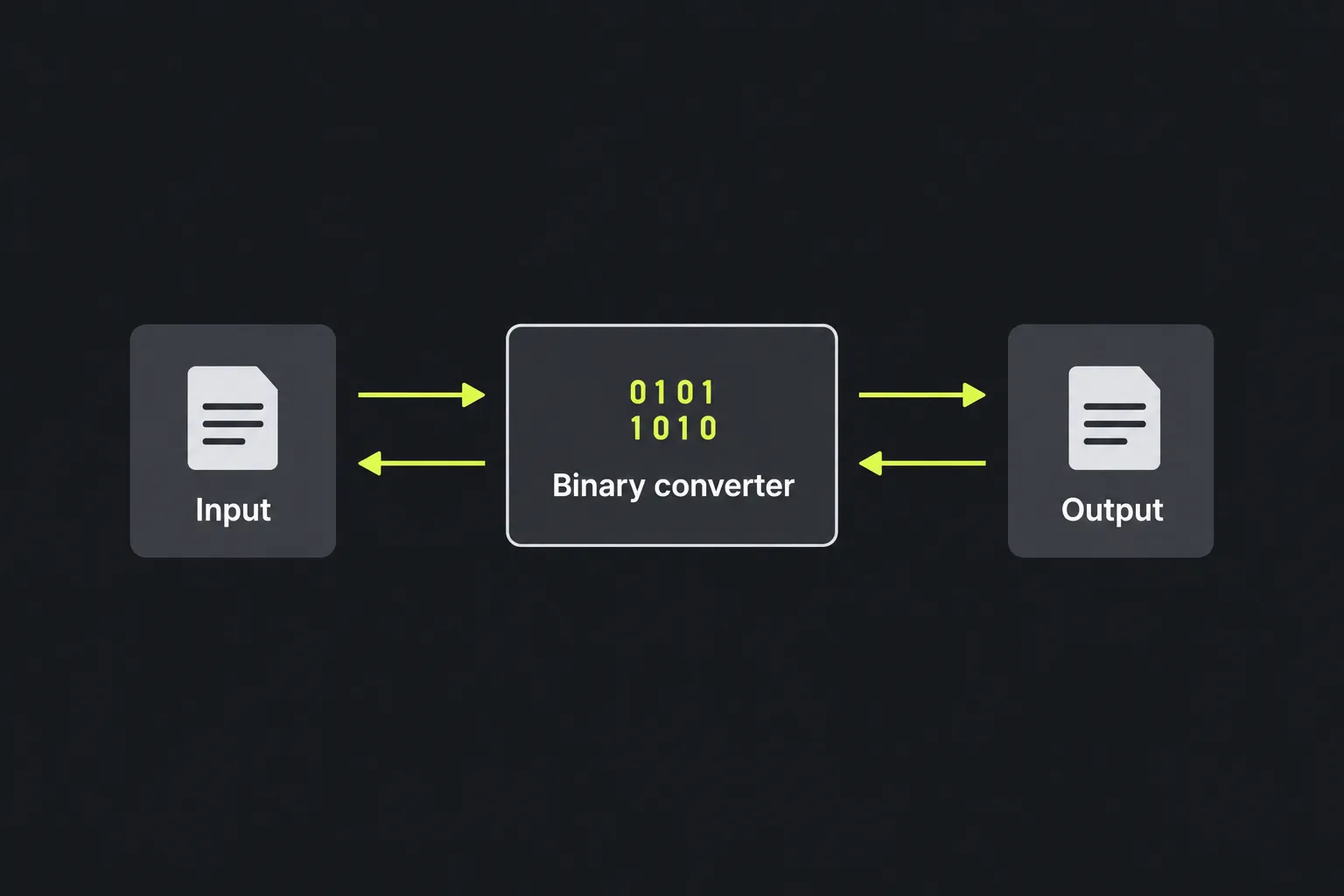
Binary reference table
| Decimal | Binary | Hexadecimal |
|---|---|---|
| 0 | 0000 | 0 |
| 5 | 0101 | 5 |
| 10 | 1010 | A |
| 15 | 1111 | F |
| 16 | 10000 | 10 |
Four binary digits form a nibble and map directly to one hexadecimal digit. This makes hexadecimal more compact when inspecting bytes, memory addresses, and network data. The Hex converter can help when you need that representation instead of a long bit string.
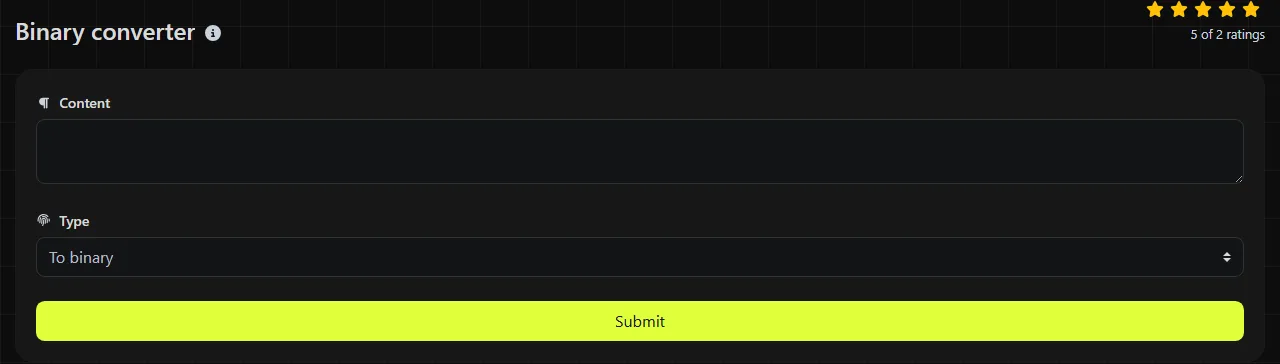
How do I use the binary converter?
Despite the labels To binary and To text, the tool does not encode text as binary or decode binary as text. It supports interpreting a binary numeral as a numeric value and converting an integer to hexadecimal. The field labeled Binary contains the decimal numeric value returned by bindec or the hexadecimal string returned by dechex.
The server-side implementation calls PHP's bindec and dechex functions. These are numeric functions. bindec interprets a binary string as a number, while dechex produces the hexadecimal form of a decimal integer. Because the tool information does not identify a character encoding, do not assume that arbitrary prose, accented letters, or emoji will round-trip under a particular text standard. Use the ASCII converter when you specifically need to inspect ASCII character values.
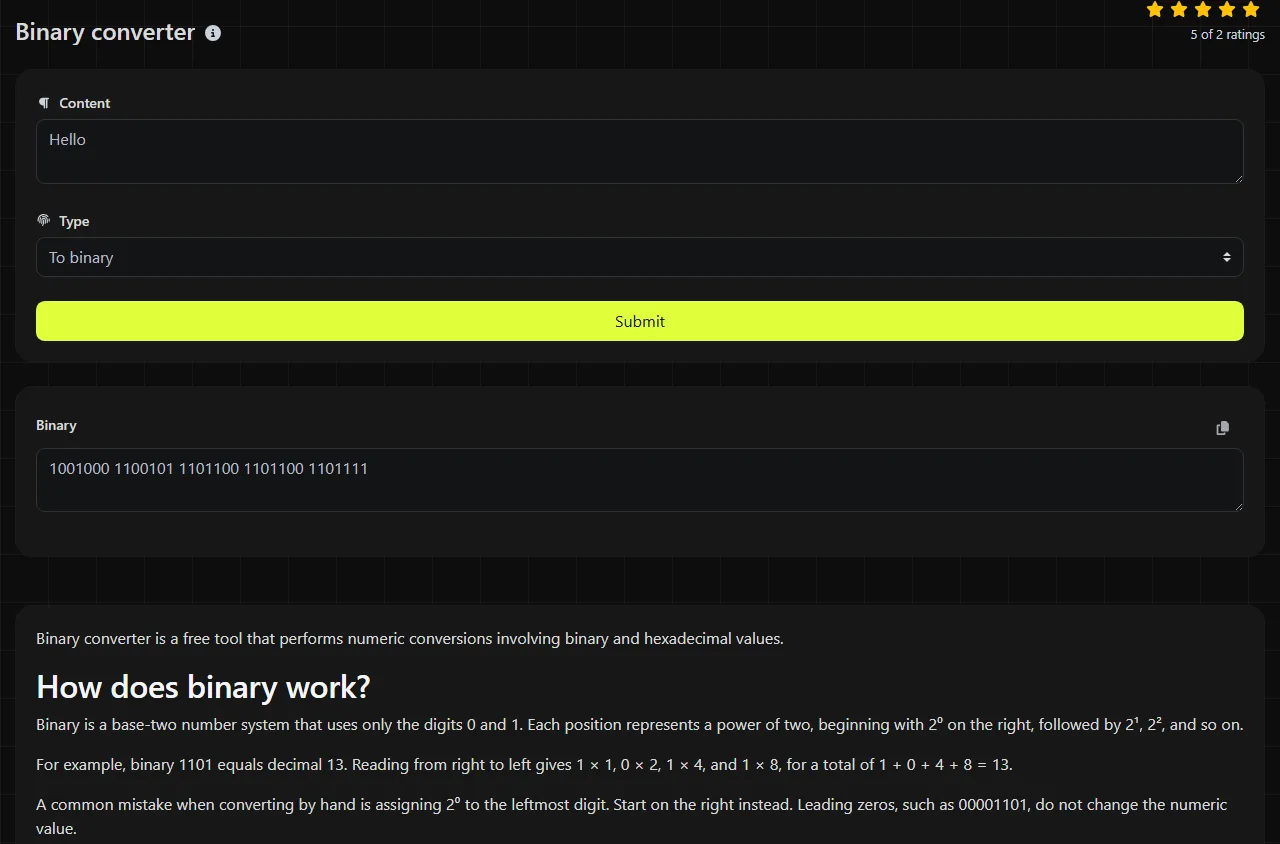
What does the result mean?
Depending on the function used, the field labeled Binary contains either the decimal numeric value returned by bindec or the hexadecimal string returned by dechex. Despite the field's label, neither function returns binary or encoded data.
For text, bits are normally divided into bytes and decoded using a character encoding such as ASCII or UTF-8. Spaces between byte groups are formatting aids, not binary digits. Punctuation is also encoded as character data, while ordinary decimal numerals entered as text are characters rather than their mathematical values.
No converter can infer every intended meaning from an unlabeled bit string. When checking coursework, source code, or a protocol field, first confirm the expected bit width, byte order, and character encoding.
Where is binary used in practice?
Binary is used wherever information is represented by two distinguishable states. Common examples include:
- Programming, including bit masks, flags, permissions, and low-level debugging.
- Networking, where IPv4 subnet masks and protocol fields are often examined bit by bit.
- Electronics, where logic circuits represent low and high voltage ranges as 0 and 1.
- Education, particularly place-value exercises and conversions among binary, decimal, and hexadecimal.
- Digital radio, where audio, control information, and error-correction data are carried as encoded bit streams before transmission.
Binary notation is useful for understanding individual bits, but hexadecimal is usually easier to read for long machine values because each hexadecimal digit corresponds to four bits.
Frequently asked questions
Can a binary number include spaces?
Spaces are not binary digits, although people often place them between bytes for readability. A parser may accept or reject them, so remove separators when a system requires one continuous binary string.
Can binary represent emoji and accented characters?
Yes, but only through an agreed-upon character encoding such as UTF-8. These characters usually take up more than one byte, so treating each visible character as a single eight-bit value produces incorrect results.
Are 2 and 9 valid binary digits?
No. Standard binary notation contains only 0 and 1. If another digit appears, treat the input as invalid instead of silently assuming it uses decimal notation.
Will a very long binary number stay exact?
Not necessarily. bindec returns an integer when the value fits PHP's integer size and a floating-point number otherwise, which can lose precision; dechex accepts an integer, so its range depends on the server's integer size. For large identifiers or bit streams, use a big-integer library or process fixed-size chunks.
Is my input processed in the browser?
No. The input is sent to the server over HTTPS, where the conversion is performed, and it is not stored.
Similar Tools
Convert text to hexadecimal and back with our hex converter tool for accurate data transformation.
Easily convert text to ASCII and back with our ASCII converter tool for efficient data handling.
Convert text to decimal and back with our decimal converter tool for precise data conversion.
Popular Tools
Create your own custom signature and download it easily with our signature generator tool for personalized e-signatures.
Calculate the size of any text in Bytes (B), Kilobytes (KB), or Megabytes (MB) using our text size calculator tool.
Use the reverse IP lookup tool to find the domain or host associated with any IP address quickly and easily.
Use our ping tool to check the status and response time of any website, server, or port quickly and efficiently.
Generate your free WhatsApp link instantly with our WhatsApp Link Generator. Add a custom message and start chats in one click. No login or coding required.
Digily Link's IP lookup tool provides detailed information about any IP address. Use this free online service to get comprehensive IP data.