Brotli Checker
Use our Brotli checker tool to determine if a website utilizes the Brotli Compression algorithm for enhanced speed.
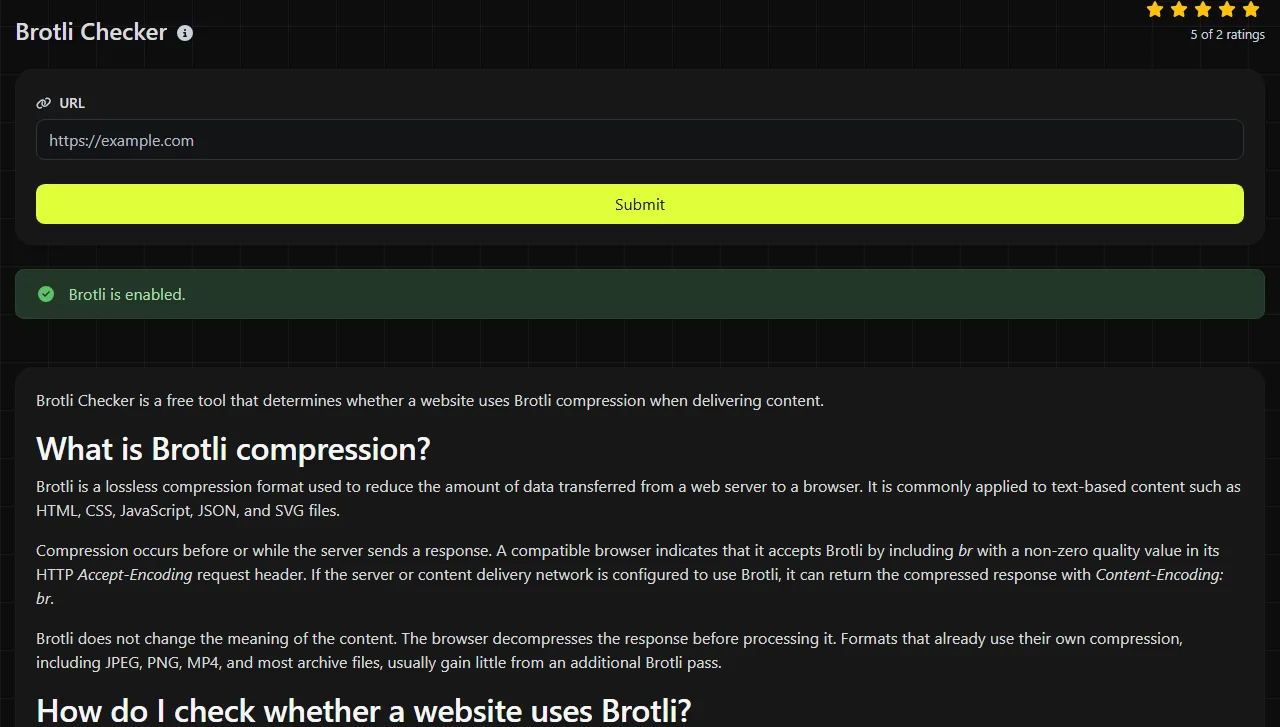
Brotli Checker is a free tool that determines whether a website uses Brotli compression when delivering content.
What is Brotli compression?
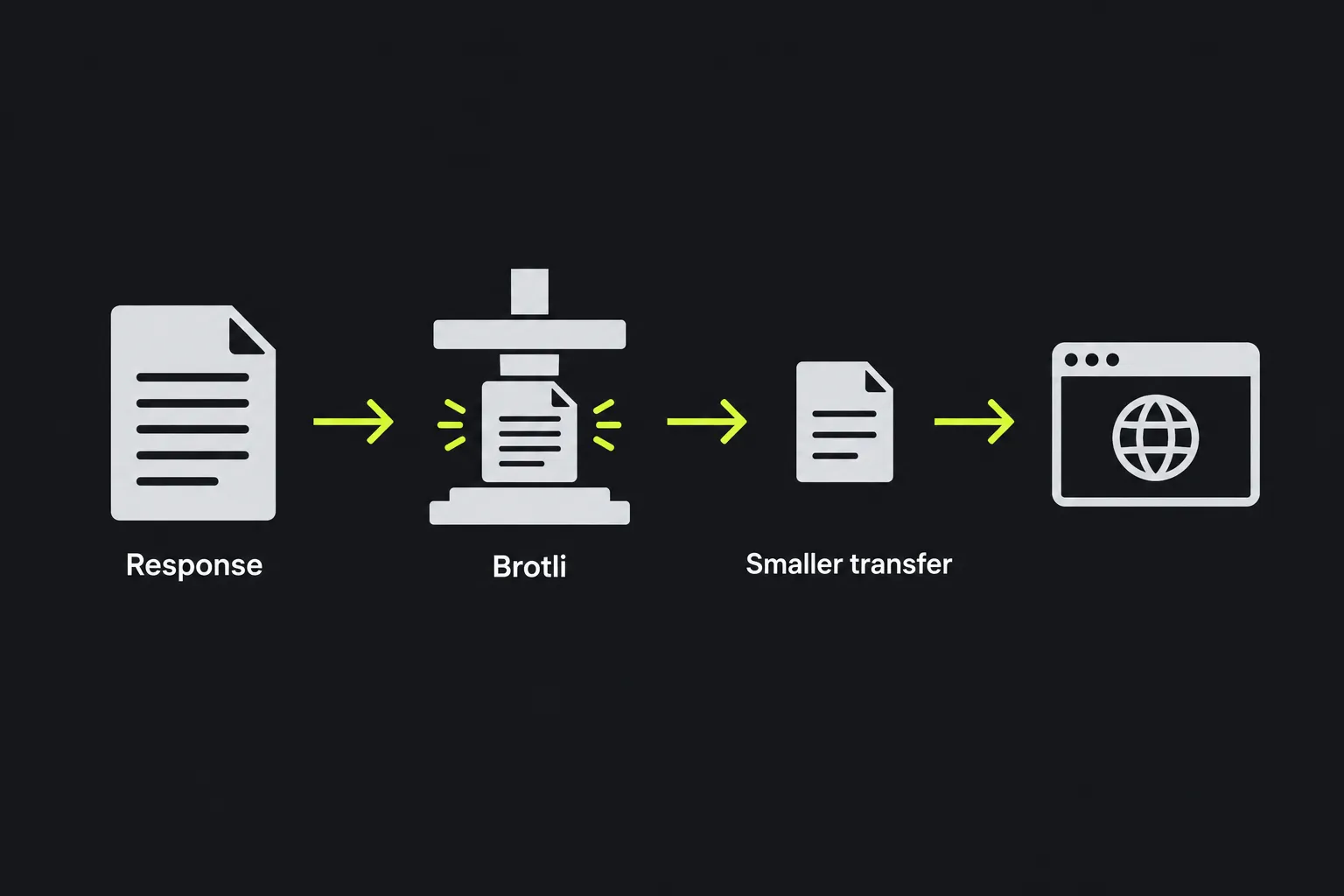
Brotli is a lossless compression format used to reduce the amount of data transferred from a web server to a browser. It is commonly applied to text-based content such as HTML, CSS, JavaScript, JSON, and SVG files.
Compression occurs before or while the server sends a response. A compatible browser indicates that it accepts Brotli by including br with a non-zero quality value in its HTTP Accept-Encoding request header. If the server or content delivery network is configured to use Brotli, it can return the compressed response with Content-Encoding: br.
Brotli does not change the meaning of the content. The browser decompresses the response before processing it. Formats that already use their own compression, including JPEG, PNG, MP4, and most archive files, usually gain little from an additional Brotli pass.
How do I check whether a website uses Brotli?
Enter the website address and run the Brotli check to determine whether the website uses Brotli compression.
The check runs on the server. Your input is sent to the server over HTTPS and is not stored.
How do I interpret the Brotli Checker result?
The result tells you whether the website uses Brotli.
If Brotli is detected, the website uses Brotli. If it is not detected, the website may be uncompressed or may use another encoding, such as Gzip.
Troubleshooting common Brotli problems
Use these diagnostic steps when Brotli is not detected as expected.
- Brotli was enabled, but the site still returns Gzip. Check content negotiation settings, compression eligibility, minimum-size thresholds, and cached variants. If the request passes through a CDN, reverse proxy, or hosting platform with its own compression policy, the intermediary may replace Brotli with a cached Gzip response.
- The home page passes, but static files do not. Review the compression rules for CSS and JavaScript files. Server rules often apply by MIME type, and assets may be served from another hostname, such as static.example.co.uk.
- A recent hosting or CDN change is not showing up. Inspect the DNS, routing, and HTTP response headers. If traffic still reaches an old edge or origin, the result can reflect the previous configuration.

HTTP headers lookup can help when you need to inspect response headers beyond the compression decision. Brotli and HTTP/2 are separate features, so use HTTP/2 Checker if you also need to confirm the connection protocol. A site can use Brotli over a connection without HTTP/2, and enabling HTTP/2 does not itself enable Brotli.
You can also check from the command line with curl. A request such as curl --compressed -D - -o /dev/null https://www.example.co.uk/ asks curl to accept supported compression and prints the response headers. Results can differ if a server treats command-line clients differently or if a HEAD request is used instead of a normal GET request.
Why can caching or propagation make the result look wrong?
Caches and routing delays can temporarily produce a result that differs from the configuration you expect. A CDN may retain an older uncompressed or Gzip-compressed object until it expires or is purged.
When representation selection depends on Accept-Encoding, the origin response should include Vary: Accept-Encoding. Caches use that field when constructing cache keys to maintain separate representations for clients with different compression support. If this header is missing or handled incorrectly, a cache can return the wrong variant. Check the CDN cache key and response headers when Brotli appears intermittently.
DNS changes can cause additional delays. Resolvers may retain the previous address until its time to live expires, and different networks can reach different servers during a migration. Because this checker runs on a server, its DNS and cache path may not match the path used by your browser. Browser developer tools may also show a locally cached response, so reload with the cache disabled when comparing results.
Frequently asked questions
Can Brotli and Gzip be enabled at the same time?
Yes. Servers commonly support both and select an encoding from the client's Accept-Encoding header. This provides Gzip for compatible older clients while allowing Brotli for clients that advertise br with a non-zero quality value.
Does Brotli use a .br file extension?
Precompressed Brotli files may use the .br extension on the server, but website visitors normally request the original URL. The server selects the compressed representation and identifies it through the Content-Encoding response header.
Should every file on a website use Brotli?
No. Brotli is generally well suited to text-based responses, while images, video, PDFs, and archive files may already be compressed. Recompressing those formats can consume server time without materially reducing the transfer size.
Does Brotli improve search rankings?
No, Brotli does not directly guarantee higher rankings. Smaller text responses can reduce transfer time, which may contribute to better page performance, but caching, server response time, script execution, and image handling also affect the result users experience.
What should I check after enabling Brotli?
Confirm that representative text responses load correctly in a browser. Review Content-Type, Content-Encoding, Content-Length where present, and Vary, and purge relevant CDN entries if old variants remain cached.
Similar Tools
Use our SSL lookup tool to retrieve comprehensive details about any SSL certificate and ensure your website's security.
Retrieve all HTTP headers returned by a URL for a typical GET request with our HTTP headers lookup tool.
Verify if a website is using the latest HTTP/2 protocol with our HTTP/2 checker tool and ensure optimal performance.
Popular Tools
Create your own custom signature and download it easily with our signature generator tool for personalized e-signatures.
Calculate the size of any text in Bytes (B), Kilobytes (KB), or Megabytes (MB) using our text size calculator tool.
Use the reverse IP lookup tool to find the domain or host associated with any IP address quickly and easily.
Use our ping tool to check the status and response time of any website, server, or port quickly and efficiently.
Generate your free WhatsApp link instantly with our WhatsApp Link Generator. Add a custom message and start chats in one click. No login or coding required.
Digily Link's IP lookup tool provides detailed information about any IP address. Use this free online service to get comprehensive IP data.