Barcode reader
Upload a barcode image and easily extract the embedded data with our barcode reader tool for quick information retrieval.
Barcode reader is a free tool that extracts the data encoded in a barcode image and displays it as text.
What information can a barcode contain?
A barcode can contain an identifier, a short piece of text, or, depending on the barcode format, structured data such as a web address. The bars, spaces or cells represent the data encoded according to the rules of each symbology. They do not automatically include all the information associated with the item.
- EAN-13 and UPC usually encode retail product numbers. A store or product database uses that number to find the description, price, and inventory record.
- Code 39 supports uppercase letters, numbers, and a limited set of punctuation. It is often used for asset labels and internal references.
- Code 128 can represent letters, numbers, punctuation, and control characters. Logistics labels often use it for shipment or consignment identifiers.
- GS1-128 combines data with application identifiers that indicate meanings such as batch number, expiration date, or weight.
- ITF is a numeric format commonly found on cartons and packaging.
Two-dimensional barcodes can hold more data than traditional linear barcodes. QR codes commonly store URLs, Wi-Fi network details, contact cards, and plain text. If the image is specifically a QR code, the QR code reader is the more suitable tool.
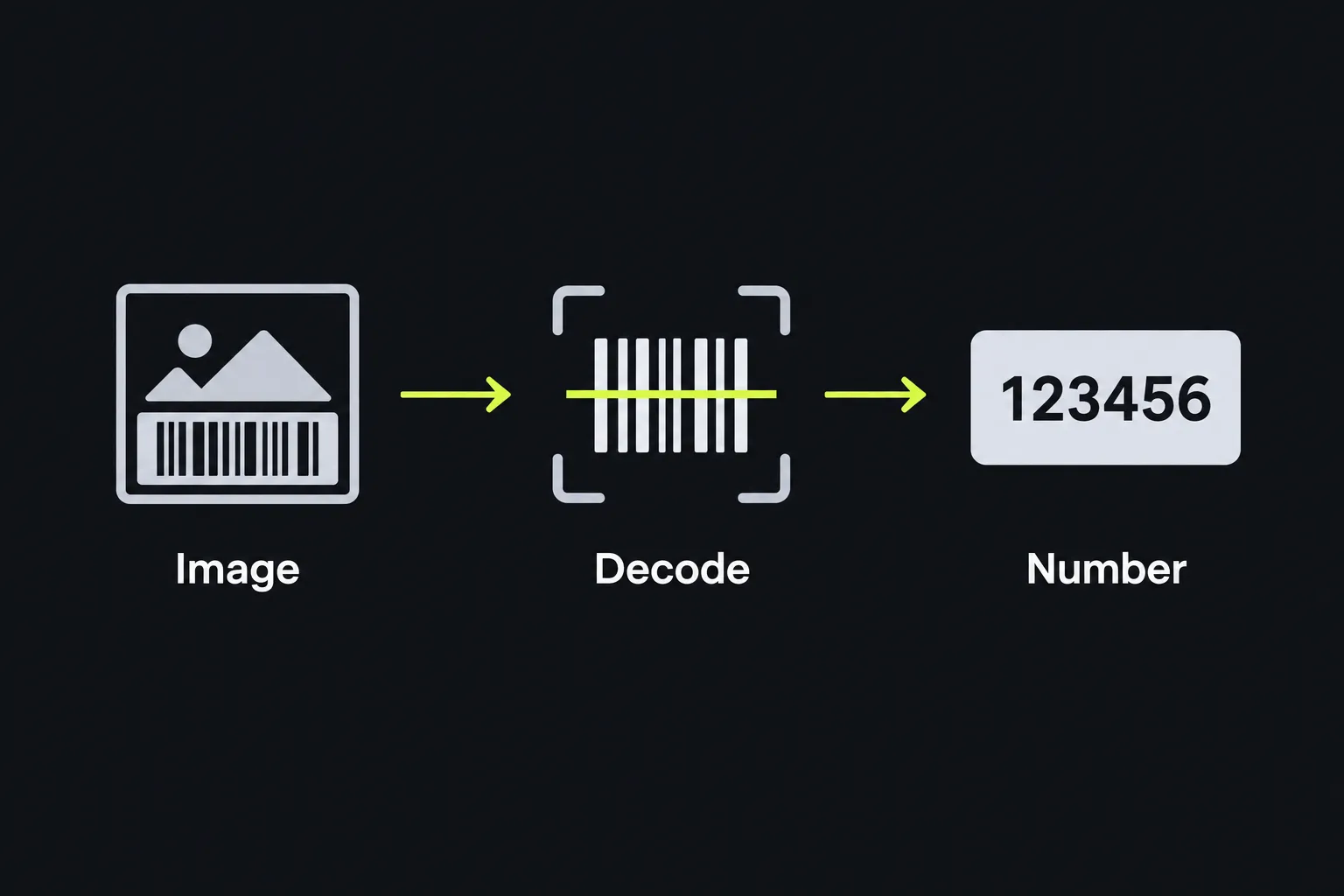
How do I read a barcode from a screenshot or photo?
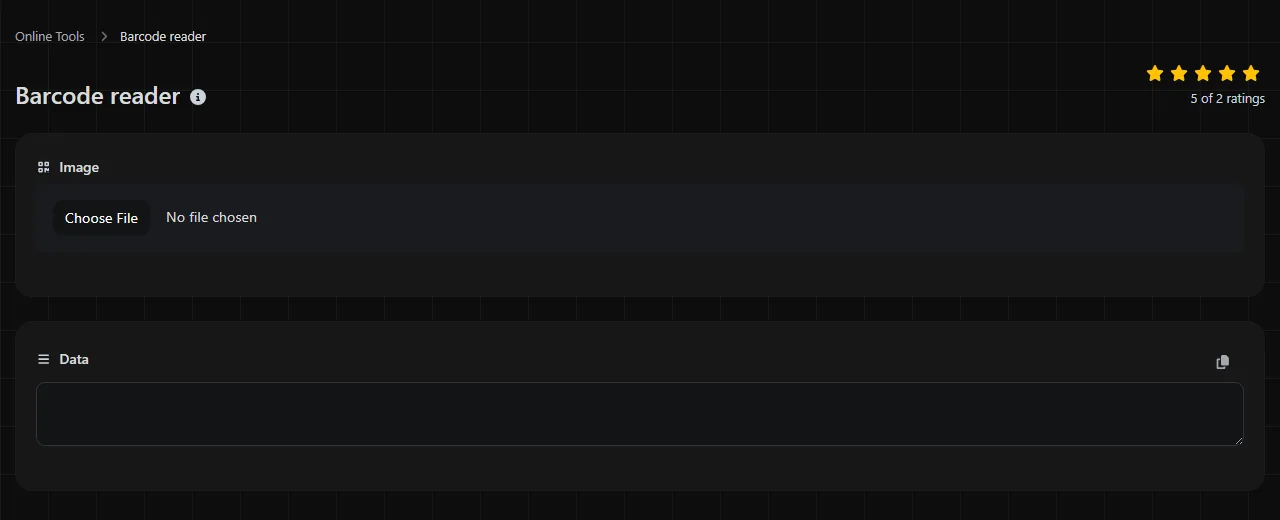
Select the screenshot or photo in the Barcode image field, then read the extracted content in the Data result.
The barcode image is processed entirely in your browser and is never uploaded to a server. This applies to screenshots, photos, and other images selected from your device.
- Save the image or take a clear photo of the barcode.
- On a desktop or laptop, select the saved file in the Barcode image field. A screenshot cropped around the label is usually easier to decode than a full-screen capture.
- On a phone, use the same field to choose the image from your device's photo library or files.
- Check the value shown under Data. Preserve leading zeros if the result is an account, product, or tracking identifier.
Keep the entire barcode within the image, including the blank area around it. When taking a photo, hold the phone parallel to the label and avoid reflections from glossy packaging. Sharp focus and even lighting matter more than a very large file.
Why won't a barcode image decode?
A barcode may fail to decode if the image is blurry, cropped, damaged, too small, or poorly lit. Barcode readers need to distinguish the bars or cells and their spacing accurately.
- Blur or camera movement merges narrow bars together. Retake the photo in brighter light and keep the camera steady.
- Cropping can remove the start, stop, or quiet-zone areas required by the barcode format. Leave a plain margin on every side.
- Glare hides parts of labels printed on plastic, foil, or glossy card stock. Change the angle instead of using direct flash.
- Perspective distortion makes one end of the barcode narrower than the other. Photograph the label straight on.
- Physical damage may obscure bars and prevent a valid decode. A torn, scratched, or heavily creased linear barcode may be unrecoverable.
- Low contrast makes the bars difficult to distinguish from the background. Try the original image instead of a compressed copy from a messaging service.
No barcode reader can guarantee recovery from every image. If the printed number is visible below a retail barcode, entering it directly into the relevant product system may be the practical alternative.
Reading the extracted data safely
The result is the barcode's decoded payload. For example, a valid EAN-13 symbol encoding 5012345678900 produces that 13-digit product identifier. A Code 128 label encoding BOX-17/A produces the same letters, numbers, hyphen, and slash.
Spaces, punctuation, and letters are only possible when the selected barcode format supports them. Accented or non-Latin characters require an encoding and barcode type that can represent those characters. Numeric formats cannot preserve unsupported text. Very long content also produces denser or larger symbols, making them harder to photograph clearly.
Treat a decoded URL as untrusted until you inspect it. A barcode can point to any website, including a misleading login page or an unwanted download. Check the full domain name before opening the address, especially on delivery notices, parking signs, and payment stickers that could have been replaced.
A product number is not a product description. You need access to the retailer's, manufacturer's, or GS1-linked database to turn the identifier into a name or inventory record.
Which reader should I use for QR codes and photo metadata?
Use a QR code reader for square QR symbols, and use an Exif reader when you need information recorded by a camera rather than printed in the image.
QR payloads may include a website address, Wi-Fi network name and password, phone number, email address, or vCard contact. This information is encoded in the visible QR pattern. In contrast, Exif metadata belongs to the image file and can include the camera model, capture settings, date, and, when recorded by the device, location coordinates.
A photo of a barcode can therefore contain two separate types of information. The barcode has its own payload, while the image file may contain camera metadata. Reading one does not automatically reveal the other, and screenshots often contain little or no useful Exif information.
Frequently asked questions
Can a barcode tell me a product's price?
No. A retail barcode normally contains a product identifier, while the price is stored in the retailer's point-of-sale or inventory database. The same product number can therefore have different prices at different stores or at different times.
Do leading zeros in a barcode matter?
Yes. Leading zeros are part of many barcode identifiers and should be preserved. Spreadsheet software may remove them when it treats the result as a number, so set the destination column to text before pasting or importing values.
Does a barcode expire?
The printed symbol does not expire on its own. However, a linked webpage can be removed, a coupon can pass its expiration date, and an identifier can become inactive in the system that issued it.
Can an EAN prefix tell me where a product was made?
Not reliably. The prefix identifies the GS1 member organization that assigned the company prefix, which does not necessarily match the country of manufacture. Check the packaging or the manufacturer's records for information about the product's origin.
Can I improve a barcode screenshot before reading it?
Crop out unrelated screen content while leaving a clear margin around the entire barcode. Avoid aggressive sharpening, filters, or repeatedly saving the image as a JPEG, since these can alter bar widths and introduce compression artifacts. If possible, use the original screenshot and compare the extracted characters with any human-readable number printed next to the code.
Similar Tools
Upload a QR code image and easily extract the embedded data with our QR code reader tool for quick information retrieval.
Popular Tools
Create your own custom signature and download it easily with our signature generator tool for personalized e-signatures.
Calculate the size of any text in Bytes (B), Kilobytes (KB), or Megabytes (MB) using our text size calculator tool.
Use the reverse IP lookup tool to find the domain or host associated with any IP address quickly and easily.
Use our ping tool to check the status and response time of any website, server, or port quickly and efficiently.
Generate your free WhatsApp link instantly with our WhatsApp Link Generator. Add a custom message and start chats in one click. No login or coding required.
Digily Link's IP lookup tool provides detailed information about any IP address. Use this free online service to get comprehensive IP data.