MD2 generator
Generate MD2 hashes from any string input using our MD2 generator tool for data integrity verification.
MD2 generator is a free tool that creates an MD2 hash from any string for checksum comparison, deduplication, or compatibility with legacy systems.
What is MD2, and is it still secure?
MD2 is a cryptographic hash function created by Ronald Rivest in 1989, but it is now broken and deprecated for security use. It was designed for early 8-bit computers and later documented in RFC 1319 in 1992.
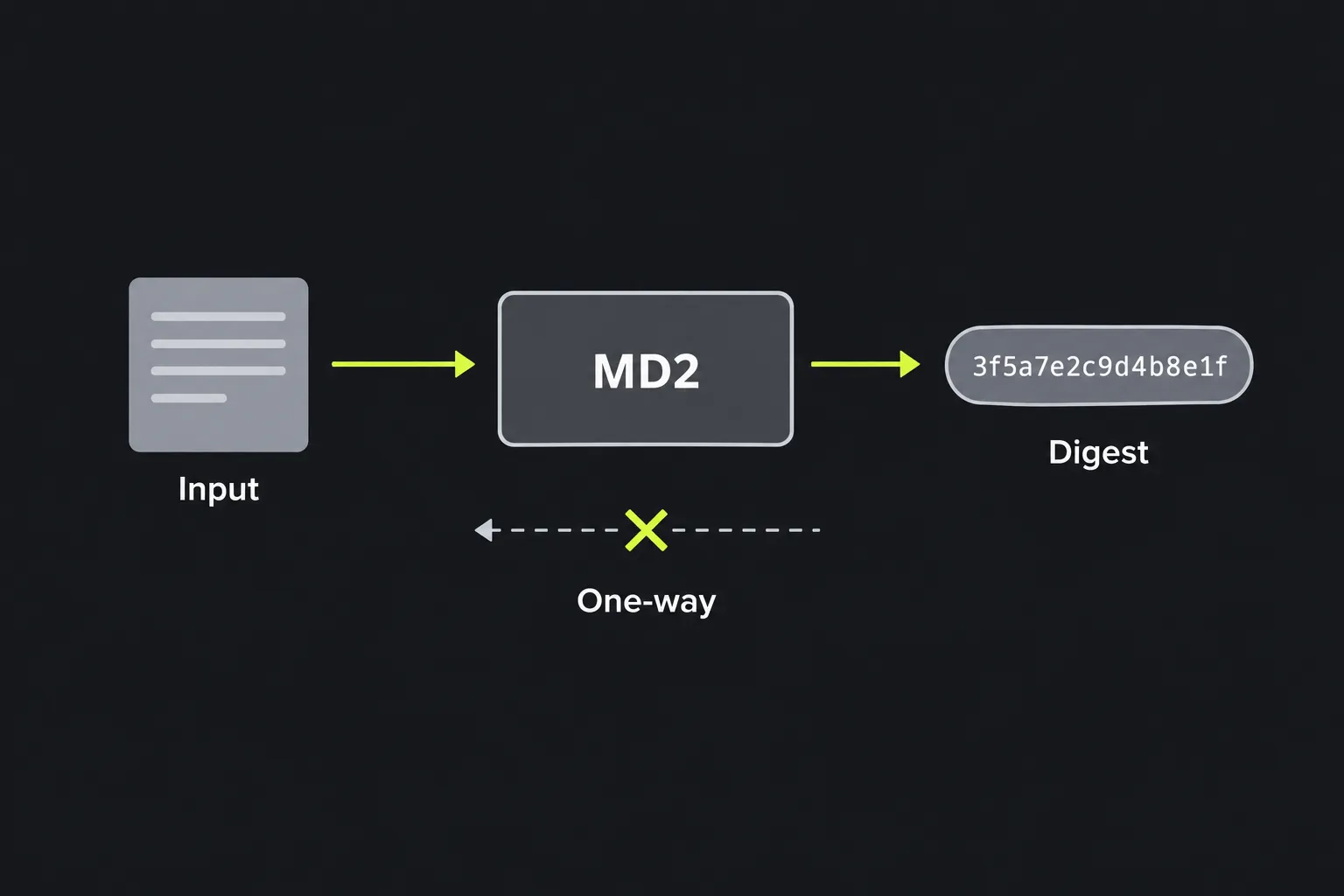
MD2 converts input data into a fixed-length fingerprint. It is intended to be one-way, so the original data normally cannot be calculated from the digest alone. MD2 always produces a 128-bit digest, usually written as 32 hexadecimal characters using the digits 0 through 9 and the letters a through f.
MD2's collision resistance has been broken, which means it cannot reliably verify that data has not been altered by an attacker, even when the expected digest is trusted. The Internet Engineering Task Force moved it to Historic status, and it should not be used for new security systems, digital signatures, or certificates. When resistance to deliberate tampering matters, use a current algorithm such as SHA-256 with a trusted digest, a MAC, or a digital signature.
How do I generate an MD2 hash?
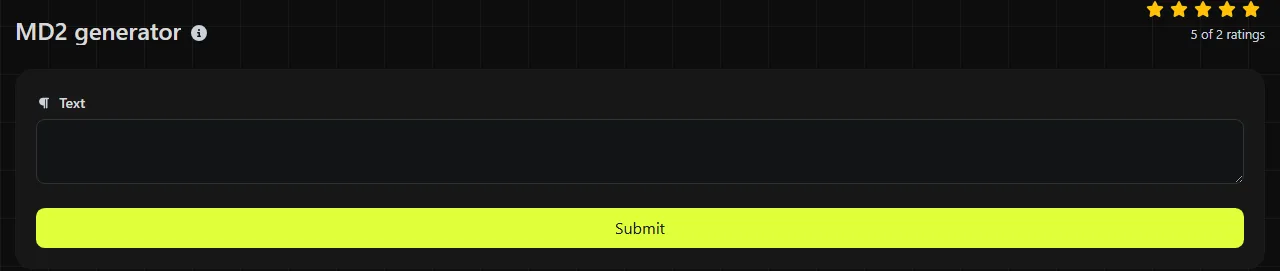
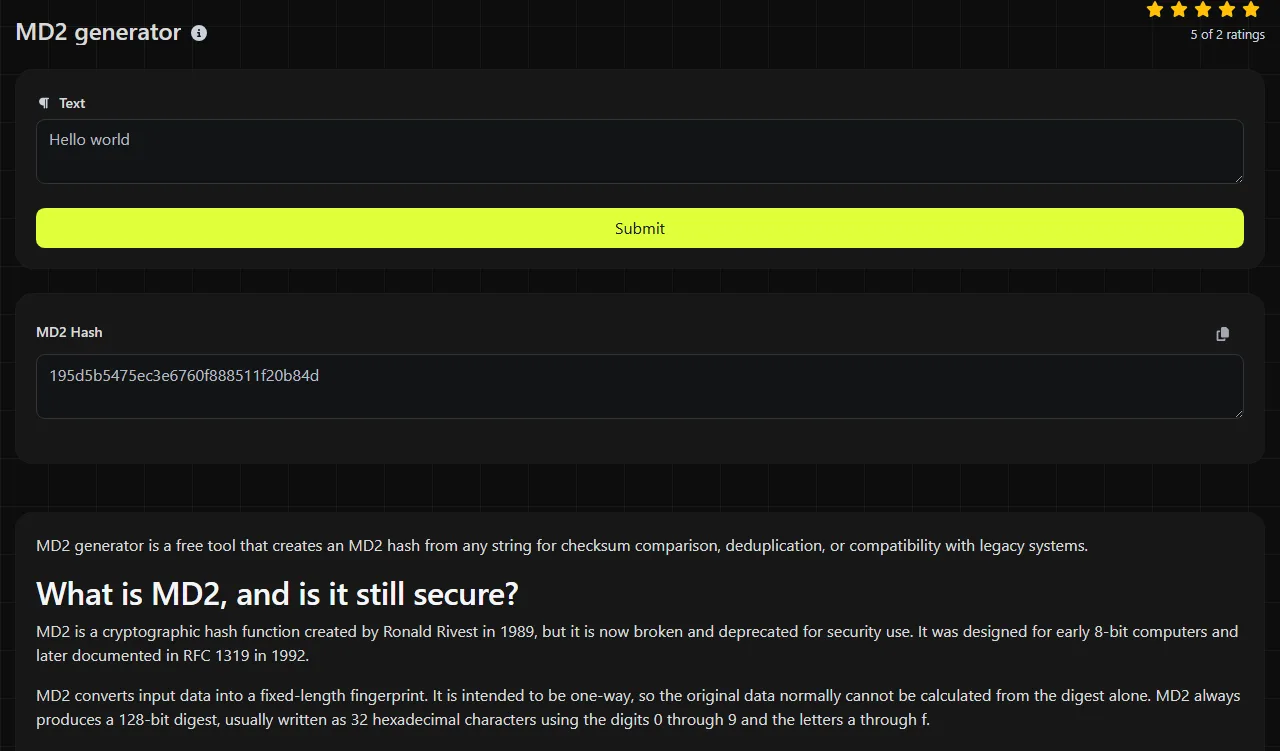
Enter the string you want to hash, then read the 32-character hexadecimal digest in the MD2 Hash result field. This MD2 generator produces the same digest for the same sequence of input bytes every time.
- Enter or paste the exact text required by the legacy system or checksum record.
- Generate the result and copy all 32 hexadecimal characters.
- Compare it with the expected digest and make sure no characters are missing.
The calculation takes place on the server. Your input is sent to the server over HTTPS and is not stored. Even so, avoid submitting passwords, private keys, access tokens, or other secrets to this server-side MD2 tool.
Can an MD2 hash be decrypted or reversed?
No. An MD2 hash cannot be decrypted because hashing is not encryption, and there is no decryption key. A digest contains a fixed-length result, not an encoded copy of the original input.
An attacker may still discover an MD2 input by guessing possible values, hashing each one, and comparing the results. Short words, common passwords, and predictable identifiers hashed with MD2 are particularly vulnerable to dictionary attacks and precomputed lists. MD2 does not provide secrecy, which requires encryption. Separately, MD2's obsolete security design makes it unsuitable when resistance to attackers is required.
A hash also cannot tell you which input was used if several possible inputs produce the same digest. These matches are called collisions, and MD2 no longer provides acceptable collision resistance.
Where is MD2 still used today?
MD2 can be used to reproduce checksums required by old software, file formats, archives, or documented test data. It can also support nonsecurity tasks when an existing system specifically expects MD2.
- Legacy compatibility when an old protocol or database stores 32-character MD2 digests.
- Checksum comparison to detect accidental changes when no hostile party can choose the data.
- Deduplication in a closed, non-adversarial collection that already uses MD2 identifiers.
- Historical testing when checking an implementation against an older specification.
MD2 must not be used to store passwords. It has no built-in salt or adjustable work factor, and adding a salt does not make it a suitable password-hashing scheme. It also must not be used to protect software downloads or evidence against deliberate modification. The MD4 generator and MD5 generator can help with systems that explicitly require those related algorithms, although neither algorithm is suitable for new security-sensitive designs.
Inputs, bytes, and exact matching
This MD2 generator hashes the bytes representing its server-side string input, so every character in the input matters. For example, hello produces a 32-character hexadecimal result, while Hello is a different input and should be expected to produce another result. Leading spaces, trailing spaces, tabs, punctuation, and line breaks in the input are included rather than ignored.
Numbers entered in this MD2 generator's string field are hashed as their character representation. For example, the text 42 means the characters 4 and 2, not a binary integer value. An empty byte sequence also has a valid MD2 digest.
For this tool's server-side MD2 calculation, accented and non-Latin characters depend on character encoding because the algorithm only receives bytes. Two applications may display the same text but encode it differently, resulting in different hashes. Unicode normalization can also matter for characters with more than one valid representation.
Frequently asked questions
Is MD2 the same as MD5?
No. MD2 and MD5 are separate algorithms, although both produce 128-bit digests commonly displayed as 32 hexadecimal characters. MD2 is older and byte-oriented, while MD5 was designed later for faster processing on 32-bit machines.
Does capitalization matter in an MD2 hash?
Capitalization matters in the input, so Example and example are different strings. Uppercase and lowercase letters in the displayed hexadecimal digest represent the same numeric value, provided the characters themselves are unchanged.
Can I use MD2 to hash a file?
This tool is intended for string input, so do not assume that pasting a file name hashes the file's contents. For a file checksum, use software that reads the raw file bytes and explicitly supports MD2, then compare the complete 32-character result.
Why does my MD2 result differ from another program?
The programs may be hashing different bytes because of a trailing newline, copied spaces, character encoding, or Unicode normalization. If the intended input is byte data represented in hexadecimal, another possible cause is hashing the visible hexadecimal representation instead of the original bytes.
Final checks
Confirm that the receiving system genuinely requires MD2, preserve the input exactly, and compare all 32 hexadecimal characters. If you are designing a new system, use a trusted digest based on a current hash, a MAC, or a digital signature for integrity checks and a dedicated password-hashing function for passwords. Keep MD2 only when an established legacy format leaves no practical alternative.
Similar Tools
Create MD4 hashes from any string input with our MD4 generator tool for secure data hashing.
Generate 32-character MD5 hashes from any string input with our MD5 generator tool for reliable data hashing.
Popular Tools
Create your own custom signature and download it easily with our signature generator tool for personalized e-signatures.
Calculate the size of any text in Bytes (B), Kilobytes (KB), or Megabytes (MB) using our text size calculator tool.
Use the reverse IP lookup tool to find the domain or host associated with any IP address quickly and easily.
Use our ping tool to check the status and response time of any website, server, or port quickly and efficiently.
Generate your free WhatsApp link instantly with our WhatsApp Link Generator. Add a custom message and start chats in one click. No login or coding required.
Digily Link's IP lookup tool provides detailed information about any IP address. Use this free online service to get comprehensive IP data.