Google Cache Checker
Verify if a URL is cached by Google with our Google cache checker tool and monitor your website's indexing status.
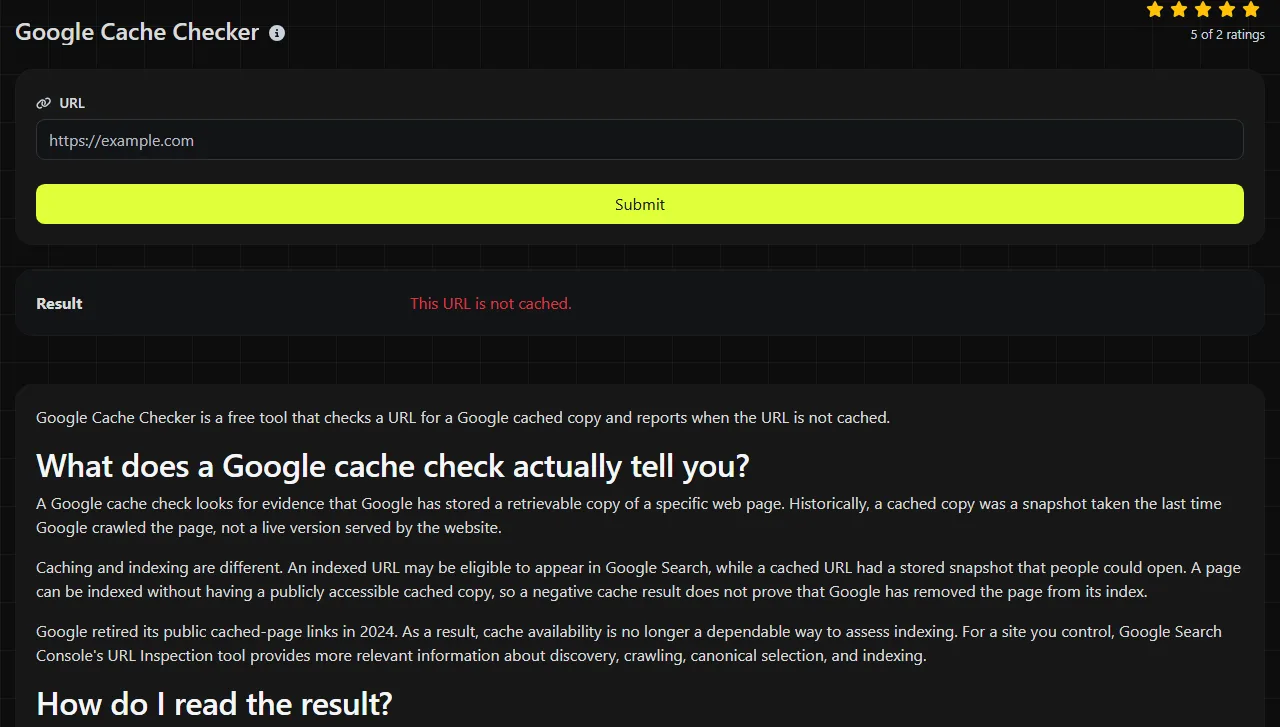
Google Cache Checker is a free tool that checks a URL for a Google cached copy and reports when the URL is not cached.
What does a Google cache check actually tell you?
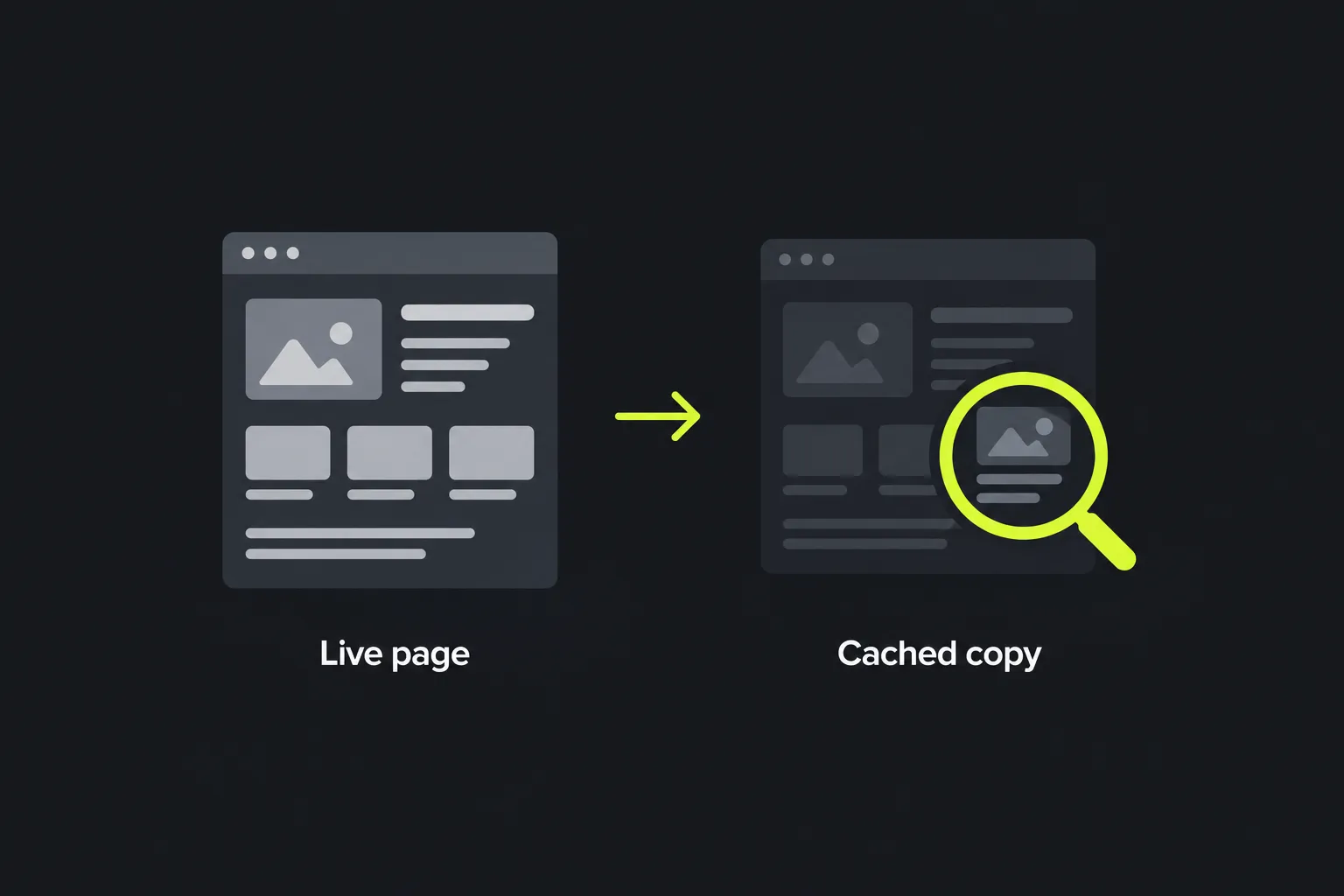
A Google cache check looks for evidence that Google has stored a retrievable copy of a specific web page. Historically, a cached copy was a snapshot taken the last time Google crawled the page, not a live version served by the website.
Caching and indexing are different. An indexed URL may be eligible to appear in Google Search, while a cached URL had a stored snapshot that people could open. A page can be indexed without having a publicly accessible cached copy, so a negative cache result does not prove that Google has removed the page from its index.
Google retired its public cached-page links in 2024. As a result, cache availability is no longer a dependable way to assess indexing. For a site you control, Google Search Console's URL Inspection tool provides more relevant information about discovery, crawling, canonical selection, and indexing.
How do I read the result?
The result means the check did not find a cached copy for the submitted URL. This tool returns one result field:
- This URL is not cached. No Google cached copy was identified for that exact submitted address. This does not confirm that the page is missing from search results, blocked from crawling, or technically faulty.
The result applies to the URL you entered, including its hostname, path, and parameters. These addresses may represent different resources:
- https://www.example.co.uk/guide
- https://example.co.uk/guide
- https://www.example.co.uk/guide/
- https://www.example.co.uk/guide?source=email
A website may redirect some or all of them to one preferred address. If you are unsure which version Google reaches, use a URL redirect checker to check the final destination, then inspect that destination in Search Console.
When should I run this check?
Run this check when investigating an old search snapshot or trying to understand why a specific URL does not appear to have a cached copy. The cache result cannot establish whether the URL is indexed.
- A page has recently changed. You may want to know whether an older copy is still available. A negative result means this check did not identify one, but search snippets may still reflect information collected during an earlier crawl.
- A new page is missing from search. Check the exact published URL, then use Search Console to see whether Google discovered and indexed it. Also confirm that the page returns a successful HTTP status and is not excluded by a noindex directive.
- A site has moved to a new domain or URL structure. Check redirects from the former address to the new one. Google may need time to crawl the redirects, select canonical URLs, and update search results, regardless of whether a cached copy exists.

DNS resolution failures, emails that do not arrive, and browser certificate warnings relate to DNS, email configuration, or TLS certificates. A Website hosting checker may help identify where a functioning site is hosted, but it does not diagnose every DNS or certificate issue.
Caching, indexing, and propagation delays
A correct result can appear wrong when several independent caches and update cycles are involved. Google decides when to revisit pages, and a change on your server does not appear in search immediately. Search snippets, canonical information, and indexed content may update at different times.
DNS changes have their own delay. Recursive DNS resolvers retain records for their time to live, commonly called TTL, so some visitors may reach an old server while others reach the new one. Browser caches, reverse proxies, and content delivery networks can also retain older files. None of these caches is the same as a Google cached page.
If a recently edited page still looks outdated, open the live URL, inspect its HTTP response, and clear or bypass any cache you control. Then check the URL in Search Console. Repeated cache checks cannot make Google recrawl a page sooner.
How are URLs with spaces or non-ASCII characters handled?
The submitted address is URL-encoded on the server using PHP's urlencode operation. It follows the application/x-www-form-urlencoded convention: spaces become plus signs, and other non-safe bytes are percent-encoded.
For example, the text https://www.example.co.uk/search?q=cream tea is encoded as https%3A%2F%2Fwww.example.co.uk%2Fsearch%3Fq%3Dcream+tea. With this encoding, the space becomes a plus sign. An accented UTF-8 value such as café becomes caf%C3%A9.
The encoding format accepts numbers without changing them, while punctuation such as slashes, question marks, and equals signs is encoded. An internationalized domain name may contain an IDNA A-label, which uses the xn-- prefix and Punycode for that label.
This tool's server-side urlencode processing does not fix an invalid or incomplete URL. An empty value provides no page to check, and a very long address may exceed limits elsewhere in the request path. Copy the address from your browser instead of typing it from memory.
Frequently asked questions
Does a negative cache result mean Google has deindexed my page?
No. Public cache availability and search indexing are separate, and Google no longer provides its former cached-page links. Check the URL in Google Search Console or search for a distinctive sentence from the page, while remembering that ordinary search queries do not provide a complete index report.
Should I include tracking parameters in the URL?
Use the clean canonical URL unless you specifically need to investigate a parameterized version. Parameters such as utm_source often identify campaign visits rather than separate content, and Google may consolidate them under a canonical URL.
Can I check a private or password-protected page?
A crawler generally cannot retrieve content that requires a login unless access has been explicitly provided, so you should not expect such a page to have a public search cache. The submitted URL is sent to this tool's server over HTTPS for processing and is not stored, so do not include passwords, access tokens, or other secrets in it.
Do URL fragments affect the page Google sees?
A fragment is the part after a hash sign, such as #delivery. Browsers normally do not send fragments in HTTP requests, so two ordinary URLs that differ only by a fragment usually retrieve the same document. Check the address without the fragment when troubleshooting the indexed page itself.
What should I check before requesting another crawl?
Confirm that the preferred URL loads without a redirect loop, returns a successful response, allows Googlebot to crawl it, and does not contain an unintended noindex directive. Check that the href value of its link element with the canonical link type names the intended URL, then request indexing through Search Console if you manage the site.
Popular Tools
Create your own custom signature and download it easily with our signature generator tool for personalized e-signatures.
Calculate the size of any text in Bytes (B), Kilobytes (KB), or Megabytes (MB) using our text size calculator tool.
Use the reverse IP lookup tool to find the domain or host associated with any IP address quickly and easily.
Use our ping tool to check the status and response time of any website, server, or port quickly and efficiently.
Generate your free WhatsApp link instantly with our WhatsApp Link Generator. Add a custom message and start chats in one click. No login or coding required.
Digily Link's IP lookup tool provides detailed information about any IP address. Use this free online service to get comprehensive IP data.