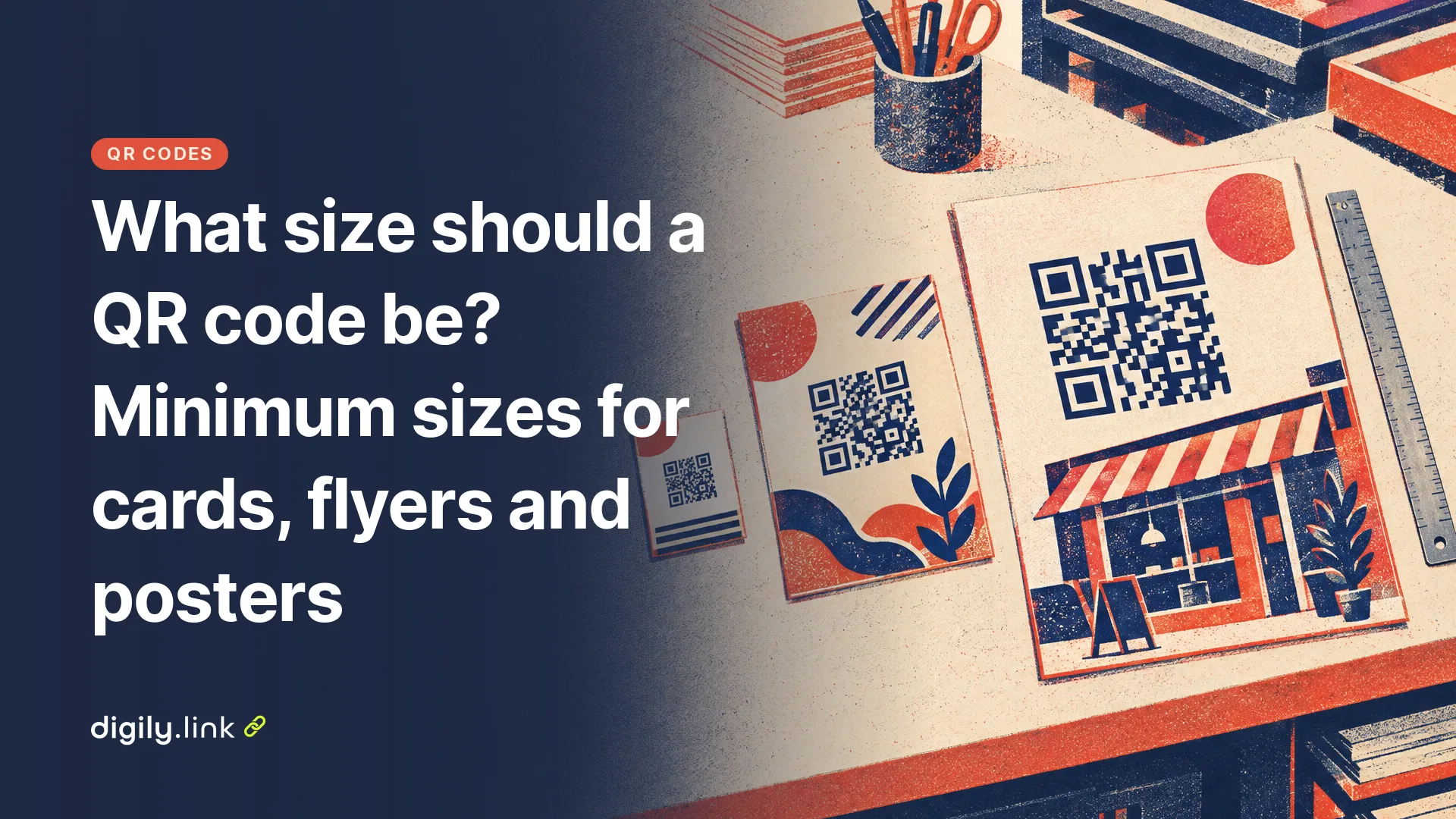
For UK print, start at 2 to 2.5 cm wide on an 85 x 55 mm business card, about 3 cm on an A5 flyer and about 10 cm on an A4 window poster read from a metre away. Each code also needs a plain light border round it. Those figures follow a rough 10 to 1 rule (code width about a tenth of the scanning distance), and they assume the code holds a short web address. A long address packs in more squares and needs more room.
The sizes below combine DENSO WAVE's QR code specifications, UK paper sizes from a UK printer and our own encoding of two addresses with the library Digily Link uses, all checked on 29 October 2026. We haven't run a printed scanning test for this guide, so treat each size as a first print to test.
QR code sizes for UK business cards, flyers and posters
Match the code to how far away people will be when they scan it. The 10 to 1 ratio is a habit of the print and QR trade rather than a standard, but it gives a sensible first guess, so a code scanned from 50 cm should be about 5 cm wide.
| What you are printing | Usual paper size (mm) | Typical scanning distance | Starting width of the QR code |
|---|---|---|---|
| Business card | 85 x 55 | In the hand, 15 to 25 cm | 2 to 2.5 cm |
| Flyer or leaflet | A6 (105 x 148), A5 (148 x 210), DL (99 x 210) | In the hand, 25 to 40 cm | 2.5 to 4 cm |
| Table card or menu | A5 or A6 | Across a table, about 40 cm | 3 to 4 cm |
| Window or noticeboard poster | A4 (210 x 297) | About 1 m | About 10 cm |
| Larger poster or A-board | A3 (297 x 420) and up | 1.5 to 2 m | 15 to 20 cm |
The widths are for the code itself. The plain border described in step 3 below comes on top. Paper sizes are as listed by Vistaprint UK for flyers and business cards, checked 29 October 2026. The distances are our estimates. A 2.5 cm code already takes almost half of a business card's 55 mm height, which is why a card works best with short content.
Sizing one job from start to finish, an A5 flyer
Take a plumber in Swindon putting a QR code on 500 A5 door-drop flyers, linking to an online booking page. The business is made up. The decisions run in this order, and each one changes the next.
1. Set the width from the distance
A flyer is read in the hand, about 30 cm away, so the 10 to 1 rule gives 3 cm. That fits in a corner of an A5 sheet with room for a line of text beside it.
2. Decide what the code holds
The booking page address, with tracking tags added, is 122 characters long. A Digily short link that redirects to it is 28. DENSO WAVE explains that QR codes come in versions 1 to 40, from 21 x 21 to 177 x 177 modules (the small squares), and that the version depends on the amount of data, the character type and the error correction level (QR code versions, read 29 October 2026). We encoded both of our example addresses with BaconQrCode, the library behind Digily Link's QR codes, at error correction level M, Digily's default. Your own address may land on a different version, because the result depends on the exact characters.
| Content of the code | Characters | QR version | Modules across | Module width at 3 cm |
|---|---|---|---|---|
| Booking address with UTM tags | 122 | 8 | 49 | 0.61 mm |
| Digily short link | 28 | 3 | 29 | 1.03 mm |
At the same 3 cm, each square of the short-link code is about 1.7 times as wide. To give the long address squares that size, the plumber would have to print it about 5 cm wide. Because you can edit where a short link points, the booking page can also change after the flyers go out, as explained in do QR codes expire.
3. Add the plain border
DENSO WAVE says a QR code 'requires a four-module wide margin at all sides of a symbol', a border known as the quiet zone (Points for generating QR codes, read 29 October 2026). With 1.03 mm modules that's about 4 mm on each side, so a 3 cm code and its border need a square of roughly 3.8 cm on the flyer.
In Digily Link the border lives in the QR code editor under Options, in the Margin size field, and it starts at 0. If the designer places the file on a white or other plain light area and leaves the space, that's fine. If the flyer has a coloured background, set Margin size to 4 so the border is part of the image and can't be lost.
Setting a margin changes what you measure. Digily's QR library keeps the downloaded image the same size and fits the border inside it, so the squares get smaller. Print a margin-4 image at 3 cm and the code inside is only about 2.4 cm wide. To keep the code at 3 cm, print the whole image at about 3.8 cm.
4. Send the right file
The plumber gives the flyer designer an SVG, a vector file that can be scaled to any size without blurring, and the designer places it in the print-ready PDF. Digily Link saves every QR code as SVG and converts PNG, JPG and WEBP copies in your browser when you download them. If you upload artwork straight to an online printer, check its list of file types first. Vistaprint UK's flyer page, for example, lists PDF, PNG and JPG among others but not SVG.
If the printer insists on a PNG at 300 dpi, a 3 cm code needs about 360 pixels. A PNG downloaded from the QR codes list is 1,000 pixels wide, which covers up to about 8.5 cm at 300 dpi. In the editor the Size field goes from 50 to 2,000 pixels, enough for about 17 cm. A poster bigger than that needs the SVG.
5. Check a paper proof
Before printing, check the code on paper, at full size, in the conditions where people will use it.
- Print one flyer at actual size on an ordinary printer, not a scaled preview.
- Scan it with at least two phones, ideally an iPhone and an Android, using the built-in camera app.
- Check the booking page opens on mobile data, not just on office Wi-Fi.
- Check the border survives trimming. Keep the code well inside the trim edge.
- Print the short address under the code, so people can type it if scanning fails.
When does the 10 to 1 rule not work?
The ratio assumes daylight, a phone held square to the code and an ordinary camera. Take any of those away and the code needs more width or a better spot.
- Dim light, such as a pub corner or a poster behind a rain-streaked window, makes dark and light modules harder to tell apart.
- Steep angles distort the square. A code high on a shelf or low on an A-board is scanned at a slant, so give it extra width.
- Gloss lamination and shop glass reflect light straight back at the camera. A matt finish helps.
- Older phones and cheaper cameras focus less well close up.
- From across the road, few people will scan a poster code, whatever its size. Print the short address in large type as well.
Colour has the same effect as light. Dark modules on a light background are the safe choice. Pale colours, gradients and photos behind the code cut contrast, and some scanning apps can't read light modules on a dark background, so test any inverted design on several phones.
Does a logo in the middle make a QR code harder to scan?
A logo covers modules, and the code relies on error correction to rebuild what's hidden. DENSO WAVE notes that a higher error correction level restores more damage but also makes the code bigger (Error correction feature, read 29 October 2026). Digily offers L, M, Q and H, labelled 7%, 15%, 25% and 30%. Those percentages describe how much damaged data can be restored, not how much of the code a logo can safely cover. With a logo, keep it small, choose Q or H, and print the code a little larger to make up for the extra modules.
QR code size questions
What is the smallest QR code a printer can make?
Very small. DENSO WAVE's own example is a version 3 code with 0.254 mm modules, 7.4 mm wide without its border. Phones set the real limit, so for a code people scan with a camera, around 2 cm with a short link is a sensible place to start testing rather than a fixed minimum.
What size QR code fits a business card?
As a starting point, about 2 to 2.5 cm wide plus the plain border, holding a short link rather than a long address. A contact card code holds more data than a link, so see vCard QR codes for business cards if that's the plan.
Is a bigger QR code always better?
Up to a point. Very close up, a large code may not fit in the camera frame. Size it for the distance people will stand at.
Making a code for a menu or a review card? Our guides to QR code menus for pubs and cafés and QR codes for Google reviews cover what to link to. Download a print-ready QR code as SVG from Digily Link, where the free plan includes 20 QR codes.