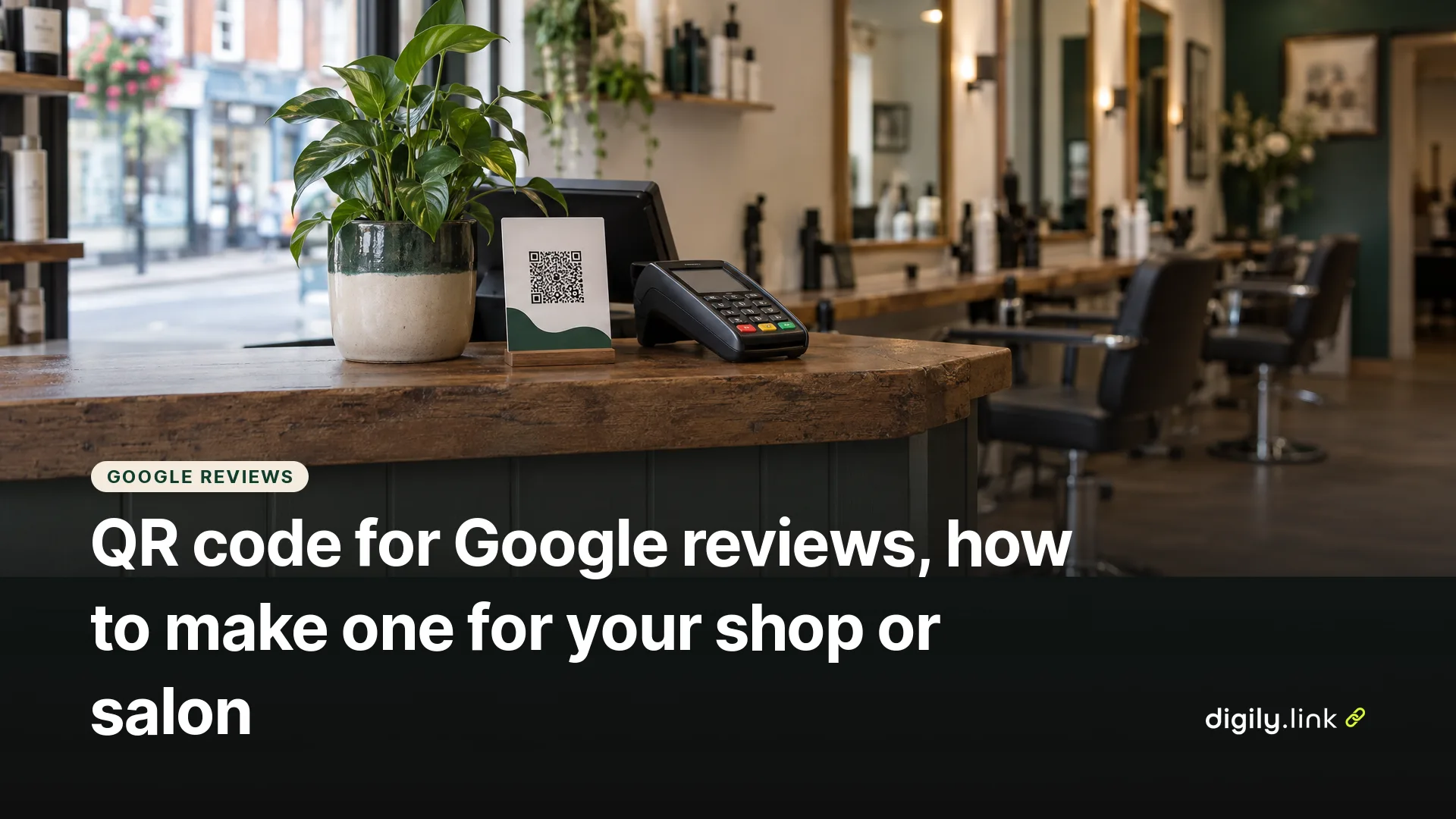
The quickest way to make a QR code for Google reviews is to get it from Google itself. Sign in to your Google Business Profile on a computer, select Read reviews, then Get more reviews, and Google shows you a review link and a QR code you can download. Google says the QR code can't be generated on mobile at the moment, so use a laptop or desktop. Print it near the till, on receipts or on a card you hand over after an appointment.
This guide is written for UK shops, cafés, salons and trades. It covers the steps, where to place the code, the rules from Google and from UK consumer law that small businesses most often trip over, and when a short link in front of the review link is worth the extra minute. Google's steps were checked on 19 October 2026.
How do I get a QR code for my Google reviews?
- On a computer, open your Business Profile. If you manage more than one location, pick the right one first.
- Select Read reviews.
- Select Get more reviews.
- Choose Copy to copy the review link, or right-click the QR code and save the image.
The link takes customers to your business on Google to leave a review, so they don't have to search for you. They need to be signed in to a Google Account to post, though it doesn't have to be a Gmail address. Steps from Google Business Profile Help, Create a Google link or QR code to request reviews.
If you can't see these options, check that your profile is verified and that you're signed in with an account that manages it.
Where should a Google review QR code go?
Put it where customers have a moment to scan it, such as at the till or after an appointment, and invite every customer to share an honest review. Some placements that suit UK small businesses are below.
- In a salon or barber's, use a small card at the reception desk, or on the appointment reminder message as a link.
- In a café or takeaway, put it on the receipt, the loyalty card or a table card, somewhere people can stop rather than rush past.
- As a tradesperson, put it on the invoice and the follow-up email, since you won't be standing in a shop.
- On a market stall, use the back of a business card or a bag sticker.
Print it big enough to scan at arm's length, leave a clear white margin around it, and test it with two different phones before you order a batch.
Is it legal to offer a discount for a Google review in the UK?
Not for positive reviews, and Google doesn't allow review incentives at all. UK guidance from the Competition and Markets Authority says businesses should not offer money or gifts to customers to write positive reviews, and should not write or commission fake reviews. The CMA notes that breaking consumer protection law can lead to fines of up to 10% of global turnover, and in some cases a criminal offence. See GOV.UK, Reviews guidance for businesses and agencies, updated 28 August 2025.
Google's own policy goes further. It prohibits offering incentives, such as free or discounted products, in exchange for posting, changing or removing reviews, whatever the rating. So "10% off your next visit for a review" is out, even if you don't ask for five stars. Google also prohibits review gating, where you only send happy customers to Google and route unhappy ones elsewhere. Details in Tips to get more reviews and the Google Maps user contributed content policy.
Displaying a review QR code in your shop is fine, but don't pressure customers to scan it or leave a review before they go. What is fine is asking. "If you've got a minute, we'd love a Google review" on a card, said the same way to everyone, keeps you within both sets of rules.
Should I put a short link in front of my Google review link?
You don't have to. Google's code works on its own, but a short link helps in a few situations.
It lets you compare placements. Make one short link per place, such as digily.uk/reviews-receipt and digily.uk/reviews-card, point both at the same Google review link, and create a QR code from each. Digily Link counts how often each short link is opened, so you can compare the two. That isn't the same as unique QR scans, and it doesn't tell you how many customers actually posted a review.
It also saves reprinting. If the address behind your short link ever needs changing, you update the short link and the printed codes keep working.
And it's easier to type. A memorable link like digily.uk/rosies-review can be easier to print on a receipt line or read out than a Google review URL.
To set it up on Digily Link, create a short link with your Google review link as the destination. Then open the QR code creator, choose the URL type and use Select from existing links to pick it. The free plan includes 50 short links and 20 QR codes, with statistics kept for 30 days.
Google review QR code mistakes to avoid
- Printing the code before testing it. Scan it on an iPhone and an Android phone and check it opens your business, not a similar one nearby.
- Printing a blurry or low-resolution code. Use a clear image and test it at the size you'll print.
- Putting the QR code where people can't stop, such as on a van at the roadside.
- Asking only the customers who looked happy. That is review gating, even if nobody wrote it down as a policy.
- Writing the review for the customer, or suggesting what to say. Let them use their own words.
Frequently asked questions
Is a Google review QR code free?
Yes. Google provides the link and QR code in your Business Profile at no cost.
Why can't I make the review QR code on my phone?
Google says review QR codes can't currently be generated on mobile devices. Use a computer, or copy the review link and turn it into a QR code with another tool.
Can I reply to the reviews I get?
Yes, you can reply through your Business Profile. Keep replies polite and relevant, especially when you respond to criticism or questions.
Can I see how many people scanned my review QR code?
Not from Google's code alone. If the code points to a short link, the short link's statistics show how often it was opened.
Can I ask for reviews by text or email?
Yes. Google suggests sharing your review link in messages and emails. Send it to customers in general, not only to the ones you expect to be pleased. In the UK, check that your emails and texts follow data protection and electronic marketing rules, as whether those rules apply depends on the purpose and content of the message.
Can customers leave a Google review anonymously?
No. Reviews are posted from the customer's Google Account, so they aren't anonymous.
Want a review link you can track and update without reprinting? See how the Digily Link QR code generator works.





