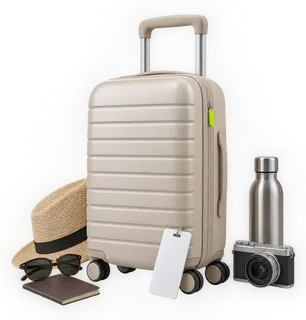
Big button
Put your direct booking link in the most visible spot on your page.
Bring your direct booking link, room types, location, guest guide and contact channels together on one page. Send guests from Instagram to your own channel, not to a booking site.
Put your direct booking link in the most visible spot on your page.
Show off your rooms, views and shared spaces as a gallery.
List your room types as cards with photos and descriptions.
Show your location and nearby spots so directions are easy.
Answer questions about check-in and check-out times, parking, pets and breakfast.
Open your guest guide, restaurant menu or tour itinerary right on the page.
Some widgets unlock depending on your plan. You can see which plan includes which on the plans page. Compare plans
Sign up with your email or Google account and create your first page straight away.
Start with a ready-made template, drag the widgets above into order and set the colours to match your brand.
Add your link to your profiles, print your QR code and see in your dashboard how many clicks each link gets.
No, the page doesn't replace your booking engine; it sends guests to your booking engine, WhatsApp line or phone. You can put your direct booking link front and centre.
Create a page with your guest guide, Wi-Fi details and restaurant menu, then download its QR code. When the details change, you don't need to reprint the code.
Depending on your plan, you can open several pages and set up a separate one for each language. You can also use a redirect link to send visitors to the right page for their language.
You can choose from 15 short, memorable domains, such as digily.bio or digily.uk. Pick the one that reads best alongside your hotel's name.
Create a free account, choose your template and share your link within minutes.
Answers are generated by AI and may be wrong. What you write is sent to Anthropic to generate the answer, so do not share personal details. Privacy notice · Talk to a person