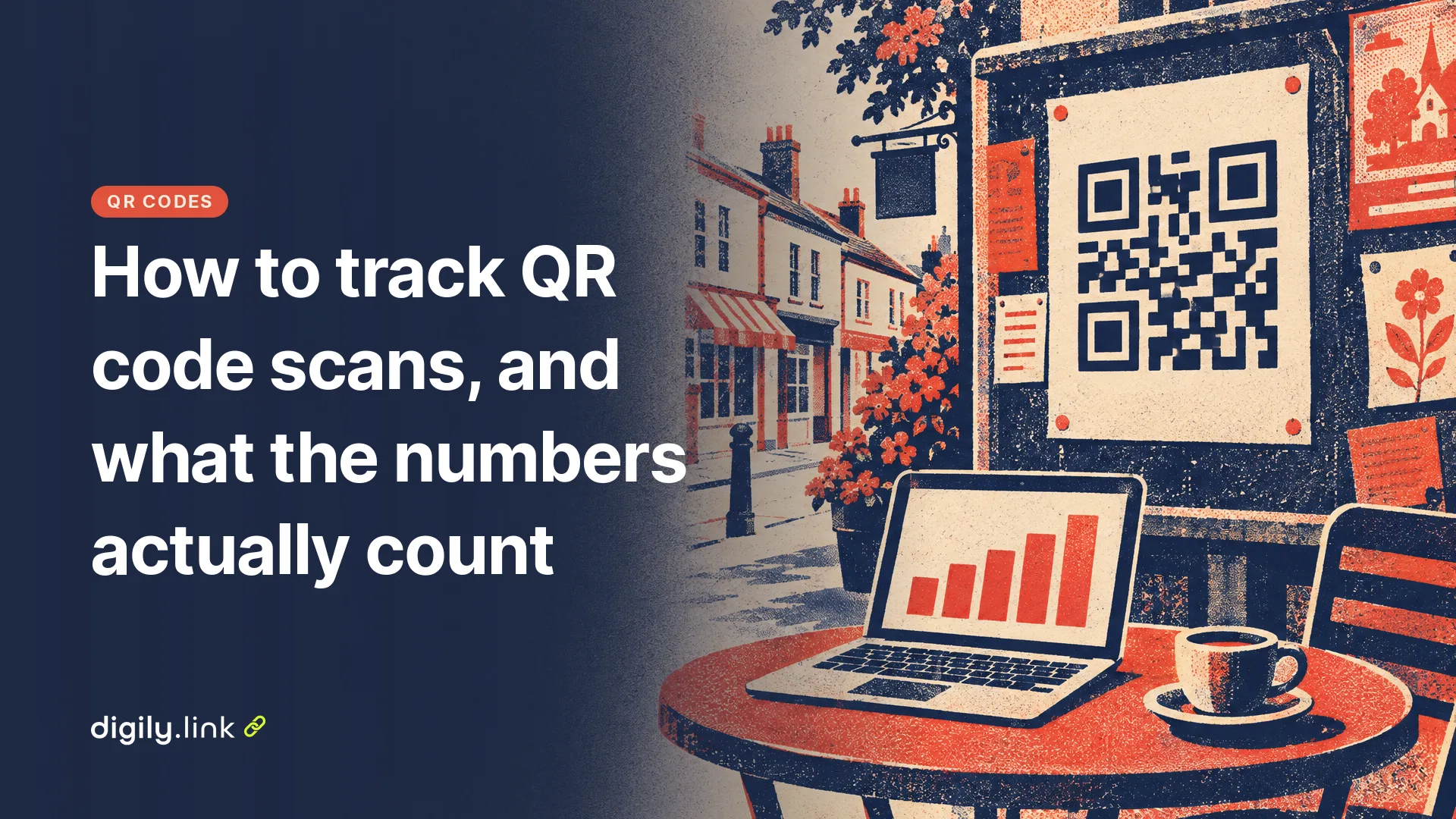
To track QR code scans, the code has to point to a link that records each visit. That means either a dynamic QR code that goes through a short link, or a destination page tagged with UTM parameters that your analytics tool reads. A static code that holds your website address directly can't be counted by the code itself. Only your website analytics can see the visit, and even then it can't tell a scan from a typed address unless you tag it.
Neither method counts scans exactly, and the two rarely show the same number. Digily Link is our product, and the counting rules below come from its statistics code as of 29 October 2026.
Why can't a static QR code count its own scans?
A static QR code is a picture of your data. The phone reads the address from the squares and goes straight to your website, so no server in between sees the scan. A dynamic code holds a short link instead. The phone visits the short link first, the short link service records the visit and then redirects to your page. That middle step is where the counting happens. If you aren't sure which type you have, our guide to static and dynamic QR codes shows how to check.
Method 1, a dynamic QR code with its own statistics
A dynamic QR code gives you a count without any analytics set-up on your website. On Digily Link you create a URL QR code, tick 'Dynamic QR code', and Digily makes a short link that the code points to. When someone opens it, the short link's statistics record the visit, up to three opens per browser in 24 hours (the rules are below). If you also share the same short link online, those opens land in the same count, so give print its own link.
For each open, the statistics show these details.
- Pageviews, meaning every recorded open, and Visitors, Digily's term for unique opens (explained below).
- Country, region and city, estimated from the IP address, so treat city as approximate.
- Device type, operating system, browser and browser language.
- Visit hours and days of the week.
- Referrers and acquisition channels, where QR scans are likely to show as 'Direct'.
- UTMs, if the short link itself was opened with UTM parameters.
Statistics are kept for 30 days on the free plan, 180 days on Starter and 365 days on Pro, as of 29 October 2026. Detailed figures older than that are deleted, while the QR code itself keeps working. Export the figures you need before they drop out of the window.
Method 2, UTM parameters and Google Analytics 4
UTM parameters are tags added to the end of your destination address, so Google Analytics 4 can label the visit with a source, medium and campaign. This only works if GA4 is installed on the page the code opens. A QR code on a poster might send people to an address like this.
yourshop.co.uk/autumn?utm_source=poster&utm_medium=qr&utm_campaign=autumn_menu
Google's URL builder help page (read on 29 October 2026) says to always use utm_source, utm_medium and utm_campaign, that the values are case sensitive, and that missing parameters show up as '(not set)'. The campaign appears in the Traffic acquisition report. In that report, change the primary dimension to 'Session campaign' to see your QR campaigns listed by name. Google's data freshness page says processing can take 24 to 48 hours, so don't judge a campaign on its first morning.
One more thing about the medium. GA4's default channel group has no rule for a medium such as 'qr', so those visits may sit under 'Unassigned' in channel reports. That doesn't lose them. They still show by name under Session campaign, or by source and medium.
You can put the tagged address straight into a static QR code, but the code gets longer and denser. A cleaner set-up is a dynamic QR code whose short link points to the tagged address. The short link's settings also have a 'UTM Parameters' section that adds source, medium and campaign to the destination for you. Our UTM parameters guide covers naming in more detail.
Where QR scans show up in Digily's statistics
Most QR scans are likely to appear as 'Direct' in Digily's acquisition channels, because a phone camera usually opens the link without a referring website. Digily doesn't mark a visit as coming from a QR code, and the UTM tags you set for the destination aren't what Digily's own UTMs report reads. That report reads UTM parameters on the short link address itself.
So there are two ways to separate scans from clicks in Digily.
- Give each printed item its own dynamic QR code. The poster code and the flyer code then have separate short links and separate counts. This is the simplest option.
- Make one short link and print codes that hold that short link with different tags, such as digily.link/yourlink?utm_source=poster and digily.link/yourlink?utm_source=flyer. Digily's UTMs report then splits the opens by source. If you also want GA4 to see those tags, switch on 'Forward query parameters' in the short link's settings, which adds them to the destination address.
Whichever you choose, use a naming pattern you'll recognise in three months, such as poster-highstreet-oct26 and flyer-doordrop-oct26.
What do QR code scan numbers actually count?
Scan counts are opens of a link, not people, scans or sales. A count goes up when a phone loads the short link. Someone who scans, gets distracted and scans again counts twice. Someone who scans but never taps the link their camera shows isn't counted at all. And nobody's purchase shows up here. For that you need a sale or form submission recorded on your own site, or a discount code printed only on that item.
Digily's statistics code applies these rules before a visit reaches your figures.
- A visit counts as unique when that browser hasn't opened the same link in the previous 24 hours. Digily sets a cookie that lasts one day to tell.
- After three opens from the same browser within that 24 hours, further opens aren't recorded, which stops one person refreshing from inflating the count.
- Known crawlers and bots aren't counted unless you switch on 'Track crawlers' in your account preferences, which then reports them separately under 'Human vs crawlers'.
- Opens from IP addresses in your 'Excluded IPs' list aren't recorded.
Why do Digily and Google Analytics show different numbers?
The two tools count different events, so some gap is normal. Digily counts the redirect, which happens before your page loads. GA4 needs your page to load and its tag to run, and what it records for visitors who decline analytics cookies depends on how consent is set up. Google's consent mode page says that with consent denied, tags can send cookieless pings and Analytics fills the gaps with modelling. Common reasons the numbers differ are these.
- Visitors who decline analytics cookies on your website, depending on how your consent banner and tag are set up.
- People who leave before your page finishes loading, after Digily has already counted the open.
- Different rules for repeat visits and bots in each tool.
- GA4's processing delay, typically 24 to 48 hours.
- Missing or misspelt UTM tags. A missing tag can leave visits under '(not set)' or direct traffic, and a misspelt one files them under the wrong campaign name.
Digily's figure is often the higher of the two, so use each for what it's good at. Digily tells you how many times the printed code was opened. GA4 tells you what those visitors did on your site.
How to test QR tracking before you print
Test the full path on a phone before printing, and set up your own exclusions so staff visits stay out of later figures.
- Scan the code from a printed proof with your phone, on mobile data rather than your shop Wi-Fi.
- Check that the right page opens and that any UTM tags appear in the address bar.
- Open the short link's statistics in Digily and check the open appears.
- In GA4, open the Realtime report and check that a visit appears. Realtime groups visitors by first user source, which isn't filled in yet for a new visitor, so check the campaign itself in Traffic acquisition under Session campaign a day or two later.
- Add your shop or office IP address to 'Excluded IPs' in Digily's account preferences, so staff visits don't add to the count from then on. It doesn't remove opens already recorded, and your phone on mobile data uses a different IP address, so tests made that way will still count.
What data does a QR scan record?
For each open, Digily's statistics store the estimated country, region and city, the time zone, device type, operating system, browser, browser language, referrer, any UTM tags on the short link, and whether the visit was unique or a known crawler. The statistics record doesn't include the IP address itself. Location is estimated from it at the moment of the visit. If you use the figures in your marketing, describe them as counts and estimates.
The one-day cookie Digily uses to spot repeat opens is a storage technology under UK cookie rules. The ICO's guidance on exceptions to consent says storage used solely to collect statistics about the use of a service can be exempt, provided users get clear information and an easy way to object. How that applies to your own website and tags depends on what else you collect, so check the guidance for your set-up.
QR code tracking questions
Can you track a static QR code?
Not through the code itself. If it points to your website, your analytics can count the visits, and UTM tags in the address let you separate them from other traffic.
Why are my QR scans showing as direct traffic in GA4?
A phone camera usually opens the link without a referring website, so GA4 often files the visit as direct. Add UTM tags to the destination address, and the visits appear under your campaign name.
What is the difference between total and unique scans?
Total counts every recorded open. Unique, shown as Visitors in Digily, counts an open once per browser per 24 hours, using a cookie, so a private window or cleared cookies can make the same person count again. Neither is a count of people, as one person with two phones counts twice.
See opens by country, device and day for every QR code with Digily Link. To shorten and tag links for print and email, see how to shorten a link.