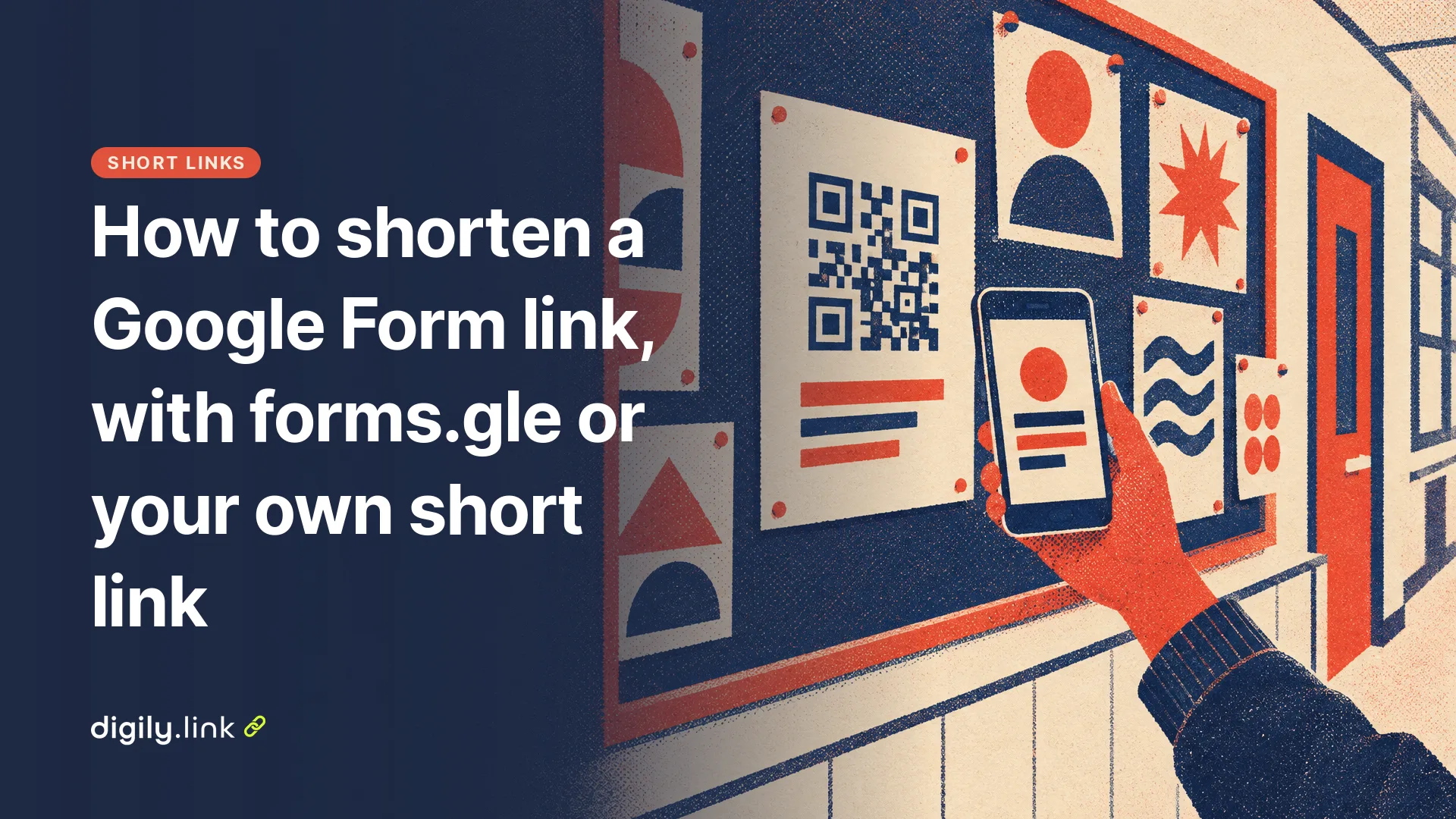
To shorten a Google Form link, publish the form, open Share or Published, tick 'Shorten URL' and click Copy. Google gives you a forms.gle address that opens the same form. If you want a name people can read, such as a club or school name, or a count of how often the link was opened, put the full form address behind your own short link instead.
Google's steps here come from its Forms help page 'Publish and share your form with responders', read on 29 October 2026. Digily Link is our product, and the Digily details were checked in its plan settings on the same day.
How to get the forms.gle short link in Google Forms
Google Forms only offers the short link once the form is published. Before that, people who have the link can't open the form at all.
- Open the form and click Publish at the top right. Use Manage if you want to choose who can respond, then click Publish again. The button changes to 'Published'. For a form the public will fill in, check that 'General access' gives access to anyone with the link.
- Click Published or Share. The 'Copy responder link' option is there.
- Tick the box next to 'Shorten URL'.
- Click Copy and paste the forms.gle link wherever you need it.
Open the link in a private browser window before you send it out. You'll see what a parent or customer sees, including any sign-in page. Google's help page says that if you limit people to one response, responders must sign in to their Google Account to fill in the form. Google's question types page says the same for file upload questions.
forms.gle or your own short link, which should you use?
Use forms.gle for a quick share in an email or a class chat. Use your own short link when the address will be printed, read out or tracked. The table sets out the differences.
| forms.gle from Google | Your own short link on Digily Link | |
|---|---|---|
| Cost | Free with Google Forms | Free plan includes 50 short links (29 October 2026) |
| The end of the address | Random letters you can't choose | Your choice, from 3 to 64 characters, such as digily.link/stmarys-pta |
| Open count | Not offered in the Forms help page | Opens by day, country and device, with the detail kept for 30 days on the free plan |
| If you swap to a new form | A new form means copying a new forms.gle link, and the poster still shows the old one | Change the Destination URL and the same short link opens the new form |
| QR code | Make one from the link with any generator | A QR code of the short link, or a dynamic QR code that creates one. The free plan includes 20 QR codes |
Paste the full docs.google.com responder link as the destination, not the forms.gle link. A short link that points to another short link adds an extra redirect for every visitor and leaves you depending on two services instead of one.
How to shorten a Google Form link with Digily Link
Copy the full responder link from Google Forms, then create a short link in Digily with a name of your own. Digily's button for this is also called Shorten URL, but it's a separate tool from Google's tick box.
- In Google Forms, click Published or Share and copy the responder link with 'Shorten URL' left unticked.
- In Digily Link, click Shorten URL and paste it into the Long URL field.
- Type a name in the Short URL field, such as yearsix-trip or cafe-feedback. Leave it empty for a random one.
- Save, then open the new link on your phone and check the form loads.
Pick the name carefully at the start. Once it's on a poster or in a QR code, changing the name breaks every printed copy. Our guide on how to shorten a link covers naming and the other link settings in more detail.
Does a Google Form link change when you edit the form?
Google's help page doesn't say whether the responder link changes when you edit questions, so we won't promise it either way. After any big edit, open your short link once more and check it still reaches the form.
Closing a survey can work in two ways. Turning off 'Accepting responses' under Published keeps the form reachable, and people with the link see a message that it's no longer accepting responses, or your own message (Google Forms Help, manage responses). Unpublishing goes further, because responders with the link can't access the form at all. For a poster that stays up, turning off responses is the clearer of the two.
If you make a new form for next term instead of reusing the old one, a Digily short link saves the reprint. Change its Destination URL to the new responder link and the printed address keeps working.
Can you shorten a pre-filled Google Form link?
Yes. A pre-filled link is an ordinary web address, so you can put it behind a short link like any other. In Google Forms, click More, choose 'Pre-fill form', fill in the answers you want ready, click 'Get link' and copy the link it shows.
Pre-filling suits forms where one answer is the same for a whole group. A junior football club could fill in the team name, so parents only add their child's details. Give each team its own short link, such as digily.link/u9-reds and digily.link/u9-blues. Look at the long link before you shorten it. The answers you filled in are written into the address, and shortening doesn't hide them from anyone who opens the link, so don't pre-fill anything you wouldn't put on a poster.
Putting a Google Form link on a poster or QR code
For print, make a dynamic QR code from your short link and print the short address under it. People with a camera scan the code. People without one can type digily.link/stmarys-pta, which is easier to read and remember than a random forms.gle address.
Before you print a batch, scan one paper copy on mobile data rather than school or shop Wi-Fi, and submit a test response so you know the form accepts it. Then delete the test in the Responses tab, under Individual, and from the linked spreadsheet too if you use one, since Google keeps that as a separate file. If the code will stay up for months, read do QR codes expire first.
What the open count tells you, and what it doesn't
A Digily short link counts how many times the link was opened, not how many people filled in the form. Someone can open it, read the first question and close it. Your Responses tab in Google Forms is the real count of replies.
The two numbers are still useful together. Say the poster link was opened 120 times and 30 people replied. Opens include repeat visits and people who only had a look, so the gap isn't a completion rate, but a wide one is worth checking. Is the form long, or does it ask people to sign in? To compare places, give each one its own short link, for example one for the newsletter and one for the noticeboard.
You can also embed a form on a Digily bio link page with the Google Form block, but as of 29 October 2026 that block is on Pro and higher plans, not on the free or Starter plans. On the free plan, add the form as a link button instead, and it opens as its own page.
Shorten your Google Form link with a name you choose and count the opens with Digily Link.