A payment link is a web address from a payment provider that opens a checkout page where your customer pays by card or wallet, with no website or card reader on your side. In the UK, PayPal, Stripe, Square and SumUp all offer them with no monthly fee, and as of 29 October 2026 their standard UK card rates run from 1.2% + 30p to 2.5% with no fixed fee. Some payments cost more, such as premium cards on Stripe or payments from a PayPal account.
The fees here come from each provider's own UK pricing page. Digily Link is our product. It doesn't take payments, but it can shorten your payment link or turn it into a QR code for your stall or van.
What is a payment link, and how is it different from an invoice or a card reader?
A payment link is a ready-made checkout page you send to a customer, who opens it on their phone and pays there. A card reader needs the customer in front of you. An invoice is a request for payment that may include a pay button, but it's a formal document with your business details and line items. A payment link is lighter. You set a name and an amount, or let the customer enter one, and share the address wherever they'll see it.
Some providers let one link take many payments, which suits a fixed-price item such as a class or a cake. Others are better for one-off amounts, such as a plumber's call-out.
Payment link fees in the UK compared
The table shows each provider's standard UK rate for a one-off payment link paid in pounds by a UK-issued card, read from their official pricing and help pages on 29 October 2026. It assumes standard pricing, not a negotiated rate. Fees change, so check the linked page before you sign up.
| Provider | Fee for a UK card payment by link | Monthly fee | If a customer disputes a card payment | When the money arrives |
|---|---|---|---|---|
| PayPal Payment Links | 1.2% + 30p by card, Apple Pay or other wallets. 2.9% + 30p if the customer pays through PayPal itself, including PayPal Guest Checkout | None listed for a standard account | £14 chargeback fee on card payments not made through a PayPal account or guest checkout. For payments through PayPal, a dispute fee of £12 at the standard rate or £24 at the high-volume rate | Into your PayPal balance |
| Stripe Payment Links | 1.5% + 20p for standard UK cards, 2.8% + 20p for premium UK cards | None on standard pricing | £20 per dispute received, plus £20 if you respond to it manually (refunded if you win) | On a daily, weekly or monthly payout schedule, with the first payout typically 7 to 14 days after your first payment. Instant payouts cost 1% (minimum 40p) |
| Square Payment Links | 1.4% + 25p for UK cards, 2.5% + 25p for non-UK cards | None | No fee for dispute management, according to Square's dispute help page. If you lose, the processing fee isn't refunded | Standard transfers in one to two working days, free |
| SumUp Payment Links | 2.5% per transaction | £0 | A non-refundable £10 chargeback fee, according to SumUp's chargeback help page | In a SumUp Business Account by 7am the next day |
PayPal's fee page was last updated on 1 October 2026. Square's page notes that high-volume businesses can ask for custom pricing, and Stripe's page lists extra charges for currency conversion and some other payment methods.
What does a payment link cost on an £18 order?
On small orders the fixed pence part of the fee matters more than the percentage. Here is a worked example for a hypothetical market stall selling an £18 order to a customer paying with a standard UK debit card, using the rates above.
| Provider | Fee on £18 | Fee on £100 |
|---|---|---|
| PayPal Payment Links (card) | £0.52 | £1.50 |
| Stripe (standard UK card) | £0.47 | £1.70 |
| Square | £0.50 | £1.65 |
| SumUp | £0.45 | £2.50 |
SumUp has no fixed fee, so it's cheapest on the £18 order and most expensive on £100. The order changes again if the customer pays through PayPal (£0.82 on £18) or with a premium card on Stripe (£0.70). On £18 the gap between cheapest and dearest is 7p, and on £100 it's £1. If you already take card payments in person with one of these providers, using the same one for links keeps card and link payments in one dashboard, which can make reconciling them easier.
How to create a payment link
You create a payment link in your provider's app or dashboard by naming it, setting an amount and copying the address. The screens differ a little, but the order is the same.
- Open the payment links section (PayPal, Stripe, Square and SumUp all call it Payment Links).
- Give the link a name your customer will recognise, such as 'Saturday sourdough order' rather than 'Link 4'.
- Set a fixed amount, or let the customer enter one if that's an option and suits the job.
- Check that your business name, and your logo if you've added one, appear on the checkout page.
- Copy the link and open it yourself on your phone before you send it.
The exact screens change, so follow your provider's own help pages for the current steps.
How to share a payment link with customers
Send the link where the customer is already talking to you, and make it obvious who it's from. These are the usual places for a UK small business.
- WhatsApp or text, straight after you agree the price. A WhatsApp link for your business helps customers start that chat.
- Your Instagram or TikTok bio, through a link in bio page with a 'Pay for your order' button. Our guide to link in bio for UK small businesses covers the page itself.
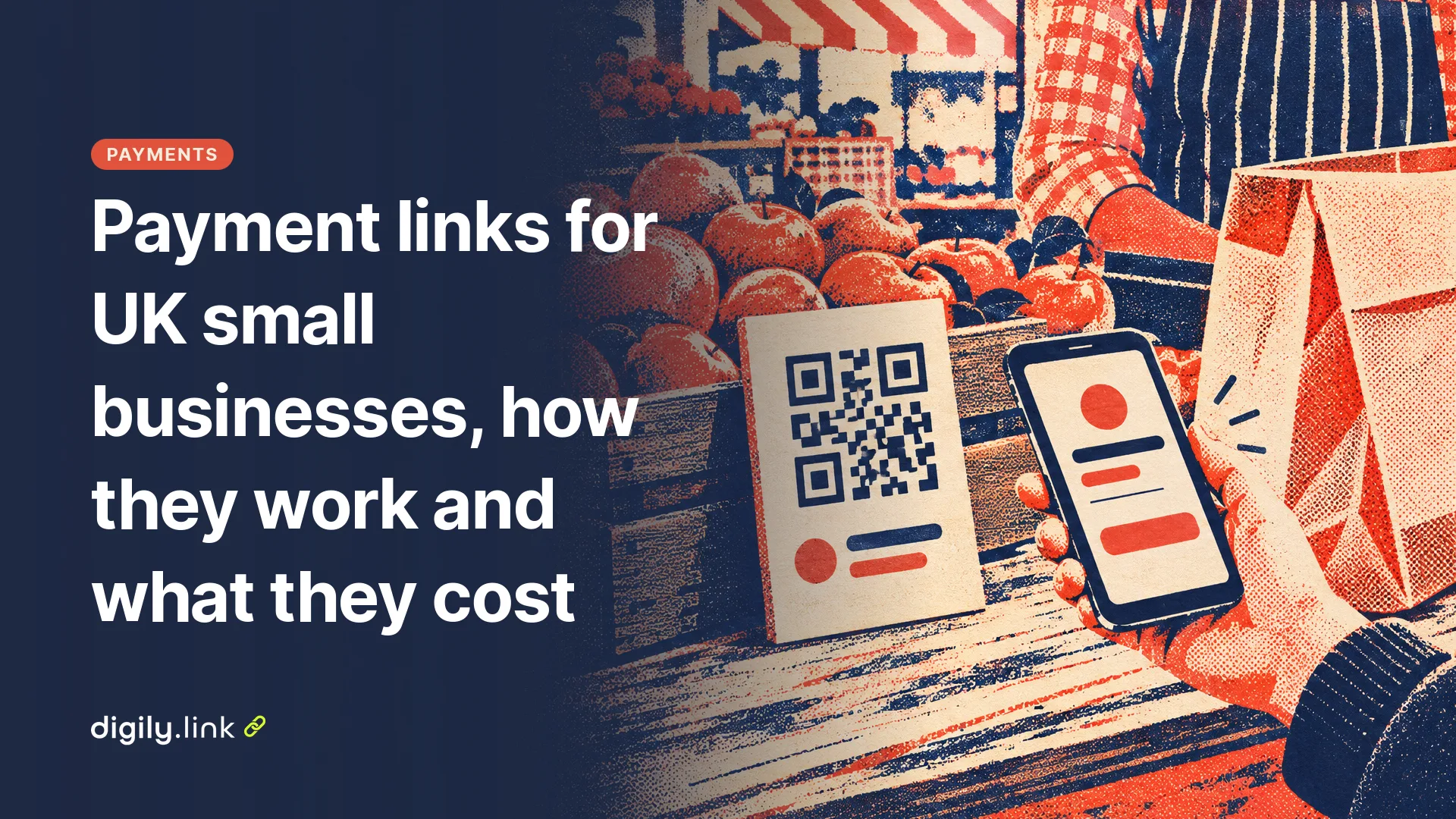
- A QR code on your stall, van or counter, so customers can pay on their own phone when you're busy. Print the provider's name next to it.
- Email, for bigger jobs where you'd also send a quote or invoice.
Shortening a payment link is fine in a QR code or a bio, where people can't tap a long address anyway. A Digily short link also shows how many times the link was opened, which tells you whether people are opening it at all. It doesn't show who reached the checkout or paid. Your provider's dashboard does that. In a text message to a customer, the full link from the provider is often better, because the customer can see the provider's own domain before they tap.
On Digily Link, the PayPal button block for bio pages is on the Starter and Pro plans, not the free plan, as of 29 October 2026. On the free plan you can add your payment link as an ordinary link button.
How customers can tell a real payment link from a scam
A link arriving in a familiar chat doesn't prove it's genuine. What counts is the page it opens, which should show the provider's own web address, your business name and the amount you agreed. Scammers send fake payment requests too, and these habits make a genuine link easier to recognise.
- Tell customers which provider you use, and keep using the same one.
- Never ask customers to send card details in a text, email or chat message. The checkout page collects them.
- If you print a QR code for payments, check it regularly. A sticker placed over your code can send customers somewhere else.
- If a customer asks whether a link is genuine, tell them to check with you through a number they already have.
The UK government's Stop! Think Fraud reporting page (read on 29 October 2026) says that anyone who has lost money should tell their bank or payment provider as soon as possible. It adds that fraud can be reported to Report Fraud online or on 0300 123 2040, and in Scotland to Police Scotland on 101. Scam texts can be forwarded free to 7726, and suspicious emails to report@phishing.gov.uk.
Refunds and chargebacks on payment links
You can refund a payment from your provider's dashboard, and a customer can also dispute a card payment through their bank, which is called a chargeback. Disputes cost you a fee with some providers, as the table shows. PayPal lists one fee for card chargebacks and another for disputes raised through PayPal itself, so the route depends on how the customer paid. Each provider explains its rules in its seller help pages, and they differ, so read the ones for the provider you choose. Keeping a short written record of what was agreed (a WhatsApp message is fine) makes any dispute easier to answer.
When a payment link isn't the right tool
For weekly cleaning, monthly classes or anything that repeats, you don't have to send a new link each time. Stripe lets you create a payment link for a subscription, and Square links can bill on a schedule through Square Subscriptions. Stripe charges a separate Billing fee for subscriptions (0.7% of billing volume on pay-as-you-go pricing). For a large job, a formal invoice with your business details is clearer for both sides. And if most of your customers already use PayPal, a PayPal.Me link set up for commercial use may be all you need. See how a PayPal.Me link works.
A payment link doesn't change your record keeping or tax obligations. Keep the same records of each sale as you would for cash or card. If you're VAT-registered and sell to another VAT-registered business, HMRC's VAT record keeping notice says you must issue a VAT invoice, normally within 30 days, and a payment link doesn't replace it.
Payment link questions
Is a payment link safe for customers?
A genuine payment link takes the customer to that provider's checkout page, and the card details go to the provider, not to you. The risk is fake links, so tell customers which provider you use and only send links in conversations they started.
Can I send a payment link by text or WhatsApp?
Yes. A payment link is an ordinary web address, so you can paste it into any message. Send it right after you agree the price, so the customer knows what it's for.
Which payment link has the lowest fees in the UK?
As of 29 October 2026 it depends on the order size. On a standard UK card, SumUp's 2.5% with no fixed fee is cheapest below £20, Stripe is cheapest from £20 to about £33, and PayPal's 1.2% + 30p card rate is cheapest above that. Check the current pricing pages, as rates change.
Need a QR code for your stall or a tidy link for your bio? Shorten your payment link with Digily Link and see how many times it was opened. Your provider's dashboard still counts the payments.